Purchase Order Management and Tracking with Stock Tracking Template
The Purchase Order (PO) Management System is a comprehensive Excel solution designed to bring professional-grade procurement tracking to your daily operations. Managing the flow of goods and services requires precision, and this template provides the necessary structure to handle everything from initial vendor setup to final order closure. The workbook is divided into four specialized sheets: Suppliers, PO Header, PO Lines, and a Summary dashboard. Each section is interconnected, ensuring that data entered once flows through the system to provide meaningful insights without redundant manual entry.
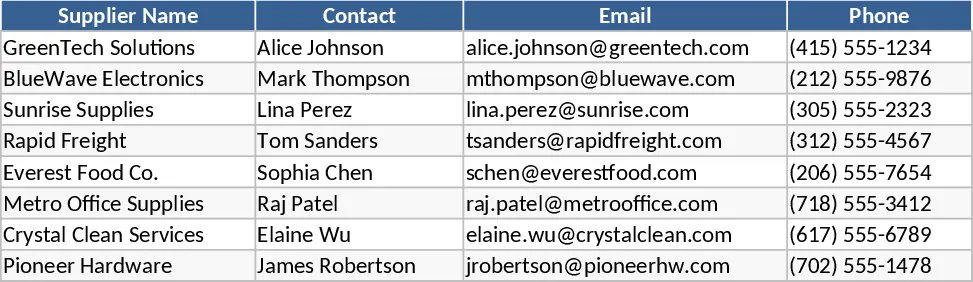
The Suppliers sheet serves as your master directory, capturing not just names and contact details, but also specific payment terms and internal notes. This ensures that anyone in your organization can quickly find the right contact information or verify agreed-upon terms before placing an order. Moving into the PO Header sheet, you can manage the high-level lifecycle of every purchase. With built-in dropdown menus for supplier selection and order status—ranging from Draft and Sent to Partially Received and Closed—you can see exactly where every dollar is committed at any given moment.
For detailed tracking, the PO Lines sheet allows you to break down each order into individual items. This level of granularity is essential for businesses dealing with multiple SKUs or complex shipments. The template includes intelligent logic to calculate line totals automatically based on quantity and unit price. More importantly, it features a tracking mechanism for partial deliveries. By entering the quantity received, the system instantly calculates the remaining balance, helping you manage backorders and verify that you only pay for what has actually arrived at your warehouse.
This template is an ideal tool for small business owners, procurement specialists, and operations managers who have outgrown basic spreadsheets but aren't yet ready for expensive ERP software. It solves the common problem of lost orders and helps prevent over-ordering by providing a clear view of what is currently in transit. Whether you are managing office supplies, raw materials for manufacturing, or retail inventory, this system provides a professional framework to maintain accountability with your vendors.
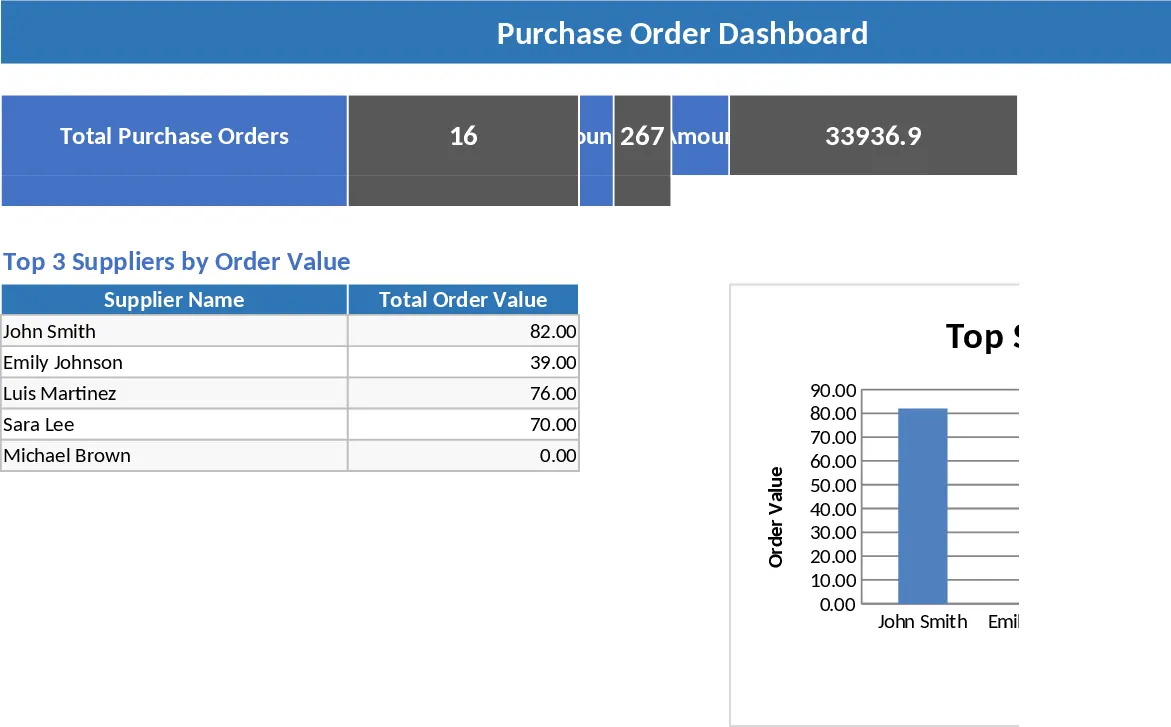
The Summary sheet provides the strategic oversight needed to run an efficient operation. It automatically aggregates data to show you a list of all open POs, a breakdown of spending by supplier, and a critical Late Deliveries report. This report identifies any order where the expected delivery date has passed but the quantity remaining is greater than zero. Having this information at your fingertips allows for proactive vendor management and ensures that your internal teams are never left wondering when essential items will arrive.
How to use:
- Populate the Suppliers sheet with your vendor database, including their contact emails and standard payment terms, to enable the automated dropdowns in other sections.
- When a new purchase is required, fill out the PO Header sheet with a unique PO number, select the supplier from the list, and set the expected delivery date.
- Detail the specific goods or services in the PO Lines sheet, linking them to the correct PO number; as items arrive, update the Qty Received column to keep your inventory records accurate.
- Consult the Summary sheet daily to monitor your total spend and identify any overdue shipments that require immediate follow-up with your suppliers.
Expected benefits: This template significantly reduces administrative overhead by automating calculations and provides the visibility needed to optimize cash flow and supply chain reliability.
Similar Templates Recommendation
Purchase Order Management and Tracking with Sample Data Template
Streamline your procurement process by tracking supplier details, purchase order statuses, and inventory delivery progress in one centralized system.
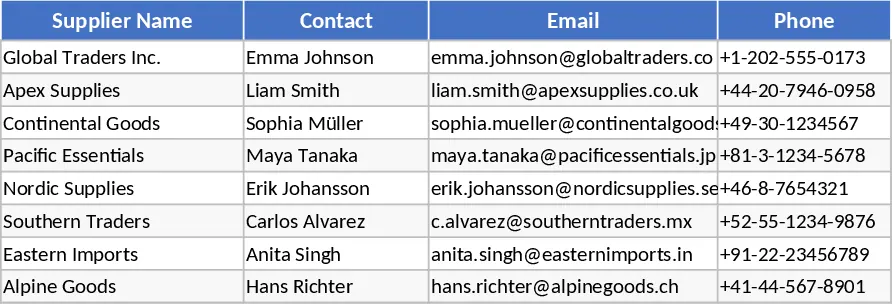
Purchase Order Management and Vendor Tracking Template
Streamline your procurement process by tracking purchase orders, supplier details, and delivery status with automated calculations.
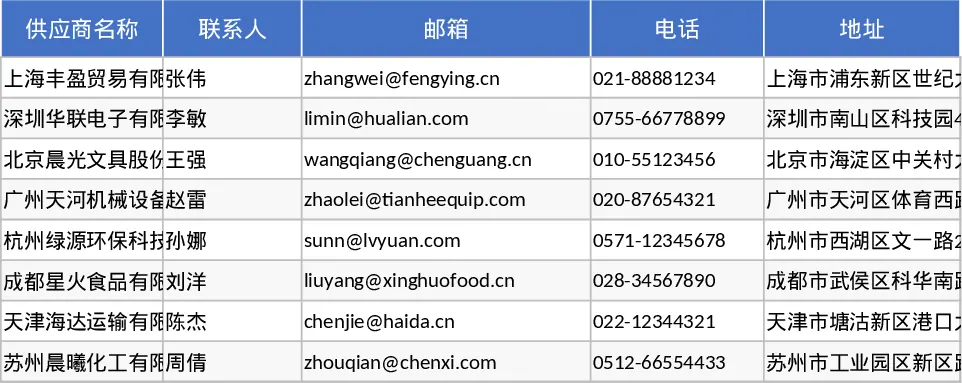
Purchase Order Management and KPI Dashboard Template
Manage the end-to-end procurement process by tracking purchase orders, supplier performance, and shipping statuses with an integrated KPI dashboard.