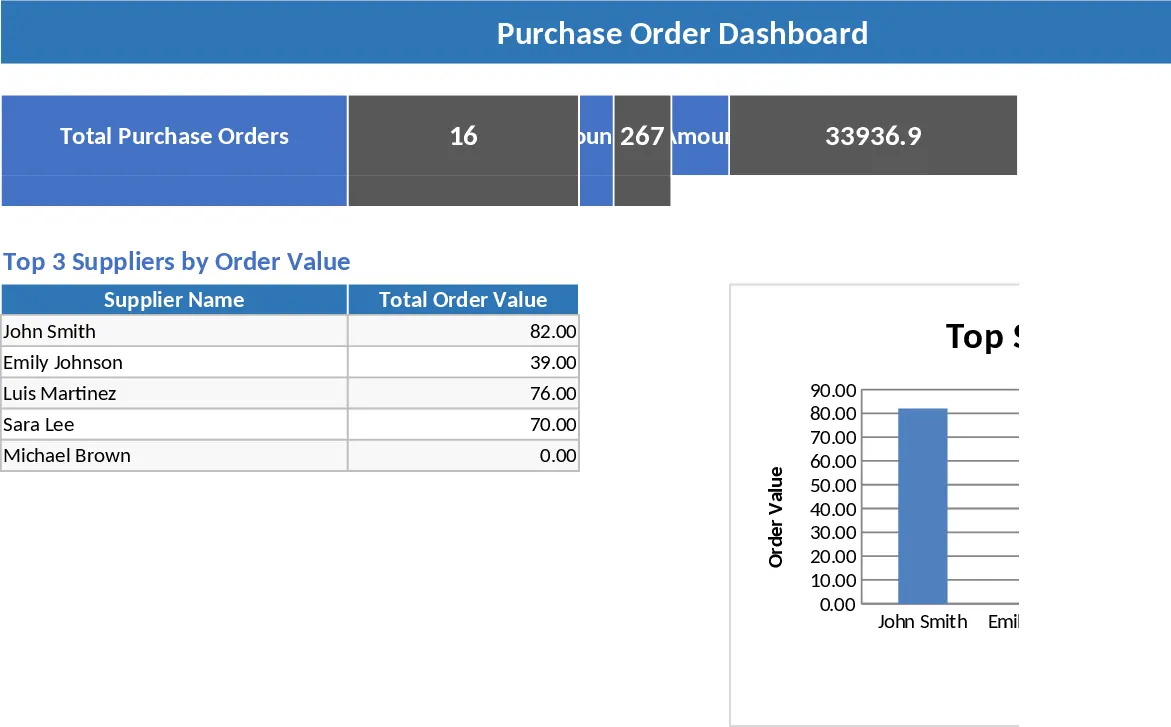
Purchase Order Management and Tracking with Sample Data Template
Managing procurement manually often leads to missed deliveries, fragmented data, and budget overruns. This Purchase Order (PO) Management System provides a professional and structured framework to handle the entire lifecycle of an order, from the initial request to the final receipt of goods. By centralizing your purchasing data, you eliminate the need for scattered emails and paper trails, ensuring that every transaction is documented and searchable. This template is specifically designed for small to medium-sized businesses, warehouse managers, and procurement officers who need a reliable way to manage vendor relationships and inventory flow without the high cost of complex ERP software.
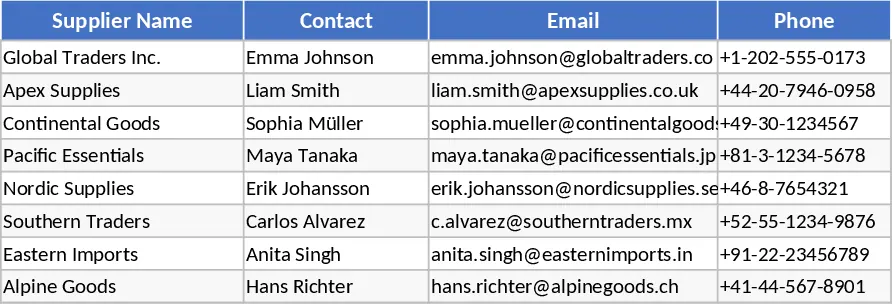
The template is organized into four interconnected sheets that ensure data integrity and ease of use. The Suppliers sheet serves as your master directory, storing essential contact information, email addresses, and specific payment terms. Having this information at your fingertips is crucial for resolving billing discrepancies or quickly contacting a vendor to expedite an urgent shipment. The PO Header sheet acts as the high-level log for every order. Here, you assign unique PO numbers, set expected delivery dates, and update the status of each order—whether it is a Draft, Sent, Partially Received, or Closed. This high-level view allows you to see exactly where every order stands in the pipeline at a single glance.
For granular detail, the PO Lines sheet allows you to break down each purchase into specific items, descriptions, and quantities. This sheet features built-in logic to handle the heavy lifting: it automatically calculates line totals based on unit prices and tracks the remaining balance of items yet to be delivered. If a vendor ships an order in multiple batches, you can simply update the quantity received, and the template will show you exactly what is still outstanding. This prevents overpayment and ensures you aren't waiting on items that were never shipped. Finally, the Summary sheet transforms your raw data into actionable business intelligence. It automatically generates a list of open POs that require attention, calculates your total spend per supplier to help with budget management, and flags late deliveries by comparing expected dates against the current day.
How to use:
- Setup: Begin by entering your vendor information in the Suppliers sheet. This populates the dropdown menus in the other sheets, ensuring you don't have to type the same names repeatedly and reducing data entry errors.
- Create an Order: When you need to make a purchase, add a new entry in the PO Header sheet with a unique ID and set the initial status. Then, navigate to the PO Lines sheet to list the specific products or services, selecting the corresponding PO Number from the dropdown.
- Track Progress: As goods arrive at your facility, enter the quantity received in the PO Lines sheet. The 'Qty Remaining' column will update automatically. Once all items for a specific order have arrived, return to the PO Header to mark the status as 'Received' or 'Closed'.
- Analyze: Regularly visit the Summary sheet to monitor which vendors are consistently late and to review your total procurement spend. This data is invaluable for negotiating volume discounts or identifying bottlenecks in your supply chain.
Expected benefits: By adopting this system, you can expect to significantly reduce administrative overhead, minimize manual calculation errors, and gain much better visibility into your company's spending habits and vendor performance.
Similar Templates Recommendation
Purchase Order Management and Tracking with Stock Tracking Template
Streamline your procurement process by tracking supplier details, purchase order statuses, and delivery progress in one centralized system.
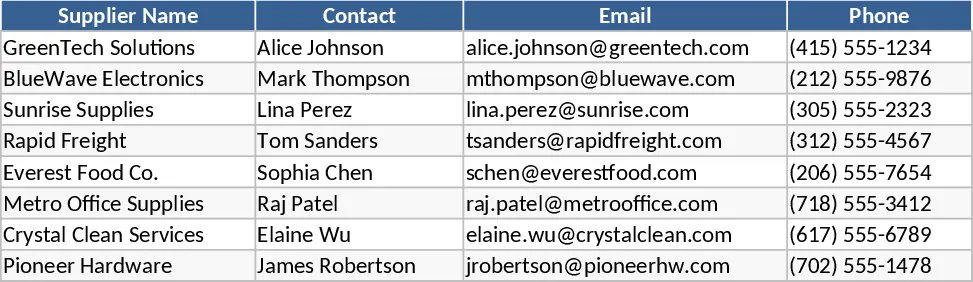
Purchase Order Management and Vendor Tracking Template
Streamline your procurement process by tracking purchase orders, supplier details, and delivery status with automated calculations.
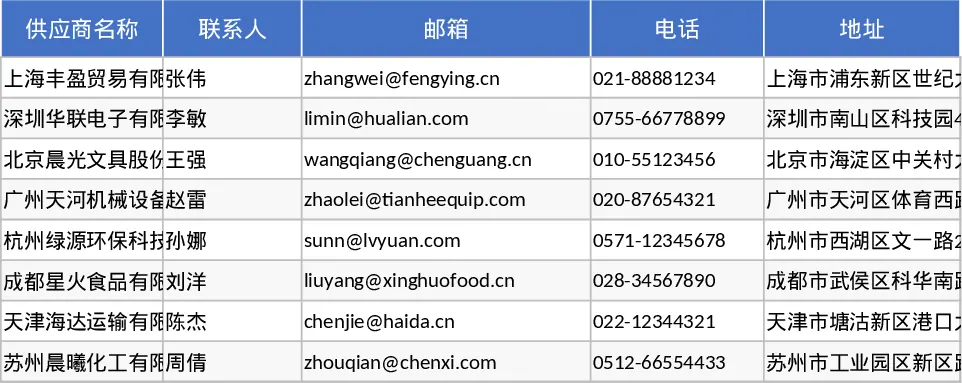
Purchase Order Management and KPI Dashboard Template
Manage the end-to-end procurement process by tracking purchase orders, supplier performance, and shipping statuses with an integrated KPI dashboard.