Employee Attendance & Salary Tracker Template
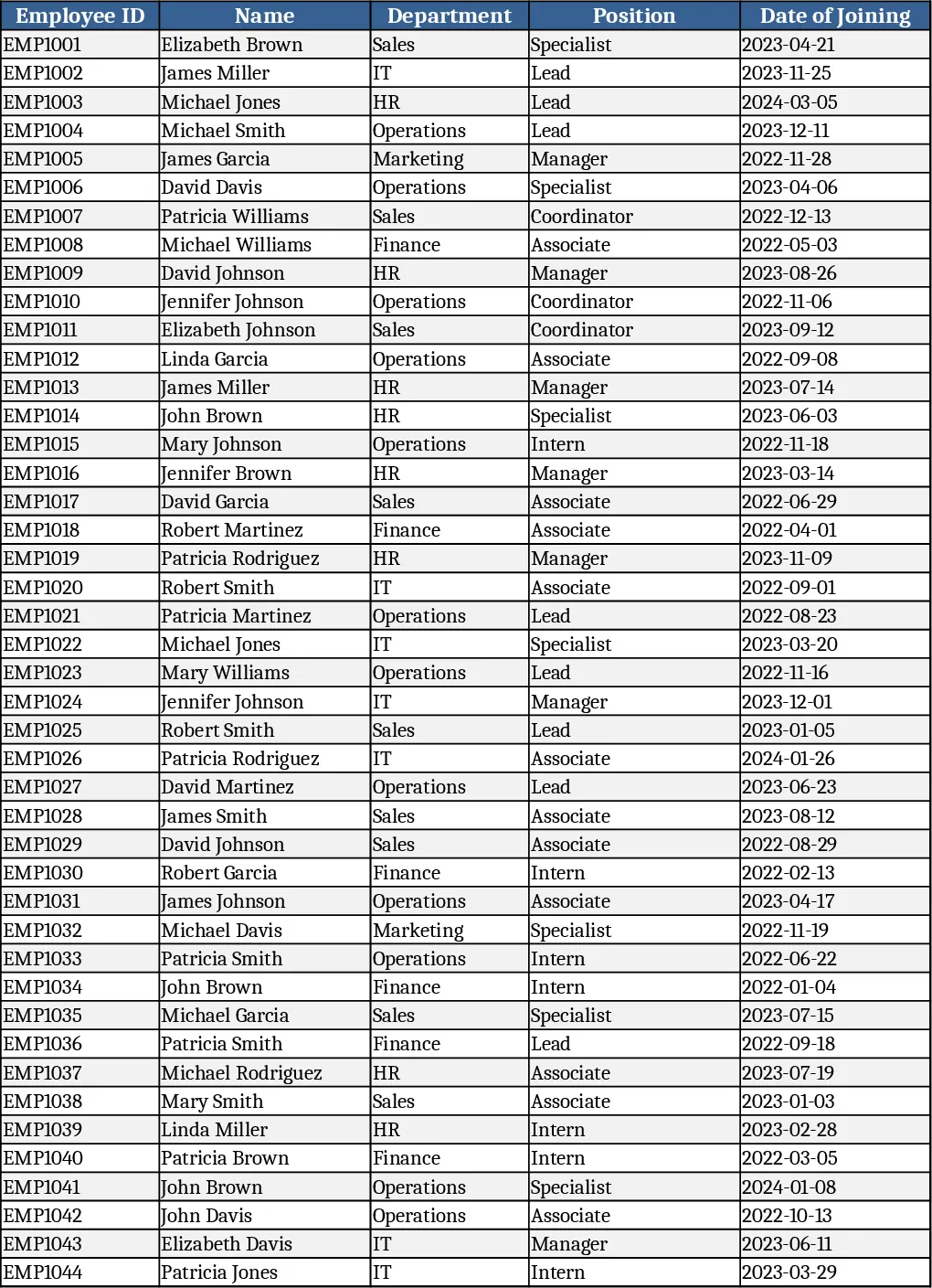
This workbook is organized into four clear sheets: Attendance Log, where you record each employee’s check‑in, check‑out, leave type and overtime; Salary Calculation, which pulls the logged hours, applies base salary, allowances, taxes and deductions to compute net pay; Summary Dashboard, a pivot‑style view that shows total hours, overtime totals, average attendance rate and the overall payroll cost for the period; and Settings, where you define department lists, salary grades and tax rates via simple dropdowns. All sheets are linked, so updating a single attendance entry instantly refreshes the payroll figures and the dashboard.
By consolidating attendance and payroll in one file, the template eliminates the tedious back‑and‑forth between separate time‑keeping sheets and salary spreadsheets. It reduces manual calculation errors, ensures that overtime and leave are correctly reflected in pay, and provides a ready‑to‑export payroll list that can be handed to your accounting system or bank. The visual dashboard gives managers a quick snapshot of workforce utilization and cost, helping you spot trends such as chronic absenteeism or overtime spikes.
The tool is ideal for HR officers, payroll administrators, or small‑business owners who manage a team of up to 50 staff members. Whether you run a retail outlet, a service firm, or a nonprofit, the template adapts to any industry because the department and salary structures are fully customizable in the Settings sheet.
With this workbook you can track daily presence, approved leaves, overtime hours, and all salary components—including base pay, bonuses, tax withholdings and other deductions. The final output is a clean payroll table that lists each employee’s net salary, ready for printing or electronic transfer. The summary sheet also aggregates totals so you can see the monthly payroll budget at a glance.
How to use
- Open the workbook and fill the Settings sheet with your company’s departments, salary grades and tax rates.
- In the Attendance Log, enter each employee’s ID, name, date, check‑in/out times, and select leave type or overtime from the dropdowns.
- Switch to the Salary Calculation sheet; the formulas will automatically pull the hours worked, apply the rates from Settings and calculate gross, deductions and net pay.
- Review the Summary Dashboard for overall attendance percentages and total payroll, then export the payroll table for payment processing.
Expected benefits include a noticeable cut in time spent on manual data entry and payroll reconciliation, plus greater confidence in the accuracy of your employee compensation.
Similar Templates Recommendation
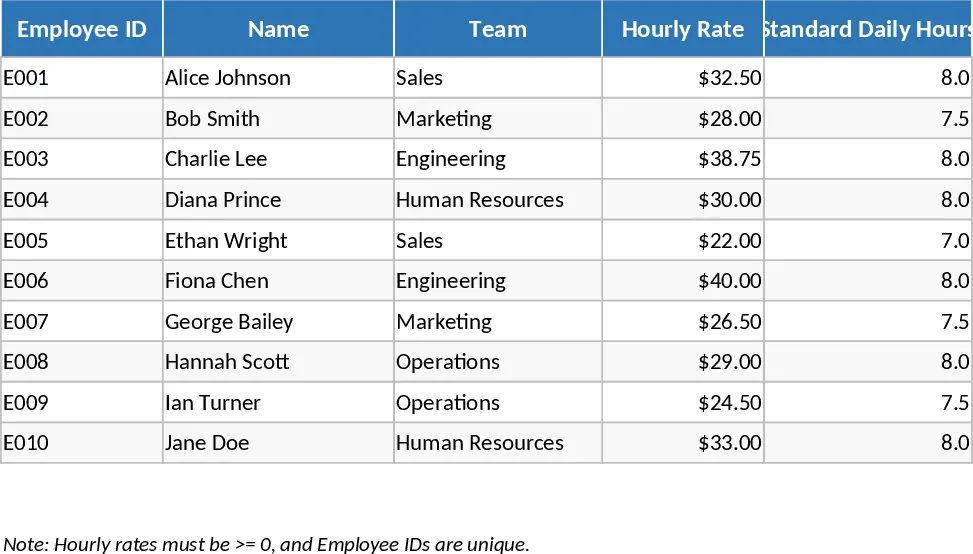
Employee Timesheet and Overtime Payroll with Payroll Summary Template
Manage employee work hours, calculate overtime automatically, and generate detailed payroll summaries to streamline your monthly compensation process.
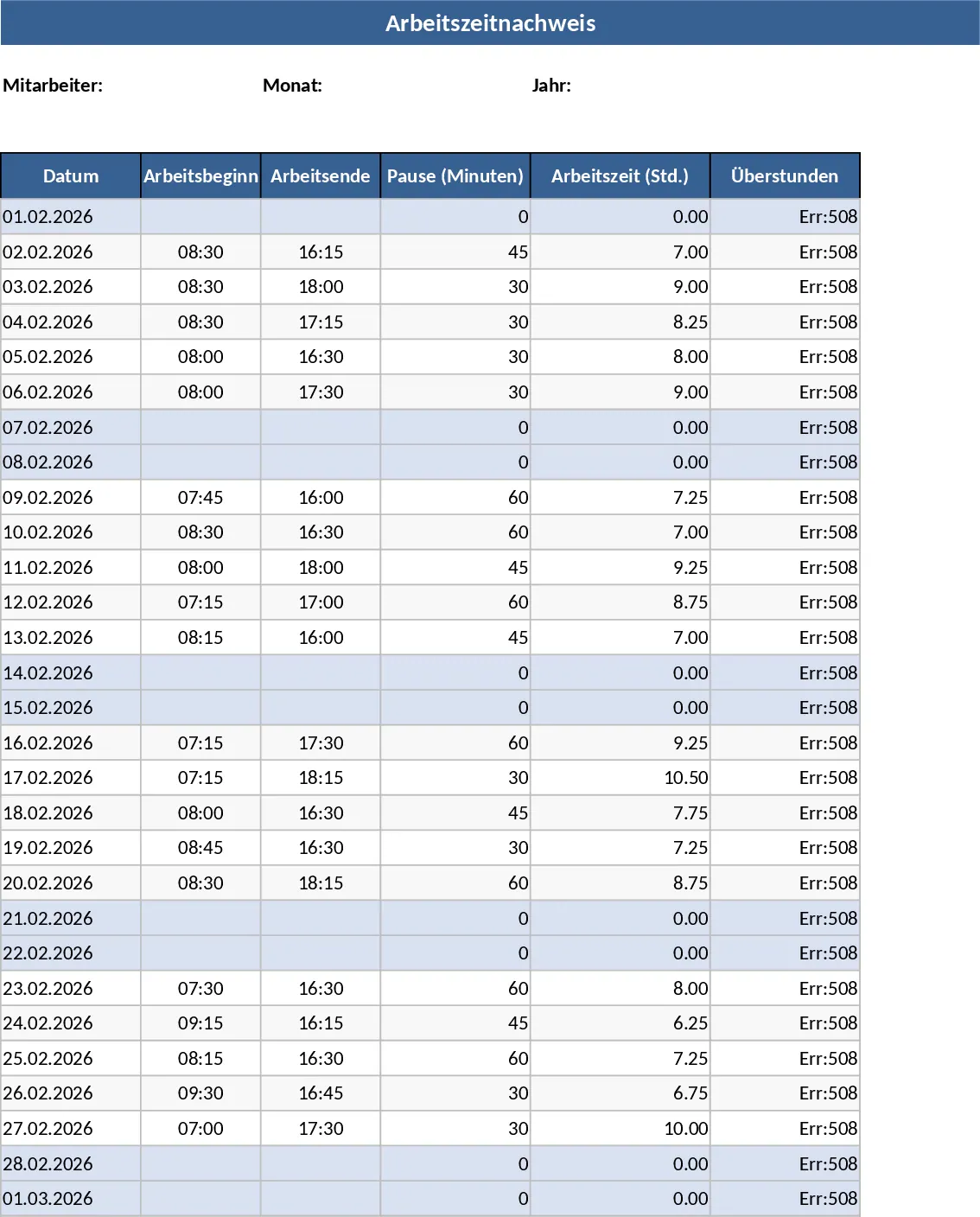
Automated Employee Timesheet with Overtime and Leave Tracking Template
Track daily work hours, breaks, and overtime automatically with this efficient timesheet template featuring status dropdowns and monthly summaries.