Meeting Minutes Tracker Template
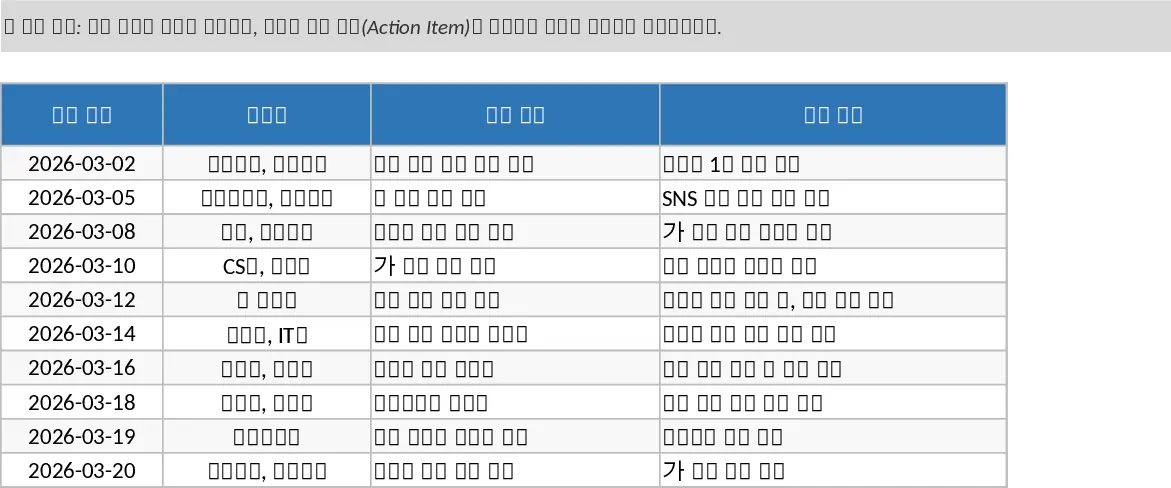
This ready‑to‑use Meeting Minutes workbook gives you a clean, repeatable format for capturing every detail of a meeting. The file is split into a few logical sheets: Meeting Info (date, time, location, organizer, and a multi‑select list of participants), Agenda (numbered topics, owners, and planned duration), Notes & Decisions (free‑text area for discussion points and a dropdown to flag each entry as a decision or an observation), Action Items (task description, responsible person, due date, priority dropdown, and status – Not Started, In Progress, Completed), and a Summary sheet that automatically pulls together all decisions and open actions for quick review or printing.
The template solves the common problem of inconsistent, hard‑to‑read minutes that often get lost in email threads. By standardising fields and using dropdowns, you ensure every meeting leaves a clear record of what was decided and who is responsible for follow‑up. This makes it easier for project managers, team leads, HR coordinators, or any group that runs regular meetings to keep everyone aligned, reduce misunderstand‑communication, and speed up the hand‑off of tasks that arise from discussions.
Anyone who needs to document collaborative sessions benefits from this tool – from product development squads tracking sprint retrospectives, to sales teams logging client calls, to executive assistants preparing board meeting minutes. The workbook not only stores the raw discussion, it also turns that information into actionable items and a concise decision log that can be shared with stakeholders in minutes, not hours.
How to use
- Open the workbook and fill in the Meeting Info sheet with the basic details and select all attendees.
- List each agenda topic in the Agenda sheet, assigning an owner if needed.
- During the meeting, record notes in the Notes & Decisions sheet, marking each line as a decision when appropriate.
- After the discussion, add any follow‑up tasks to the Action Items sheet, choose owners, set due dates, and pick a priority.
- Switch to the Summary sheet to see a automatically generated list of decisions and open actions ready to copy into emails or reports.
Expected benefits include a consistent minutes format, faster post‑meeting distribution, and clearer accountability for follow‑up tasks, all of which help teams stay organized with less manual effort.
Similar Templates Recommendation
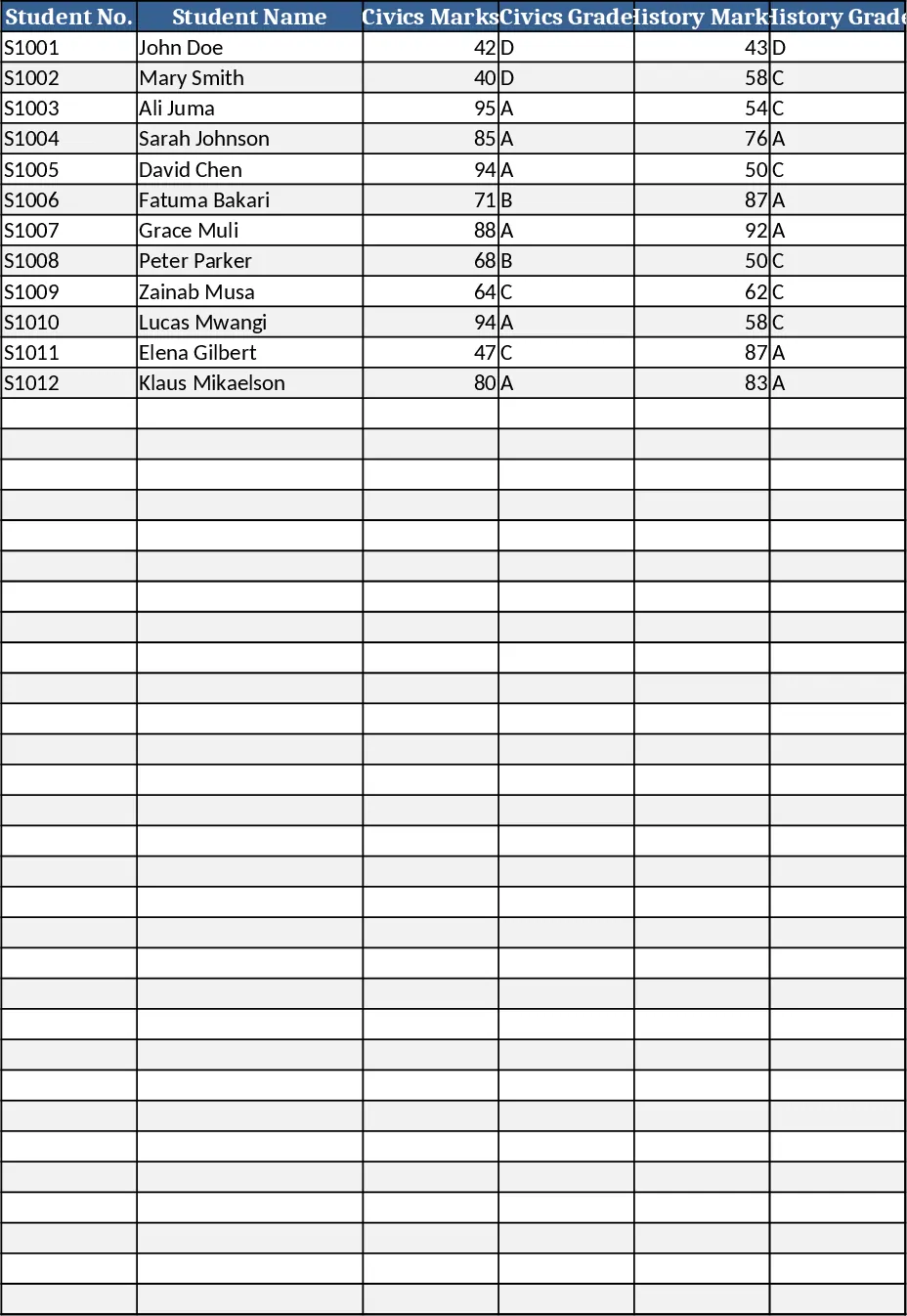
Secondary School Results and Ranking Template
Track up to 200 secondary students' marks, auto‑calculate grades, averages, divisions and rankings in a clear, formatted sheet.
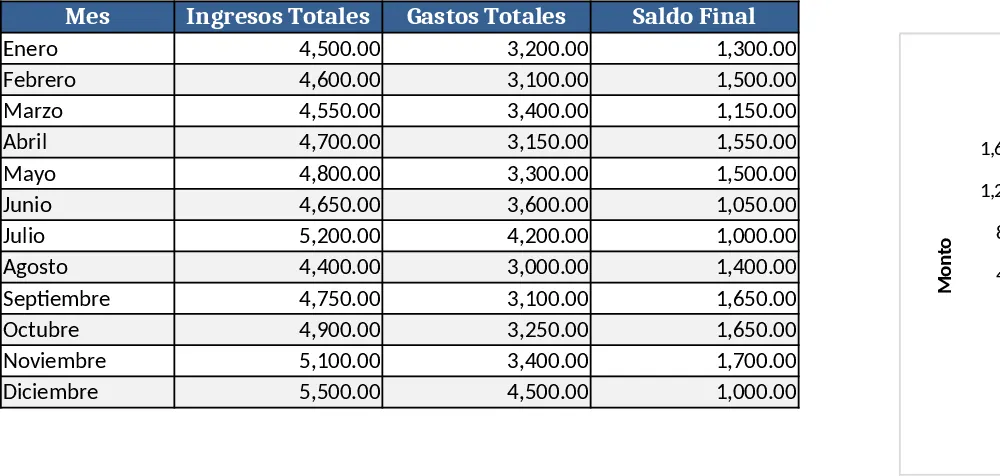
Couple Budget and Cash Flow Tracker Template
Track monthly income, expenses, and cash flow for a working couple, visualize budgets and savings goals in one spreadsheet.
Date Range and Internal Log Template
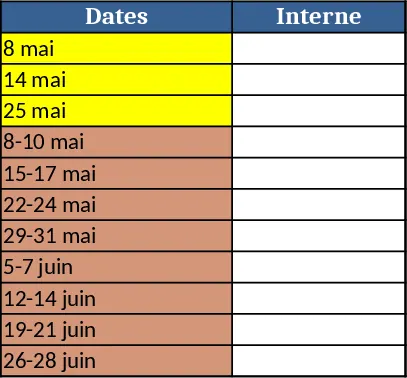
Create an Excel file with two columns for dates and internal notes, with colored rows for different date ranges.