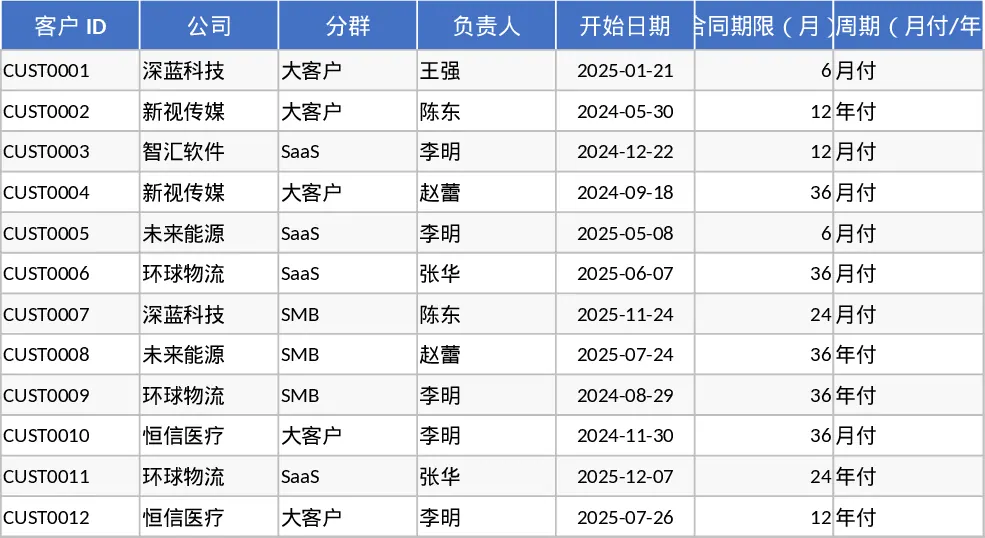
Subscription Management and Renewal Tracking with Dashboard Template
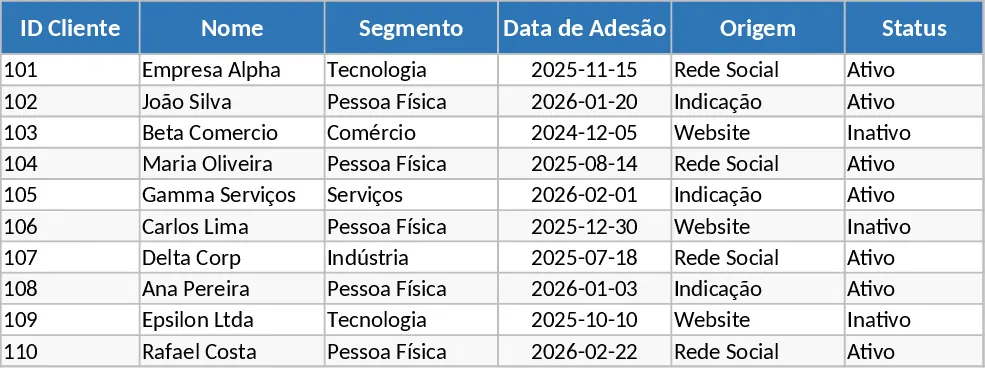
The Subscription and Renewal Tracking template is a comprehensive tool designed to streamline the management of recurring revenue streams. At its core, the template is structured into three primary sections: a Customer database, a Subscription log, and a Metrics Dashboard. The Customer sheet captures essential metadata such as company segments, account managers, and contract terms. The Subscription sheet allows for granular tracking of individual plans, including seat counts, billing cycles (monthly or annual), and auto-renewal statuses. This structure ensures that every detail of your customer relationship is documented and easily accessible.
This tool is particularly useful for solving the common challenge of fragmented data. Instead of juggling multiple spreadsheets or manual notes, you can centralize your billing cycles and renewal dates in one place. It helps prevent revenue leakage by highlighting overdue payments and upcoming expirations, allowing your team to focus on retention strategies rather than administrative data entry. For finance teams, the template automatically normalizes annual contracts into Monthly Recurring Revenue (MRR), providing a clear picture of the business's monthly performance. By calculating the equivalent monthly value of annual plans, it offers a standardized view of growth that is essential for any subscription-based business model.
Designed for SaaS founders, account managers, and small business owners, this template is used in scenarios ranging from monthly financial reviews to daily customer success check-ins. It helps you track the entire customer lifecycle—from the initial sign-up to the eventual renewal or cancellation. By monitoring churn rates and active subscription counts, you can identify trends in customer behavior and adjust your sales or product strategy accordingly. The dashboard provides a visual summary of KPIs, making it easy to present business health to stakeholders without needing to build complex formulas from scratch.
How to use:
- Populate the Customers tab with your current client base, ensuring each entry has a unique ID and defined billing cycle parameters.
- Record every active contract in the Subscriptions tab, using the dropdown menus to link them to the correct customers and setting the specific start and renewal dates.
- Regularly update the Status column (Active, Overdue, or Cancelled) and the cancellation dates as they occur to keep your data current.
- Navigate to the Metrics Dashboard to analyze your MRR, churn rate, and upcoming renewals for the next 30, 60, and 90 days.
Expected benefits: This template significantly reduces the time spent on manual revenue calculations and provides a professional-grade overview of your business health with minimal effort.
Similar Templates Recommendation
Subscription and Renewal Management Dashboard Template
Manage recurring revenue by tracking customer subscriptions, calculating MRR, monitoring renewal dates, and analyzing churn rates in one dashboard.
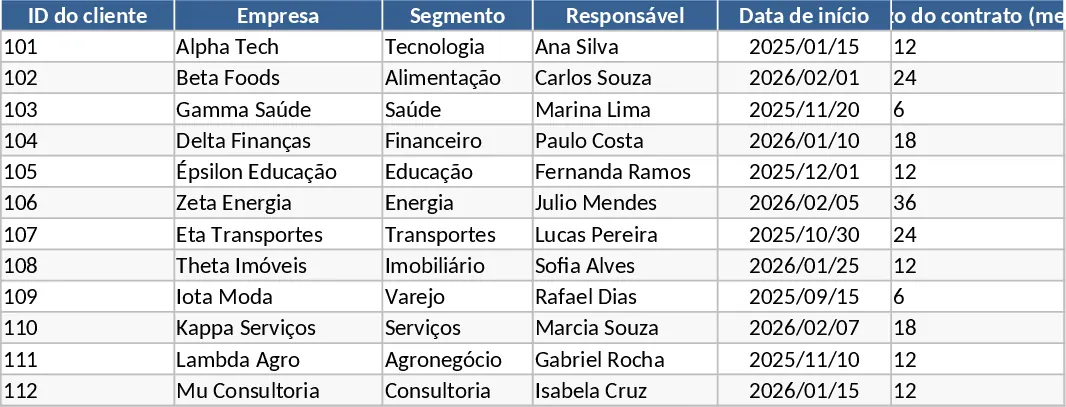
Subscription Management and Renewal Tracking with Task Status Template
Track customer contracts, monitor monthly recurring revenue, and manage upcoming renewals with this automated subscription dashboard.
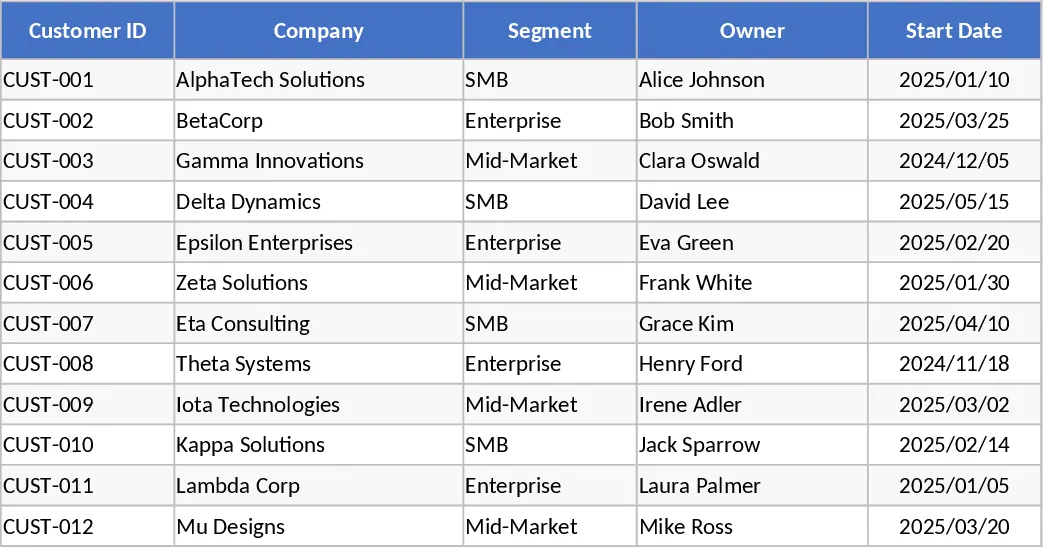
Subscription Management and Renewal Tracking with CRM Pipeline Template
Track customer subscriptions, calculate monthly recurring revenue, and monitor upcoming renewals or churn rates with this automated tracking dashboard.