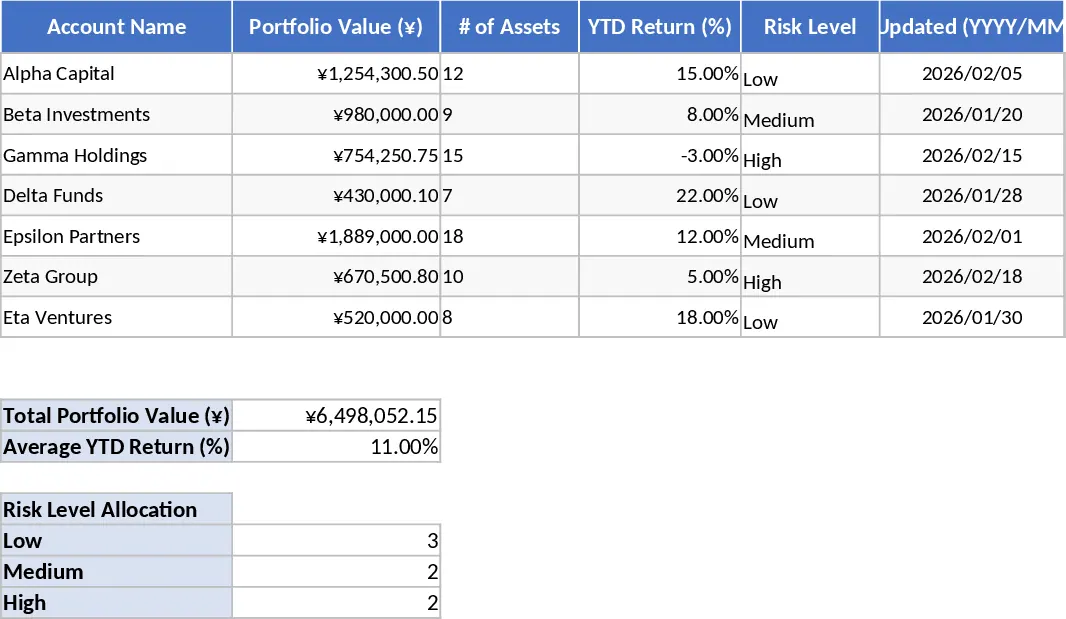
Symbol Performance Percentage Gain Bar Chart Template
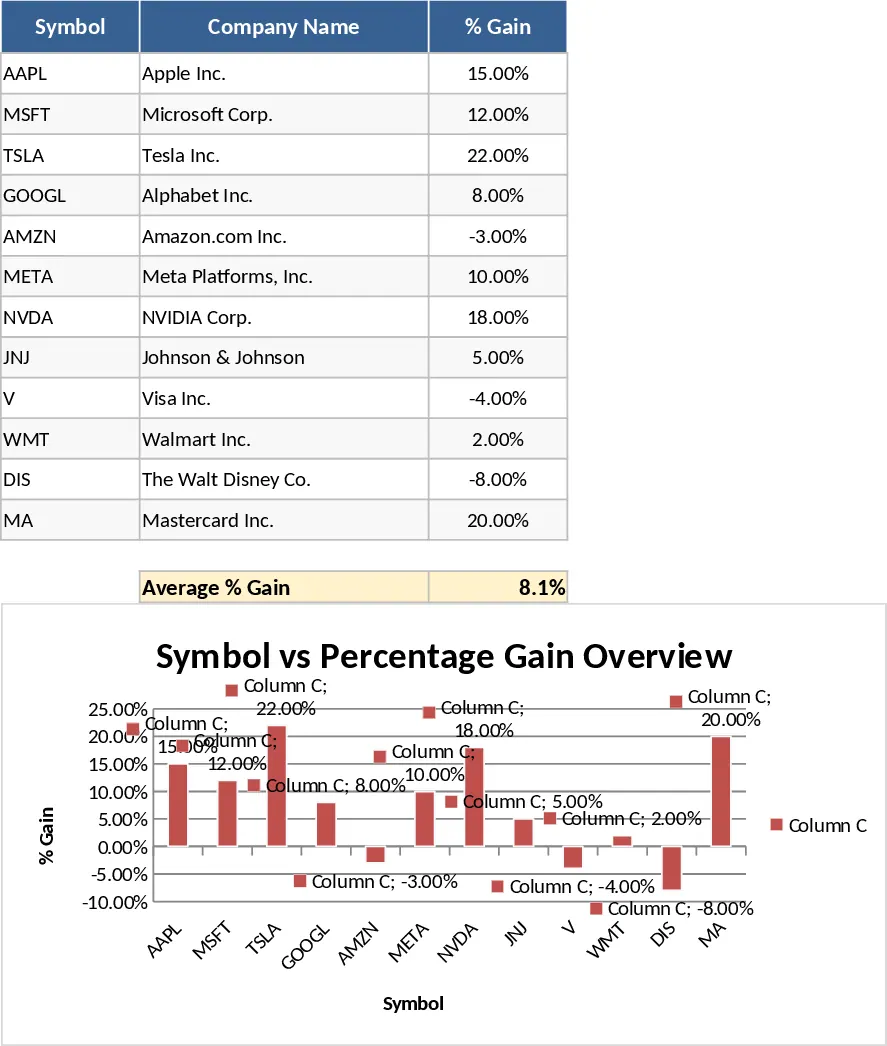
In the fast-paced world of financial markets, the ability to quickly interpret data is just as important as the data itself. The Symbol Name vs. Percentage Gain Bar Chart template is a specialized tool designed to bridge the gap between raw numbers and actionable insights. Most investors struggle with spreadsheet fatigue, where rows of symbols and percentages begin to look identical after a few minutes of review. This template solves that problem by providing a visual hierarchy of your investments. By plotting symbols on one axis and percentage gains on the other, it creates a clear leaderboard of your portfolio, allowing you to identify your top-performing assets in seconds.
The structure of the template is intentionally simple yet powerful. It consists of a primary data entry section where you can input the names of your holdings—be they stocks, ETFs, cryptocurrencies, or commodities—and their corresponding performance metrics. The backend of the template is configured to handle these inputs and translate them into a dynamic bar chart. This means you do not have to worry about selecting data ranges or adjusting axis scales every time you update your numbers; the template does the heavy lifting for you. This is especially beneficial for those who manage multiple assets and need a consistent way to report or review their progress without technical friction.
This template is an ideal companion for various financial scenarios. For the long-term investor, it provides a monthly or quarterly snapshot of growth, helping to ensure that no single asset is deviating too far from the intended strategy. For the active trader, it can be used to track daily or weekly movers, highlighting which symbols are showing the most momentum. It is also a fantastic tool for educators or financial advisors who need to present performance data to clients or students in a format that is easy to digest and visually appealing. Beyond just showing what happened, this template helps you understand the relative performance. Seeing that one stock is up 5% is one thing, but seeing it as a tiny bar next to another stock that is up 50% provides immediate context regarding where your profits are actually coming from.
How to use:
- Start by navigating to the data entry section and entering your specific asset symbols in the Symbol column. You can use ticker symbols like AAPL or full names like Apple Inc.
- In the Percentage Gain column, enter the current return for each asset. Ensure the cells are formatted as percentages to maintain the accuracy of the chart's scale and visual representation.
- Once your data is entered, the chart area will automatically populate with your data. You can customize the colors or styles using standard design tools if you wish to match a specific presentation theme.
- To get the most out of the template, sort your data table from largest to smallest gain. This will reorganize the bar chart so that your best performers appear at the top, providing a clear visual ranking of your success.
Expected benefits: By using this template, you can expect to significantly reduce the time spent on manual reporting and gain a much more intuitive understanding of your portfolio's health and performance trends.