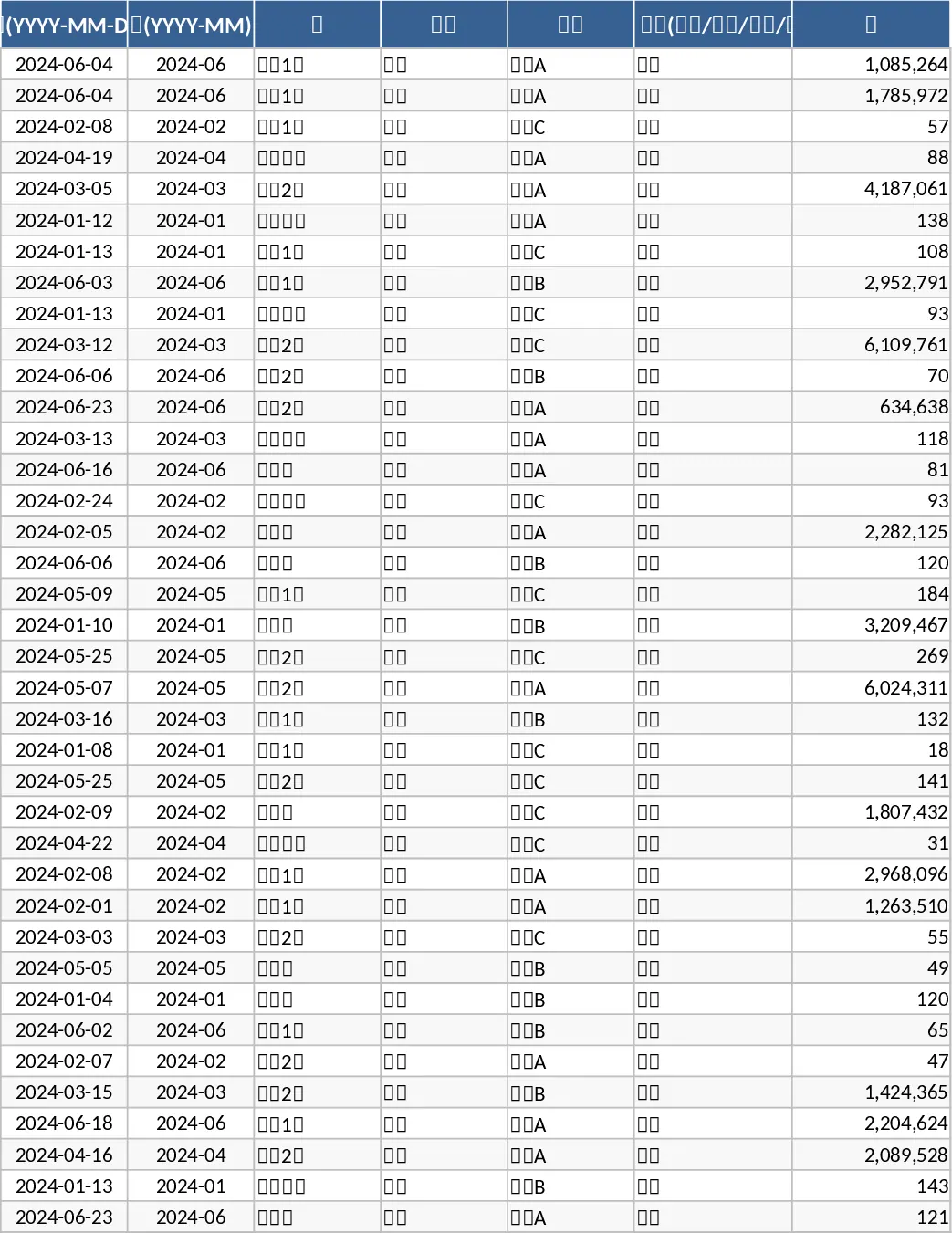
Monthly Business KPI Dashboard with Conditional Formatting Template
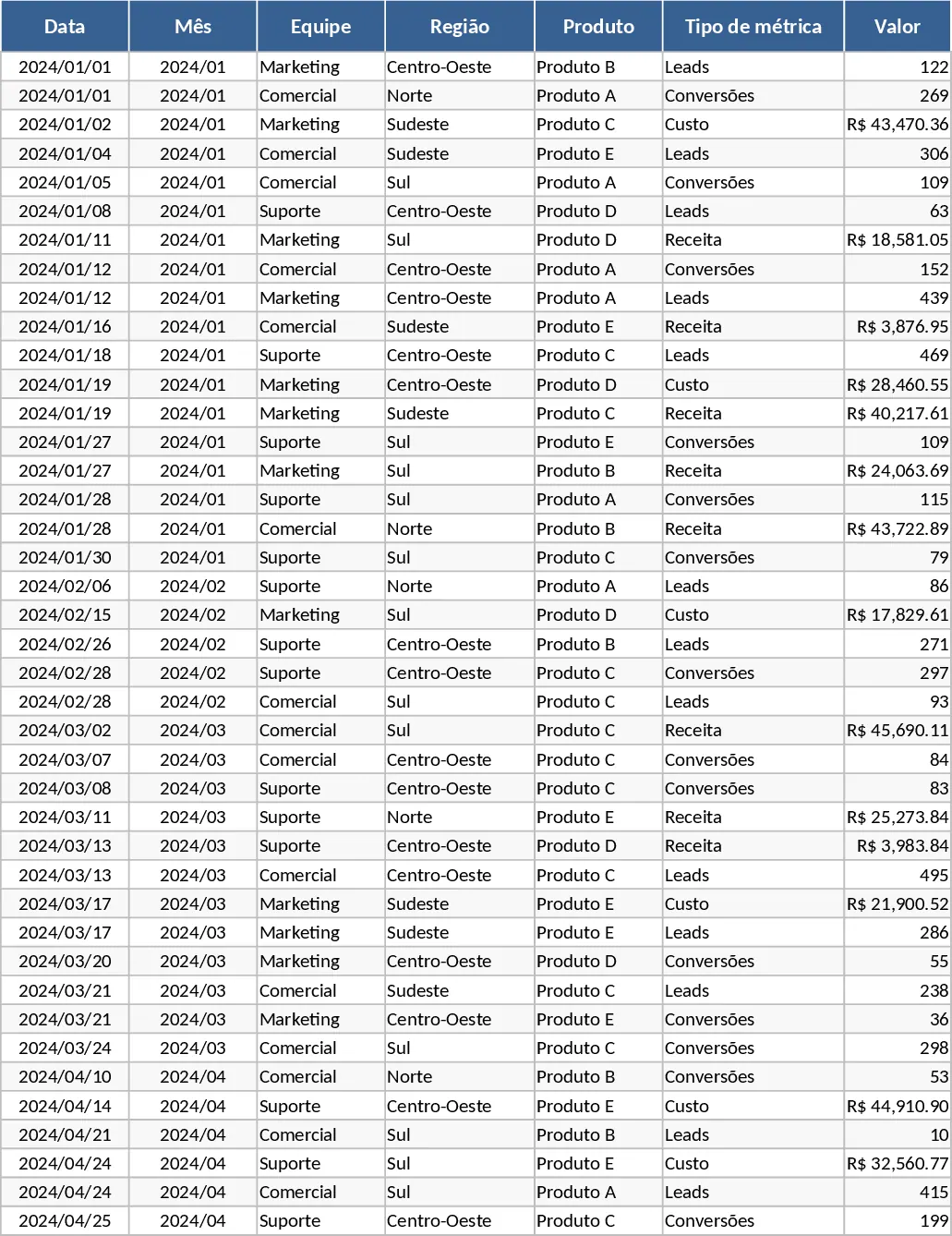
The Advanced Monthly Business KPI Dashboard is a sophisticated analytical tool designed to transform raw operational data into actionable strategic insights. Managing a growing business requires a clear understanding of how different departments, regions, and products contribute to the bottom line. This template bridges the gap between messy spreadsheets and professional reporting by providing a standardized framework for data collection and visualization. It is structured into four specialized tabs: Raw_Data for centralized logging, KPI_Definitions for logic transparency, Pivot_Summary for flexible data slicing, and a high-impact Dashboard for executive reviews.
By using this template, you solve the common problem of fragmented reporting where revenue, marketing leads, and operational costs are often tracked in separate silos. The integrated nature of the file allows you to see the direct correlation between spending and conversion rates, helping you optimize your budget allocation. Whether you are a business owner looking for a high-level overview or a department manager needing to track team performance, this tool provides the granularity required for informed decision-making. It effectively tracks key metrics like revenue trends, cost-to-income ratios, and lead generation efficiency, ensuring that no critical performance indicator is overlooked. The Raw_Data sheet is designed for ease of entry, featuring columns for dates, teams, and product categories, which serves as the single source of truth for the entire workbook.
The template is particularly useful for monthly business reviews or quarterly planning sessions. Instead of spending days compiling charts from scratch, you can rely on the pre-built visual engine to highlight your top-performing products and regional strengths. The inclusion of a Top 10 Products chart ensures that your sales focus remains on high-value items, while the lead and conversion trend lines help marketing teams adjust their strategies in real-time. This level of visibility fosters a data-driven culture within your organization, where every team member can see how their efforts impact the overall business trajectory. The Pivot_Summary tab acts as a powerful intermediary, allowing you to filter data by region or product type without altering the main dashboard, making it perfect for ad-hoc analysis during meetings.
How to use this template:
- Start by populating the Raw_Data tab with your monthly figures, including dates, team names, regions, and specific metric types like Revenue, Cost, or Leads.
- Navigate to the KPI_Definitions tab to customize the formulas or add notes on how your specific metrics are calculated, ensuring everyone on your team is aligned on logic.
- Go to the Pivot_Summary tab, right-click any table, and select Refresh to update the underlying data structures with your latest entries.
- Review the Dashboard tab to analyze the visual trends, using the interactive slicers to filter the charts by specific months or regions for a more focused view of your performance.
Expected benefits include significantly reduced time spent on manual report generation and improved accuracy in performance tracking. By automating the visualization process, you can focus more on interpreting the data and less on formatting cells, leading to faster response times to market changes and internal performance shifts. This template provides a professional, scalable solution for any business looking to elevate their data maturity.
Similar Templates Recommendation
Monthly Business KPI Dashboard with Charts Template
Monitor monthly business performance across revenue, costs, and conversions with interactive charts and slicers to optimize growth.
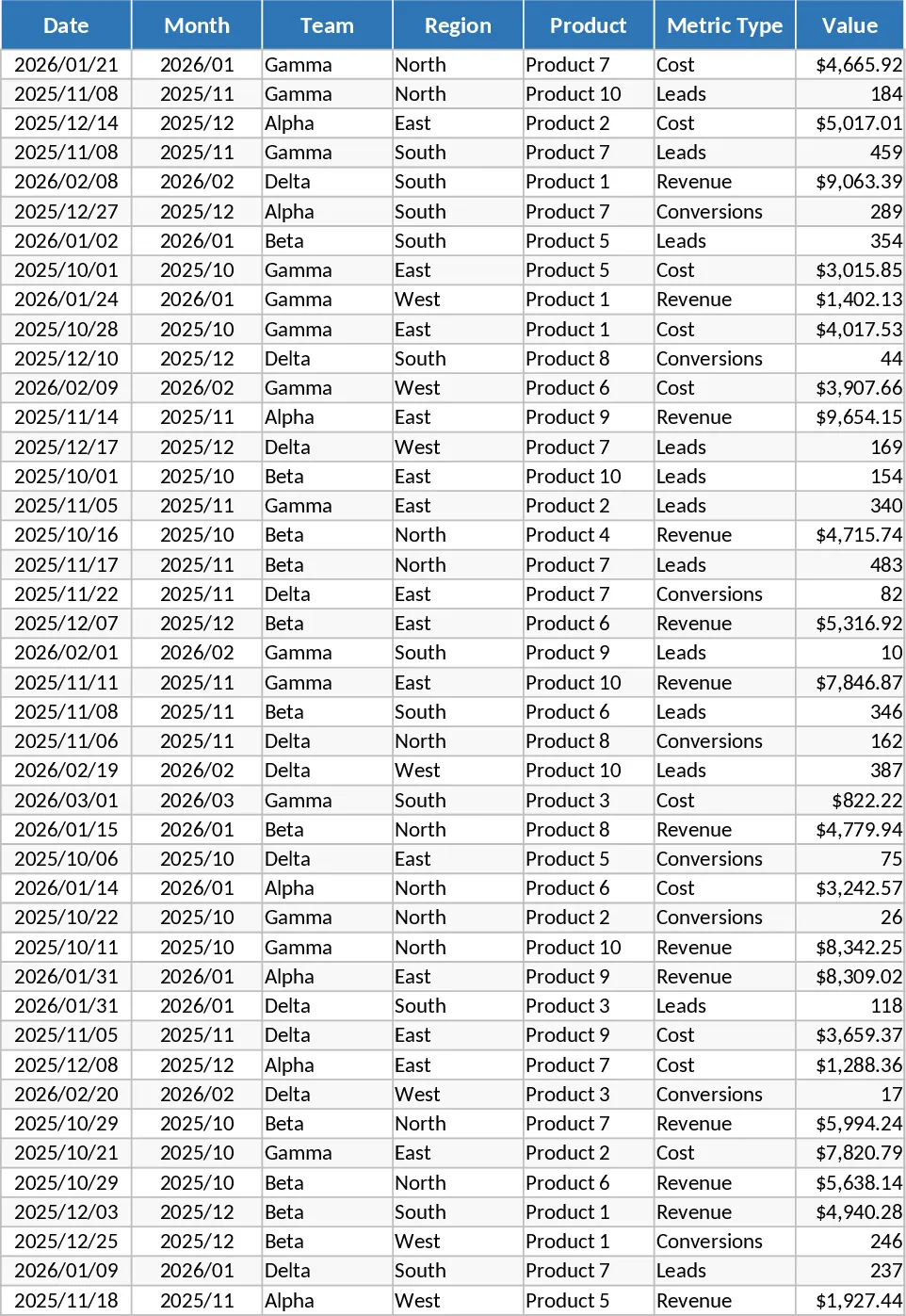
Advanced Monthly Business KPI Dashboard with Performance Metrics Template
Track monthly business performance across revenue, costs, and conversions with an automated dashboard featuring interactive charts and insights.
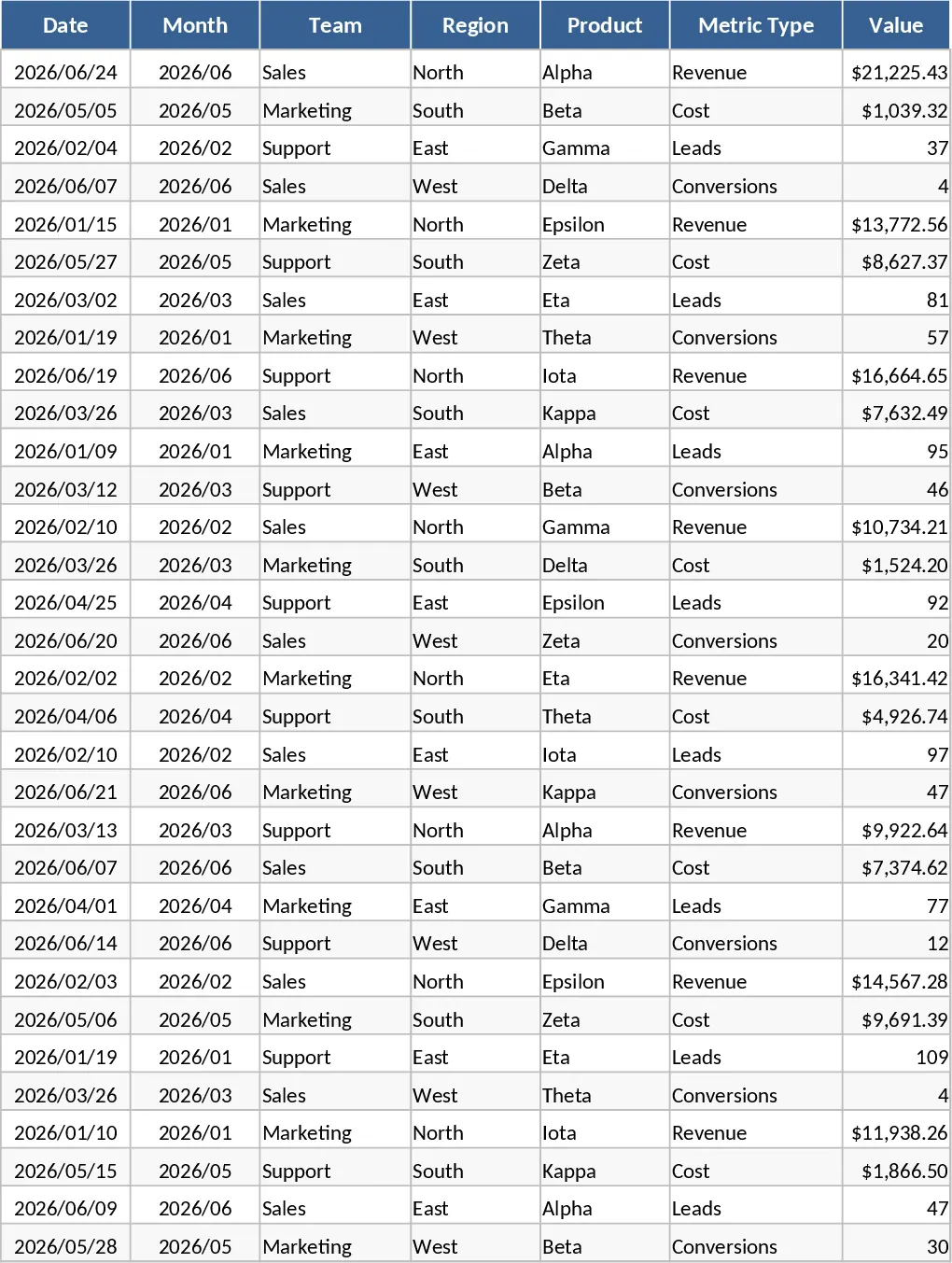
Advanced Monthly Business KPI Dashboard with KPI Cards Template
Monitor key business metrics like revenue, costs, and conversion rates through a dynamic dashboard with regional and team-based insights.