Multi-Level Pastel Budget and 12-Month Rolling Forecast Template
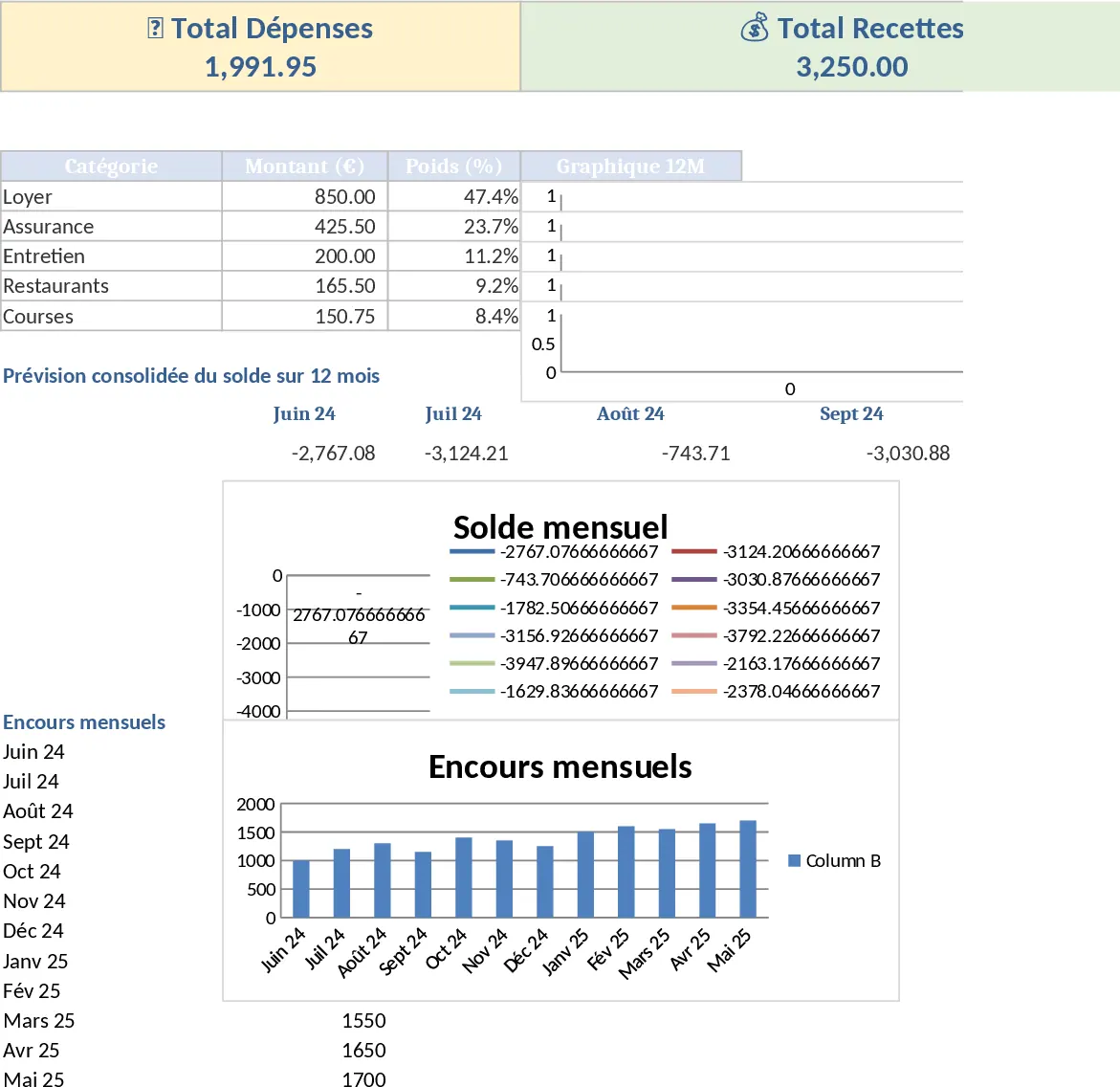
This sophisticated financial management tool brings the aesthetic clarity of Notion to the powerful functionality of Google Sheets. Designed for those who need granular control over their spending, it features a unique hierarchical structure allowing up to four levels of nested categories. Whether you are managing complex household expenses or a small business budget, the template provides a clean, pastel-themed interface complete with emojis and sparklines that make financial tracking feel less like a chore and more like a streamlined workflow.
The template is organized into three primary sections: a comprehensive Category Setup sheet, a Transaction Log, and a dynamic Dashboard. In the Category Setup, you can define your hierarchy (e.g., Housing > Utilities > Electricity > Peak Hours) and set specific monthly targets. The Transaction Log is where the daily work happens, featuring intuitive dropdown menus that automatically update based on your category levels. The real power lies in the Dashboard, which utilizes rolling 12-month forecasts to help you anticipate future cash flow needs rather than just looking at past spending. You will find key metrics like total savings rate, category-specific burn rates, and visual sparklines that show monthly trends at a glance.
This tool is perfect for meticulous planners, freelancers, or small business owners who find standard budgeting apps too restrictive or messy. It solves the problem of hidden expenses by forcing a clear structure, ensuring that every dollar is accounted for within its proper context. By visualizing your data through sparklines and progress bars, you can immediately identify which categories are nearing their limits and adjust your behavior in real-time. It eliminates the need for manual calculations and complex pivot tables, giving you a professional-grade financial overview without requiring advanced spreadsheet skills.
How to use this template:
- Define your structure: Go to the Categories sheet and input your 4-level hierarchy along with your monthly budget goals for each.
- Log your activity: Enter your daily income and expenses in the Transaction Log, using the emojis and dropdowns to keep data organized.
- Analyze and Forecast: Check the Dashboard regularly to see your 12-month rolling forecast and adjust your spending based on the visual sparklines.
By centralizing your financial data in this structured format, you can expect to significantly reduce the time spent on monthly reconciliations and gain a much clearer picture of your long-term financial health.
Similar Templates Recommendation
Personal Monthly Budget and Expense Tracker with Dashboard and Savings Goals Template
Track daily spending, manage monthly budgets, and visualize financial health with automated dashboards and category-wise expense analysis.
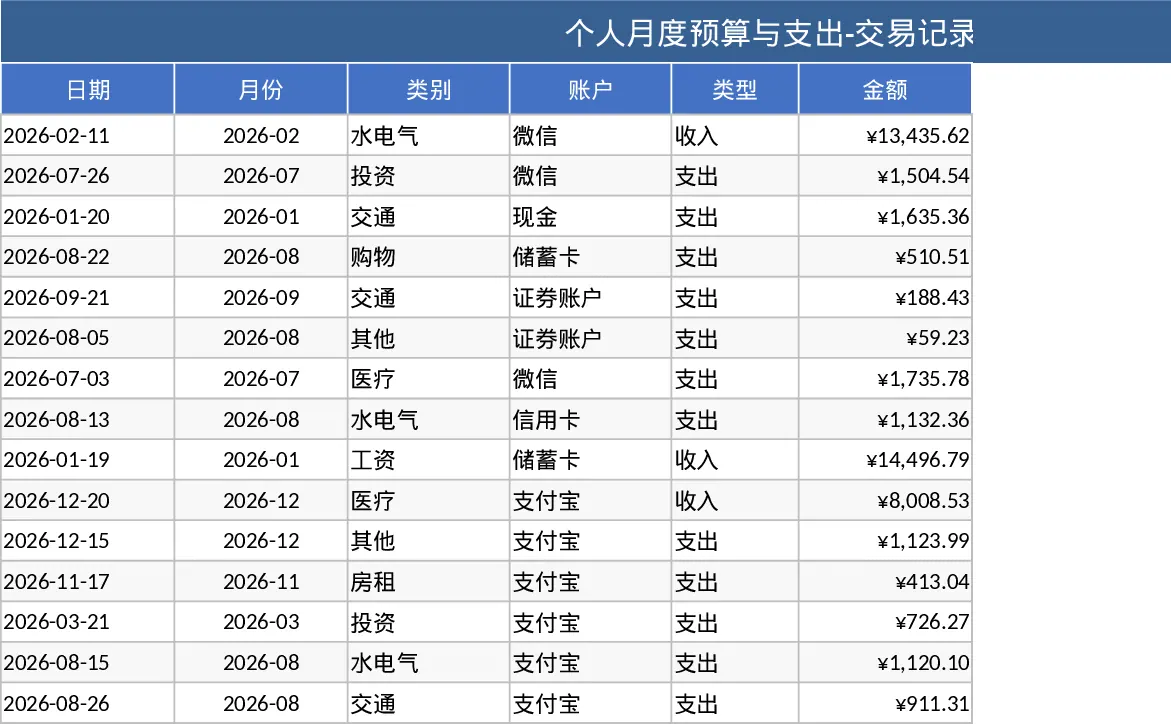
Personal Monthly Budget and Expense Tracker with Transaction Log and Cash Flow Template
Take control of your personal finances by tracking daily expenses against monthly budget goals with automated summaries and visual dashboards.
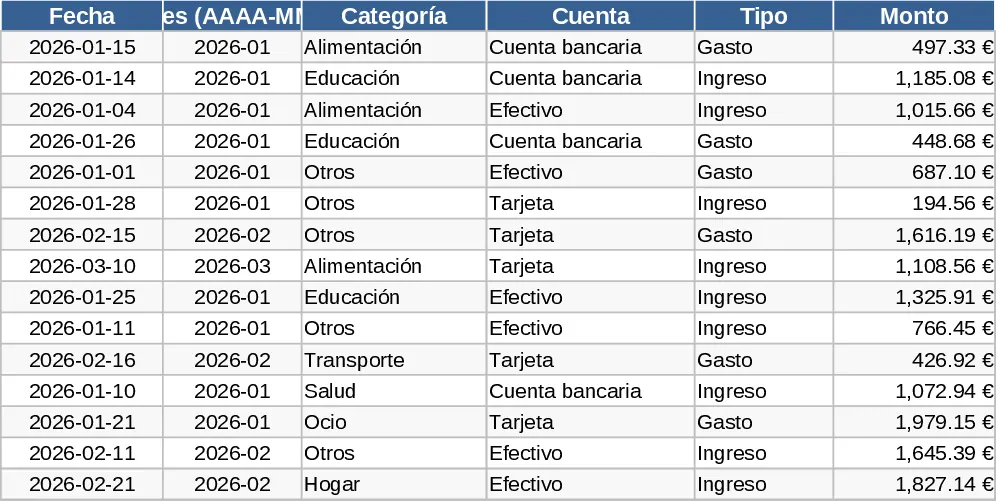
Monthly Personal Budget and Expense Tracker Dashboard Template
Track daily expenses, set monthly category budgets, and visualize your savings and spending trends with an automated financial dashboard.