A4 Size Printable Template
This Excel template is a compact reference for anyone who works with A4‑sized documents. It contains three worksheets: a Dimensions sheet that lists the exact metric and imperial measurements of the A4 page, the printable area, and common margin presets; a Conversion sheet that lets you switch between millimeters, centimeters, inches, and points with a simple dropdown; and a Summary sheet that visualises the usable space in a miniature page mock‑up and highlights how much content fits within each margin setting.
The template solves the everyday hassle of looking up paper sizes or manually converting units when setting up reports, flyers, or contracts. By having all the key figures in one place, you avoid formatting errors, reduce the time spent on trial‑and‑error printing, and ensure that every document you produce conforms to ISO 216 standards. It’s especially handy for graphic designers, office administrators, and anyone preparing print‑ready files on tight deadlines.
Who benefits? Office staff preparing letters, HR teams designing policy documents, marketing teams creating brochures, and students formatting assignments. In any scenario where an A4 layout is required—whether you’re setting up a Word document, a PDF, or a print‑ready design—the template gives you the exact dimensions and margin calculations you need to start with confidence.
How to use
- Open the Dimensions sheet and select a margin preset (e.g., "Standard", "Narrow", "Wide") from the dropdown; the sheet instantly updates the printable width and height.
- Switch to the Conversion sheet if you need the measurements in a different unit; choose the desired unit from the dropdown and the table recalculates all values.
- Review the Summary sheet to see a visual representation of the page layout; the chart shows the total area, printable area, and margin zones.
- Copy the needed numbers into your document‑creation software or print settings.
Expected benefits include a noticeable cut in the time spent searching for paper specs and fewer formatting mistakes, letting you focus on content rather than layout logistics.
Similar Templates Recommendation
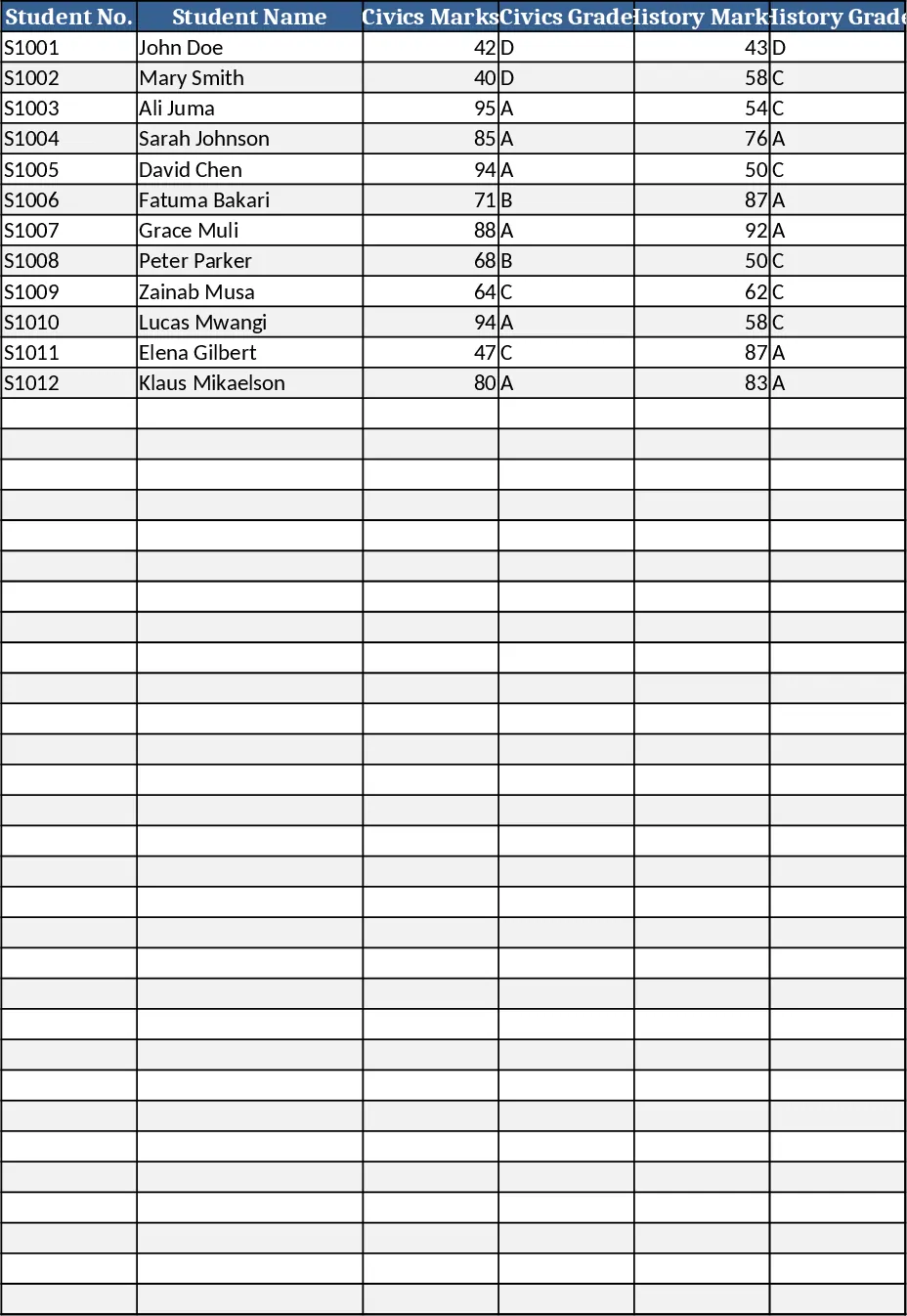
Secondary School Results and Ranking Template
Track up to 200 secondary students' marks, auto‑calculate grades, averages, divisions and rankings in a clear, formatted sheet.
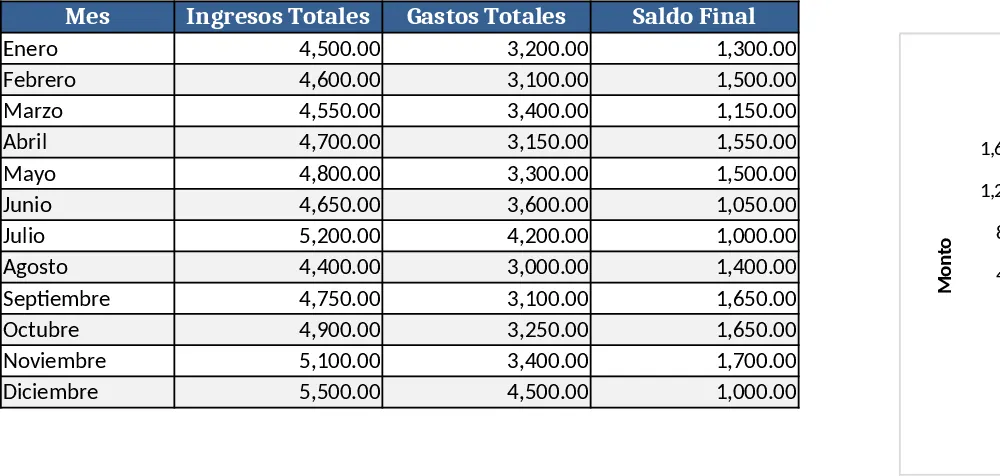
Couple Budget and Cash Flow Tracker Template
Track monthly income, expenses, and cash flow for a working couple, visualize budgets and savings goals in one spreadsheet.
Date Range and Internal Log Template
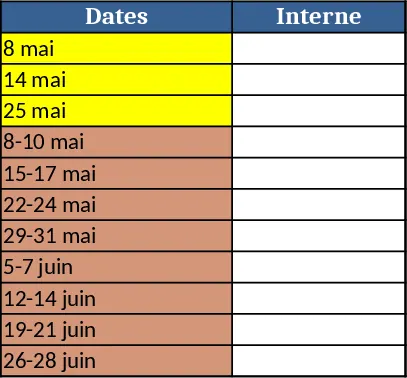
Create an Excel file with two columns for dates and internal notes, with colored rows for different date ranges.