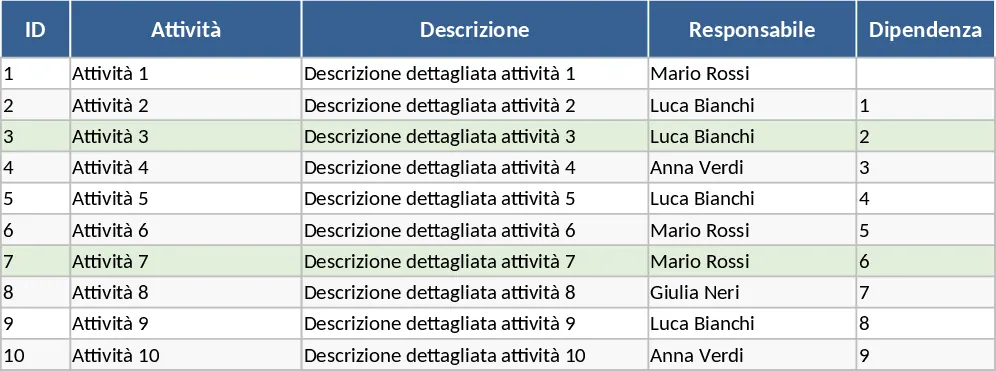
Automated Gantt Chart Project Planner Template
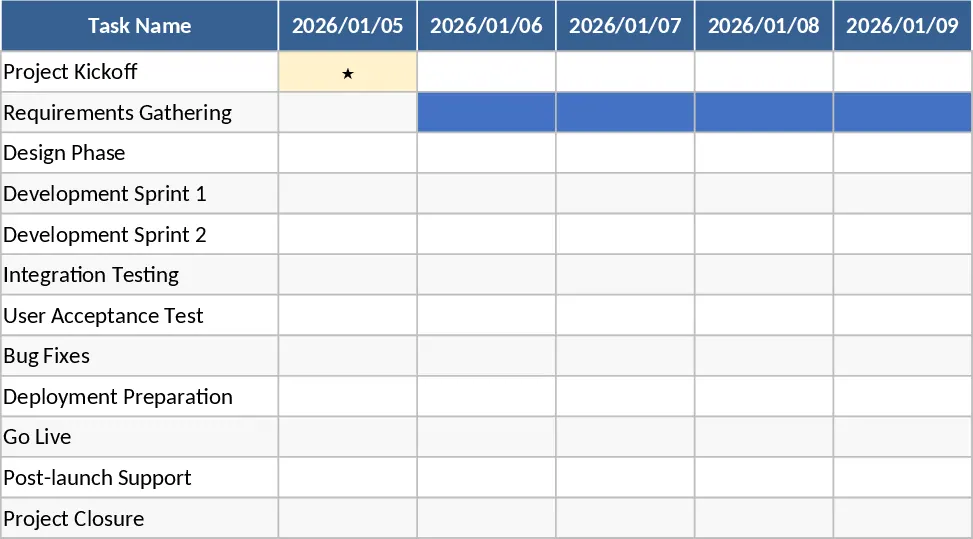
Managing complex projects requires more than just a simple list of tasks; it requires a visual understanding of how those tasks overlap and impact your final deadline. This Excel Gantt Chart Project Plan Template provides a structured environment to organize your workflow, assign responsibilities, and visualize your entire project lifecycle on a dynamic timeline. By centralizing your project data, you eliminate the need for manual drawing or expensive specialized software, allowing you to focus on execution rather than administrative overhead.
The template is organized into three functional areas designed to streamline your planning process. The Tasks sheet serves as your primary data entry hub, where you can define task names, owners, and specific start and end dates. It includes built-in logic to calculate durations automatically and allows you to mark specific items as milestones or link them via dependencies. The Timeline sheet transforms this data into a visual Gantt chart using conditional formatting, providing a daily or weekly view of your progress. Finally, the Summary sheet offers a high-level dashboard that aggregates your data into actionable metrics, such as overall completion percentages and a list of tasks that are currently late or critical to your success.
This tool is ideal for project managers, team leads, and small business owners who need to coordinate multi-week initiatives. Whether you are launching a new product, managing a marketing campaign, or overseeing a construction project, this template helps you identify bottlenecks before they become problems. It ensures that every team member knows their deadlines and that stakeholders have a clear view of the project's health at any given moment.
To get started with your project plan, follow these simple steps:
- Open the Tasks sheet and enter your project activities, assigning owners and setting the start and end dates for each task.
- Use the dropdown menus to update the status and percentage of completion as work progresses, which will automatically update the visual bars on the timeline.
- Navigate to the Timeline sheet to adjust your date range and view the visual schedule, where milestones will appear as distinct markers.
- Check the Summary sheet regularly to monitor the weighted completion rate and identify any tasks that require immediate attention.
By using this template, you can expect to save significant time on report generation and schedule adjustments. It reduces the effort required to keep your team aligned and provides a professional, ready-to-share visual of your project's roadmap.
Similar Templates Recommendation
Gantt Chart Project Management and Timeline Template
Manage project timelines effectively with an automated Gantt chart, task tracking, and a summary dashboard to monitor progress and milestones.
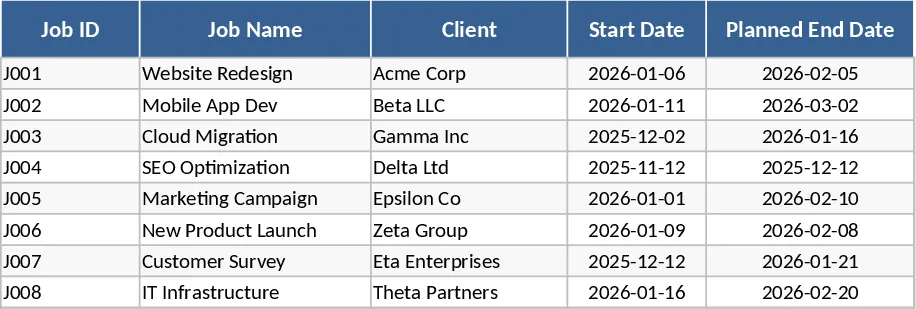
Project Timeline and Diagram Template
Visualize project schedules and workflows with professional diagrams and timelines to track milestones and task dependencies effectively.
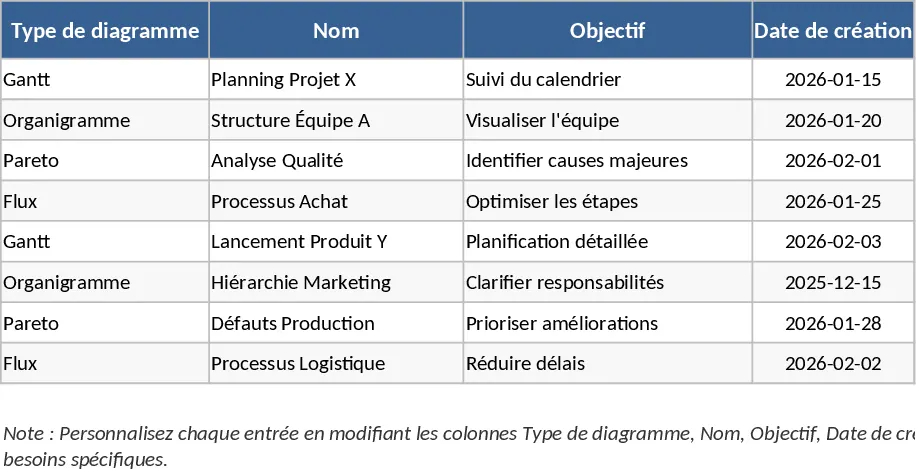
Professional Project Management Tracker with Automated Gantt Chart and Dashboard Template
Plan and track complex projects with an automated Gantt chart, holiday-aware timelines, and a visual dashboard for real-time monitoring.