Project Timeline and Diagram Template
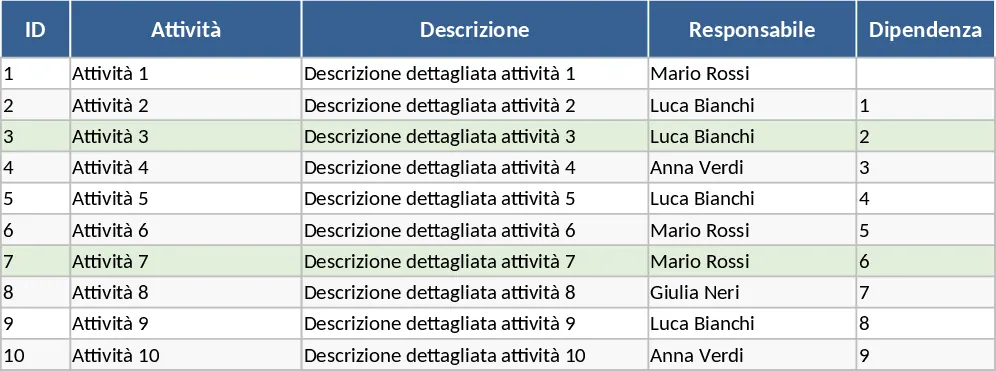
Managing complex projects requires more than just a simple to-do list; it demands a visual representation of how tasks interlock over time. This suite of new diagrams and chronograms is designed to bridge the gap between raw data and actionable insights. The template is structured with a user-friendly data input interface where you can log every detail of your project, including task descriptions, responsible parties, and critical deadlines. With built-in logic, the template automatically calculates durations and identifies overlapping schedules, helping you maintain a realistic view of your team's capacity. The template includes specific fields for milestone markers and resource allocation, which allow you to see not just when a task happens, but who is doing it and why it matters for the overall deadline. The dropdown menus are pre-configured for common project statuses like Not Started, In Progress, On Hold, and Completed, but they can be easily customized to fit your specific organizational terminology.
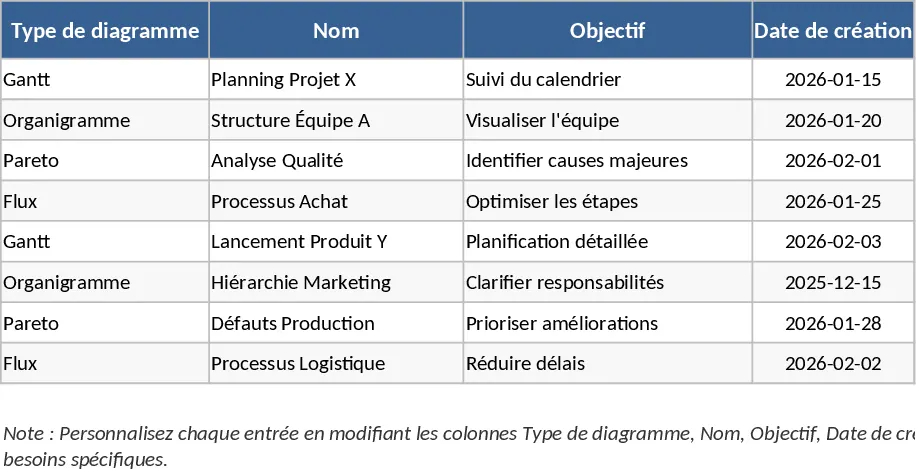
The utility of these chronograms extends beyond simple scheduling. They are essential for identifying the critical path of your project—the sequence of stages that determines the minimum time needed for completion. By using these visual tools, you can easily communicate shifts in the timeline to stakeholders, ensuring that expectations are managed effectively. The template includes various styles of diagrams, from traditional Gantt charts to modern, streamlined timelines, allowing you to choose the visualization that best suits your specific reporting needs. This tool is an ideal companion for project managers, department heads, and small business owners who need to keep multiple moving parts in sync. In a daily workflow, it replaces the need for expensive, specialized project management software by providing a familiar Excel-based environment that is easy to share and update. It is particularly effective during the planning phase of a project to map out resources, as well as during the execution phase to monitor daily or weekly progress.
How to use:
- Input your project data into the primary task list, ensuring you fill out the start dates, end dates, and any task dependencies to create a logical flow.
- Customize the visual output by selecting different diagram styles from the template options, ensuring the level of detail matches your audience's needs.
- Update the progress column as tasks are completed; the diagrams will reflect these changes instantly, providing a real-time snapshot of project health.
- Use the summary view to export or print high-level roadmaps for meetings or status reports, keeping all team members aligned on upcoming milestones.
Expected benefits: You can expect to save hours of manual formatting time and gain a much clearer perspective on project bottlenecks and resource allocation.
Similar Templates Recommendation
Automated Gantt Chart Project Planner Template
Track project tasks and milestones with an automated Gantt chart timeline and a summary dashboard to monitor progress and identify critical delays.
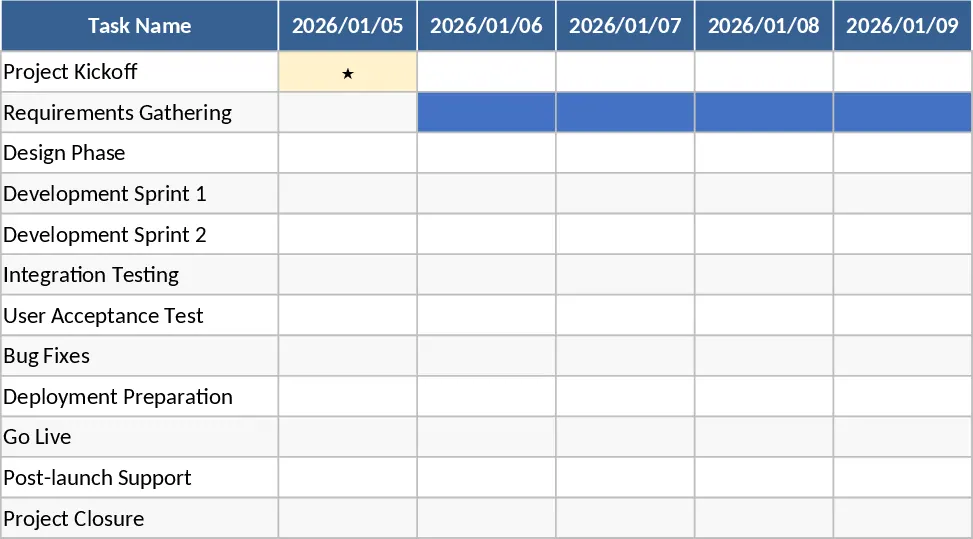
Consolidated Project Gantt Chart Template
Track multiple project timelines and milestones in one unified view to monitor progress and manage deadlines across your entire portfolio.
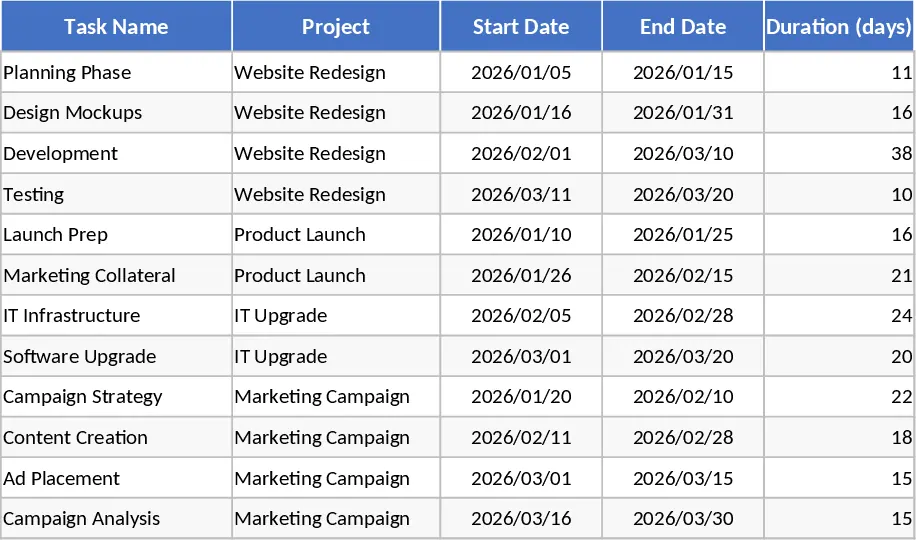
Professional Project Management Tracker with Automated Gantt Chart and Dashboard Template
Plan and track complex projects with an automated Gantt chart, holiday-aware timelines, and a visual dashboard for real-time monitoring.