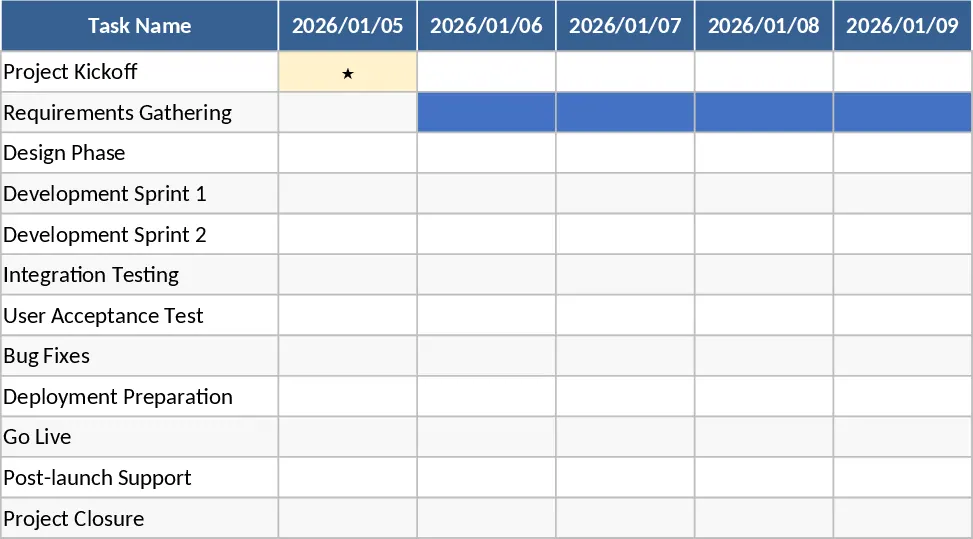
Consolidated Project Gantt Chart Template
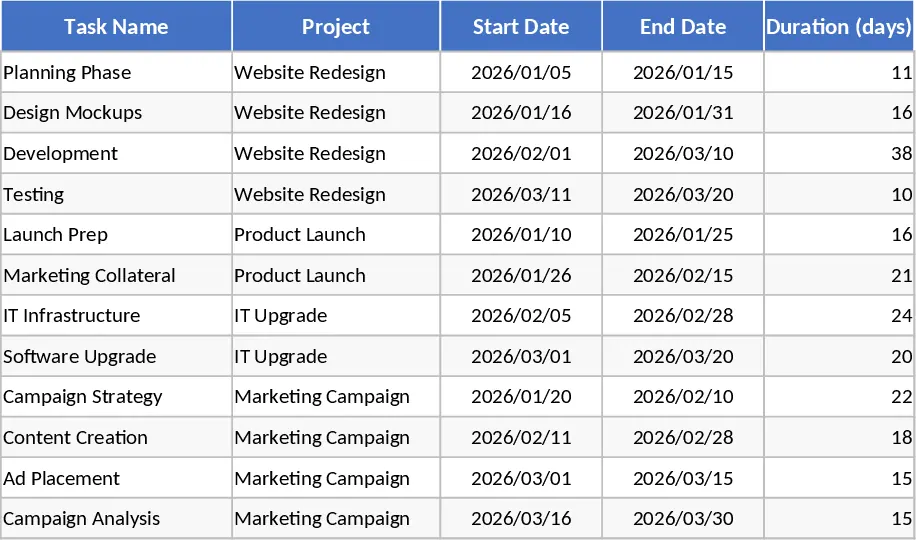
Managing multiple projects simultaneously often leads to fragmented data, conflicting schedules, and missed deadlines. This Consolidated Project Gantt Chart Overview provides a centralized hub to visualize your entire portfolio in one professional interface. The template is built around a robust data entry system where you can define project names, specific tasks, assigned owners, priority levels, and key milestones. With built-in logic and conditional formatting, it automatically calculates durations and maps out timelines on a dynamic Gantt chart, allowing you to see exactly how different projects overlap and where your team's focus lies at any given moment.
This tool is particularly useful for project managers, department heads, and PMO leads who need to maintain a high-level perspective without losing sight of granular details. By consolidating various workstreams into one unified view, you can identify potential bottlenecks early, optimize resource allocation across different teams, and ensure that critical dependencies are respected. The visual nature of the Gantt chart makes it an excellent communication tool for stakeholder meetings or executive reviews, providing an instant, color-coded status update on actual progress versus planned schedules.
The template includes automated progress bars that fill based on the completion percentage you input, giving you a real-time look at project health. You can easily adjust dates or task lengths, and the chart will update instantly, saving you the hassle of manual drawing or expensive, complex software setups. It simplifies the complexity of multi-project management into a clean, actionable format that keeps your team aligned and your deliverables on track. Whether you are tracking a simple marketing campaign or a complex product launch involving multiple departments, this template scales to meet your needs.
To get started, first navigate to the Project Setup sheet and enter your project names, task descriptions, and assigned team members. You can use the dropdown menus to set priority levels or categories for better organization. Next, input the start dates and estimated durations for each task; the template will automatically calculate the end dates and populate the timeline. As work progresses, update the completion percentage for each row to see the visual bars update on the Gantt chart. Finally, use the filter or scroll functions on the overview tab to review specific timeframes or project clusters for your weekly reporting and team syncs.
By using this template, you can expect to spend significantly less time manually updating status reports and more time driving project success. It reduces the effort required to maintain a clear roadmap, ensuring that every stakeholder stays informed and every deadline remains visible. This streamlined approach helps eliminate the information silos that often occur when projects are managed in isolation, leading to better coordination and more predictable outcomes.
Similar Templates Recommendation
Professional Project Management Tracker with Automated Gantt Chart and Dashboard Template
Plan and track complex projects with an automated Gantt chart, holiday-aware timelines, and a visual dashboard for real-time monitoring.
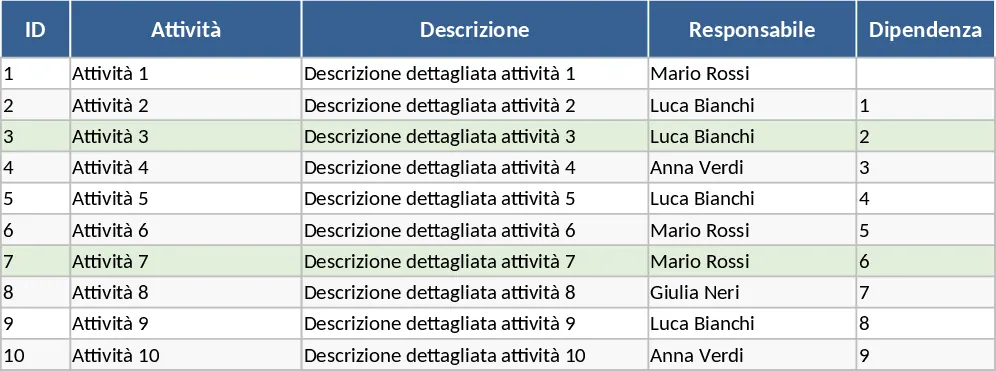
Gantt Chart Project Planning with Conditional Formatting Template
Plan and visualize your project schedule with an automated Gantt chart featuring task tracking, timeline visualization, and summary insights.
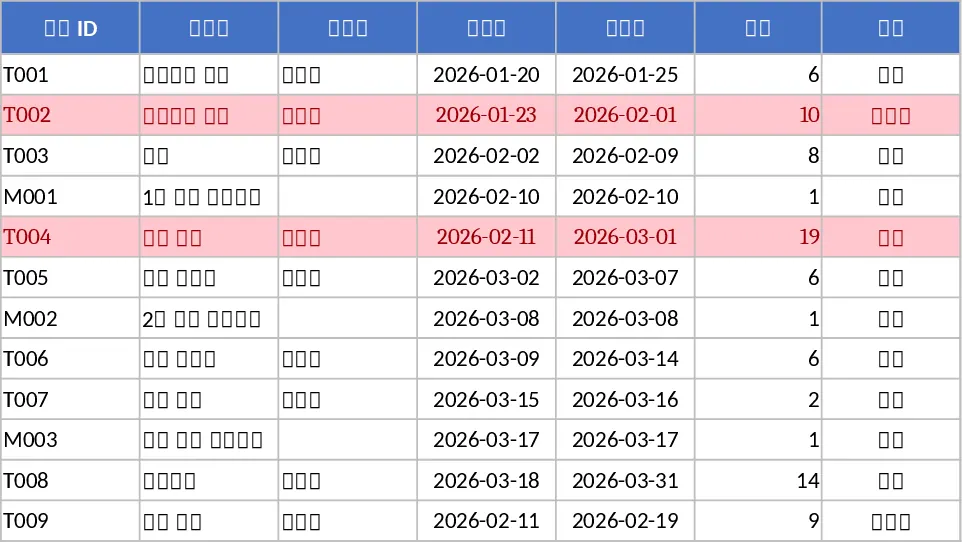
Automated Gantt Chart Project Planner Template
Track project tasks and milestones with an automated Gantt chart timeline and a summary dashboard to monitor progress and identify critical delays.