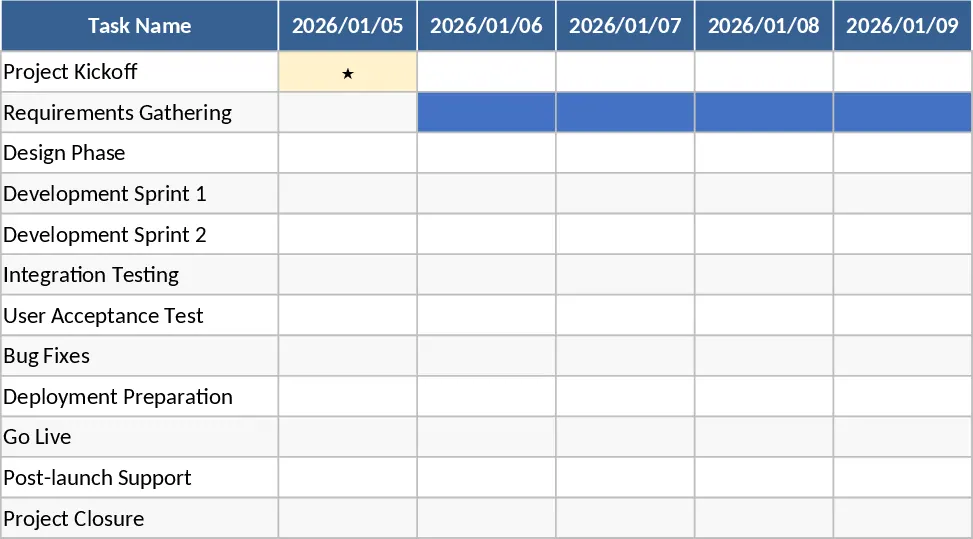
Gantt Chart Project Planning with Conditional Formatting Template
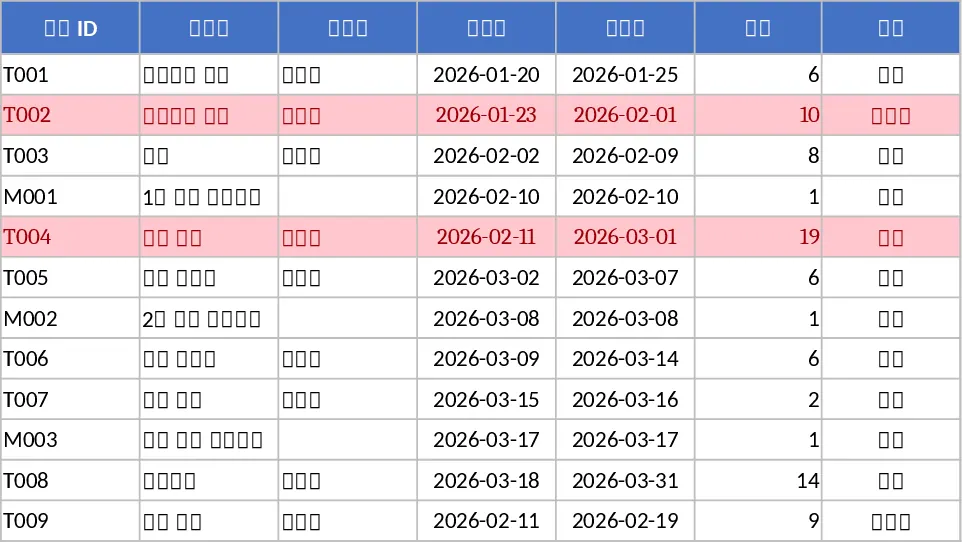
Managing complex projects requires a clear view of how individual tasks connect over time. This Gantt Chart Project Planning template provides a structured environment to organize your workflow, from initial brainstorming to final delivery. The template is divided into three functional areas: a detailed Task list, a dynamic Timeline, and a high-level Summary dashboard. In the Task sheet, you can define specific activities, assign owners, and set dependencies, while the system automatically calculates durations and validates dates to ensure your schedule remains logical and realistic.
The core strength of this tool lies in its visual Timeline. Using conditional formatting, it transforms your data into a professional Gantt chart that updates instantly as you change dates or progress percentages. This allows project managers and team leads to identify bottlenecks, track milestones, and ensure that every phase of the project stays on schedule. Whether you are managing a marketing campaign, a software development sprint, or a construction project, this template bridges the gap between raw data and actionable visual insights. It helps you see the big picture without losing sight of the small details that keep a project moving forward.
The Summary sheet acts as your command center, offering a bird's-eye view of the project's health. It aggregates data to show the overall completion rate weighted by task duration, counts tasks by status (such as Not Started, In Progress, or Completed), and highlights delayed items that need immediate attention. This eliminates the need for manual reporting and ensures that stakeholders are always informed about the current progress. By centralizing all project data, you reduce the risk of miscommunication and ensure everyone is working toward the same deadlines.
How to use this template:
- Open the Tasks sheet and enter your project activities, including start and end dates, assigned team members, and any task dependencies.
- Update the status and completion percentage for each task as work progresses, and use the Milestone column to flag critical deadlines.
- Navigate to the Timeline sheet to view the visual schedule; you can adjust the date range to focus on specific weeks or months of the project.
- Review the Summary sheet regularly to monitor the weighted completion rate and identify any tasks that are falling behind schedule.
Expected benefits include significantly reduced time spent on manual chart creation and improved coordination across your team. It provides a reliable single source of truth for your project timeline, helping you meet deadlines with greater confidence and less administrative effort.
Similar Templates Recommendation
Gantt Chart Project Management and Timeline Template
Manage project timelines effectively with an automated Gantt chart, task tracking, and a summary dashboard to monitor progress and milestones.
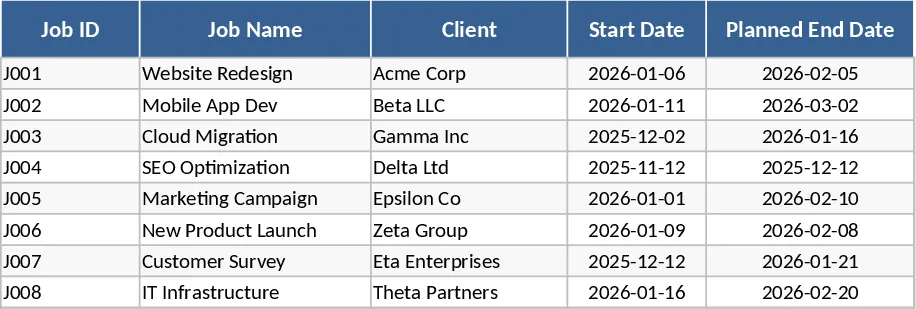
Multi-Project Planner with Dashboard Template
A comprehensive Excel template to plan, execute, and monitor projects with detailed steps, timelines, objectives, and visual dashboards.
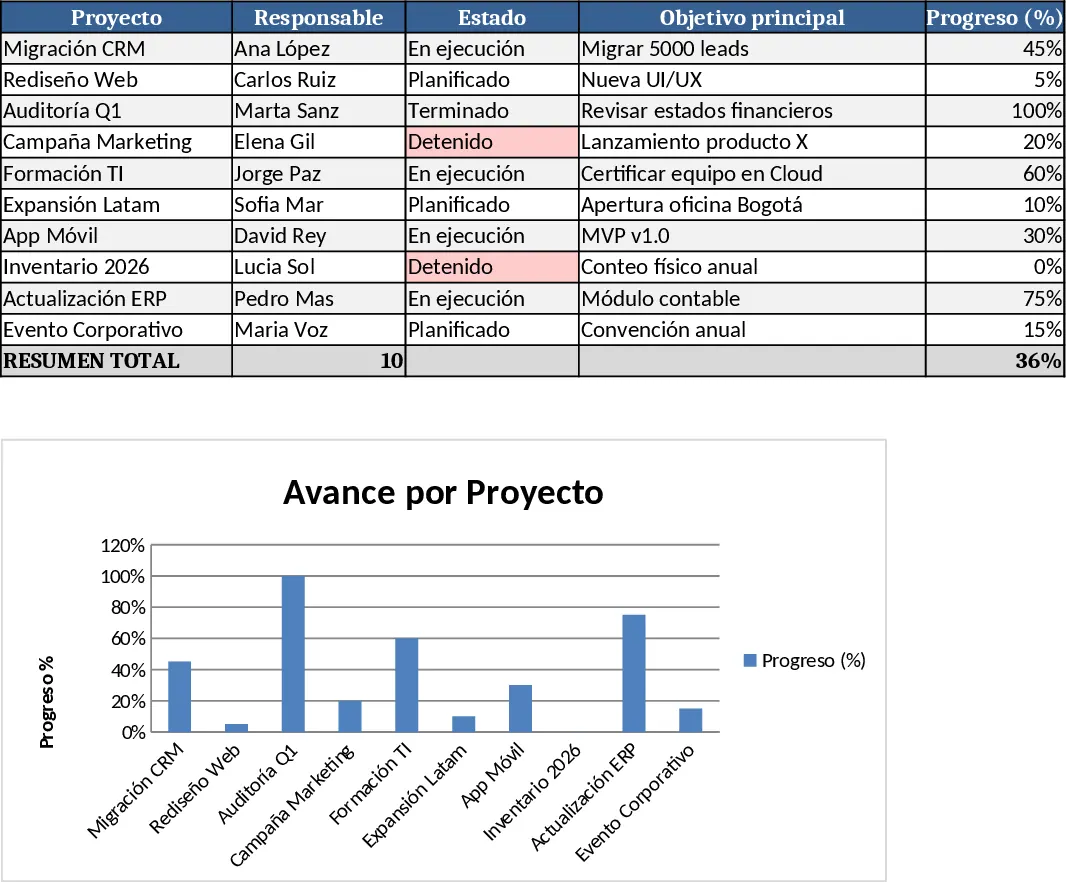
Automated Gantt Chart Project Planner Template
Track project tasks and milestones with an automated Gantt chart timeline and a summary dashboard to monitor progress and identify critical delays.