Construction Project Control & Financial Management Template
This ready‑to‑use Excel/Google Sheets template is built for construction, renovation and maintenance firms that need a single place to monitor every job from start to finish. It contains six inter‑linked tabs:
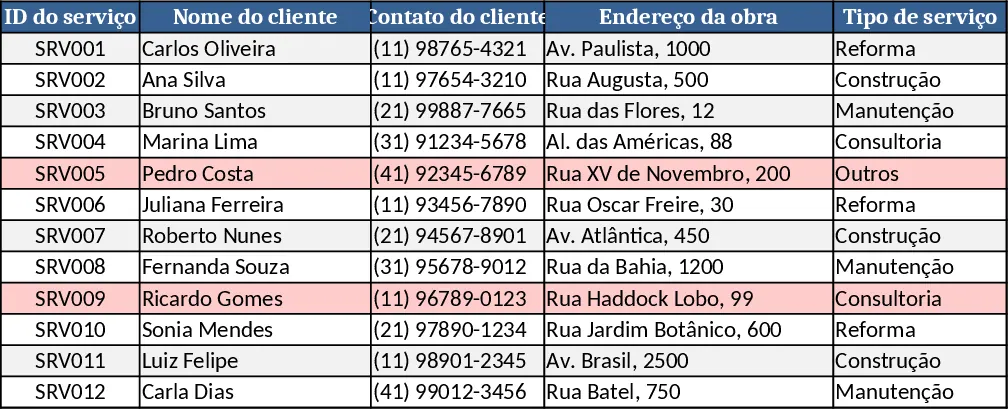
- Cadastro de Obras/Serviços – stores project ID, client details, address, service type, start date, deadline, status and responsible manager.
- Controle Financeiro – links to the project ID and records contract value, payment terms, expected and actual receipt dates, amounts received and payment status.
- Despesas (Saídas) – logs every cost (materials, labor, transport, etc.) with date, category, supplier and payment method.
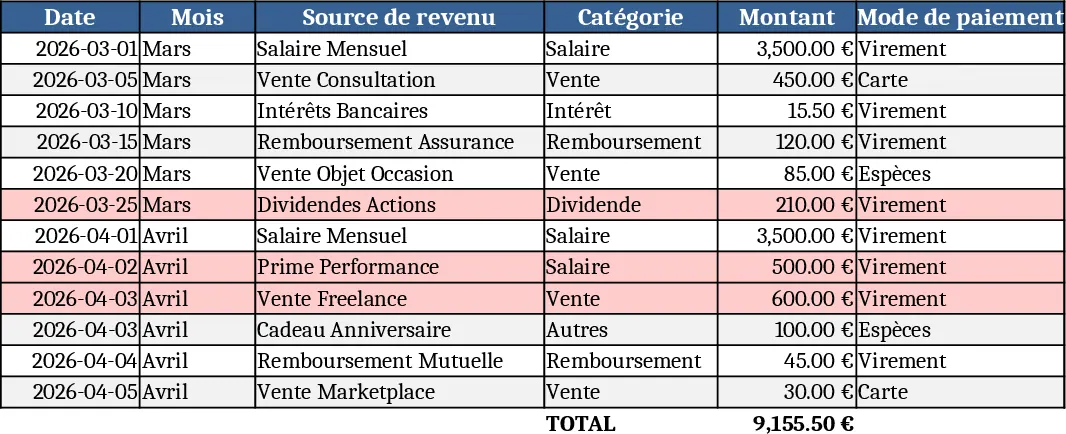
- Receitas (Entradas) – captures each income entry tied to a project, with date, description and receipt method.
- Funcionários/Equipe – lists staff, role, contact and the projects they are assigned to.
- Dashboard (Resumo automático) – pulls data from the other sheets to show total revenue, total expenses, net profit, count of active, completed and delayed projects, monthly revenue vs. expense charts, project‑status distribution, top‑client ranking and alerts for upcoming or overdue deadlines.
The template solves the common chaos of scattered Word documents, email threads and manual calculations. By centralising project metadata, cash‑flow items and personnel allocation, it eliminates duplicate entry, reduces errors and gives you instant visibility into profitability and schedule health. The dynamic tables and conditional formatting automatically highlight overdue tasks and unpaid invoices, so you can act before issues snowball.
It is ideal for project managers, finance officers, site supervisors and small‑to‑medium construction companies that handle multiple jobs simultaneously. Whether you are preparing a bid, tracking daily expenses on a remodel, or reporting month‑end performance to owners, the workbook adapts to each scenario while keeping the data consistent through the shared Service ID.
How to use
- Open the file and start by filling the Cadastro de Obras/Serviços sheet – add a new row for each job, select the service type from the drop‑down list and assign a responsible manager.
- Switch to Controle Financeiro, Despesas and Receitas to record contract amounts, expected payment dates and every cost or income entry, always referencing the same Service ID.
- Update the Funcionários/Equipe tab with your crew members and link them to the projects they work on.
- Go to the Dashboard tab; the charts and KPI cards refresh automatically, showing you profit margins, project counts and alerts for any deadlines that are close or past due.
By automating calculations and visualising key metrics, the template saves you hours of manual reconciliation and gives you a clearer picture of where money is being spent and earned. You’ll spend less time hunting for numbers and more time focusing on delivering projects on time and on budget.
Similar Templates Recommendation
Construction Company Management Dashboard Template
A complete, automated Excel workbook for BTP firms to track projects, costs, revenues, staff, equipment and view KPI dashboard.
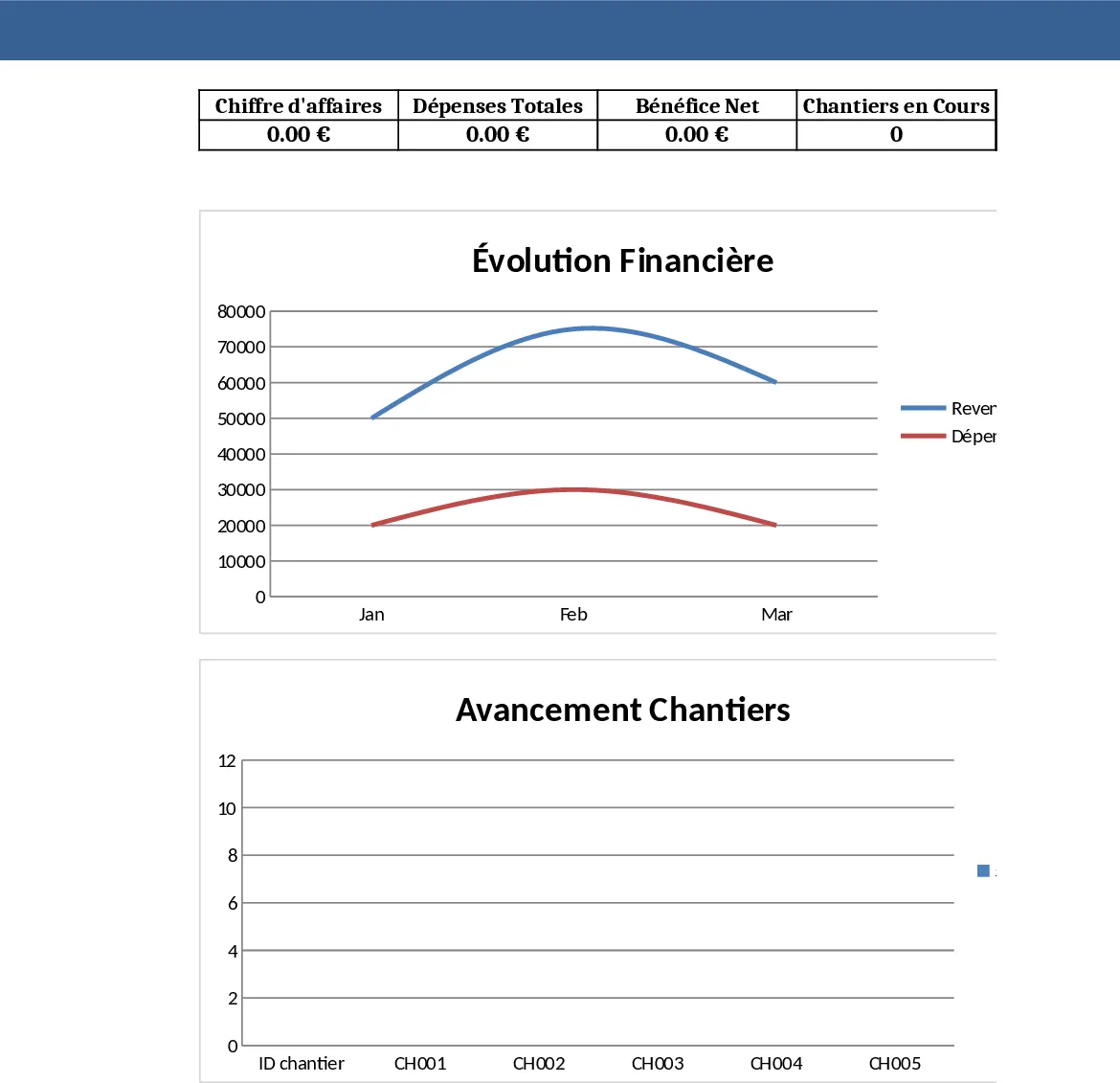
Construction Project Financial Tracker Dashboard Template
Track completed construction projects, monitor expenses and income, and view a visual dashboard of your company's financial performance.
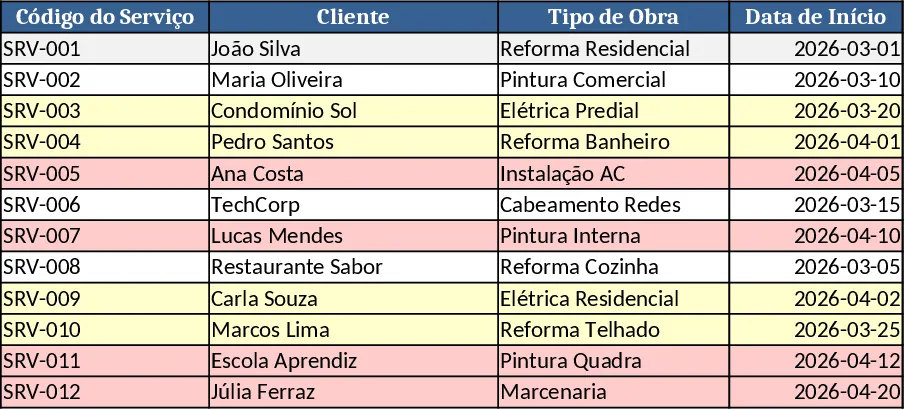
Financial Dashboard Overview with Cash Flow Template
Create a comprehensive financial dashboard to track revenue, expenses, cash flow, and key performance indicators in one view.