

Construction Project Financial Tracker Dashboard Template
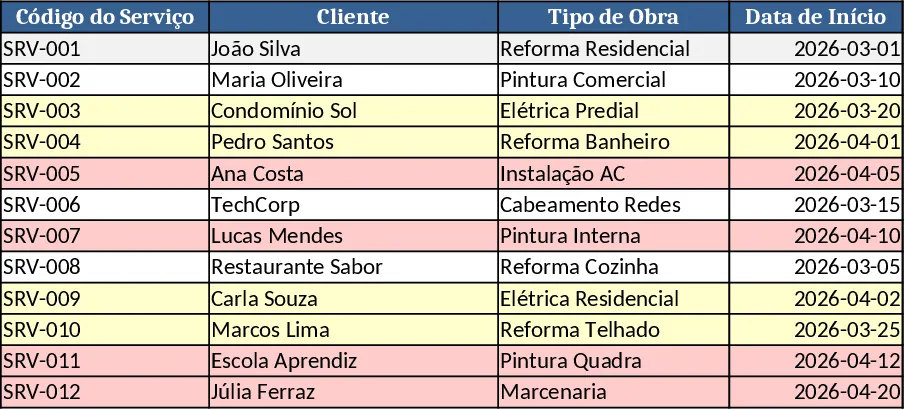
This template is built for construction and renovation firms that need a clear view of every job, the money spent, and the money earned. It is organized into four main sheets: Service Log, where you list each project, client, start and end dates, and status; Cost Tracker, where you record material, labor, subcontractor fees, and any other outlays, with dropdowns for cost categories; Income Tracker, where you capture invoices, payments received, and pending amounts; and Summary Dashboard, a visual page that pulls key totals, profit margins, cash‑flow trends, and a chart of completed versus pending jobs. All sheets are linked, so entering a new service automatically creates rows in the cost and income sections, and the dashboard updates in real time.
The template solves the common headache of juggling multiple spreadsheets or paper notes to keep tabs on project profitability. By consolidating service details, expenses, and revenue in one place, you can instantly see which jobs are under‑budget, which clients are most valuable, and where cash is tied up. This helps you make smarter purchasing decisions, negotiate better rates with suppliers, and plan future work based on realistic profit expectations. It also reduces the risk of missed invoices or overlooked costs, keeping your books tidy and audit‑ready.
Designed for owners, project managers, and accountants in the construction sector, the template works whether you handle a handful of residential remodels or a fleet of commercial contracts. If you need to report to investors, present progress to clients, or simply understand your daily cash position, this workbook gives you the numbers and visuals you need without requiring advanced Excel skills.
How to use
- Open the Service Log sheet and add a new row for each job, selecting the service type from the dropdown and filling in dates, client name, and estimated budget.
- Switch to the Cost Tracker sheet, choose the related service from the linked list, and record every expense with category, amount, and receipt reference.
- In the Income Tracker, enter invoices issued, payment dates, and amounts received; the sheet will calculate outstanding balances automatically.
- Go to the Summary Dashboard to see updated charts, profit calculations, and a quick snapshot of cash flow. Adjust filters to view specific periods or project types.
Expected benefits include faster month‑end close, clearer insight into project profitability, and less time spent reconciling separate files, allowing you to focus on delivering quality work rather than chasing numbers.
Similar Templates Recommendation
Couple Financial Planning and Debt Reduction with Dashboard Template
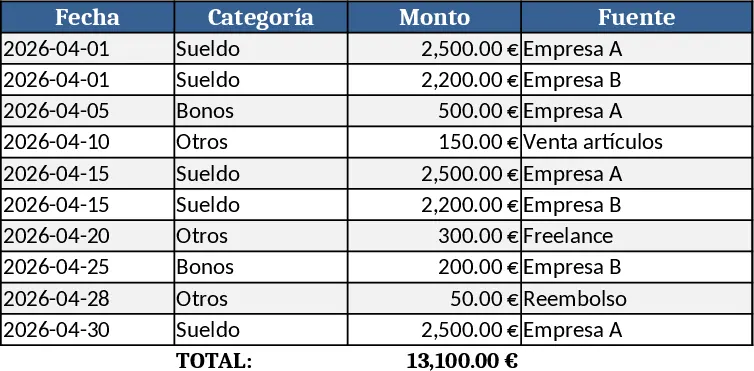
Track combined income, expenses, savings, debt repayment, and milestone goals for a couple to achieve financial stability and home purchase.
Construction Project Control & Financial Management Template
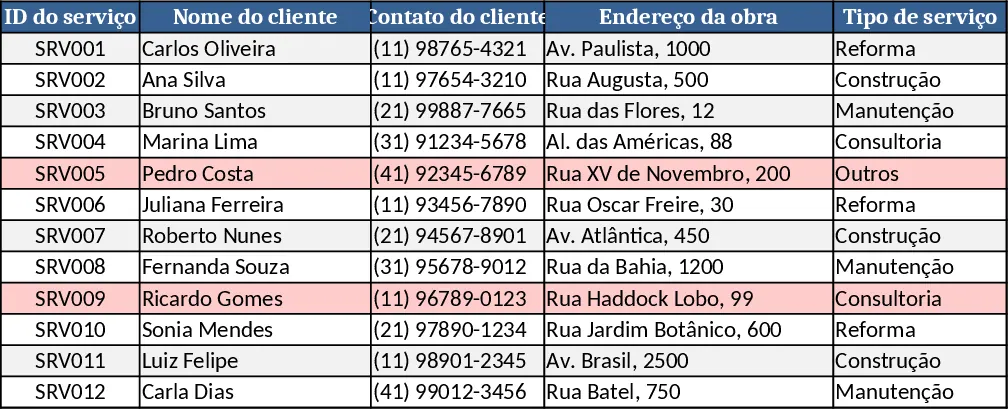
A comprehensive spreadsheet to track construction projects, finances, expenses, staff, and performance dashboards.
Couple Budget and Cash Flow Tracker Template
Track monthly income, expenses, and cash flow for a working couple, visualize budgets and savings goals in one spreadsheet.
