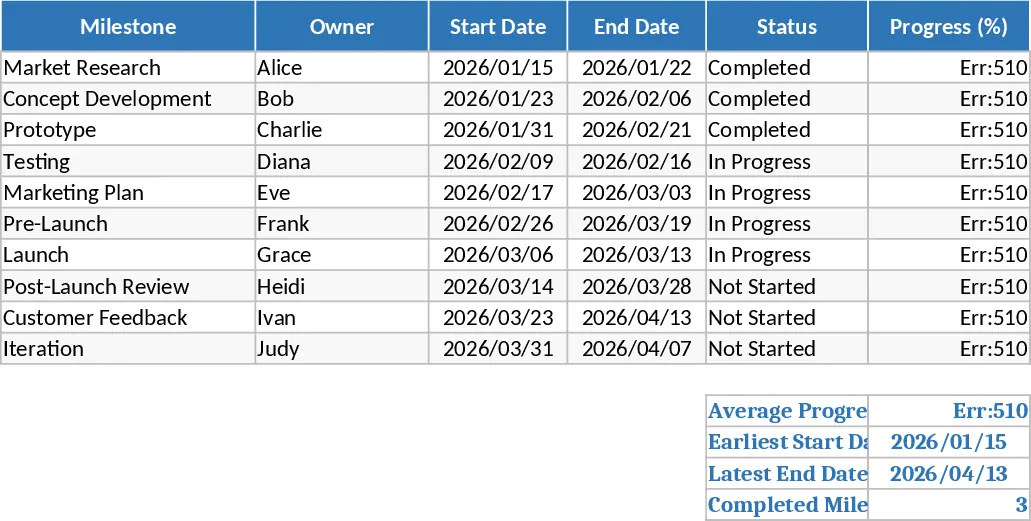
Project and Team Management Dashboard with Gantt Chart Template
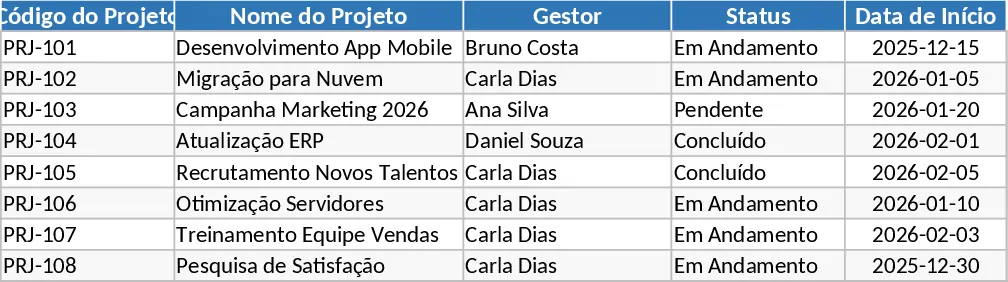
Effective project management requires more than just a list of tasks; it requires a visual understanding of how those tasks interact over time and who is responsible for each piece of the puzzle. This Project and Team Management template provides a robust framework for planning, executing, and monitoring your work. The template is organized into intuitive sections, including a comprehensive task tracker, a team directory, and a high-level dashboard. Within the task tracker, you can manage essential fields such as task names, start and end dates, priority levels, and completion percentages. The built-in dropdown menus make data entry consistent and fast, ensuring your reports are always accurate.
The standout feature of this template is the automated Gantt chart. As you update your task list, the chart visually maps out your schedule, showing the duration of each activity and how they overlap. This is particularly useful for identifying the critical path of your project and ensuring that resources are not over-allocated. For team leaders, the template solves the common problem of visibility; instead of asking for constant status updates, you can simply look at the dashboard to see which tasks are on track, which are delayed, and how the workload is distributed among your team members.
This tool is ideal for project managers, department heads, and small business owners who need a professional-grade tracking system without the complexity of expensive software. It is perfect for managing product development cycles, marketing calendars, or internal operational improvements. By having a single source of truth, you reduce the risk of miscommunication and missed deadlines, leading to a more synchronized and efficient team environment.
How to use:
- Initialize your project by entering your team members names and defining your project phases in the configuration area.
- Populate the task tracking sheet with your specific activities, assigning a start date, end date, and a responsible person for each item.
- Use the status and priority dropdowns to keep the information current as work progresses.
- Navigate to the Dashboard and Gantt chart tabs to visualize your progress and share status updates with stakeholders.
Expected benefits: This template helps reduce the time spent on manual status reporting and provides a clear visual roadmap that improves team accountability and project delivery speed.
Similar Templates Recommendation
Project and Agent Workload Management Template
Track project progress and agent workload with a dual-view dashboard featuring phase deadlines, FTE occupancy, and a dynamic calendar.

Gantt Chart Project Plan Template
Plan and track project progress with an automated Gantt chart, task dependencies, milestones, and a comprehensive summary dashboard.
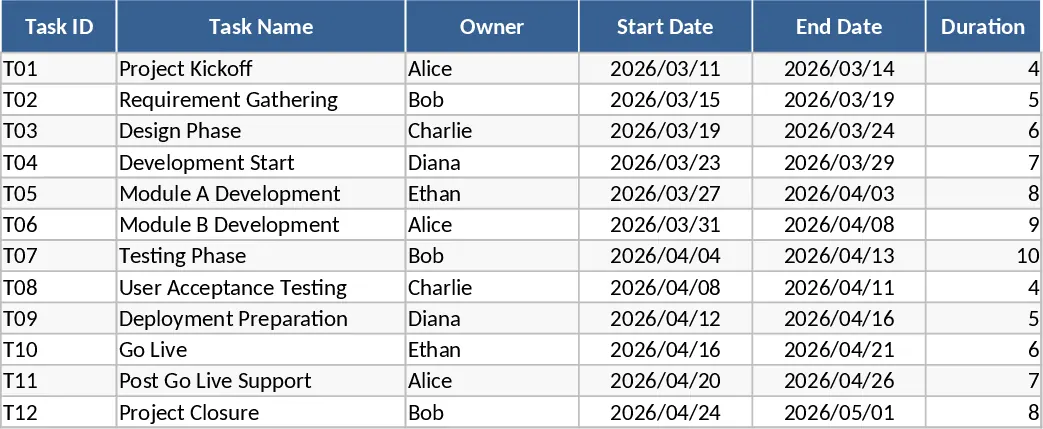
Product Launch Roadmap with Gantt Chart and Milestone Tracker Template
Visualize your product launch timeline with an interactive Gantt chart, automated progress bars, and milestone tracking for efficient project management.