Advanced Monthly KPI Dashboard with Revenue and Regional Analytics Template
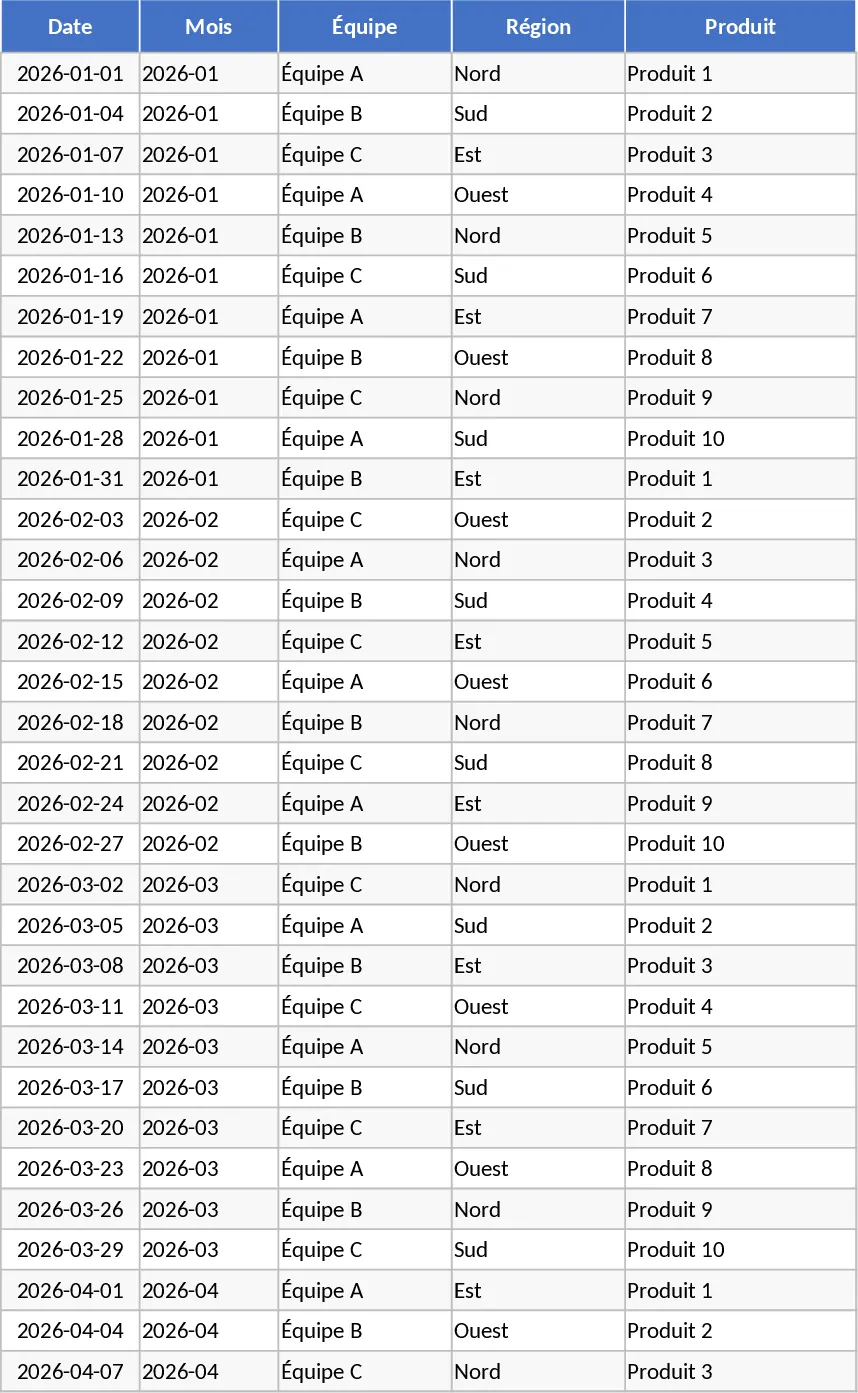
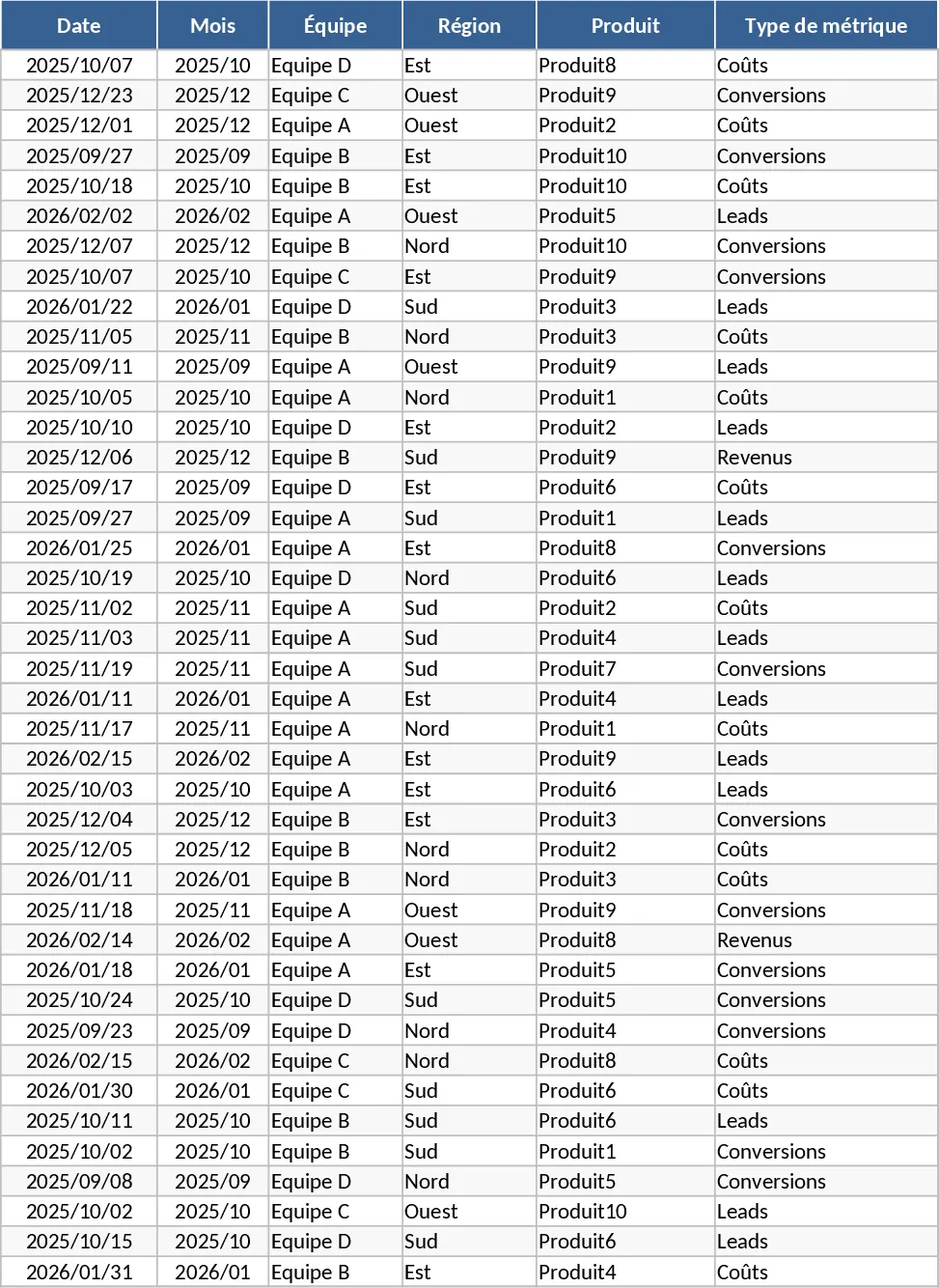
The Advanced Monthly KPI Dashboard is a professional-grade Excel solution designed to transform fragmented business data into a cohesive visual narrative. In today’s fast-paced business environment, tracking performance across multiple departments, regions, and product lines can become overwhelming. This template simplifies that complexity by providing a structured environment where data entry leads directly to high-level insights. It is built with four distinct sheets: Raw Data for input, KPI Definitions for logic, Pivot Summary for organization, and a dynamic Dashboard for visualization. This separation ensures that your data remains clean and your reporting remains consistent month after month.
This tool is essential for business owners, operations managers, and data analysts who need a reliable way to monitor health metrics without building a system from scratch. It solves the common problem of data silos by allowing you to input revenue, costs, leads, and conversions in one place. By using this template, you gain the ability to see not just what happened, but where and why. For instance, the regional breakdown helps you identify if a dip in revenue is a global trend or isolated to a specific territory, while the lead-to-conversion tracking reveals the efficiency of your sales funnel. The template helps you manage everything from top-line growth to granular cost control, providing a 360-degree view of your operational efficiency.
The template is particularly useful for monthly review meetings or quarterly performance audits. Instead of manually creating new charts every month, you simply append your latest data to the existing table. The built-in logic handles the rest, updating your revenue trends, cost-to-revenue comparisons, and top-performing product lists instantly. This level of automation ensures that your reports are always accurate and ready for presentation at a moment's notice, helping you identify high-performing teams and products that deserve more investment.
How to use:
- Customize the KPI Definitions sheet by listing your specific metrics and the formulas used to calculate them, ensuring your team is aligned on logic.
- Input your monthly figures into the Raw Data sheet, ensuring each entry includes the correct date, region, and product category for accurate filtering.
- Go to the Pivot Summary sheet and use the Refresh All command under the Data tab to synchronize your new entries with the summary tables.
- Explore the Dashboard sheet to use the interactive slicers, allowing you to filter the charts by month or region for a more granular view of your performance.
Expected benefits: This template helps you reclaim hours of manual reporting time each month while providing a professional visual standard that enhances data-driven decision-making across your organization.
Similar Templates Recommendation
Advanced Monthly KPI Dashboard with KPI Cards Template
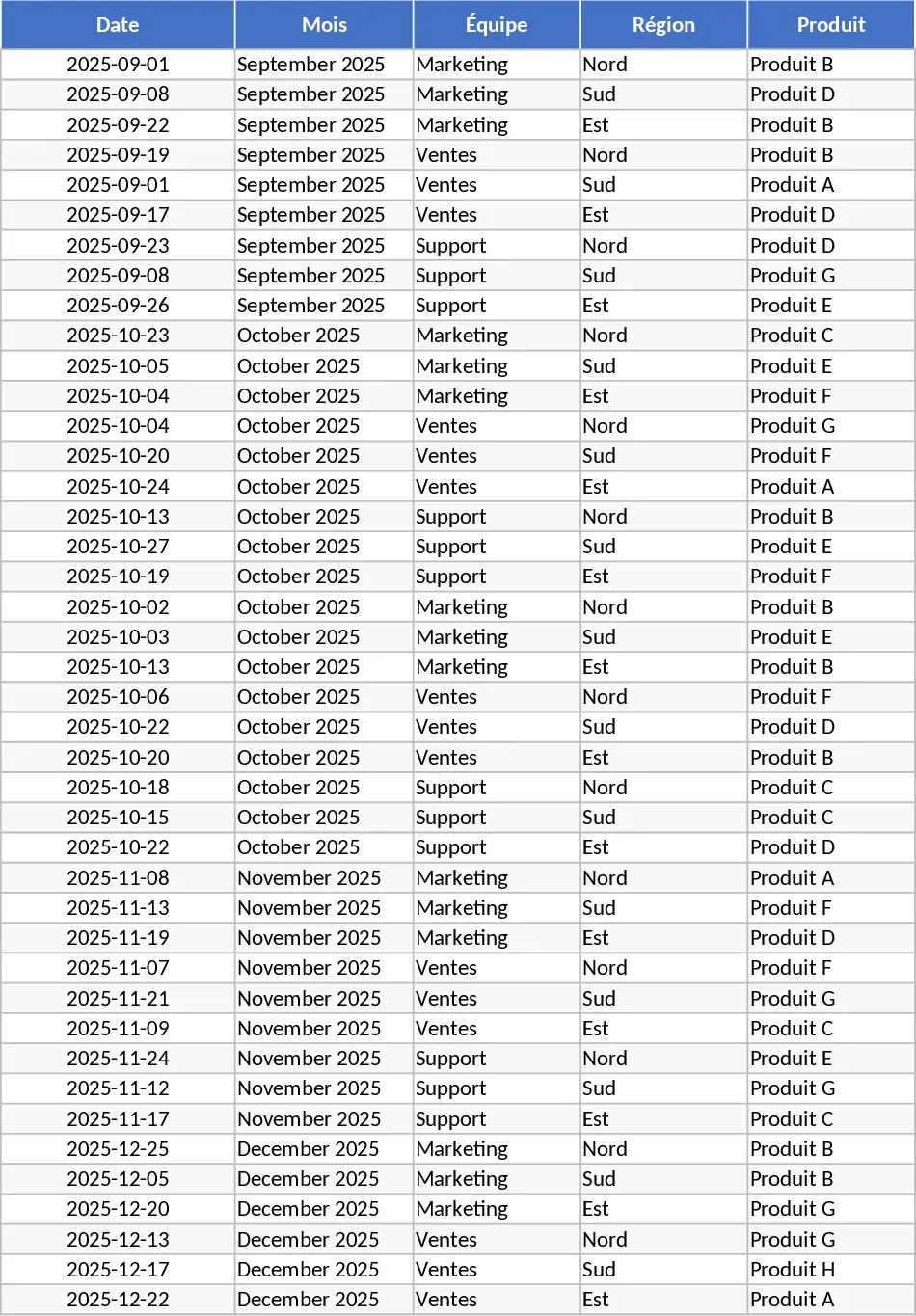
Monitor monthly performance across revenue, costs, and conversion metrics with automated charts and regional breakdowns for data-driven decisions.
Advanced Monthly KPI Dashboard and Performance Tracking Template
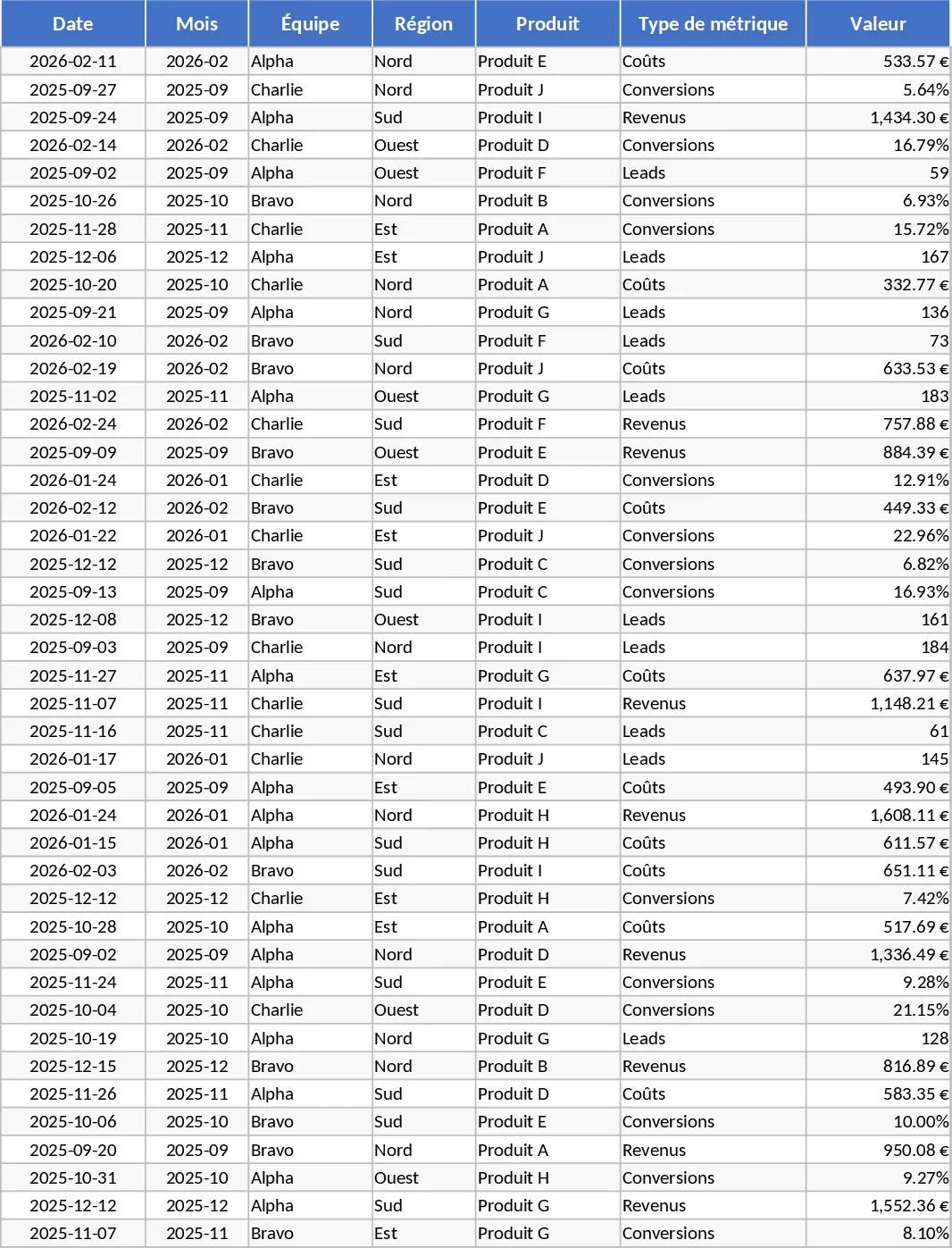
Track monthly performance across revenue, costs, and conversions with an automated dashboard featuring regional and product-level insights.
Advanced Monthly KPI Dashboard with Charts Template
Track monthly performance across revenue, costs, and conversions with an automated dashboard featuring regional trends and product analysis.