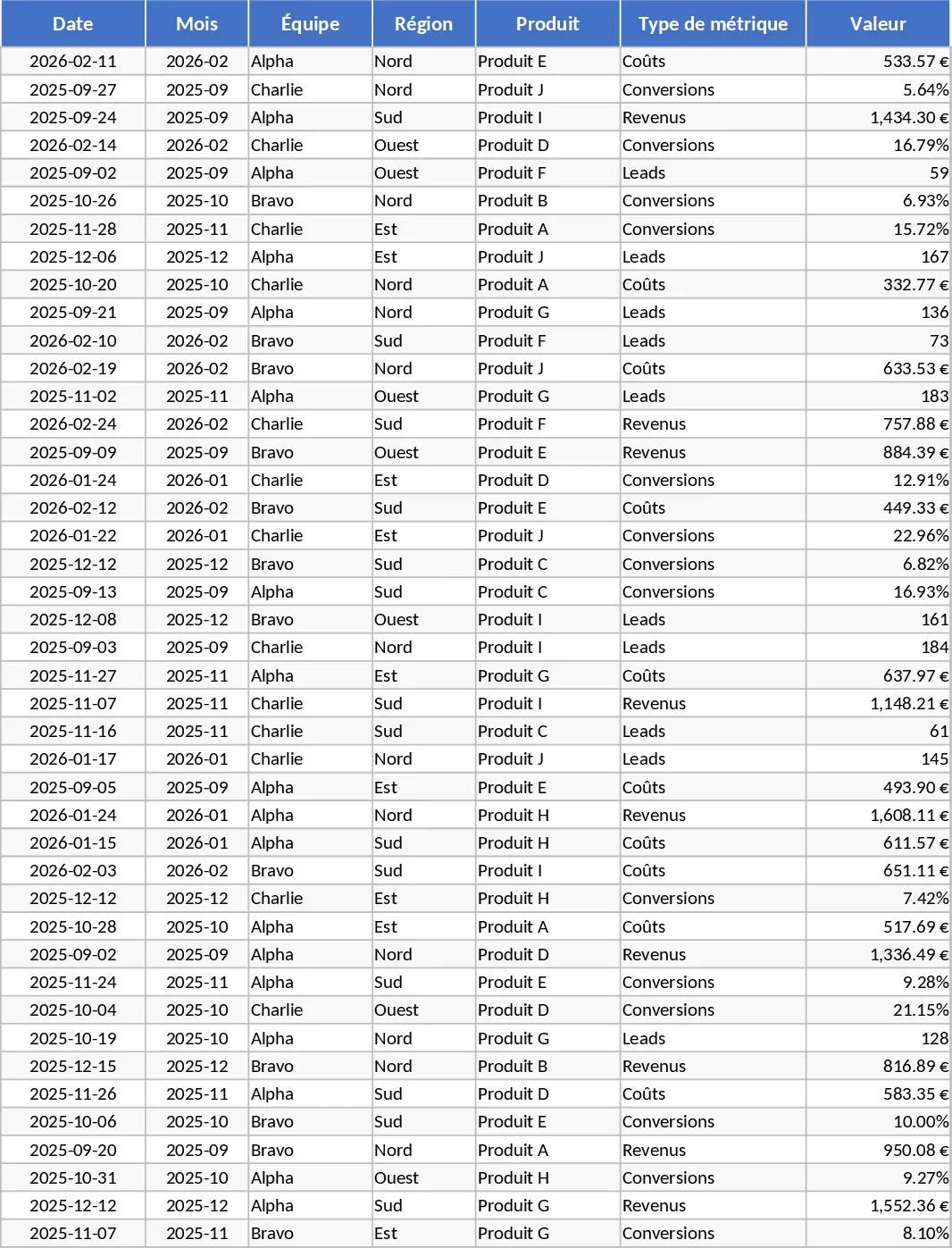
Advanced Monthly KPI Dashboard with Charts Template
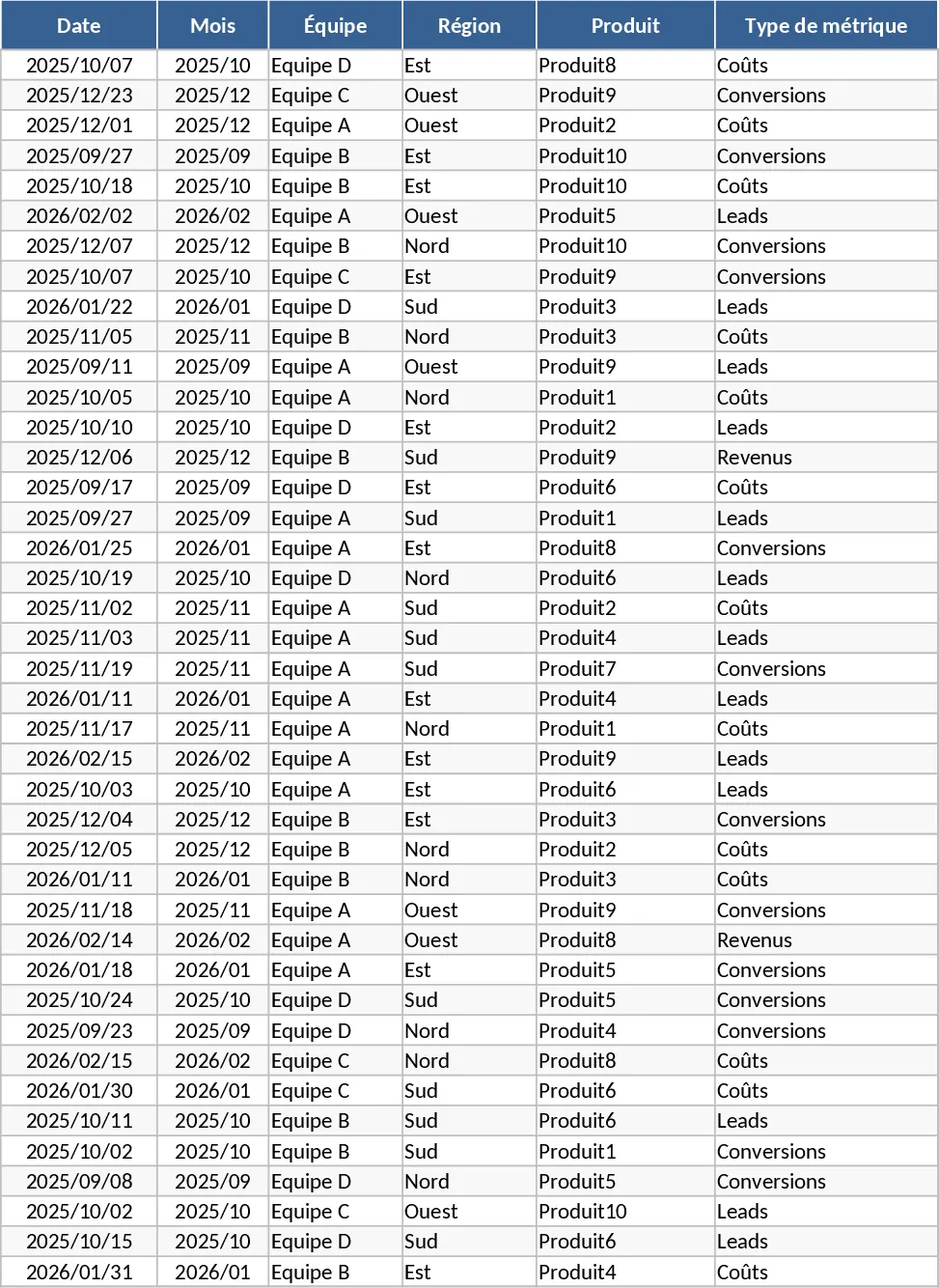
This Advanced Monthly KPI Dashboard is a comprehensive tool designed to transform raw business data into actionable insights. The template is structured into four specialized sheets: a Raw Data entry point for tracking dates, teams, regions, and products; a KPI Definitions sheet to maintain formula consistency; a Pivot Summary for organized data aggregation; and a dynamic Dashboard. Users can monitor critical metrics such as revenue trends, cost-to-income ratios, lead generation, and conversion rates through professional-grade visualizations.
By centralizing your performance data, this template eliminates the need for manual chart creation and complex spreadsheet management. It is particularly useful for business analysts and department heads who need to present monthly results to stakeholders. The inclusion of slicers allows you to drill down into specific regions or product lines instantly, making it easier to identify top-performing assets and areas requiring improvement. Whether you are managing a sales team or overseeing regional operations, this tool provides the clarity needed to drive results.
How to use this template:
- Input your monthly figures into the Raw Data sheet, ensuring each entry is categorized by team, region, and product type.
- Review the KPI Definitions sheet to ensure the logic for conversion rates and cost ratios aligns with your business rules.
- Refresh the Pivot Summary tables to synchronize your latest data entries with the calculation engine.
- Navigate to the Dashboard to interact with automated charts and use the built-in slicers to filter performance by month or region.
This automated setup significantly reduces the time spent on manual report preparation, allowing you to focus on strategic growth and data-driven decision-making.
Similar Templates Recommendation
Advanced Monthly KPI Dashboard with Revenue and Regional Analytics Template
Monitor monthly business performance with automated charts for revenue, costs, and conversion rates across different regions and products.
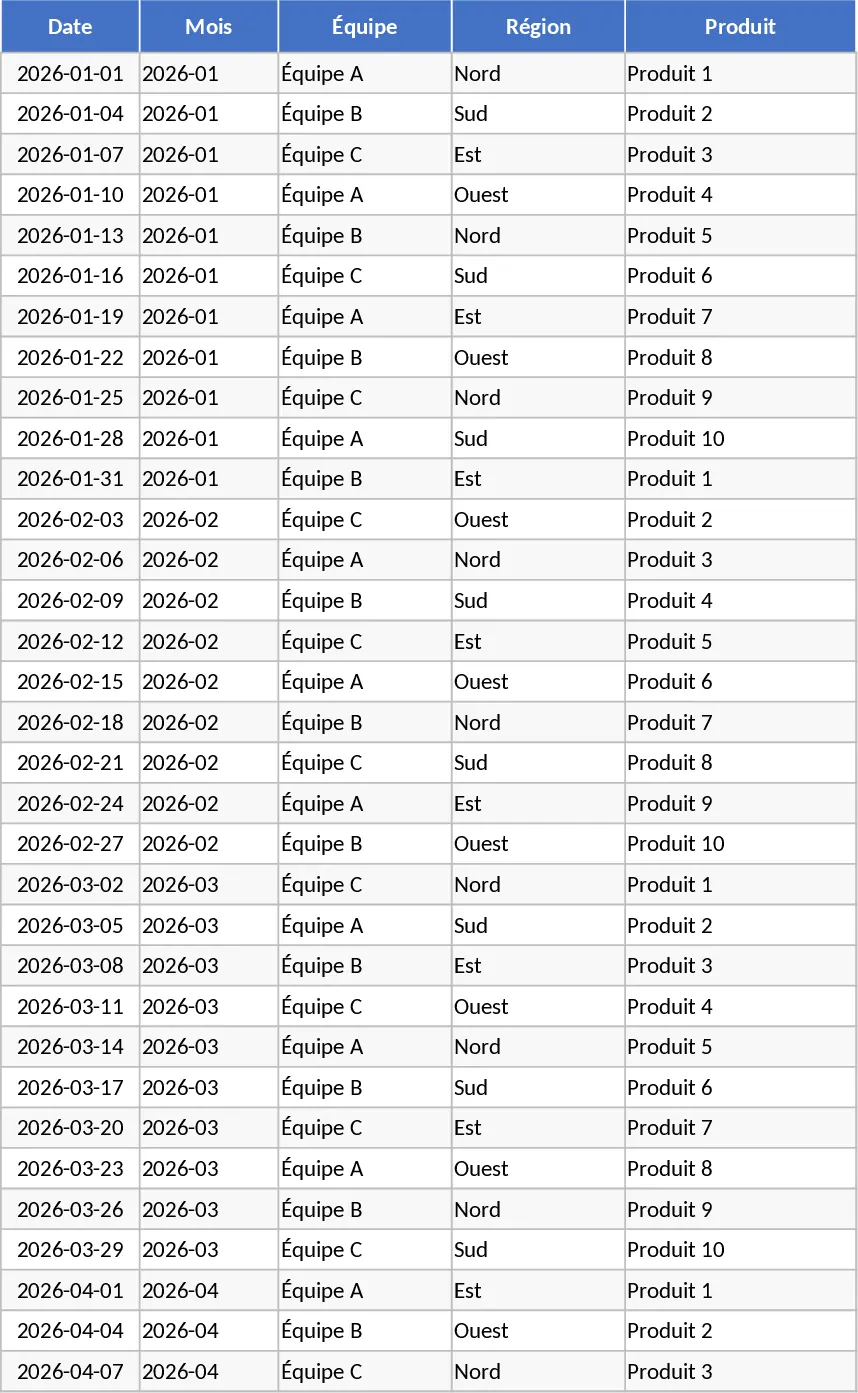
Advanced Monthly KPI Dashboard with KPI Cards Template
Monitor monthly performance across revenue, costs, and conversion metrics with automated charts and regional breakdowns for data-driven decisions.
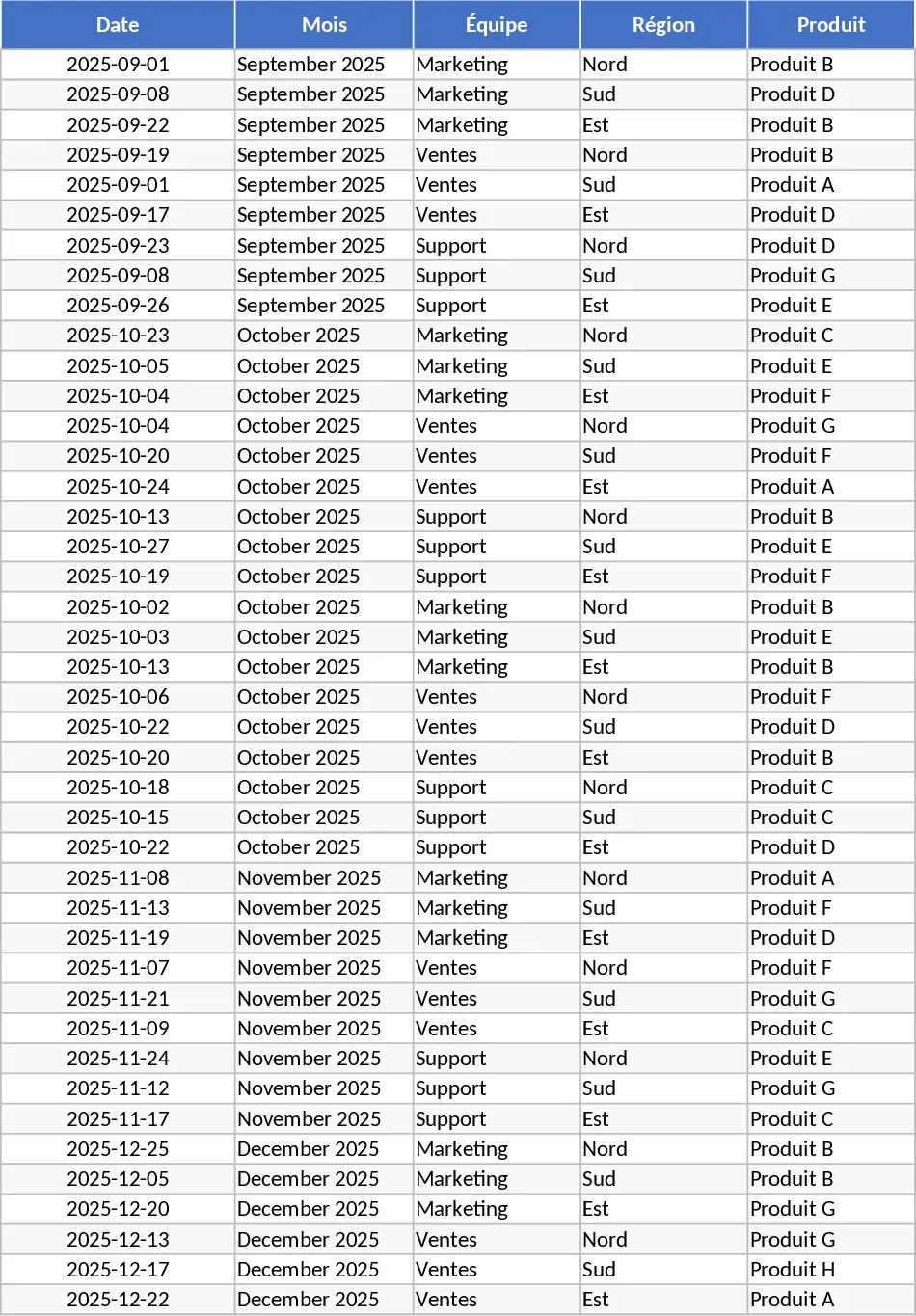
Advanced Monthly KPI Dashboard and Performance Tracking Template
Track monthly performance across revenue, costs, and conversions with an automated dashboard featuring regional and product-level insights.