Advanced Monthly KPI Dashboard with KPI Cards Template
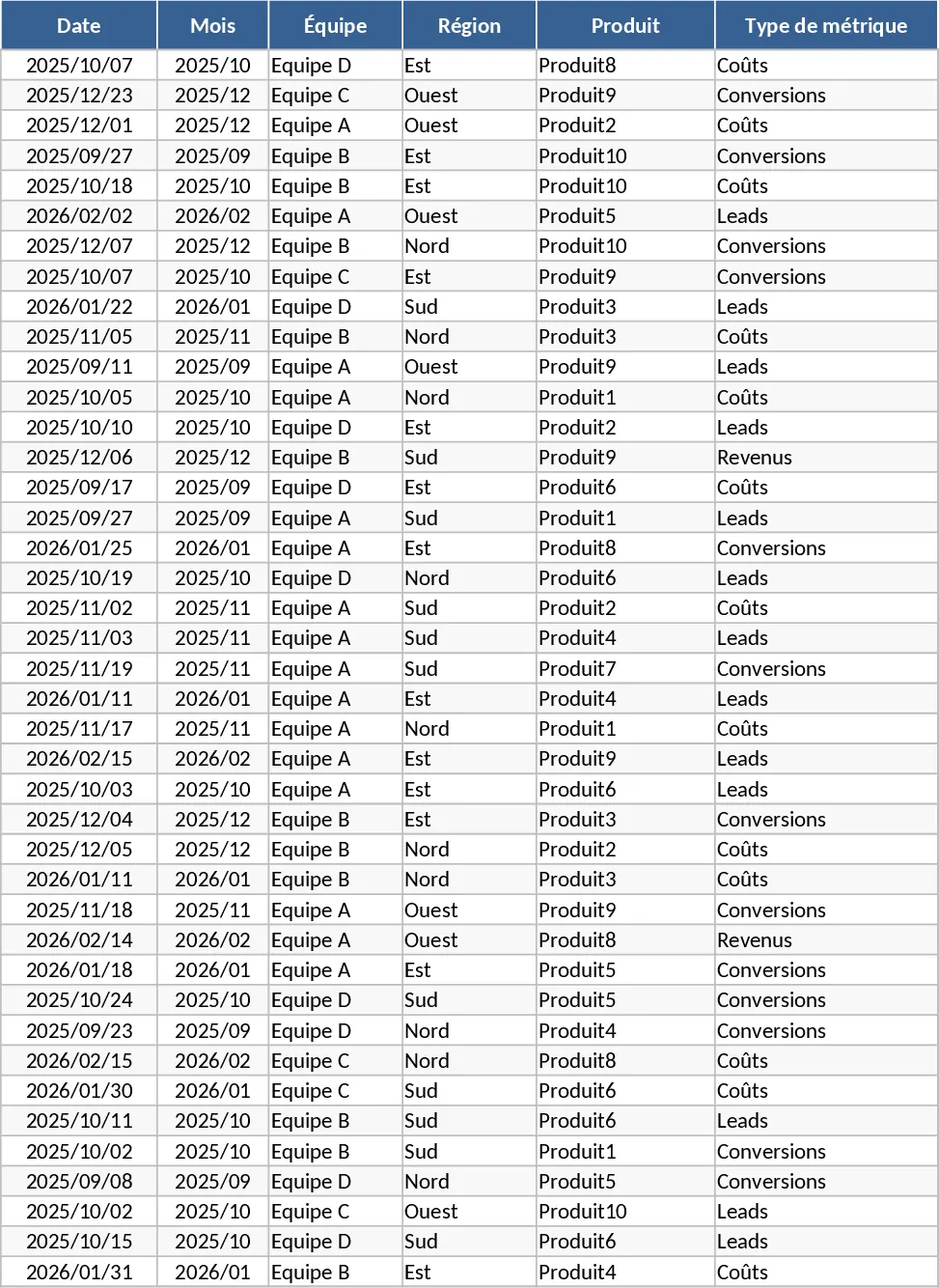
The Advanced Monthly KPI Dashboard is a sophisticated Excel-based management tool designed to provide a 360-degree view of your business performance. In today’s data-driven environment, the ability to quickly synthesize information from various departments is crucial. This template addresses that need by offering a structured, four-sheet architecture that handles everything from data ingestion to high-level executive reporting. The Raw_Data sheet serves as the foundation, allowing you to input granular details such as dates, teams, regions, and specific product categories. By categorizing metrics into types like Revenue, Costs, Leads, and Conversions, the template creates a multidimensional dataset that can be sliced and diced for deep-dive analysis.
One of the primary challenges in business reporting is maintaining consistency in how metrics are calculated. The KPI_Definitions sheet solves this by providing a dedicated space to document your logic. Whether you define a conversion rate as total sales divided by leads or qualified leads, having a single source of truth ensures that everyone on your team interprets the dashboard results the same way. This transparency is vital for building trust in your data, especially during high-stakes performance reviews or budget planning sessions. The template is pre-populated with example data spanning six months to demonstrate how trends evolve over time.
The Pivot_Summary sheet acts as the engine of the template, utilizing Excel’s powerful pivot table functionality to aggregate raw data into meaningful summaries. This sheet is designed to be compatible with slicers, meaning you can filter your entire report by month, region, or product with a single click. This level of interactivity transforms a static spreadsheet into a dynamic analytical tool. The final Dashboard sheet is where the magic happens, featuring a suite of professional visualizations. You can monitor revenue trends over time with sleek line graphs, compare regional performance using bar charts, and analyze the relationship between costs and income through integrated combo charts. The Top 10 Products view is particularly useful for identifying your most profitable assets, while the lead and conversion trend charts help marketing teams visualize the health of their sales funnel.
This template is ideal for business analysts, department managers, and entrepreneurs who need a reliable way to track monthly progress without the overhead of expensive software. It is perfect for monthly business reviews (MBRs), where you need to present clear, concise, and accurate data to stakeholders. By centralizing your KPIs, you eliminate the need to jump between different files and software, saving hours of administrative work every month. It helps you track not just what happened, but where it happened and which team was responsible, making it easier to replicate success or address underperformance.
How to use:
Begin by entering your operational data into the Raw_Data sheet; you can copy and paste from other sources or type directly into the formatted table. Next, navigate to the KPI_Definitions sheet to ensure the logic for your metrics matches your internal reporting standards and update any formula notes. Once your data is in place, go to the Data tab on the Excel ribbon and select Refresh All to synchronize the pivot tables and dashboard charts. Finally, use the interactive slicers on the Dashboard sheet to explore your data, focusing on specific regions or timeframes to uncover hidden trends.
Expected benefits: Streamlined reporting workflows and improved visibility into the key drivers of business growth.
Similar Templates Recommendation
Advanced Monthly KPI Dashboard with Revenue and Regional Analytics Template
Monitor monthly business performance with automated charts for revenue, costs, and conversion rates across different regions and products.
Advanced Monthly KPI Dashboard and Performance Tracking Template
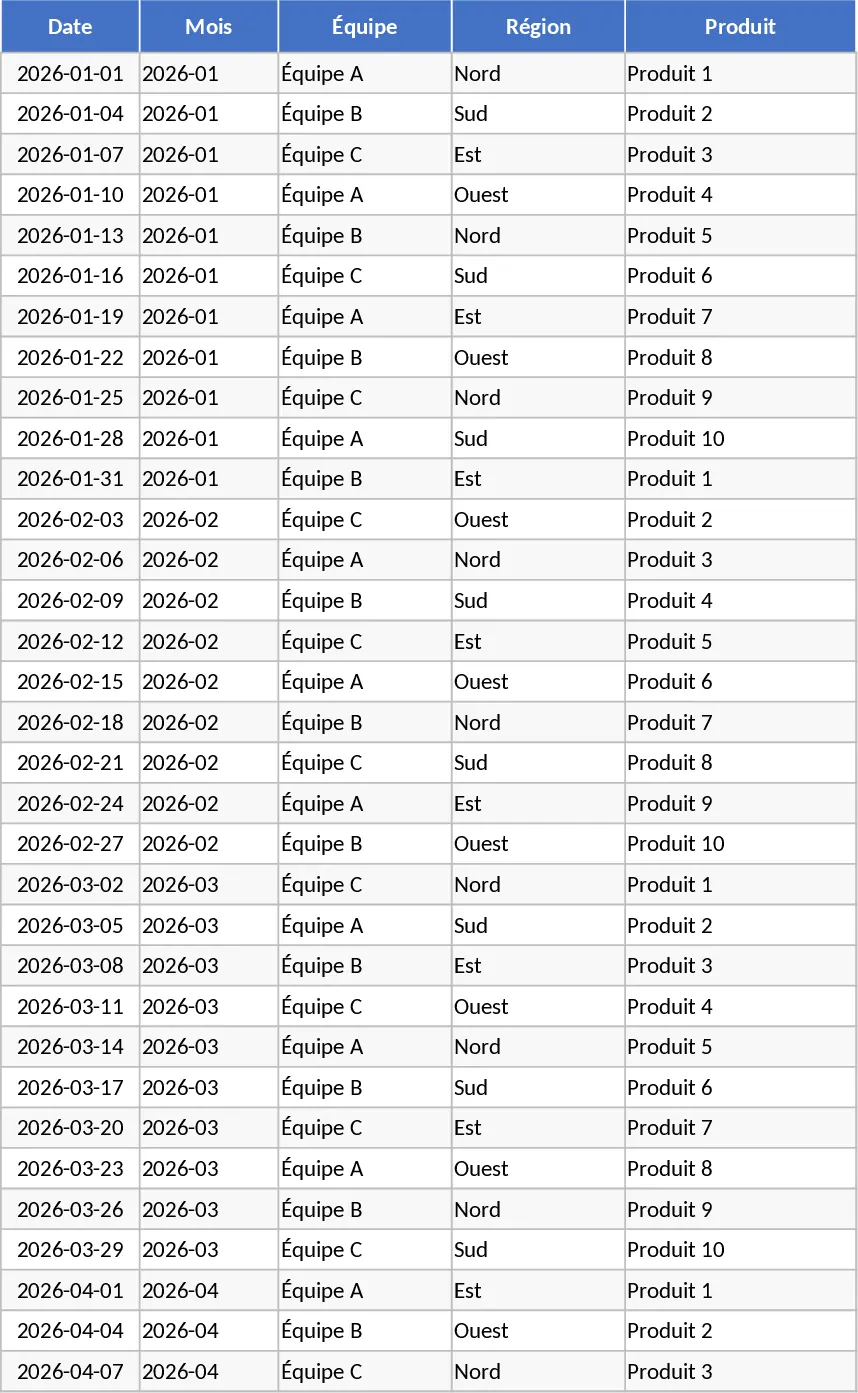
Track monthly performance across revenue, costs, and conversions with an automated dashboard featuring regional and product-level insights.
Advanced Monthly KPI Dashboard with Charts Template
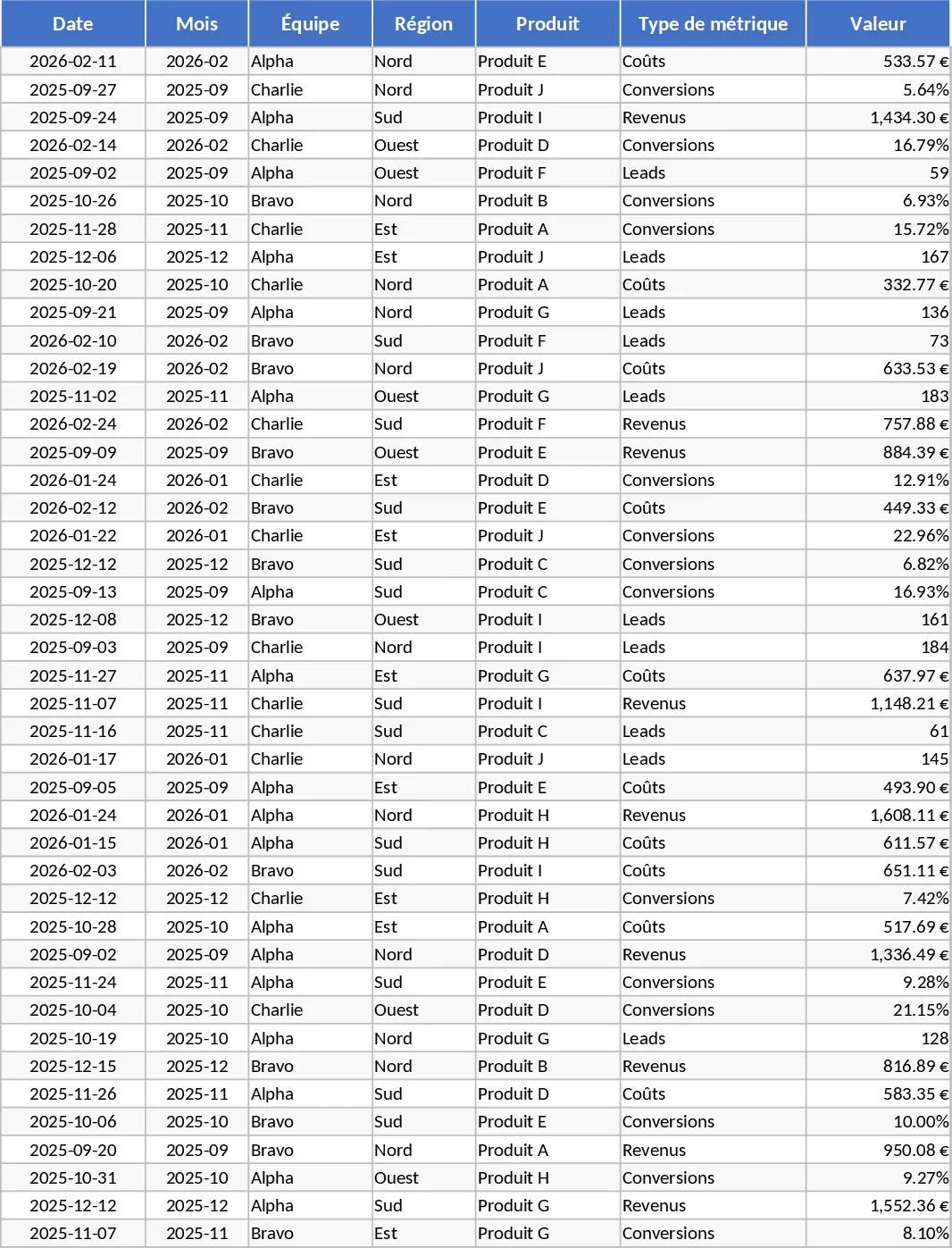
Track monthly performance across revenue, costs, and conversions with an automated dashboard featuring regional trends and product analysis.