Advanced Monthly KPI Dashboard and Performance Tracking Template
The Advanced Monthly KPI Dashboard template is a comprehensive analytical tool designed to bridge the gap between raw data entry and professional business intelligence. Managing a growing business requires more than just looking at spreadsheets; it requires a visual narrative that explains where your resources are going and where your growth is coming from. This template provides that narrative through a meticulously organized four-sheet structure: Raw Data, KPI Definitions, Pivot Summary, and a dynamic Dashboard.
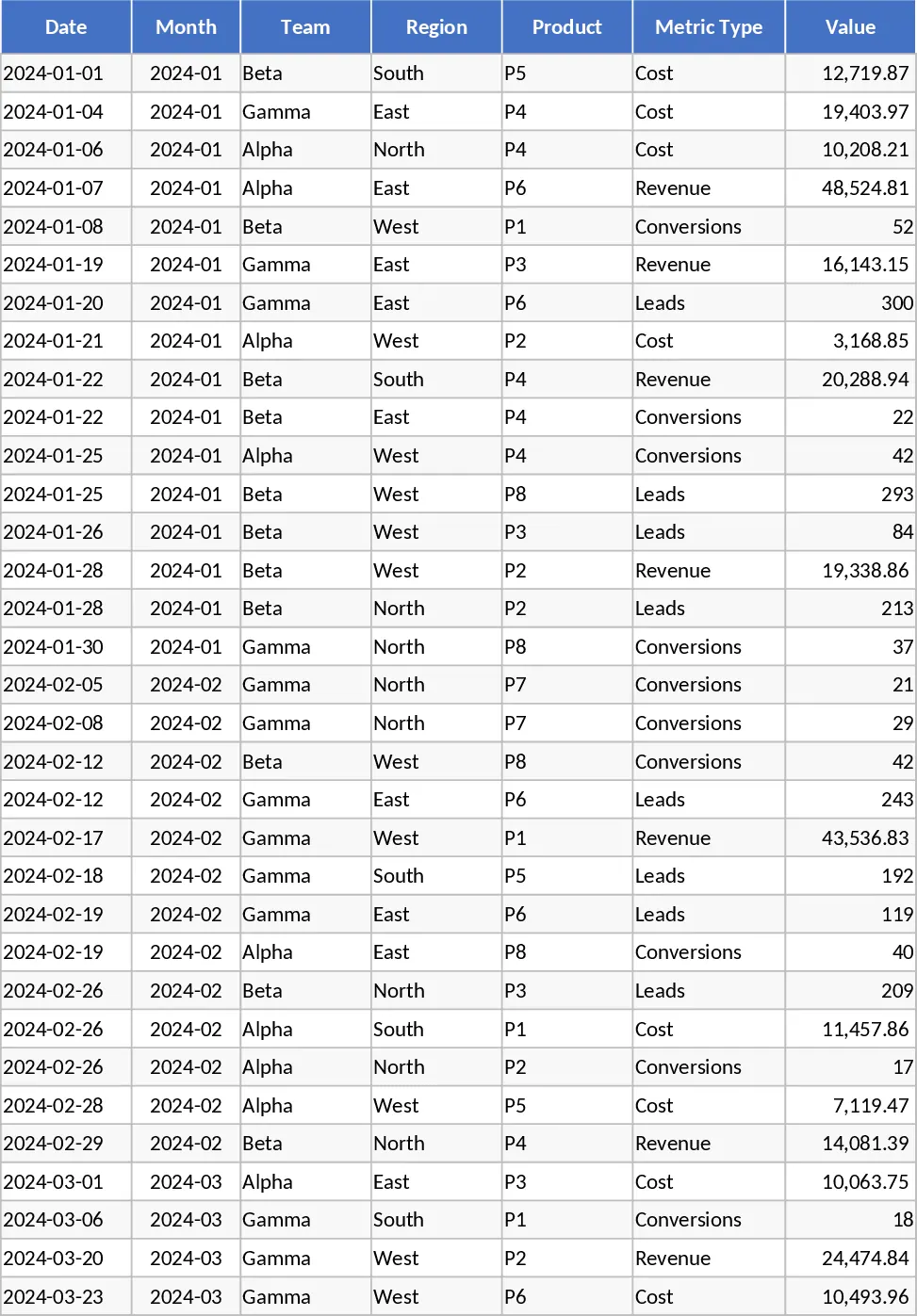
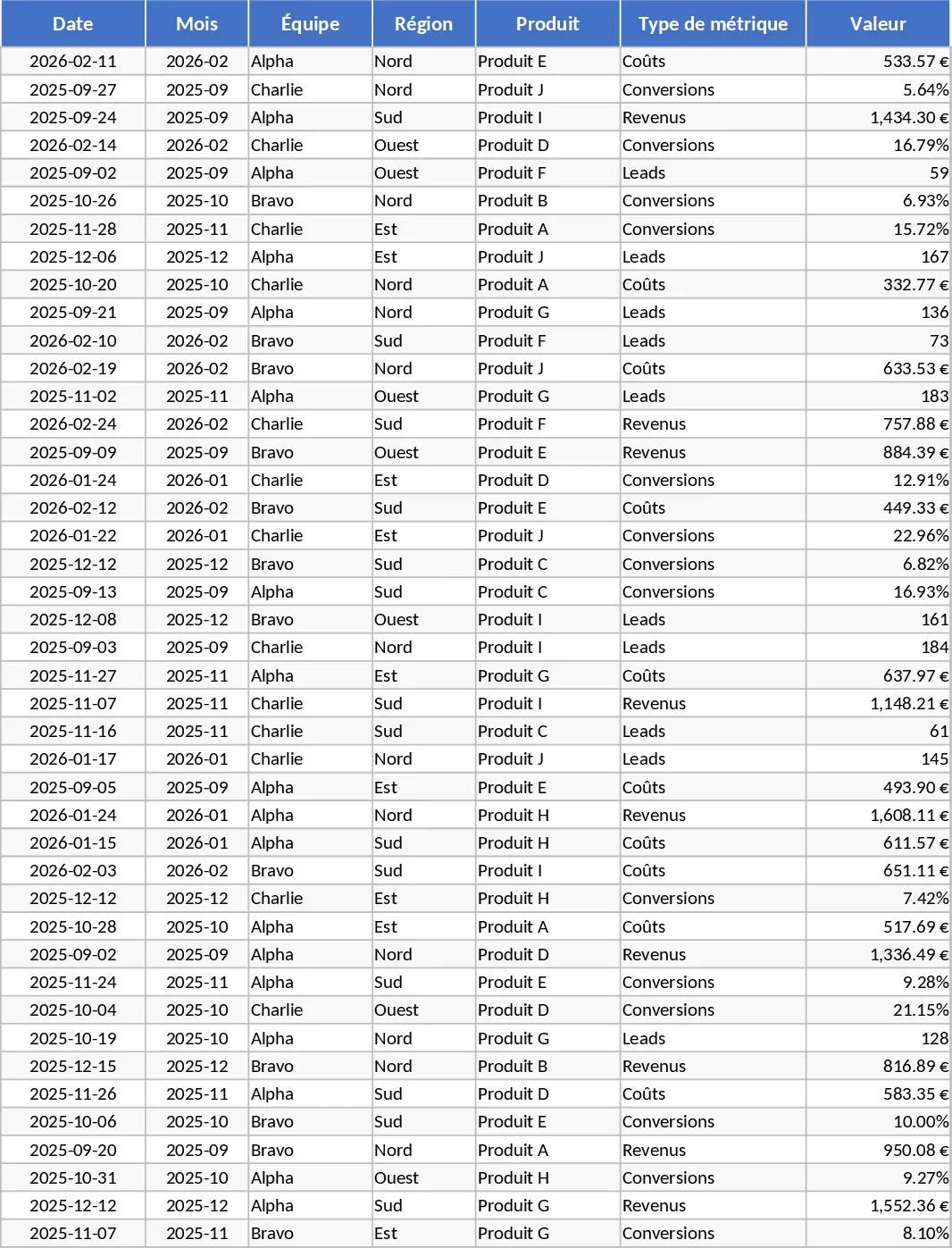
The Raw Data sheet serves as your central repository. Here, you can input granular details including dates, team assignments, geographical regions, and specific product lines. By tracking metrics like Revenue, Costs, Leads, and Conversions in one place, you create a single source of truth for your department. To ensure everyone on your team is on the same page, the KPI Definitions sheet allows you to document the exact formulas and logic used for your calculations. This is crucial for maintaining consistency in reporting, especially when calculating complex ratios like conversion rates or cost-per-lead across different quarters.
What sets this template apart is its automated backend. The Pivot Summary sheet processes your raw inputs into structured tables that are ready for analysis. This means you do not have to be an Excel expert to generate complex reports. The summary is built to be compatible with slicers, allowing for interactive filtering. The final Dashboard sheet brings everything to life with high-impact visuals. You can monitor revenue trends through sleek line graphs, compare regional performance with bar charts, and analyze the relationship between spending and earnings using integrated combo charts. The Top 10 Products section is particularly useful for identifying your heavy hitters, while the lead and conversion trend charts help marketing and sales teams visualize their funnel efficiency.
This template is an ideal solution for business owners, operations managers, and financial analysts who need to deliver monthly reports that are both accurate and visually compelling. It eliminates the repetitive task of rebuilding charts every month, allowing you to focus on interpreting the data rather than formatting it. Whether you are preparing for a board meeting or a weekly team sync, this tool provides the professional edge needed to communicate performance clearly.
How to use:
- Clear the example data and enter your own records into the Raw_Data sheet, making sure to fill out the Team, Region, and Metric Type columns accurately.
- Review the KPI_Definitions sheet to customize any logic or notes to match your company specific standards.
- Go to the Pivot_Summary or Dashboard tab and use the Refresh All command under the Data tab to update all charts and tables instantly.
- Use the interactive slicers on the Dashboard to filter the view by Month or Region to gain specific insights for your report.
By adopting this structured approach to data, you can expect to save significant time on manual reporting while gaining a much deeper understanding of your monthly business performance and regional trends.
Similar Templates Recommendation
Advanced Monthly KPI Dashboard with Revenue and Regional Analytics Template
Monitor monthly business performance with automated charts for revenue, costs, and conversion rates across different regions and products.
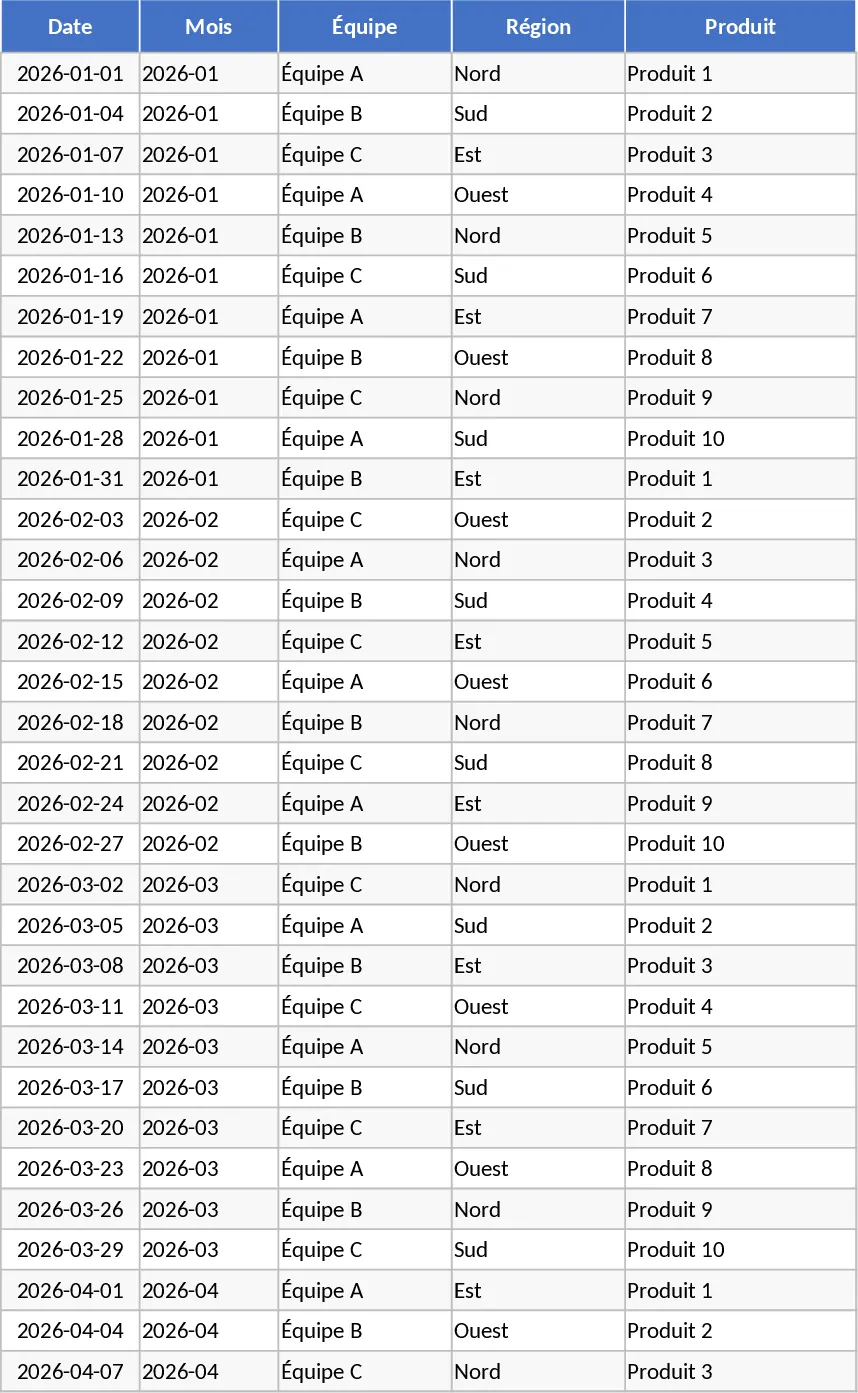
Advanced Monthly KPI Dashboard with KPI Cards Template
Monitor monthly performance across revenue, costs, and conversion metrics with automated charts and regional breakdowns for data-driven decisions.
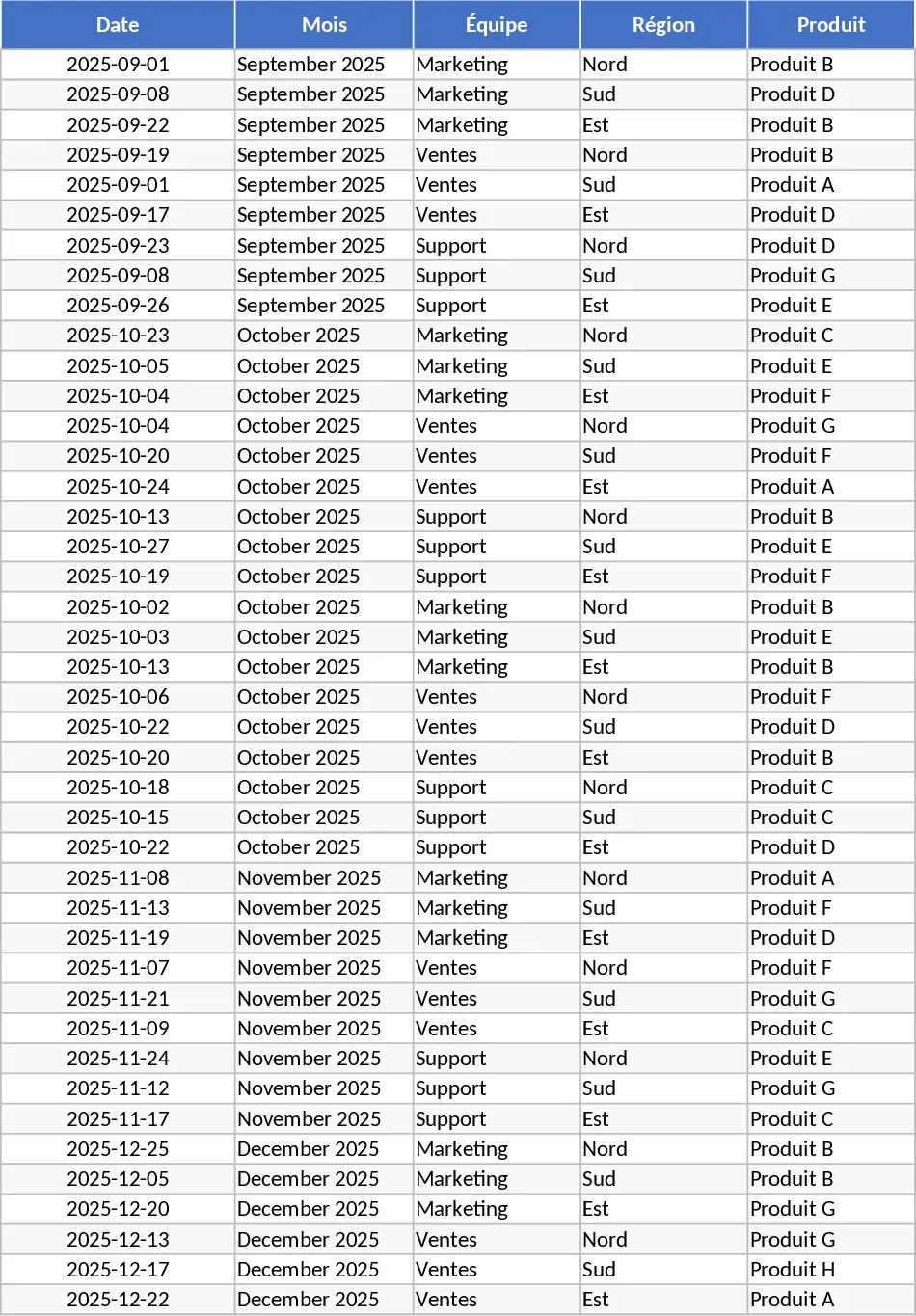
Advanced Monthly Business KPI Dashboard with Professional Layout Template
Monitor monthly business performance across regions and products with automated charts, financial trends, and conversion metrics in one dashboard.