Advanced Monthly Business KPI Dashboard with Professional Layout Template
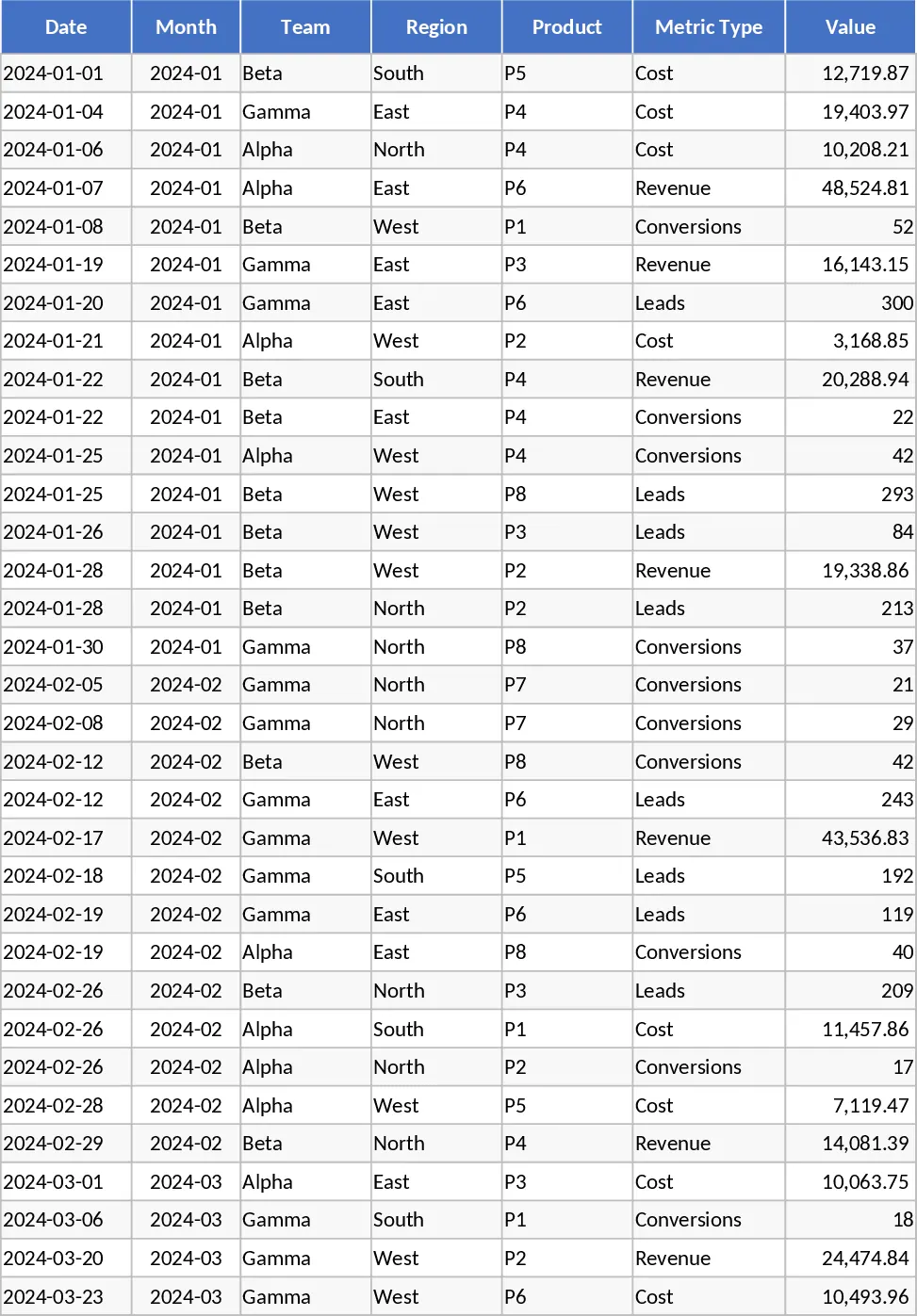
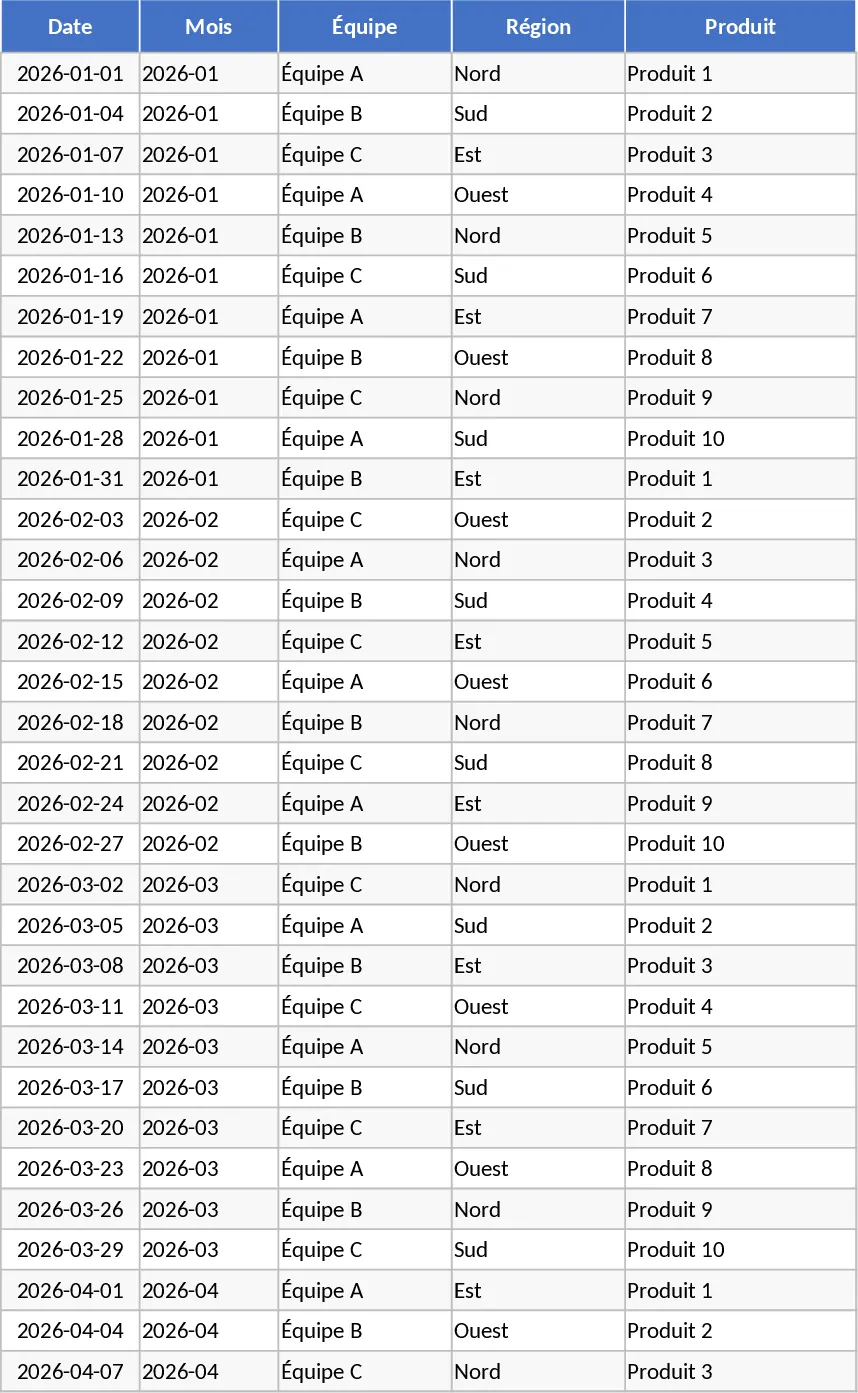
The Advanced Monthly Business KPI Dashboard is a sophisticated analytical tool designed to transform raw operational data into clear, visual business intelligence. Managing a growing business requires a constant eye on various performance indicators, and this template simplifies that process by organizing data into four functional layers. The Raw Data sheet serves as your primary input area, featuring structured columns for dates, teams, regions, and specific product lines. This granular level of detail allows for deep-dive analysis later on, ensuring that no piece of information is lost. To maintain consistency across your organization, the KPI Definitions sheet acts as a reference guide, outlining the exact formulas used for metrics such as conversion rates and profit margins, ensuring that every stakeholder interprets the data the same way.
This template is an essential asset for business analysts, department managers, and entrepreneurs who need to move beyond simple spreadsheets to more sophisticated reporting. It solves the common problem of data silos by bringing financial metrics like revenue and costs together with operational metrics like leads and conversions. Whether you are preparing for a monthly board meeting or conducting a routine internal review, this dashboard provides the visual evidence needed to support your strategic decisions. You can quickly identify which regions are over-performing, which products are driving the most revenue, and where costs might be spiraling out of control. The inclusion of lead and conversion data makes it particularly useful for sales and marketing teams looking to bridge the gap between top-of-funnel activity and actual revenue generation.
The heart of the template lies in its Pivot Summary and Dashboard sheets. The Pivot Summary uses Excel’s powerful calculation engine to group data by month, region, and team, providing the backbone for the visual elements. The Dashboard itself is designed for high-impact presentation, featuring a suite of automated charts that update in real-time. These include revenue trends to track growth over time, regional breakdowns to see geographic performance, and a cost vs. revenue comparison to monitor your bottom line. Additionally, the lead and conversion rate trend charts offer a window into your sales funnel efficiency, while the top 10 products list highlights your most valuable assets. The interactive slicers allow you to toggle between different views instantly, making it easy to answer specific questions during a live presentation.
How to use this template:
- Start by populating the Raw Data sheet with your monthly figures, ensuring you select the correct Metric Type (Revenue, Cost, Leads, or Conversions) from the dropdown for each entry.
- Go to the Pivot Summary sheet, right-click any pivot table, and select Refresh to update the underlying calculations with your newly added data.
- Navigate to the Dashboard sheet and use the interactive slicers located at the top or side to filter the entire view by specific timeframes, regions, or product categories.
- Analyze the automatically generated charts to identify trends, such as a dip in conversion rates or a spike in regional costs, and use these insights to inform your next business move.
By adopting this structured approach to KPI tracking, you can expect to significantly reduce the time spent on manual data entry and chart formatting. The template provides a reliable framework that grows with your business, offering a professional level of insight that helps you stay ahead of the competition and respond more quickly to market changes. It effectively eliminates the spreadsheet fatigue often associated with monthly reporting, allowing you to focus more on strategy and less on formatting.
Similar Templates Recommendation
Advanced Monthly KPI Dashboard and Performance Tracking Template
Track monthly performance across revenue, costs, and conversions with an automated dashboard featuring regional and product-level insights.
Advanced Monthly KPI Dashboard with Charts Template
Track monthly performance across revenue, costs, and conversions with an automated dashboard featuring regional trends and product analysis.
Advanced Monthly KPI Dashboard with Revenue and Regional Analytics Template
Monitor monthly business performance with automated charts for revenue, costs, and conversion rates across different regions and products.