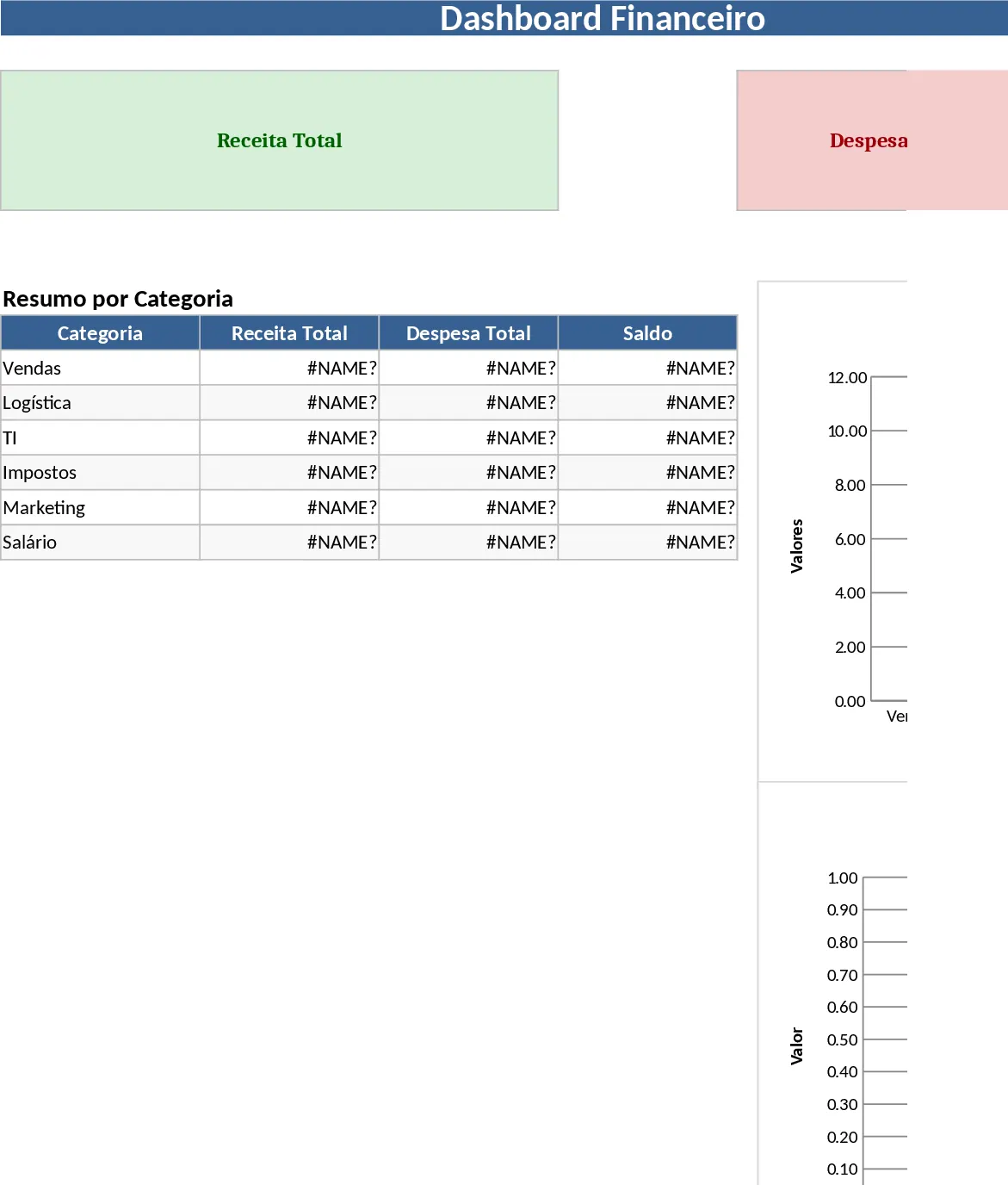
Professional Business Dashboard with Weekly Trends Template
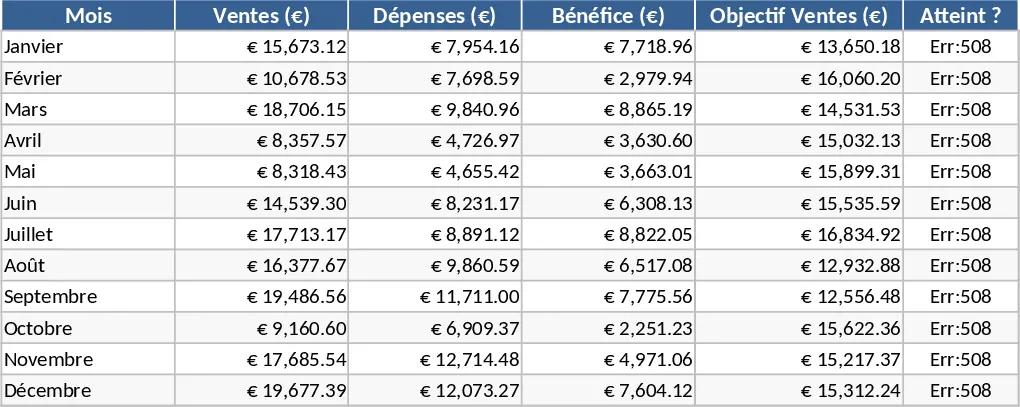
The Dashboard Overview template is designed to function as a comprehensive command center for your organizational data, effectively bridging the gap between raw numbers and strategic action. At its core, the template is built with a multi-sheet structure that separates data management from visual reporting. The primary dashboard tab features a clean, professional layout equipped with dynamic charts, progress bars, and high-level KPI cards that highlight your most critical metrics at a glance. Behind the scenes, the data input sheets are organized with clear headers and validation rules to ensure that your information remains consistent and error-free. The template includes specific fields for revenue, expenses, project status, and team productivity, which can be customized to fit your unique business model. The dropdown menus are pre-configured to allow for seamless navigation between different fiscal quarters or product lines, ensuring that you can pivot your analysis in seconds.
In today’s fast-paced business environment, data often becomes scattered across various platforms and files. This template solves that specific challenge by providing a single source of truth where all your vital information can be consolidated. It is an essential tool for business owners, department managers, and analysts who need to maintain a pulse on their operations without getting lost in the weeds of individual transactions. By using this overview, you can quickly identify emerging trends, spot potential risks before they escalate, and make informed decisions based on real-time evidence rather than intuition alone. This template is particularly beneficial for those who find themselves overwhelmed by the sheer volume of data generated by modern business tools. Instead of manually pulling reports from multiple software platforms, you can use this Excel-based solution to aggregate that data into a cohesive story. It empowers users to move from a reactive state to a proactive state, where you can see the trajectory of your metrics and adjust your strategy accordingly.
The versatility of the Dashboard Overview makes it suitable for a wide range of scenarios, from tracking monthly sales targets and monitoring project milestones to analyzing financial health or human resources metrics. It helps you manage complex datasets by breaking them down into digestible visual components, such as year-over-year growth comparisons, category distributions, and time-series analysis. This level of transparency is invaluable during stakeholder meetings or team briefings, as it allows you to present a professional and data-backed narrative of your performance. Whether you are a startup founder looking to track your burn rate or a corporate manager overseeing a large team, this template provides the structure needed to stay organized and focused on what matters most.
How to use this template:
- Begin by navigating to the Settings or Configuration sheet to define your specific categories, time periods, and target thresholds that match your business goals.
- Enter your operational or financial data into the Data Entry sheet, ensuring that you fill out the mandatory fields like dates and values to maintain chart accuracy.
- Return to the Dashboard tab and use the interactive slicers or dropdown menus to filter the view by specific departments, regions, or months.
- Review the automatically generated charts and summary tables to gain insights into your performance and export the view for your professional reports.
By implementing this template into your daily or weekly workflow, you can expect to save hours of manual formatting and calculation time. It reduces the cognitive load of interpreting large datasets, allowing you to focus your energy on strategy and execution. The result is a more organized approach to business management, where every team member can clearly see the path toward achieving your collective objectives and long-term success.
Similar Templates Recommendation
Professional Data Visualization Dashboard Template
Transform raw data into actionable insights with this professional dashboard featuring dynamic charts and automated KPI tracking for any business metric.
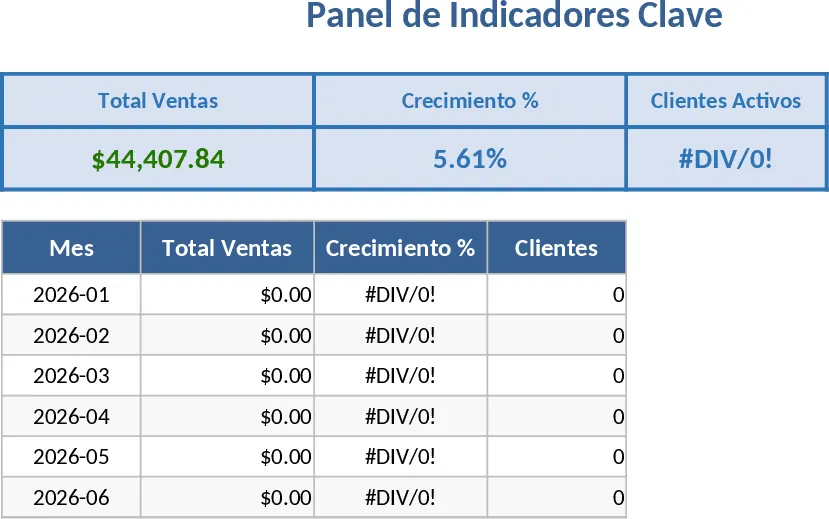
Spreadsheet Data Analysis Template
Analyze your custom datasets to uncover trends, visualize key metrics, and generate actionable business insights through automated summaries.
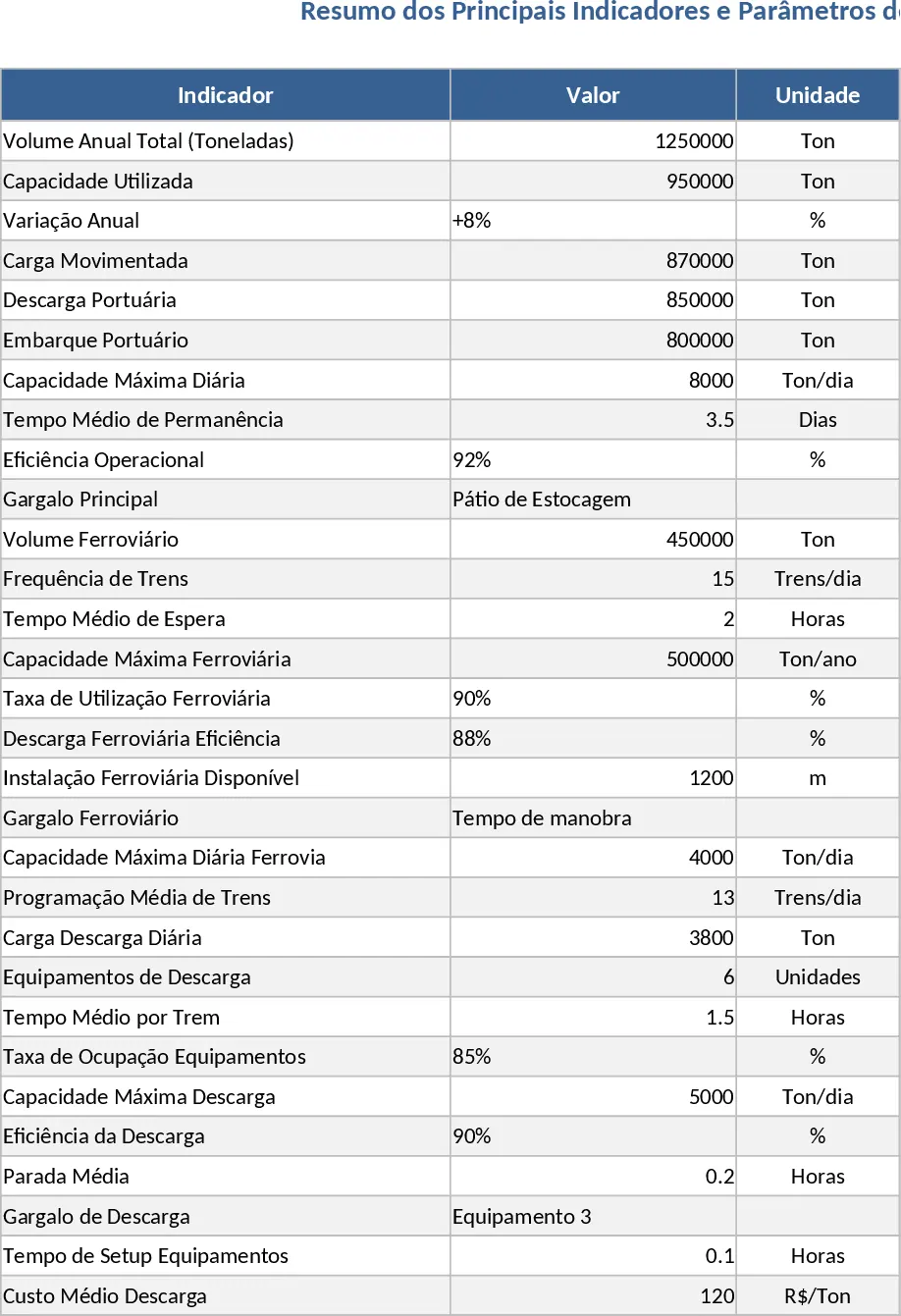
Professional Business Dashboard with Charts Template
Visualize key performance indicators and track data trends with this customizable dashboard template designed for clear business insights.