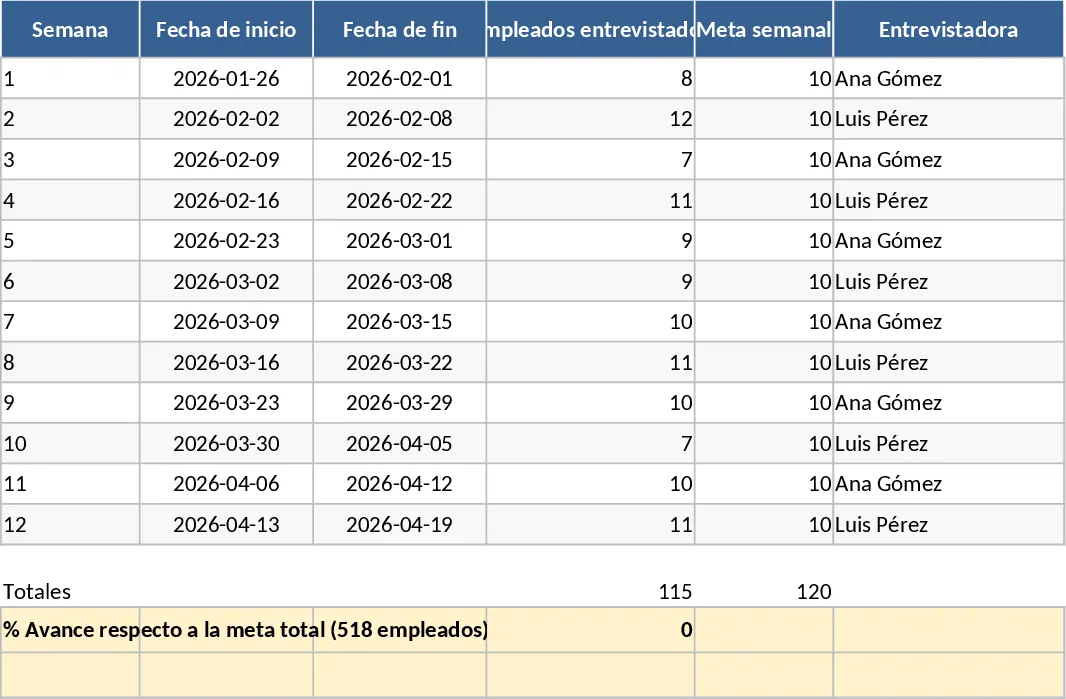
Professional Data Visualization Dashboard Template
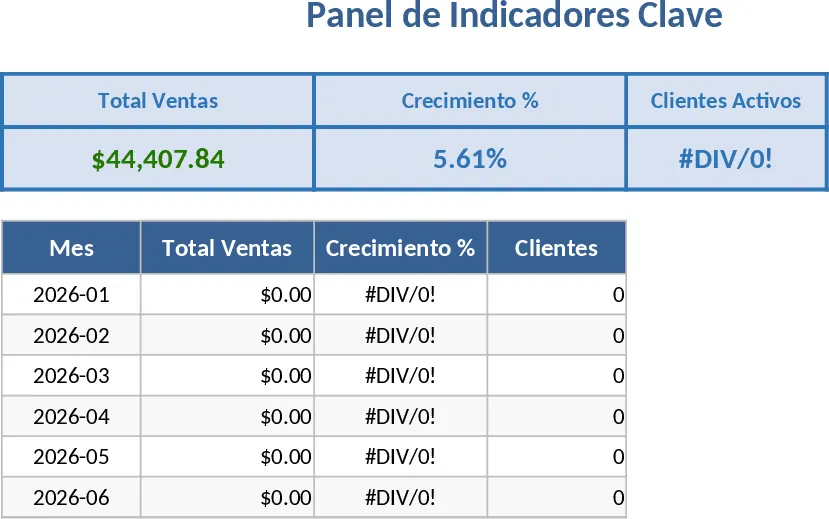
This professional dashboard template is designed to be the ultimate command center for your data, providing a sophisticated yet user-friendly interface for tracking any set of metrics. The template is organized into three primary sections: a robust Data Input sheet, a Settings configuration area, and the main Visual Dashboard. Within the data sheet, you will find structured columns for dates, descriptions, numerical values, and status markers. The settings area allows you to customize dropdown menus and target thresholds, ensuring the dashboard reflects your specific business logic. The output is a clean, interactive summary featuring line graphs for trends, bar charts for comparisons, and prominent KPI cards that highlight your most critical numbers at a glance. The Data Input sheet includes pre-formatted tables that handle everything from simple counts to complex financial figures. The summary outputs include dynamic gauges that show how close you are to reaching your monthly targets, as well as heat maps that highlight high-performing periods.
In a fast-paced work environment, data often becomes siloed or difficult to interpret in its raw form. This template solves the problem of information overload by distilling complex datasets into clear, visual narratives. It is an essential tool for anyone who needs to monitor performance over time but lacks the time to build custom visualization tools from scratch. By using this template, you gain the benefit of automated calculations and professional-grade design, which enhances the clarity of your reports. It helps you identify seasonal trends, spot potential issues before they escalate, and communicate results effectively to team members or clients. It eliminates the risk of manual calculation errors that often occur when copying and pasting data between different spreadsheets. The benefit is a single source of truth that everyone on your team can rely on for accurate updates.
This tool is ideal for project managers, sales leads, and small business owners who require a reliable way to track their progress. It is perfectly suited for monthly performance reviews, quarterly planning sessions, or even daily operational monitoring. For example, a marketing manager might use it to track campaign conversions, while an operations lead might use it to monitor inventory levels or team productivity. Regardless of the industry, this template provides the structure needed to maintain a data-driven workflow without the steep learning curve of complex business intelligence software. It helps you manage multiple streams of information in one place, ensuring that no critical metric is overlooked during busy periods.
How to use:
- Navigate to the Data Entry sheet and replace the sample data with your own records, ensuring dates and categories are filled correctly.
- Use the Settings tab to define your specific reporting periods, target goals, and business categories to customize the dropdown menus.
- Go to the Dashboard tab and use the built-in slicers or filters to refresh the visuals and drill down into specific data subsets.
By adopting this automated visualization approach, you can expect to significantly reduce the hours spent on manual data entry and chart creation, leading to more consistent and professional reporting with minimal effort.
Similar Templates Recommendation
Professional Business Dashboard with Weekly Trends Template
Visualize your key performance indicators and business metrics in one centralized view to make data-driven decisions with ease.
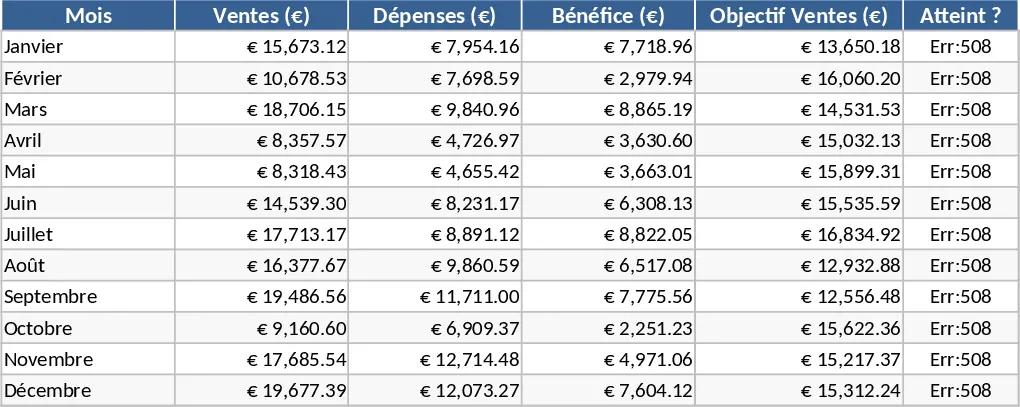
Professional Business Dashboard with Charts Template
Visualize key performance indicators and track data trends with this customizable dashboard template designed for clear business insights.
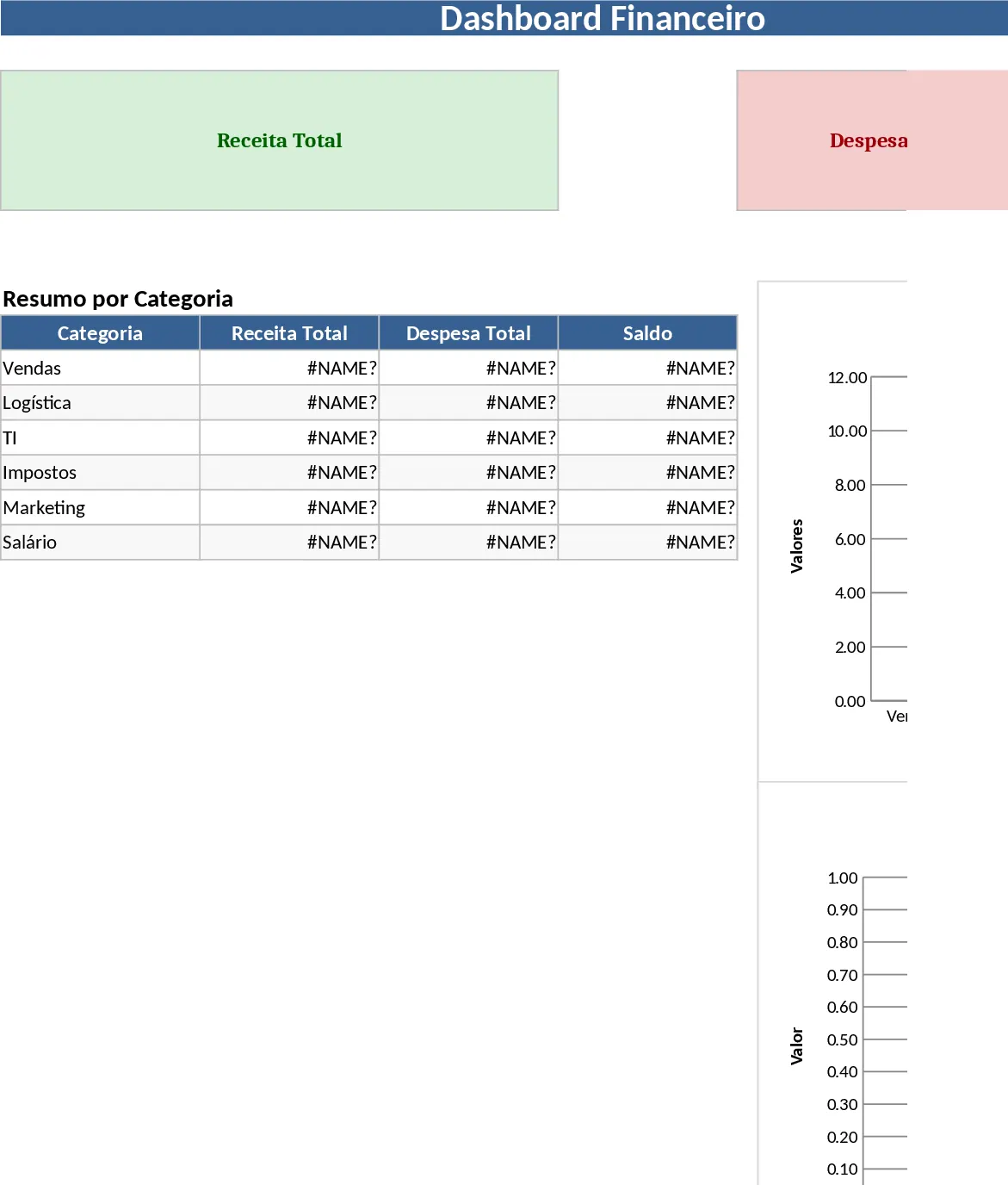
Interactive Data Dashboard with KPI Cards Template
Track metrics, visualize data trends, and gain actionable insights with this customizable multi-purpose dashboard template.