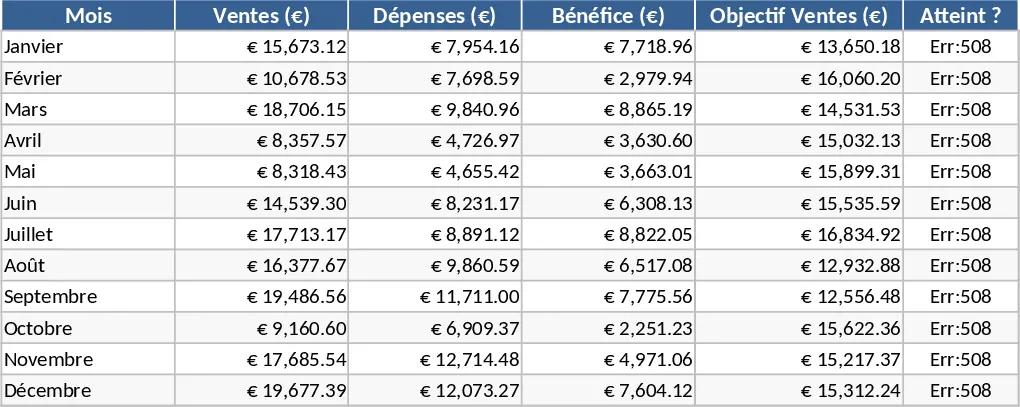
Interactive Data Dashboard with KPI Cards Template
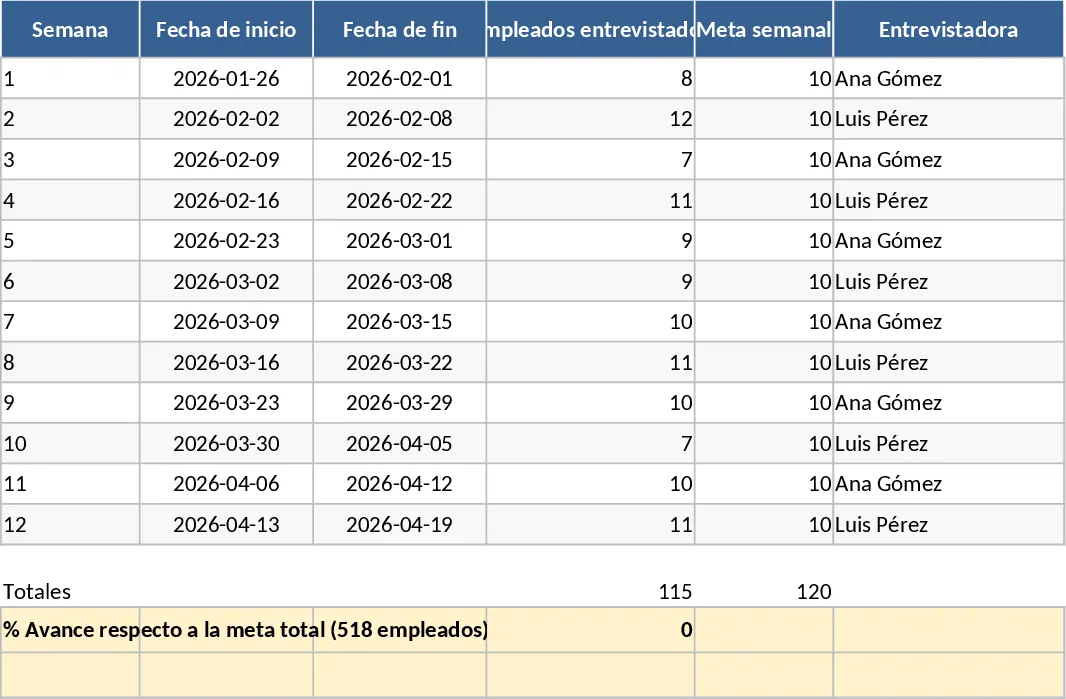
This versatile dashboard template serves as a central hub for your data visualization needs, transforming complex spreadsheets into clear, actionable insights. Whether you are monitoring sales performance, project milestones, or operational efficiency, this tool provides a structured environment to organize your metrics. The template is built with a clean, professional layout featuring a dedicated data input section and a dynamic visualization layer. You will find pre-configured charts, progress bars, and summary tables that update automatically as you feed in new information. It is designed to handle various data types, ensuring that your most important numbers are always front and center.
Managing data can often feel overwhelming when it is scattered across multiple files or hidden in long lists of rows. This template solves that problem by consolidating your key performance indicators (KPIs) into a single, easy-to-read view. It is particularly useful for business owners, department heads, and project managers who need to make data-driven decisions quickly without spending hours manually formatting graphs. By using this dashboard, you can identify trends over time, spot potential bottlenecks before they become critical issues, and communicate your successes to stakeholders with professional-grade visuals that are ready for presentations or meetings.
The template is designed to be flexible, allowing you to customize categories, date ranges, and specific metrics to fit your unique workflow. It eliminates the need for advanced technical skills or complex software, making high-level analytics accessible to everyone in the organization. From tracking monthly growth to monitoring budget utilization, the visual feedback provided by the dashboard ensures that you always have your finger on the pulse of your business. It helps you move away from reactive management toward a proactive strategy based on real-time evidence.
How to use:
- Navigate to the data entry sheet and replace the sample data with your own records, ensuring you follow the established column headers for consistency.
- Use the settings or configuration tab to define your specific reporting periods, target goals, and category names to match your business model.
- Return to the main dashboard view to see your charts and summary cards update instantly; use the built-in slicers or filters to drill down into specific timeframes or categories for deeper analysis.
Expected benefits: This template significantly reduces the time spent on manual reporting and helps maintain a consistent, professional standard for data presentation across your team.
Similar Templates Recommendation
Professional Data Visualization Dashboard Template
Transform raw data into actionable insights with this professional dashboard featuring dynamic charts and automated KPI tracking for any business metric.
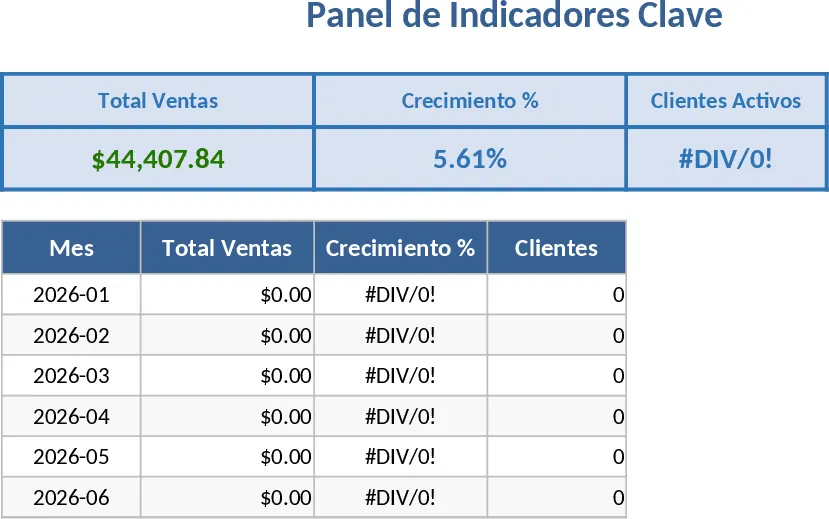
Professional Business Dashboard with Charts Template
Visualize key performance indicators and track data trends with this customizable dashboard template designed for clear business insights.
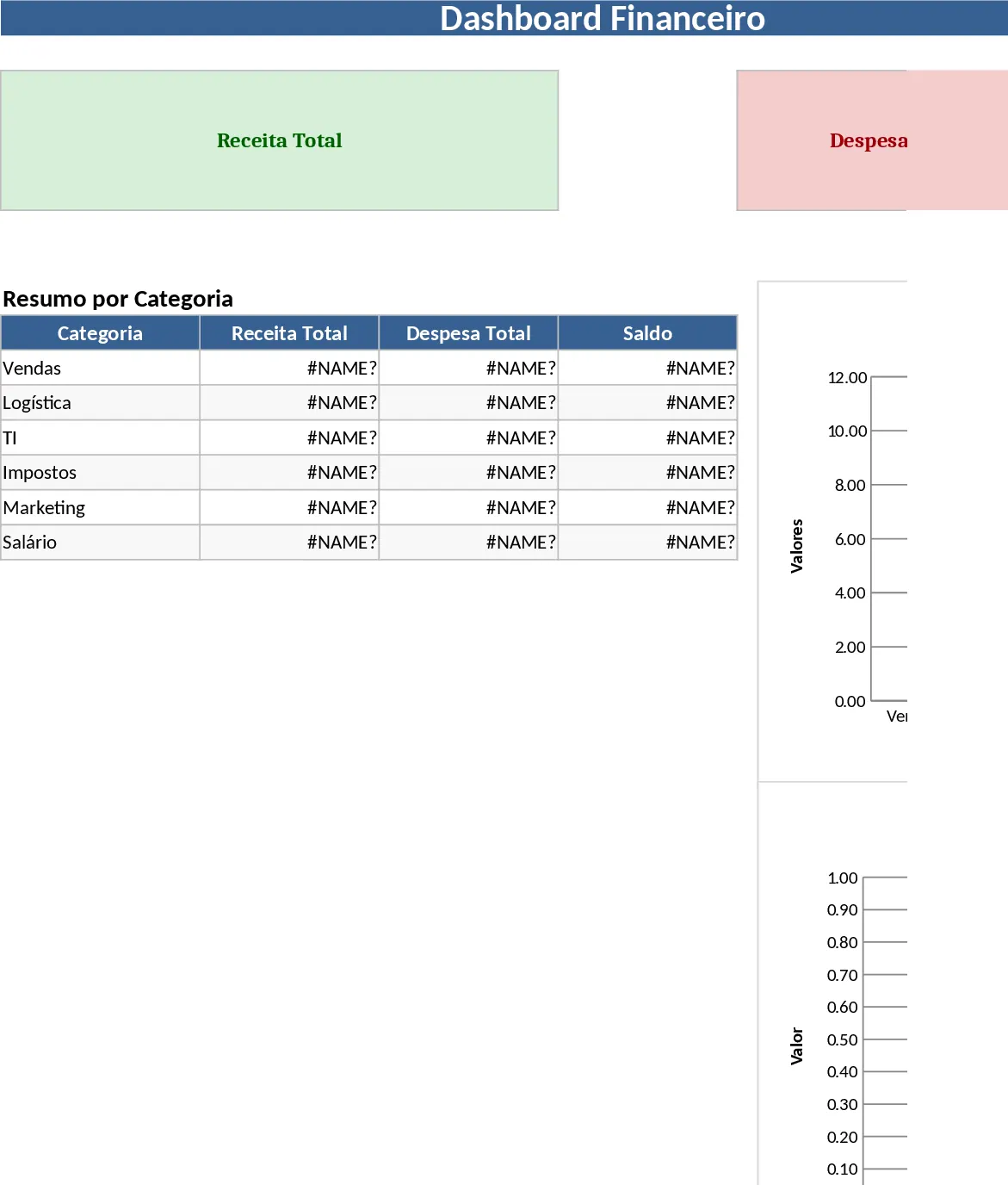
Professional Business Dashboard with Weekly Trends Template
Visualize your key performance indicators and business metrics in one centralized view to make data-driven decisions with ease.