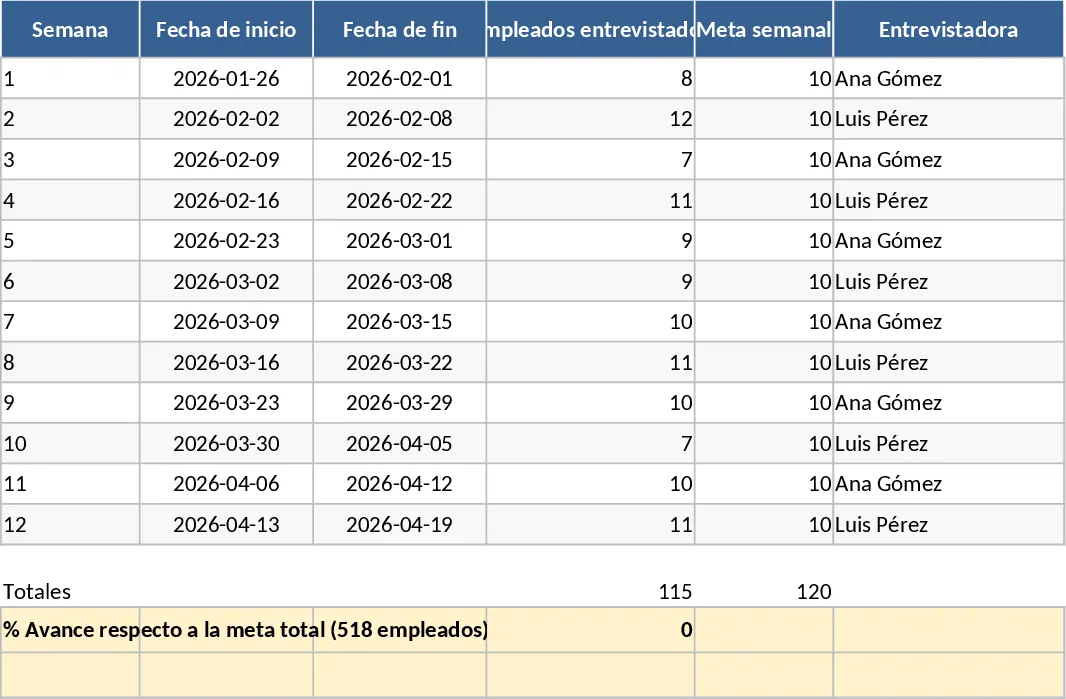
Professional Business Dashboard with Charts Template
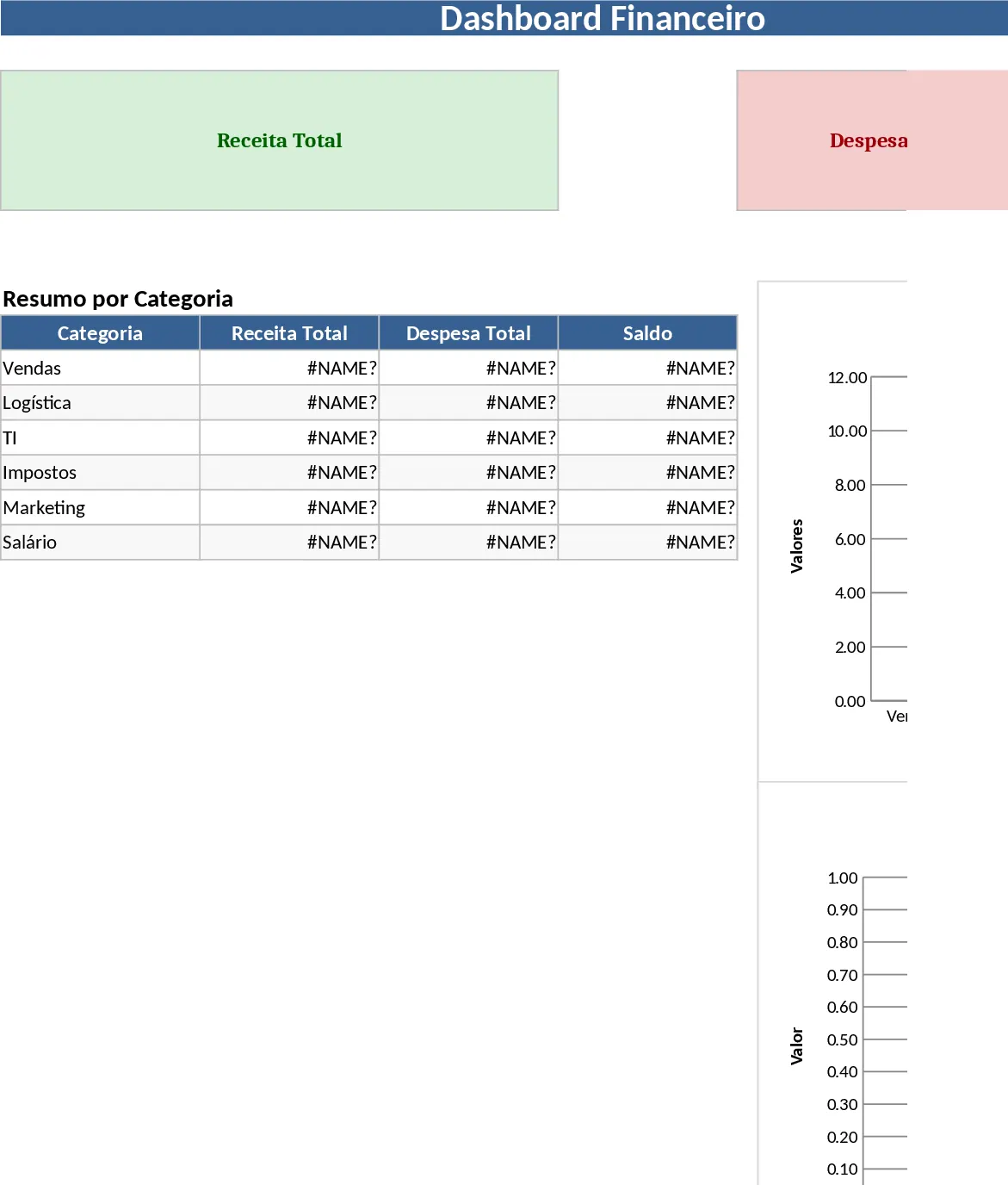
This comprehensive dashboard template serves as a professional-grade command center for your organizational data, designed to bridge the gap between raw numbers and strategic decision-making. The template is meticulously organized into three core components: a configuration module for setting up your unique business parameters, a robust data entry section for consistent record-keeping, and a high-impact visual summary sheet. Within these sections, you will find intuitive dropdown menus, automated calculation fields, and pre-formatted tables that ensure data integrity while minimizing manual input errors.
In today’s fast-paced business environment, data is often scattered across various platforms and files. This template solves that fragmentation by providing a single source of truth. It is particularly useful for tracking recurring metrics such as revenue growth, project completion rates, or operational efficiency. By centralizing your information, you gain the ability to perform longitudinal analysis, comparing current performance against historical benchmarks or future targets. This visibility is crucial for identifying seasonal trends, resource bottlenecks, and growth opportunities that might otherwise remain hidden in a standard list of figures.
This tool is an essential asset for department heads, data analysts, and entrepreneurs who need to present complex information to stakeholders in an easy-to-digest format. It is perfectly suited for weekly status meetings, monthly performance reviews, or even as a real-time monitor for daily operations. Instead of spending hours manually creating graphs in separate software, you can rely on the built-in logic of this template to handle the heavy lifting of data visualization. The clean layout ensures that your reports look professional and are easy to navigate for anyone on your team.
How to use: Begin by accessing the Setup sheet to input your specific reporting periods, target goals, and category names; this ensures the dashboard reflects your unique business structure. Once configured, regularly update the Data Input sheet with your latest figures, making sure to use the provided dropdowns to maintain consistency. Finally, navigate to the Dashboard view to interact with the automated charts and summary cards, which provide an instant overview of your progress and performance status.
Expected benefits: Using this template helps streamline your reporting workflow, potentially saving hours of manual formatting each week while providing a more professional and consistent look for your business analytics.
Similar Templates Recommendation
Professional Data Visualization Dashboard Template
Transform raw data into actionable insights with this professional dashboard featuring dynamic charts and automated KPI tracking for any business metric.
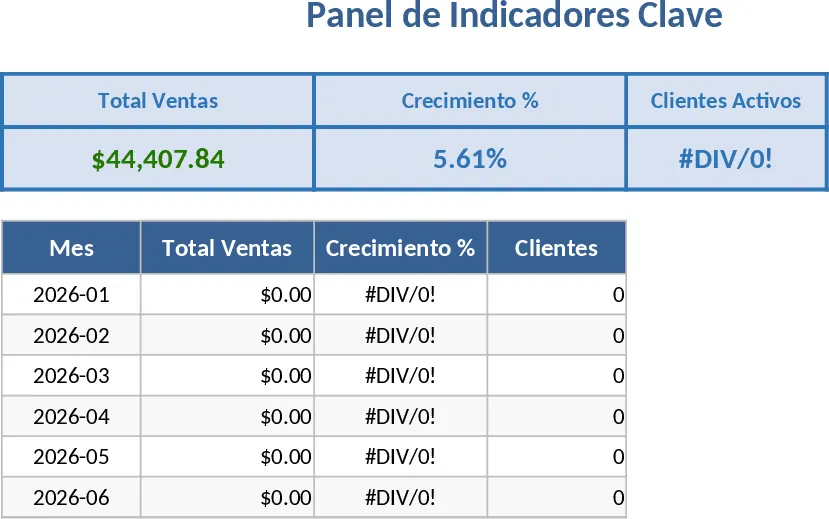
Professional Business Dashboard with Weekly Trends Template
Visualize your key performance indicators and business metrics in one centralized view to make data-driven decisions with ease.
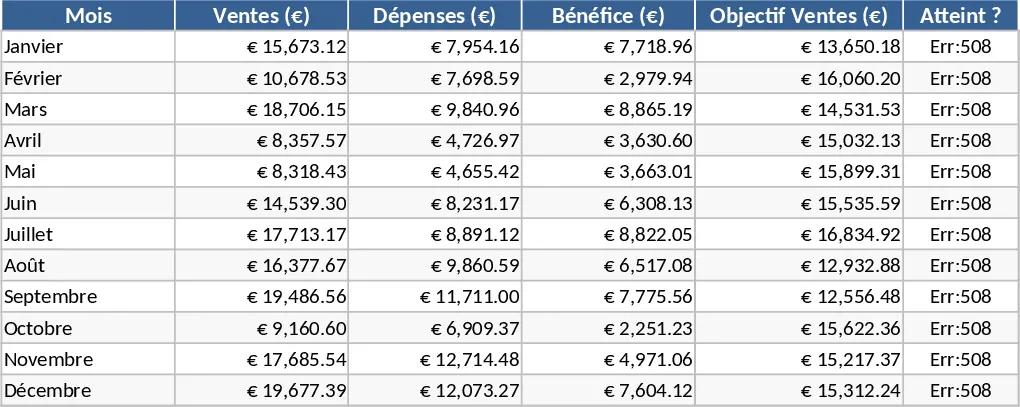
Interactive Data Dashboard with KPI Cards Template
Track metrics, visualize data trends, and gain actionable insights with this customizable multi-purpose dashboard template.