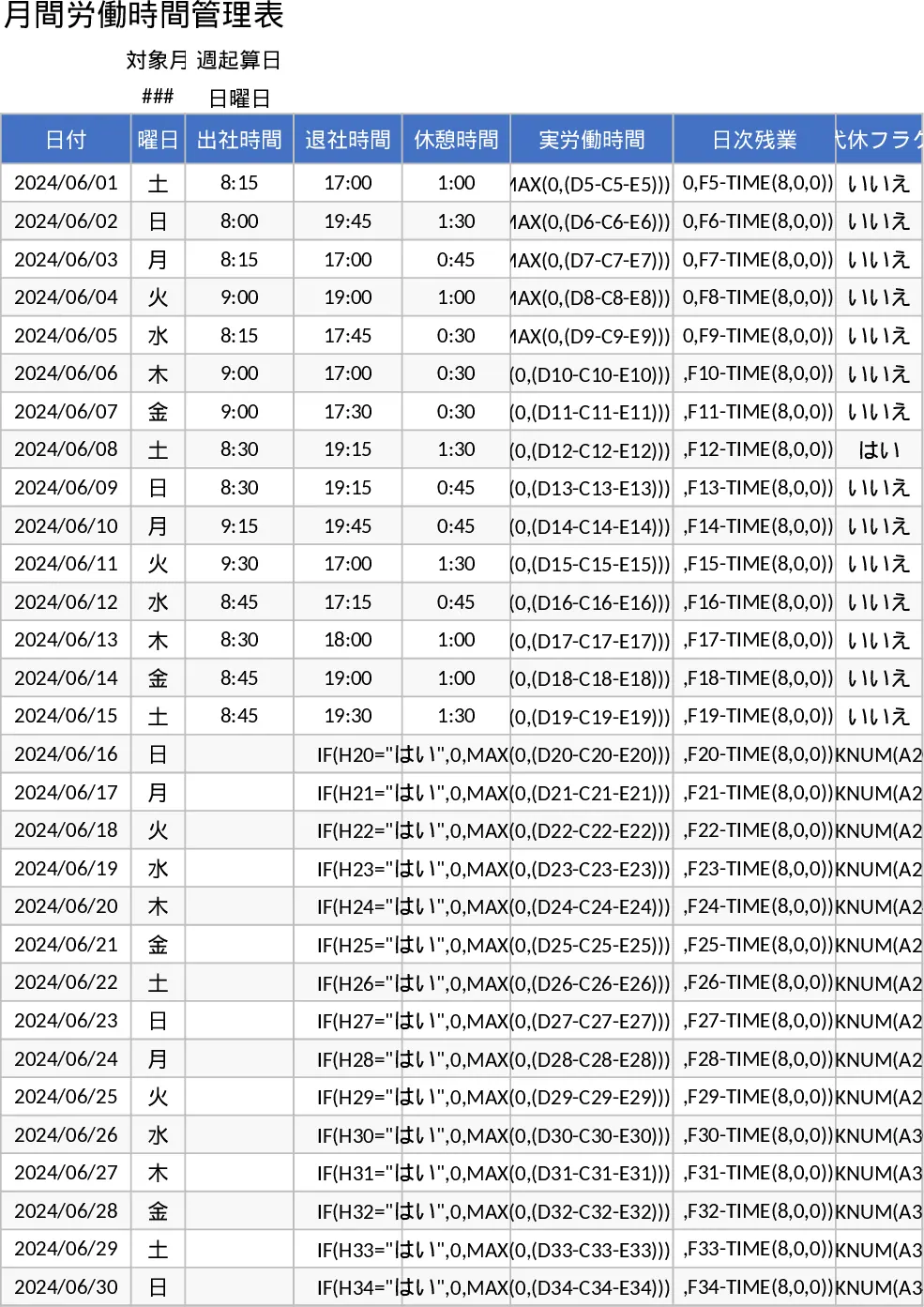
Weekly Hours & $18 Rate Pay Calculator Template
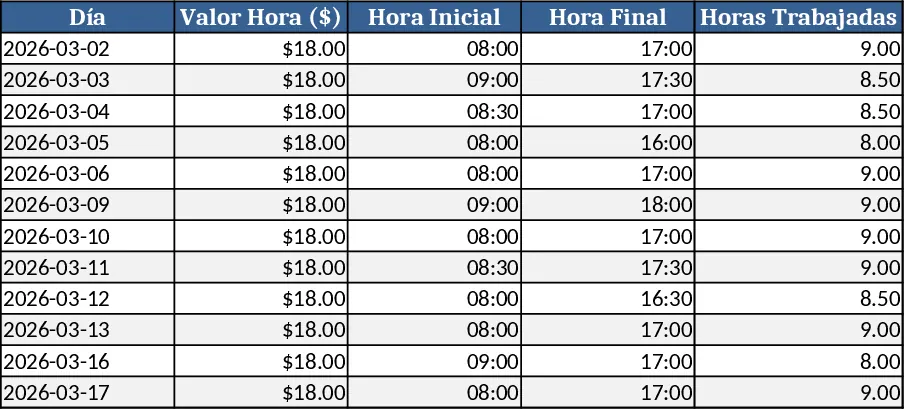
This Excel workbook is built for anyone who needs to log daily work hours and instantly compute weekly earnings at a fixed rate of $18 per hour. The file contains three main sheets: Daily Log, Weekly Summary, and Settings. In the Daily Log you enter the date, the start time and end time for each workday; the sheet automatically calculates the total hours for that day. The Settings sheet holds the hourly rate (pre‑filled with $18 but editable) and any optional overtime multiplier. The Weekly Summary pulls data from the Daily Log, groups it by week, and shows total scheduled hours, actual hours worked, and the corresponding pay amounts, all with simple formulas and a clean table.
Designed for freelancers, part‑time staff, or small‑business managers, this template solves the hassle of manual time‑sheet calculations and eliminates errors when multiplying hours by the hourly rate. By consolidating daily entries into an automated weekly overview, users can quickly see if they met their target hours, spot overtime, and understand their earnings without complex accounting software. It streamlines payroll preparation, helps ensure accurate compensation, and provides a clear record for both employees and supervisors.
How to use
- Open the workbook and go to the Settings sheet to confirm or adjust the hourly rate.
- In the Daily Log sheet, fill in the date, start time, and end time for each workday; the "Hours Worked" column updates automatically.
- Switch to the Weekly Summary sheet to view aggregated totals for each week, including total hours and calculated pay.
- Export or print the summary for payroll processing or personal records.
Expected benefits: reduces manual calculations, cuts down on spreadsheet errors, and saves time each week when preparing payroll reports.