Project Task Tracker with Dashboard Overview and Project Timeline Template
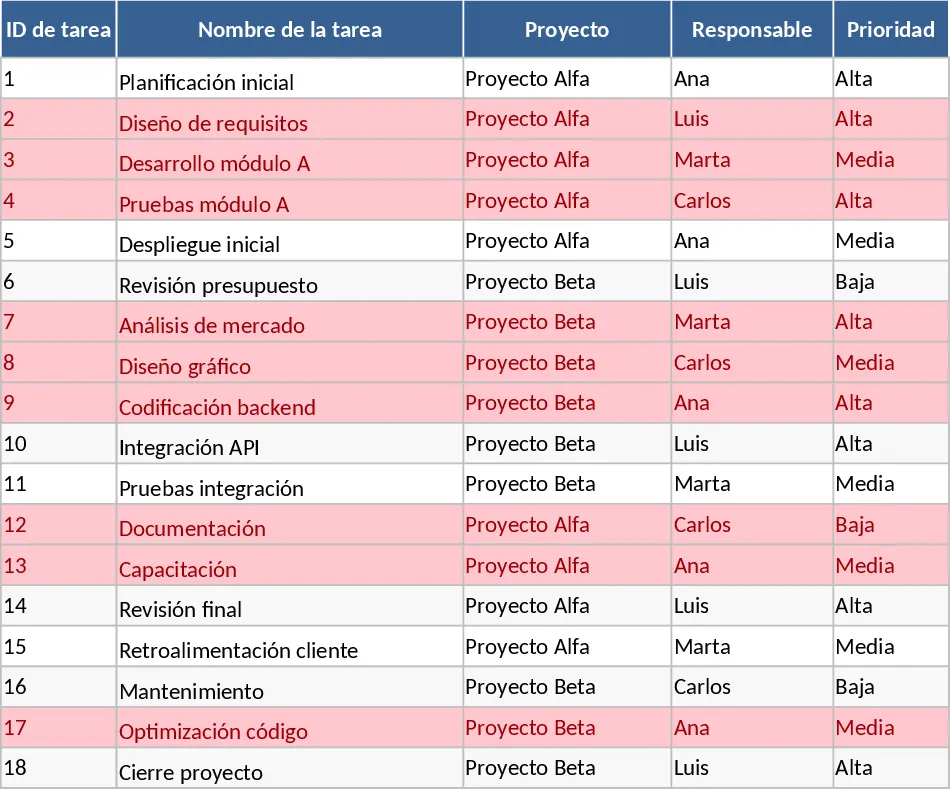
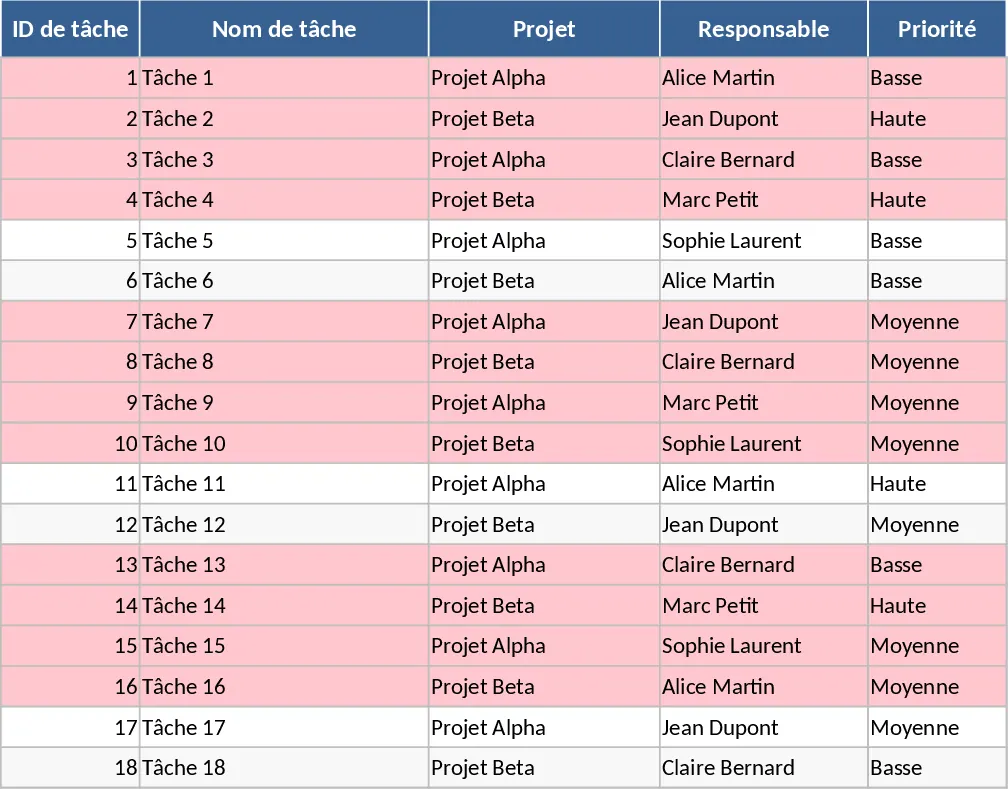
This Project Task Tracker is a comprehensive Excel solution designed to bring structure and visibility to any professional workflow. It is built around two core components: a granular Task Management sheet and a dynamic Project Overview dashboard. The Task sheet serves as your central database, where you can record task names, project categories, and assign specific owners. To ensure data integrity, the template utilizes pre-configured dropdown menus for Priority (High, Medium, Low) and Status (Not Started, In Progress, Blocked, Done). It also includes specialized columns for tracking estimated versus actual hours, which is vital for teams looking to refine their time management and budgeting accuracy.
For project managers, team leads, and department heads, this template solves the common challenge of information silos. Instead of searching through emails or chat logs, all project progress is centralized. The template includes built-in logic that automatically flags overdue tasks in red if the due date has passed and the status is not marked as Done. This immediate visual feedback allows you to intervene before small delays turn into major project setbacks. Furthermore, the inclusion of a Dependencies column helps you map out the sequence of work, ensuring that team members know which tasks must be completed before others can begin.
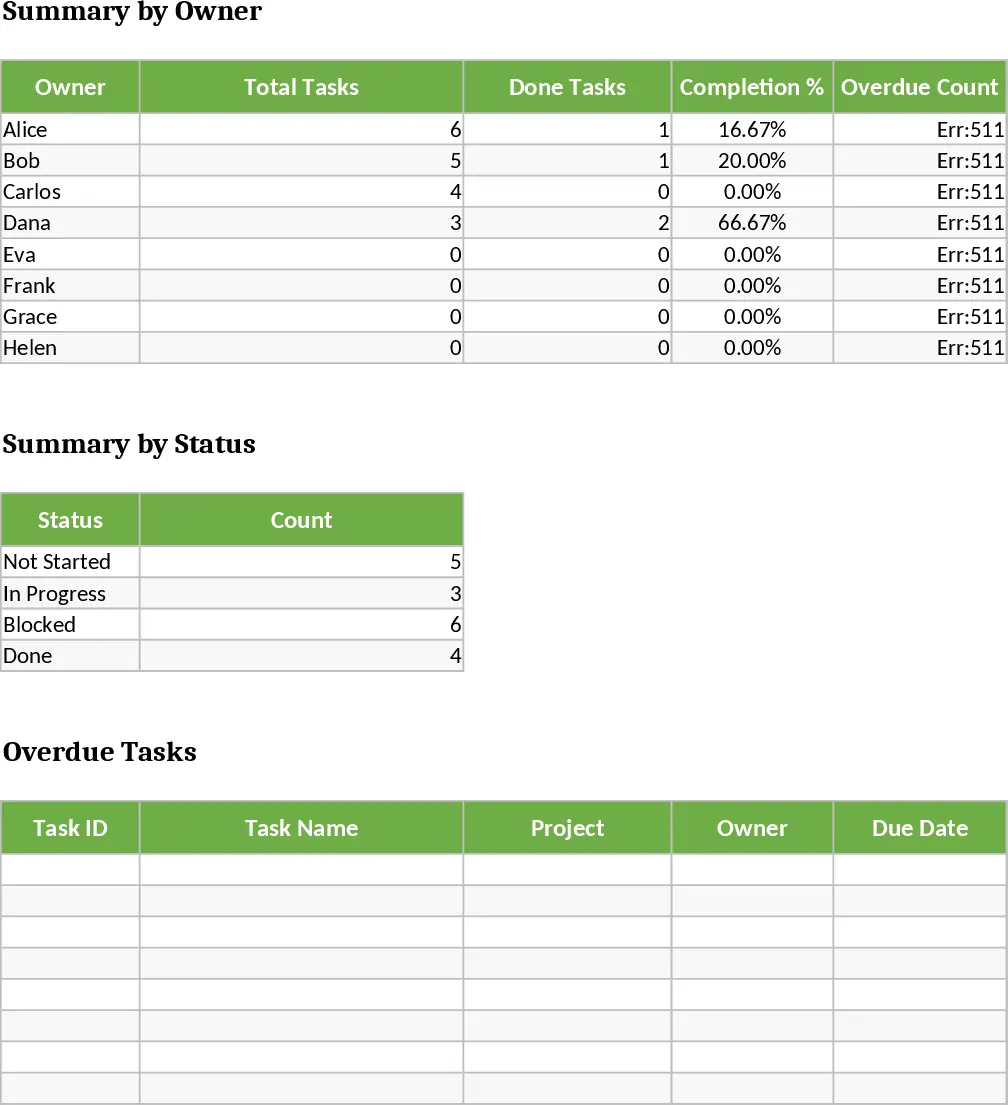
The Project Overview sheet acts as your command center. It provides a high-level summary of performance metrics, including the total number of tasks per team member, their specific completion percentages, and a count of their overdue items. This level of detail is perfect for performance reviews or resource re-allocation during busy periods. Additionally, a dedicated table automatically pulls in all overdue tasks, giving you a hit list of items that require immediate attention. This eliminates the need to manually filter through hundreds of rows of data to find what is lagging behind.
Whether you are coordinating a cross-functional product launch, managing a construction schedule, or simply keeping track of recurring administrative duties, this tracker provides the professional framework needed to succeed. It bridges the gap between simple to-do lists and overly complex project management software, offering a familiar Excel environment with powerful automated features.
How to use
- Initialize your project: Start in the Tasks sheet by entering your task names and selecting the appropriate project and owner from your team list.
- Define timelines and priorities: Assign a priority level and enter mandatory due dates. Use the Estimated Hours column to set expectations for the workload.
- Maintain live updates: As the project moves forward, update the Status dropdown and record Actual Hours to keep the data current.
- Analyze the dashboard: Regularly check the Project Overview sheet to monitor the completion percentage and identify which team members or projects have the most blocked or overdue tasks.
Expected benefits: You can expect to save hours each week on status reporting while gaining much higher confidence in your project timelines and team capacity.
Similar Templates Recommendation
Project Task Tracker with Status Dashboard and Project Timeline Template
Track project tasks and team performance with automated status summaries, priority management, and visual alerts for overdue deadlines.
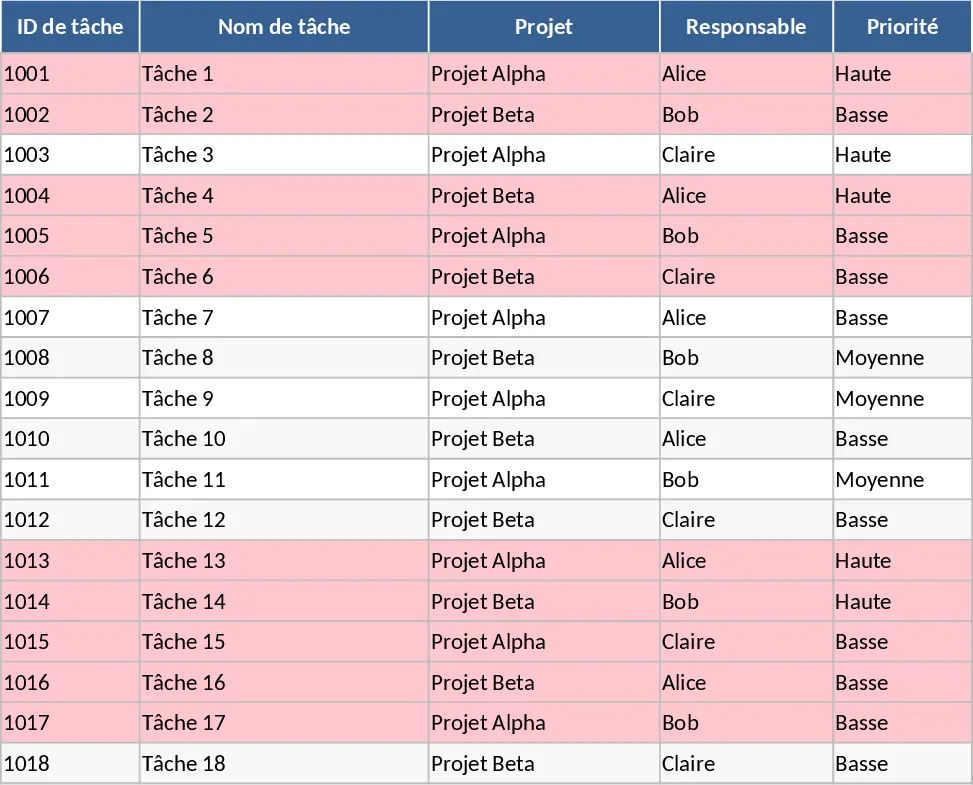
Project Task Tracker with Dashboard Overview and Task Status Template
Streamline your workflow with a comprehensive project tracker that monitors task progress, team workloads, and deadlines through an automated dashboard.
Project Task Tracker and Status Dashboard with Project Timeline Template
Track project tasks, assign responsibilities, and monitor deadlines with automated status summaries and visual alerts for overdue items.