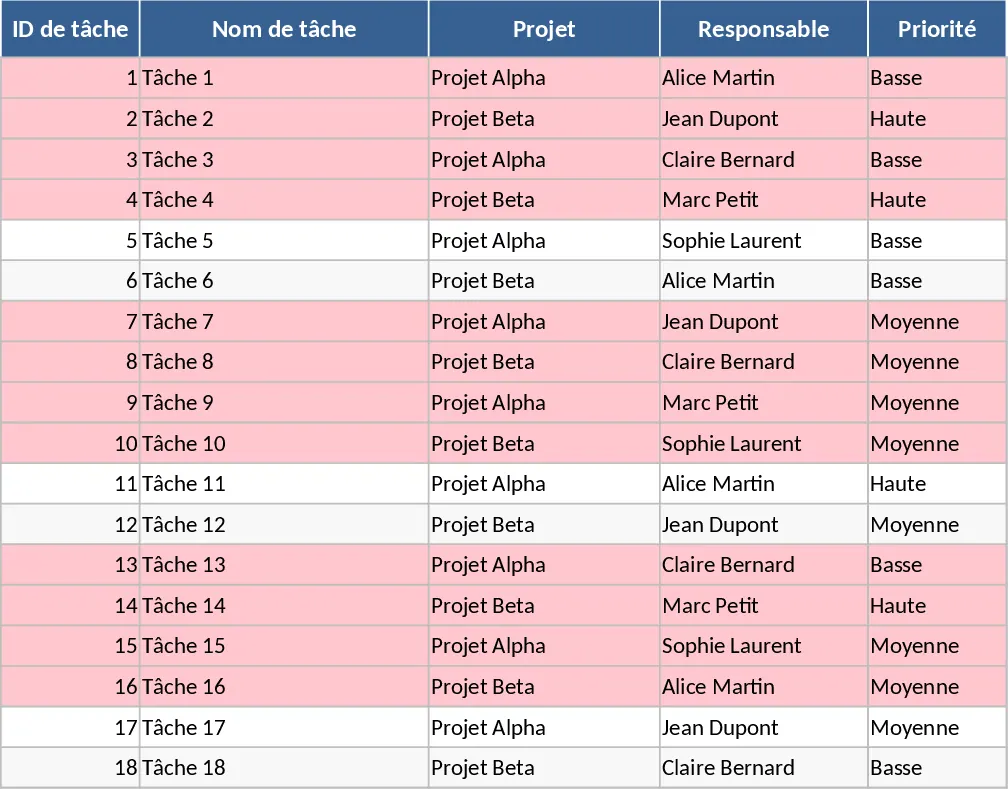
Project Task Tracker with Dashboard Overview and Task Status Template
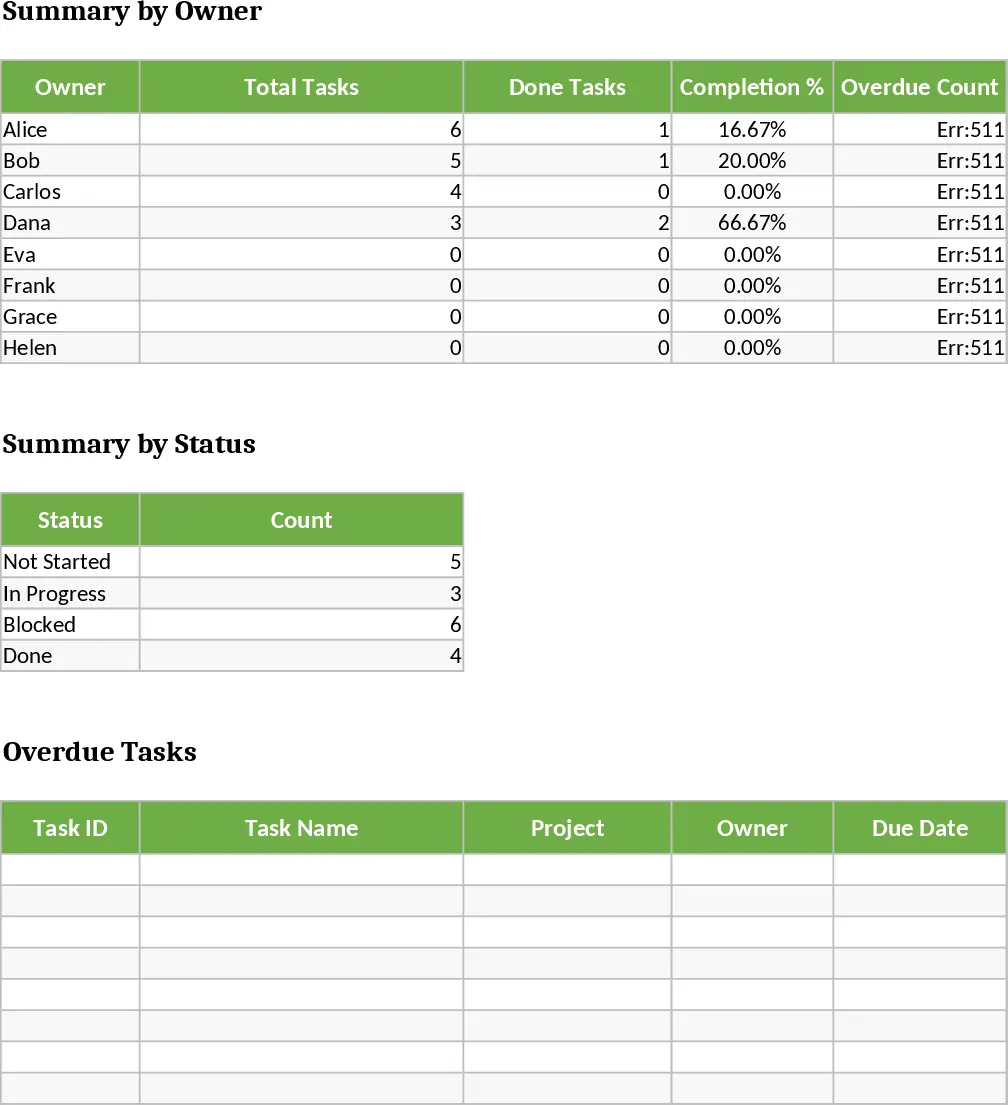
Managing multiple projects requires more than just a simple list; it requires a dynamic system that highlights priorities and identifies bottlenecks before they derail your timeline. This Project Task Tracker is designed to bridge the gap between basic to-do lists and complex management software, offering a robust Excel-based solution for teams who need clarity, accountability, and real-time insights. By centralizing all project-related activities into a single, organized file, you can ensure that every team member knows exactly what is expected of them and when it is due.
The template is structured into two core components: a detailed Task Log and a high-level Project Overview dashboard. The Tasks sheet is the engine of the template, featuring columns for Task ID, Name, Project, and Owner. It utilizes data validation for Priority and Status dropdowns to maintain data integrity. Crucially, it tracks both Estimated and Actual Hours, allowing you to monitor budget and time efficiency. The sheet also includes a Dependencies column to help you visualize the sequence of work. To ensure nothing falls through the cracks, a built-in conditional formatting rule automatically highlights any task in red if the due date has passed and the status is not marked as Done.
This tool is particularly effective for teams struggling with visibility and communication. By tracking specific owners and status levels, it eliminates the need for constant status update meetings. The Project Overview sheet acts as your command center, aggregating data to show completion percentages by owner and status distributions. It also features a dedicated table that pulls in all overdue tasks, providing an immediate action list for project managers. Whether you are managing a marketing campaign, a software development sprint, or a construction project, this template adapts to your specific workflow and provides the metrics needed for professional stakeholder reporting.
Project managers will find it invaluable for balancing workloads across a team, while individual contributors benefit from a clear view of their personal responsibilities and upcoming deadlines. It is an ideal solution for small to medium-sized teams who need a professional tracking system without the overhead or cost of specialized subscription software. The inclusion of 18 sample tasks across two distinct projects allows you to see exactly how the data flows from the input sheet to the dashboard, making it easy to visualize your own data in the system.
How to use:
- Begin by entering your team members' names and project titles into the Tasks sheet to populate the dropdown menus for consistent data entry.
- Log your project tasks, ensuring every entry has a Due Date, Priority level, and assigned Owner to trigger the automated tracking and dashboard logic.
- As work progresses, update the Status and Actual Hours columns; the Project Overview sheet will automatically recalculate completion percentages and workload summaries.
- Regularly review the Project Overview dashboard to identify which team members are over-capacity or which specific tasks are currently blocking the project's progress.
By implementing this tracker, you can expect to significantly reduce the time spent on manual data aggregation and reporting. It fosters a culture of transparency and proactive risk management, helping your team stay ahead of deadlines and deliver projects more efficiently.
Similar Templates Recommendation
Project Task Tracker with Status Dashboard and Project Timeline Template
Track project tasks and team performance with automated status summaries, priority management, and visual alerts for overdue deadlines.
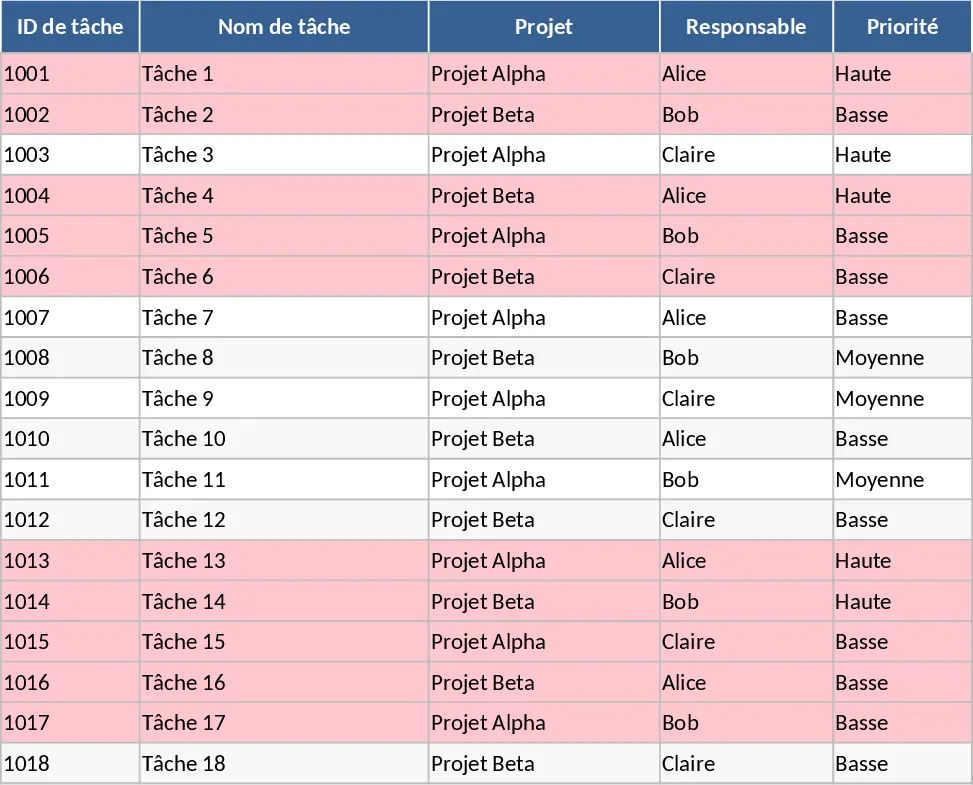
Project Task Tracker with Dashboard Overview and Project Timeline Template
Manage project timelines and team workloads with this comprehensive task tracker featuring automated status summaries and overdue task alerts.
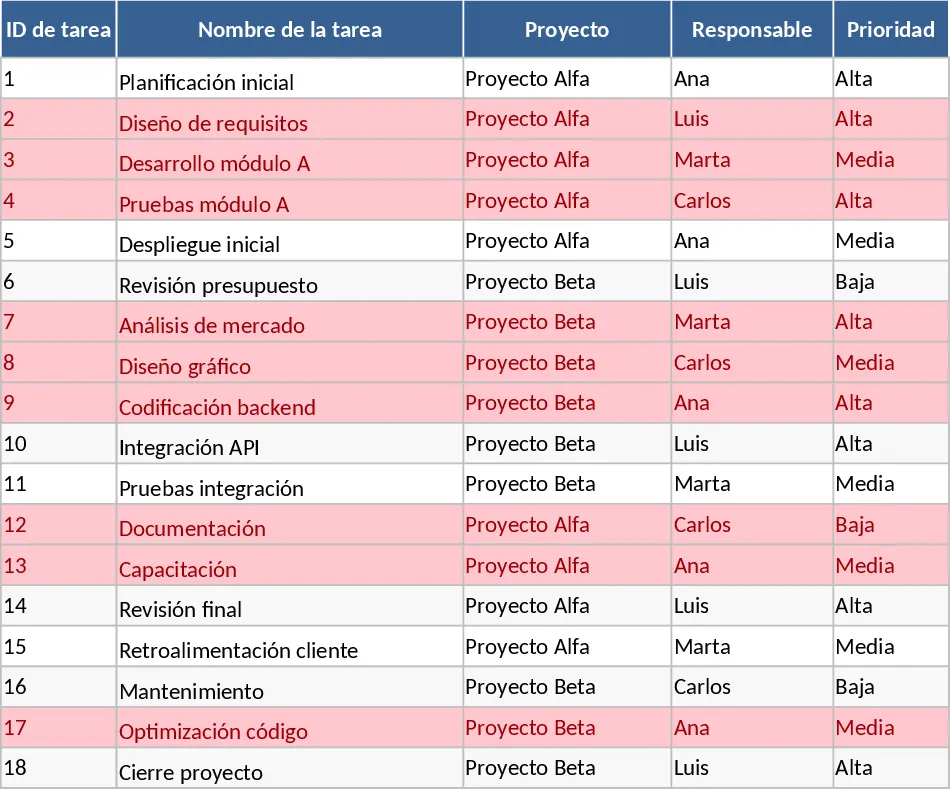
Project Task Tracker and Status Dashboard with Project Timeline Template
Track project tasks, assign responsibilities, and monitor deadlines with automated status summaries and visual alerts for overdue items.