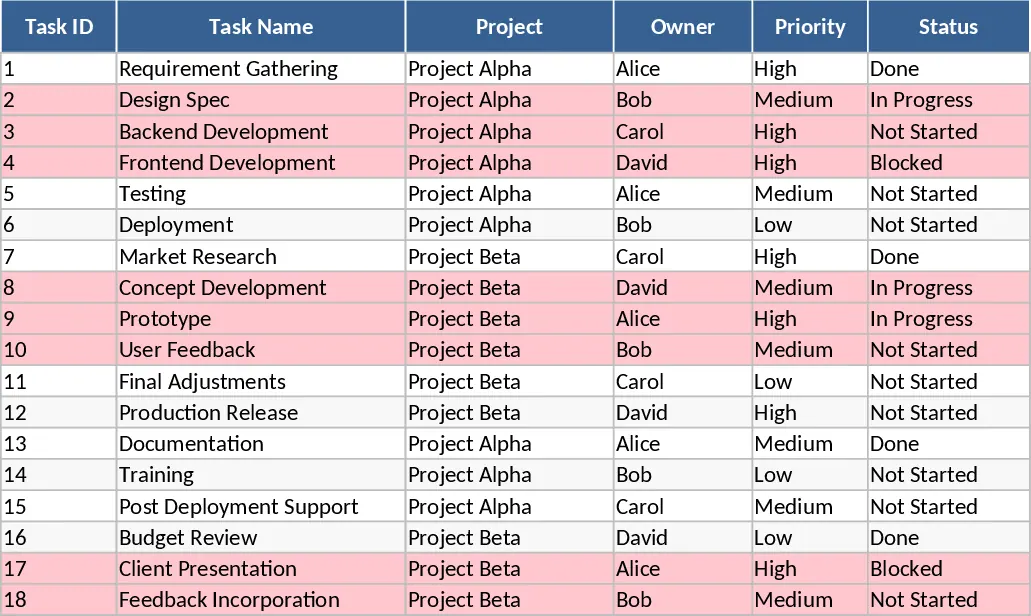
Project Task Tracker and Status Dashboard with Project Timeline Template
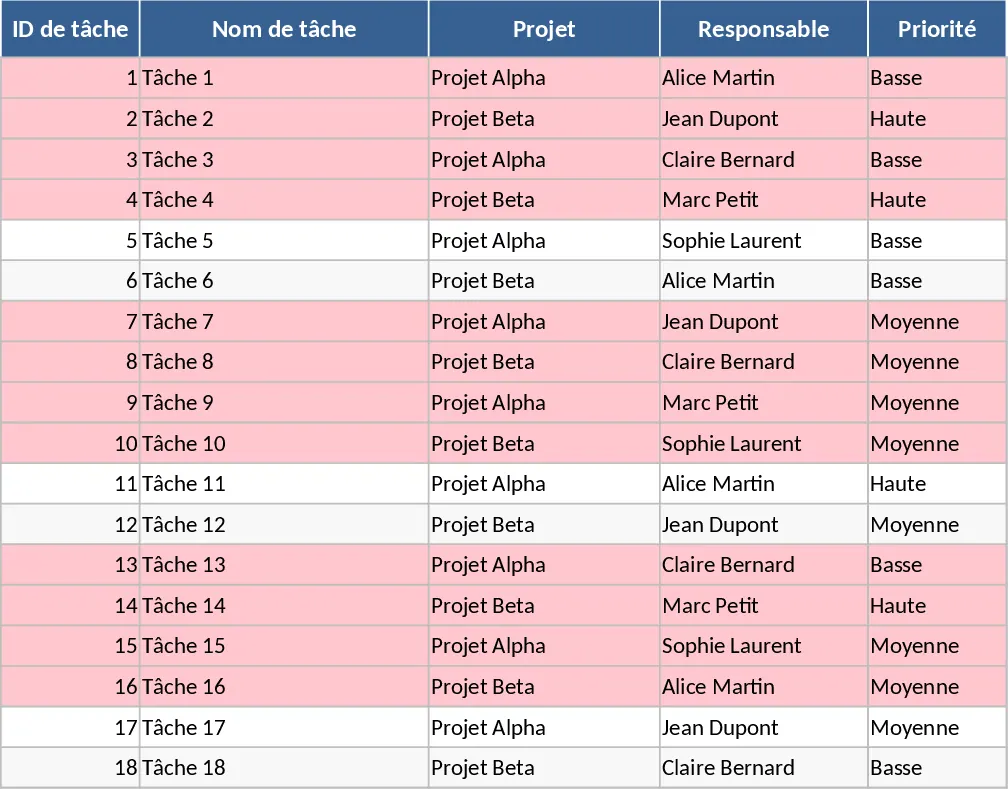
Managing multiple projects requires a clear view of who is doing what and when it needs to be finished. This Project Task Tracking template provides a robust framework to organize your workflow across two specialized sheets. The Tasks sheet acts as your central database, capturing everything from task IDs and project names to specific assignees and estimated versus actual hours. With built-in dropdown menus for priority levels and status updates, data entry remains consistent and professional. To ensure nothing falls through the cracks, the template uses automated conditional formatting to highlight overdue tasks in red, giving you an immediate visual cue for items requiring urgent attention.
The Project Overview sheet transforms your raw data into actionable insights. It features a comprehensive summary by assignee, allowing you to see the total task count, completion rates, and the number of overdue items for every team member. This makes it easy to balance workloads and identify who might need additional support. Additionally, a status-based summary provides a high-level view of project health, while a dedicated table lists all overdue tasks with their key details, ensuring that critical delays are never overlooked.
This tool is ideal for project managers, team leads, and freelancers who need to coordinate complex schedules without the overhead of expensive software. It solves the common problem of fragmented communication and missed deadlines by centralizing all task-related information in one accessible location. By tracking estimated versus actual hours, you can also gain better insights into your team's efficiency and improve future project planning. Whether you are managing a small marketing campaign or a complex technical rollout, this template keeps your team aligned and your milestones on track.
How to use this template:
- Open the Tasks sheet and enter your project activities, ensuring every task has a mandatory due date and an assigned owner.
- Use the dropdown menus to categorize tasks by priority (High, Medium, Low) and current status (Not Started, In Progress, Blocked, or Completed).
- Update the actual hours and status as work progresses to keep the data current.
- Switch to the Project Overview sheet to view real-time performance metrics, completion percentages, and a filtered list of all overdue tasks.
Expected benefits: This template significantly reduces the time spent on manual reporting and helps your team stay focused on high-priority deadlines with minimal effort.
Similar Templates Recommendation
Project Task Tracker with Status Dashboard and Task Status Template
Manage project tasks and deadlines with automated status summaries, priority tracking, and a dedicated overview dashboard for team performance.
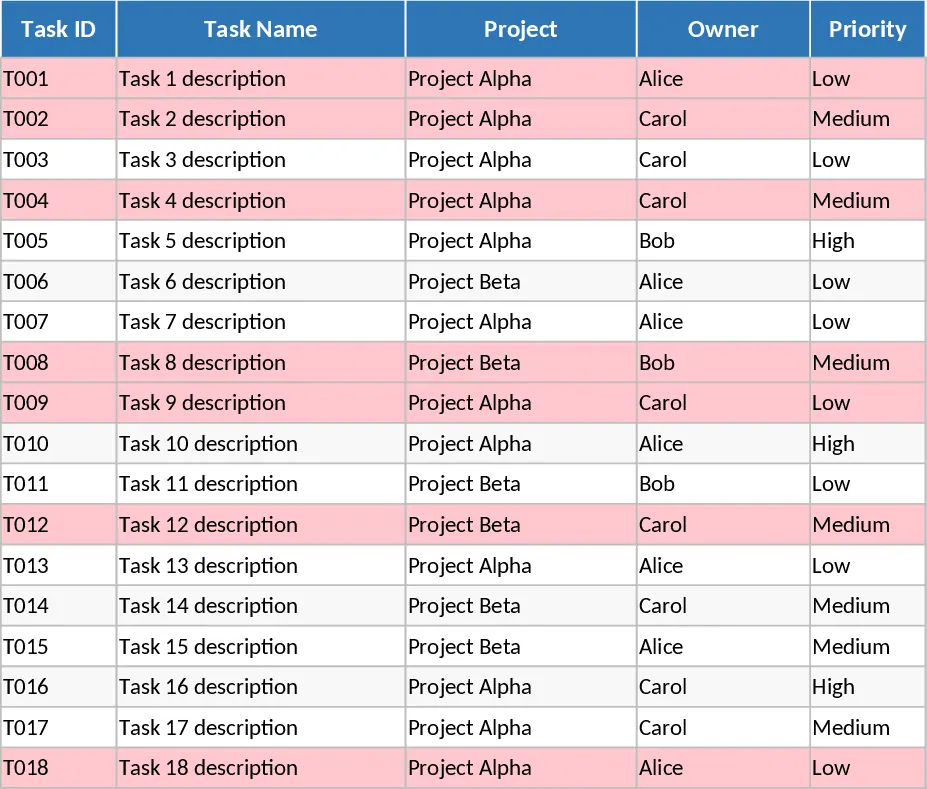
Comprehensive Project Task Tracker and Status Dashboard with Conditional Formatting Template
Organize project workflows and monitor team performance with automated status summaries and visual alerts for overdue tasks.
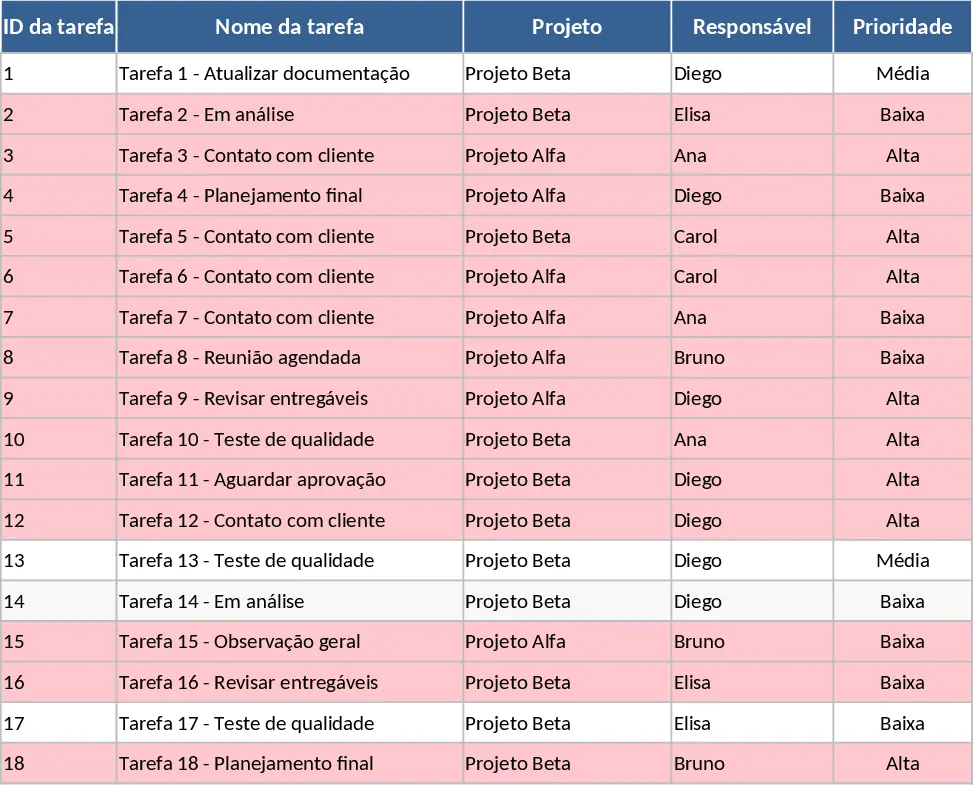
Project Task Tracker with Overview Dashboard and Task Status Template
Streamline your workflow with this comprehensive project tracker featuring automated status summaries, overdue task alerts, and team workload views.