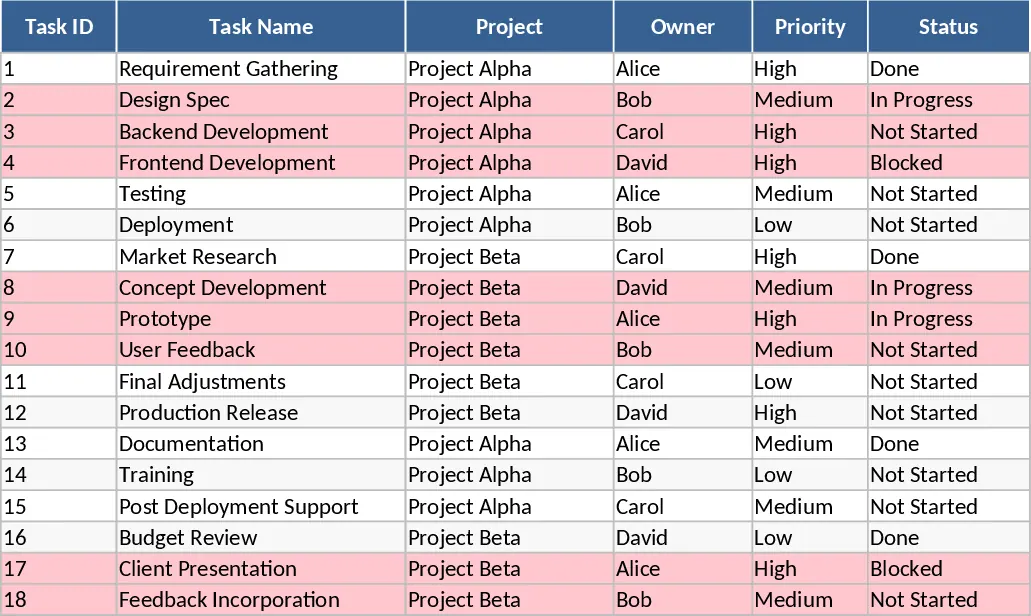
Project Task Tracker with Status Dashboard and Task Status Template
Managing complex projects requires more than just a simple list; it demands a structured approach to tracking responsibilities, timelines, and outcomes. This Project Task Tracker template provides a comprehensive framework to manage your team's daily activities while maintaining a clear view of the big picture. The template is divided into two functional sheets: a granular Tasks log and a dynamic Project Overview dashboard. The Tasks sheet is the engine of the template, featuring columns for Task ID, Project name, and assigned Owner. With built-in dropdown menus for Priority (High, Medium, Low) and Status (Not Started, In Progress, Blocked, Done), data entry remains consistent and professional across the entire team. It also captures critical timing data like Start and Due Dates, as well as workload metrics like Estimated and Actual Hours, allowing for better resource planning and post-project analysis.
One of the most valuable features of this tracker is its built-in logic for deadline management. Any task that has passed its due date without being marked as Done is automatically highlighted in red. This visual alert system ensures that project managers can immediately spot risks before they derail the entire timeline. Beyond simple tracking, the template includes fields for Dependencies and Notes, ensuring that team members understand the sequence of work and have a space to document important context or roadblocks. This level of detail is perfect for small to medium-sized teams, freelancers, or department heads who need to juggle multiple workstreams simultaneously without the overhead of complex software. By using the Estimated vs. Actual Hours columns, you can also gain insights into your team's velocity, helping you provide more accurate quotes or timelines for future stakeholders.
The Project Overview sheet transforms your raw task data into actionable insights through automated formulas. It features a Summary by Owner table that calculates total tasks, completed tasks, completion percentages, and overdue counts for every team member. This allows for a fair assessment of workload distribution and individual performance, making it easier to reassign tasks if one person is overloaded. Additionally, a Status Summary provides a snapshot of the entire project's health, showing exactly how many tasks are blocked or in progress. A dedicated Overdue Tasks table pulls all late items into one view for quick review during weekly sync meetings or status updates. By consolidating this information, the template eliminates the need for manual calculations and reduces the risk of human error in reporting.
This template is particularly useful for project managers who need to report progress to executives or clients. Instead of manually creating charts, the Overview sheet provides a ready-to-share summary of where the project stands. It solves the common problem of information silos where team members know their own tasks but don't see how they impact the overall project timeline. With the dependencies column, everyone can see who they are waiting on, fostering a culture of accountability and collaboration.
How to use this template:
- Start by populating the Tasks sheet with your current project list, assigning owners from the dropdown and setting initial priorities and due dates.
- As work begins, use the dropdown menus to keep the status of each task updated, moving items from Not Started to In Progress and eventually Done.
- Input the estimated hours at the start of a task and record the actual hours upon completion to track team efficiency and improve future planning.
- Regularly check the Project Overview sheet to monitor the completion percentage and address any tasks highlighted in the overdue table to keep the project on schedule.
Expected benefits: Reduced administrative overhead, clearer team communication, and a significant reduction in missed deadlines through proactive visual tracking and automated reporting.
Similar Templates Recommendation
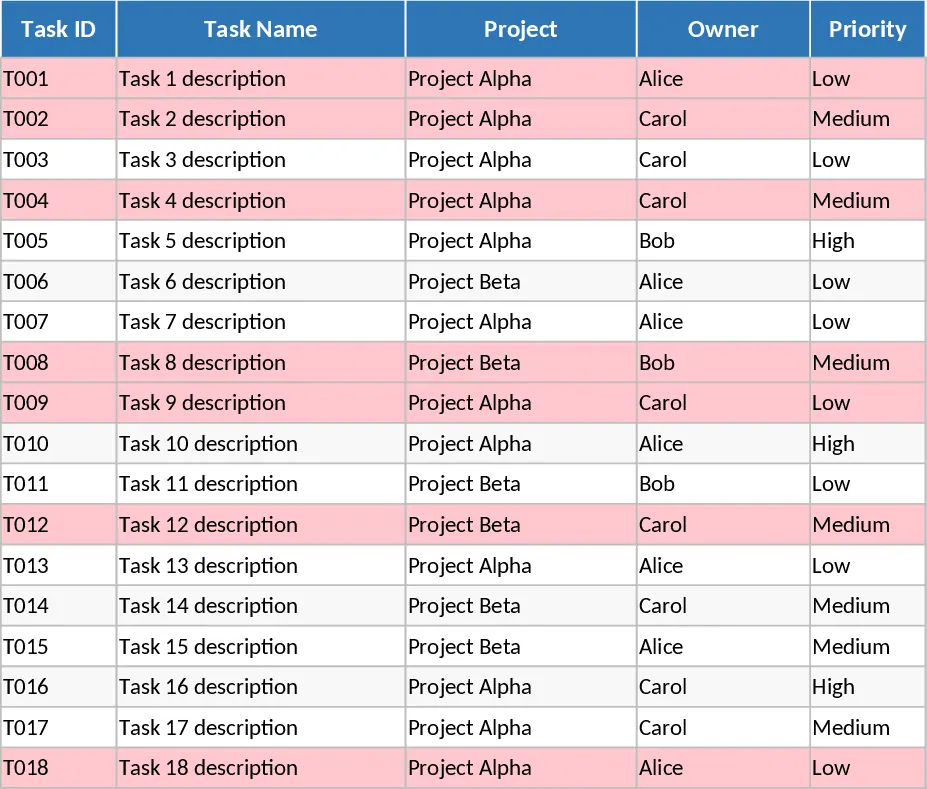
Project Task Tracker and Status Dashboard with Project Timeline Template
Track project tasks, assign responsibilities, and monitor deadlines with automated status summaries and visual alerts for overdue items.
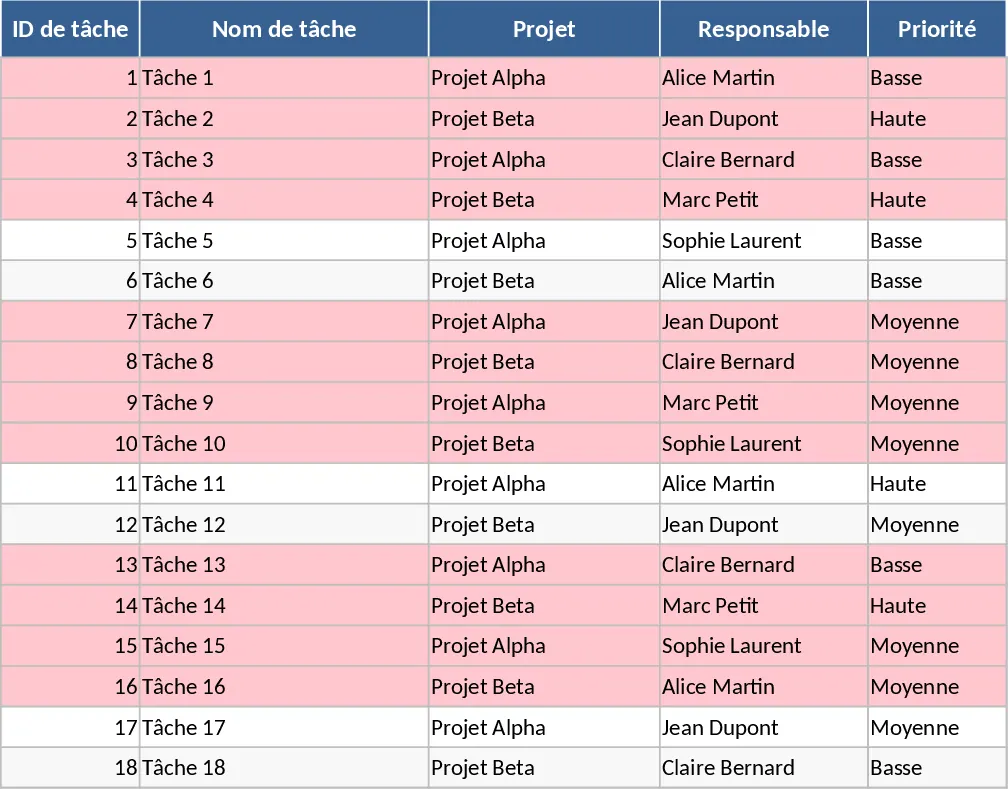
Comprehensive Project Task Tracker and Status Dashboard with Conditional Formatting Template
Organize project workflows and monitor team performance with automated status summaries and visual alerts for overdue tasks.
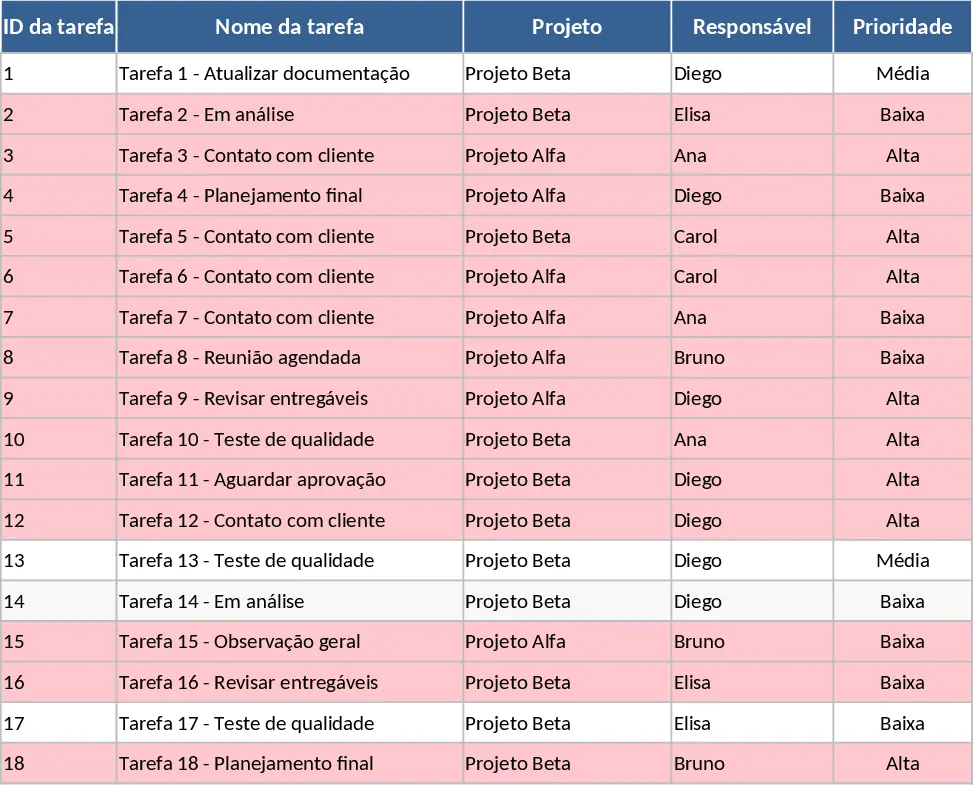
Project Task Tracker with Overview Dashboard and Task Status Template
Streamline your workflow with this comprehensive project tracker featuring automated status summaries, overdue task alerts, and team workload views.