Comprehensive Project Task Tracker and Status Dashboard with Conditional Formatting Template
Managing multiple projects simultaneously requires more than just a simple to-do list; it requires a structured system that provides both granular detail and high-level insights. This Project Task Tracker Excel Template is designed to bridge that gap, offering a robust framework for teams to organize their daily operations while keeping an eye on the bigger picture. By centralizing task assignments, deadlines, and progress metrics, it eliminates the confusion of scattered emails and fragmented spreadsheets, ensuring everyone stays aligned with the project goals and timelines.
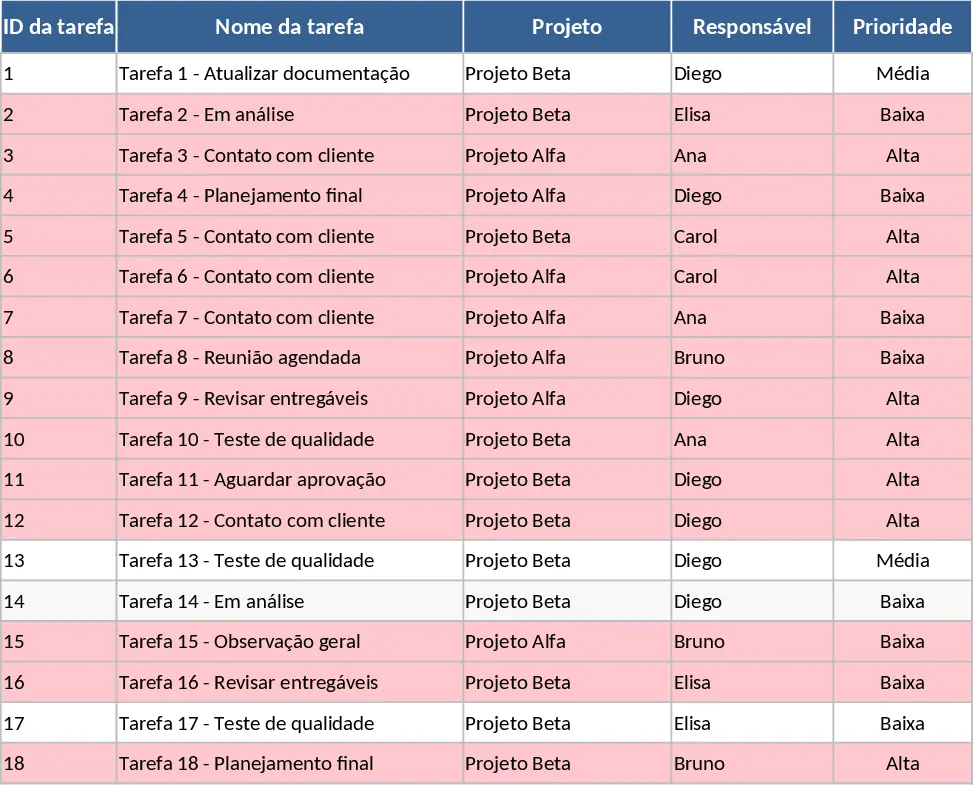
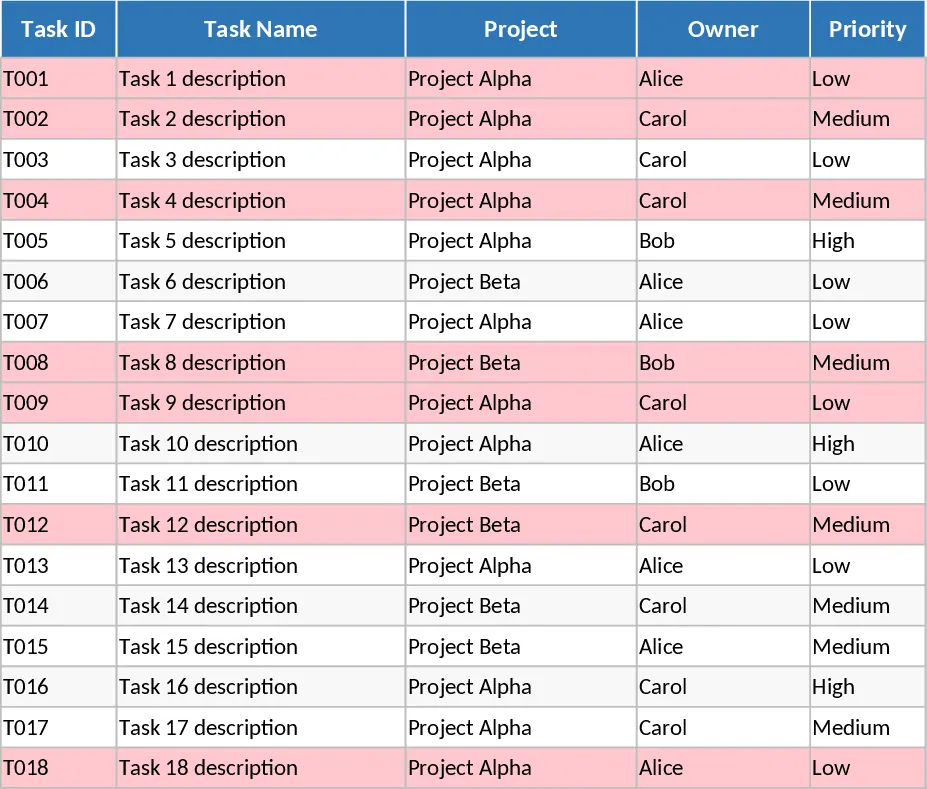
The template is built around two core functional areas that cater to different management needs. The Tasks sheet serves as your operational hub, where every action item is logged with specific attributes. You can track Task IDs, project names, and specific owners using convenient dropdown menus. The inclusion of priority levels (High, Medium, Low) and status updates (Not Started, In Progress, Blocked, Completed) allows for immediate visual filtering of what needs attention. Furthermore, the template tracks estimated versus actual hours, providing valuable data for future resource planning and budget management. A critical feature of this sheet is the automated conditional formatting: any task that has passed its due date without being marked as completed will automatically highlight in red, serving as an immediate visual cue for managers to intervene.
For leadership and reporting, the Project Overview sheet transforms raw data into actionable intelligence. It features automated summaries that break down performance by team member, showing total tasks assigned, completion percentages, and specific overdue counts. This allows managers to identify who is overloaded and who has capacity, facilitating more balanced workload distribution across the team. Additionally, a dedicated summary table extracts all overdue tasks into a single view, ensuring that critical delays are never buried under successful milestones. This high-level dashboard is perfect for stakeholder meetings or weekly internal reviews, providing a snapshot of project health without requiring manual data manipulation.
This tool is particularly beneficial for project managers, department heads, and small business owners who need a professional tracking system without the complexity or cost of specialized software. Whether you are managing a marketing campaign, a product launch, or internal administrative improvements, this template provides the structure necessary to maintain momentum. It helps you move from reactive firefighting to proactive management by providing a clear, data-driven representation of your project's progress and potential bottlenecks.
How to use:
- Start by populating the Tasks sheet with your project details, ensuring every task has a designated owner and a mandatory due date to trigger the tracking logic.
- Use the dropdown menus to set the initial status and priority for each item, and enter your estimated hours to establish a baseline for the expected workload.
- As work progresses, update the status and actual hours worked; the template will automatically highlight any tasks that have passed their deadline in red.
- Navigate to the Project Overview tab to review the automated charts and tables, which provide a real-time summary of team productivity and a list of items requiring immediate attention.
Expected benefits: By implementing this tracker, you can expect to significantly reduce the time spent on manual status reporting and improve team accountability through clear ownership and highly visible deadlines.
Similar Templates Recommendation
Project Task Tracker and Status Dashboard with Project Timeline Template
Track project tasks, assign responsibilities, and monitor deadlines with automated status summaries and visual alerts for overdue items.
Project Task Tracker with Status Dashboard and Task Status Template
Manage project tasks and deadlines with automated status summaries, priority tracking, and a dedicated overview dashboard for team performance.
Project Task Tracker with Status Overview Template
Manage project timelines and team workloads with this comprehensive task tracker featuring automated status summaries and overdue task alerts.