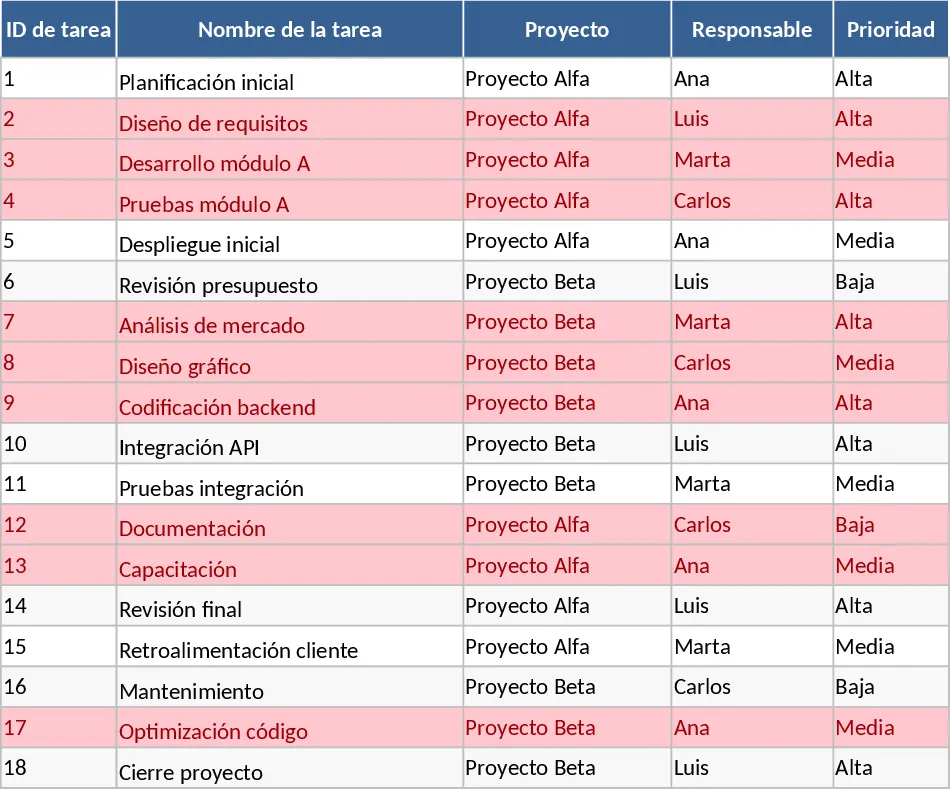
Project Task Tracker with Status Overview Template
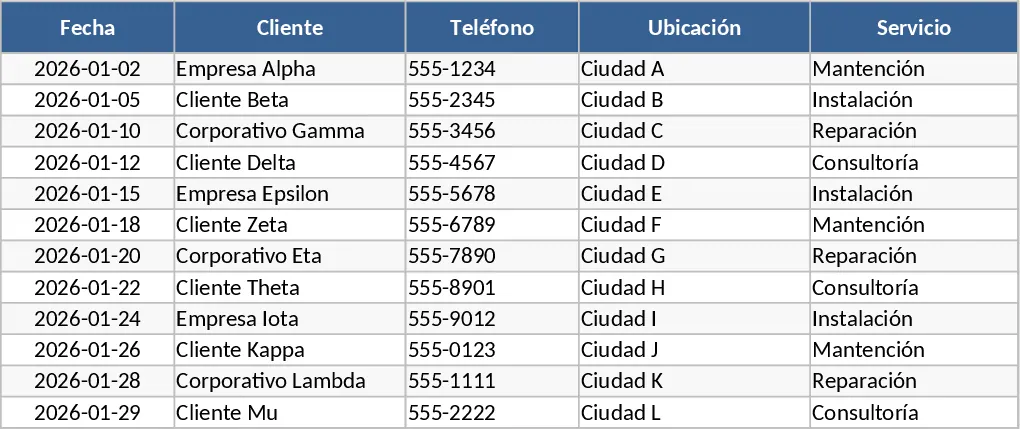
Managing multiple projects simultaneously often feels like a balancing act where one missed detail can derail an entire timeline. This Project Task Tracker Excel Template is engineered to bring order to that chaos by providing a centralized, professional framework for monitoring every moving part of your projects. It eliminates the need for complex, expensive project management software by leveraging the familiar interface of Excel, enhanced with automated logic and visual reporting.
The template is organized into two primary functional areas. The first is the Tasks sheet, which serves as your comprehensive database for all project activities. Here, you can define tasks with granular detail, including unique IDs, project names, and assigned owners. To ensure data integrity, the template utilizes dropdown menus for Priority (High, Medium, Low) and Status (No started, In progress, Blocked, Done). This standardization is crucial for generating accurate reports later. Furthermore, the sheet includes dedicated columns for tracking Estimated versus Actual hours, providing a clear view of resource utilization and helping you refine your future project estimations. A key feature of this sheet is the automated conditional formatting: any task that has passed its due date and is not yet completed will automatically highlight in red, serving as an immediate visual alert for items requiring urgent attention.
The second area is the Project Overview sheet, a dynamic dashboard that translates your task list into high-level intelligence. This sheet automatically aggregates data to show you exactly how your team is performing. You can see a breakdown of tasks by owner, including their specific completion percentages and a count of their overdue items. This level of visibility is invaluable for workload balancing, allowing you to identify if one team member is overwhelmed while others have capacity. Additionally, the overview provides a status-based summary and a dedicated table that pulls all overdue tasks into one view, making it the perfect starting point for your morning review or weekly team sync.
This template is particularly beneficial for project managers, department heads, and small business owners who need to maintain oversight across various workstreams without getting lost in the weeds. It solves the common problem of information silos where task progress is trapped in individual emails or private lists. By using this shared tracker, everyone stays aligned on deadlines, dependencies, and priorities.
How to use this template:
- Begin by entering your project names and team members into the Tasks sheet. Fill in the initial task list, ensuring every item has a mandatory due date and an assigned priority level to trigger the tracking logic.
- As the project moves forward, instruct your team to update the Status and Actual Hours columns. The dropdown menus make this a quick, five-second task that ensures the entire workbook remains consistent.
- Use the Dependencies and Notes columns to document any blockers or specific instructions, keeping all relevant context within the file rather than in separate chat threads.
- Regularly consult the Project Overview sheet to monitor the health of your projects. Use the Tasks by Owner summary to lead more productive 1-on-1 meetings and the Overdue Tasks table to prioritize your daily to-do list.
By adopting this structured approach, you can expect to save significant time previously spent on manual data consolidation. The template reduces the mental load of remembering deadlines and provides a clear, professional way to demonstrate project progress to stakeholders. It is a practical tool designed to increase accountability and ensure that your projects stay on track and within budget.
Similar Templates Recommendation
Comprehensive Project Task Tracker and Status Dashboard with Conditional Formatting Template
Organize project workflows and monitor team performance with automated status summaries and visual alerts for overdue tasks.
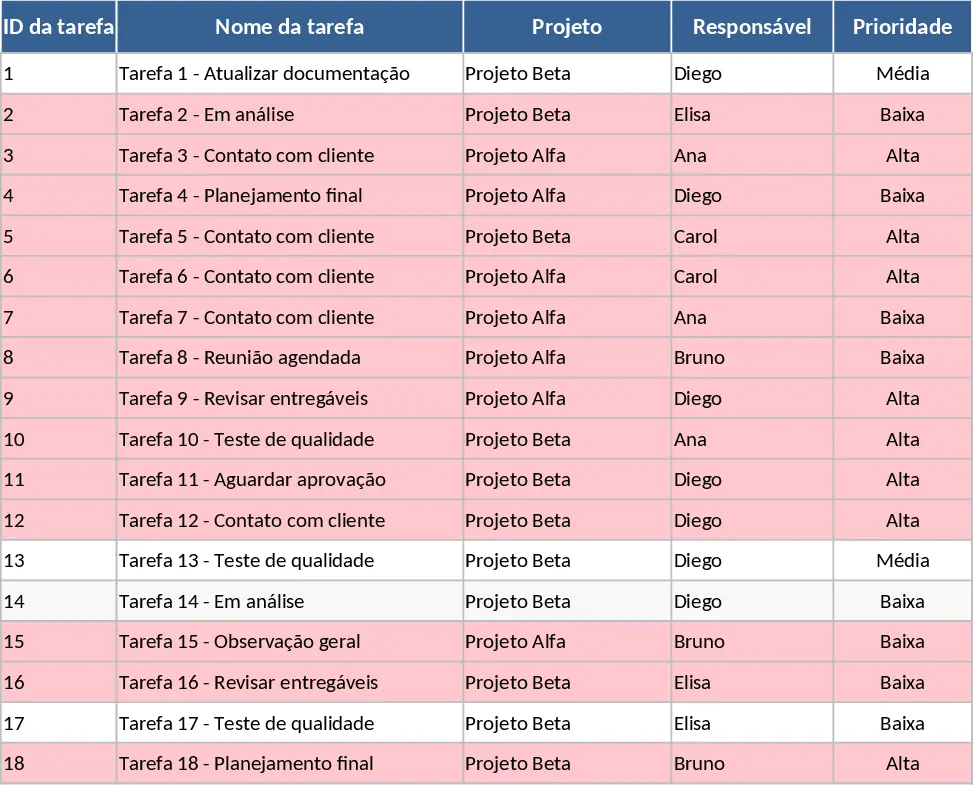
Project Task Tracker and Status Dashboard with Project Timeline Template
Track project tasks, assign responsibilities, and monitor deadlines with automated status summaries and visual alerts for overdue items.
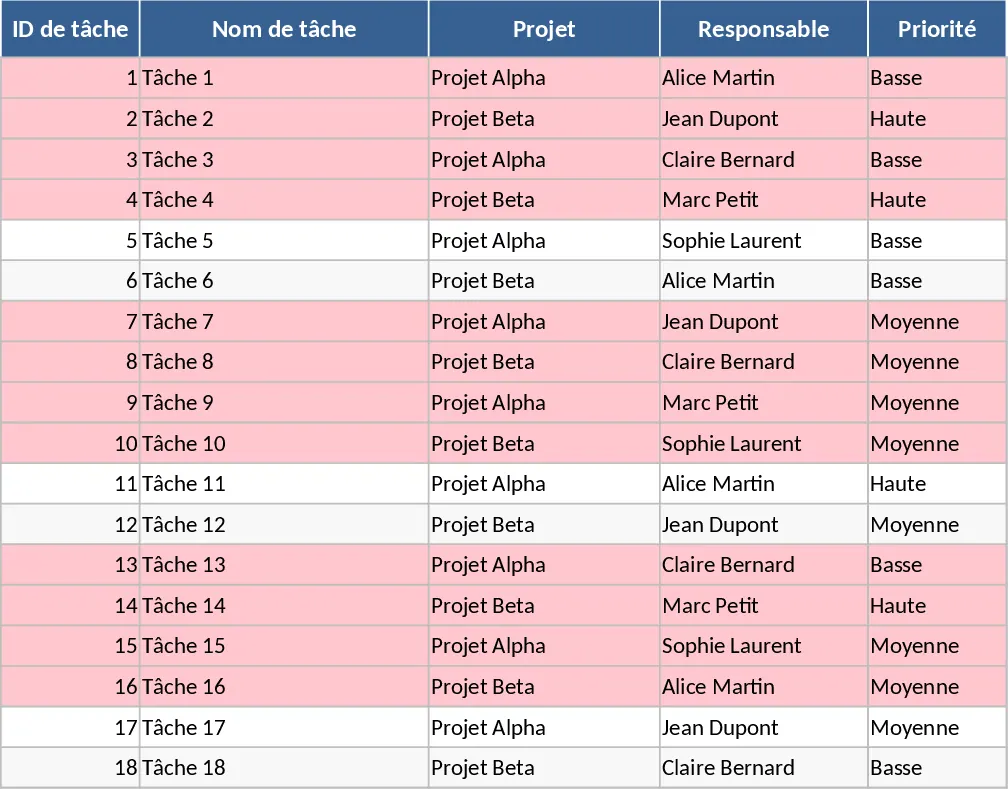
Project Task Tracker with Dashboard Overview and Project Timeline Template
Manage project timelines and team workloads with this comprehensive task tracker featuring automated status summaries and overdue task alerts.