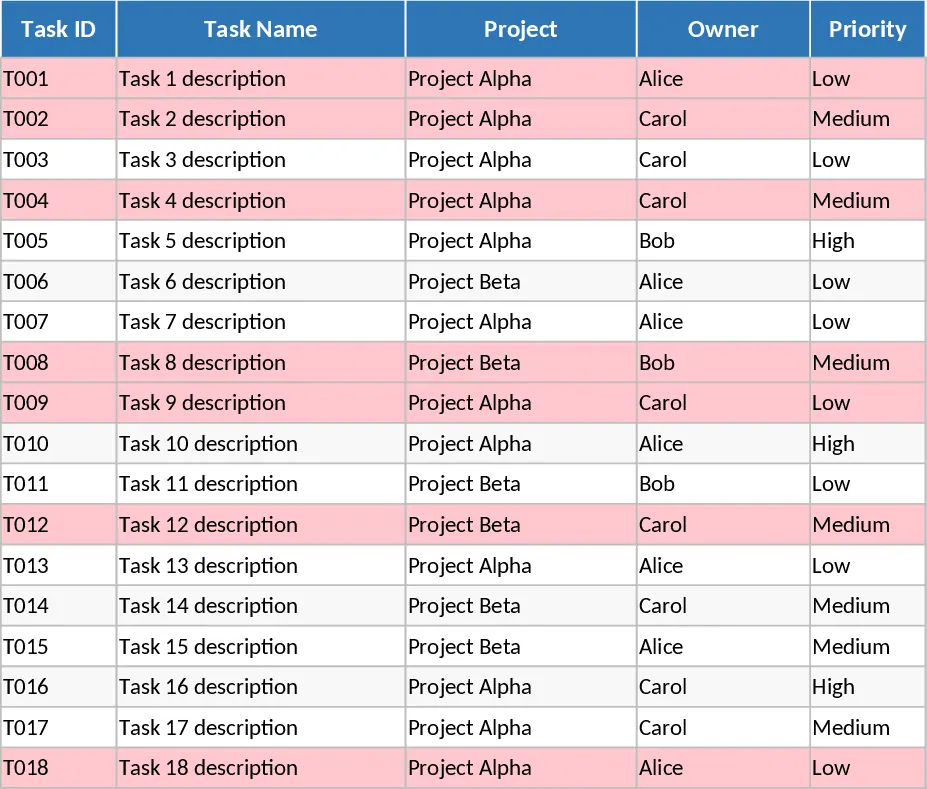
Project Task Tracker with Overview Dashboard and Task Status Template
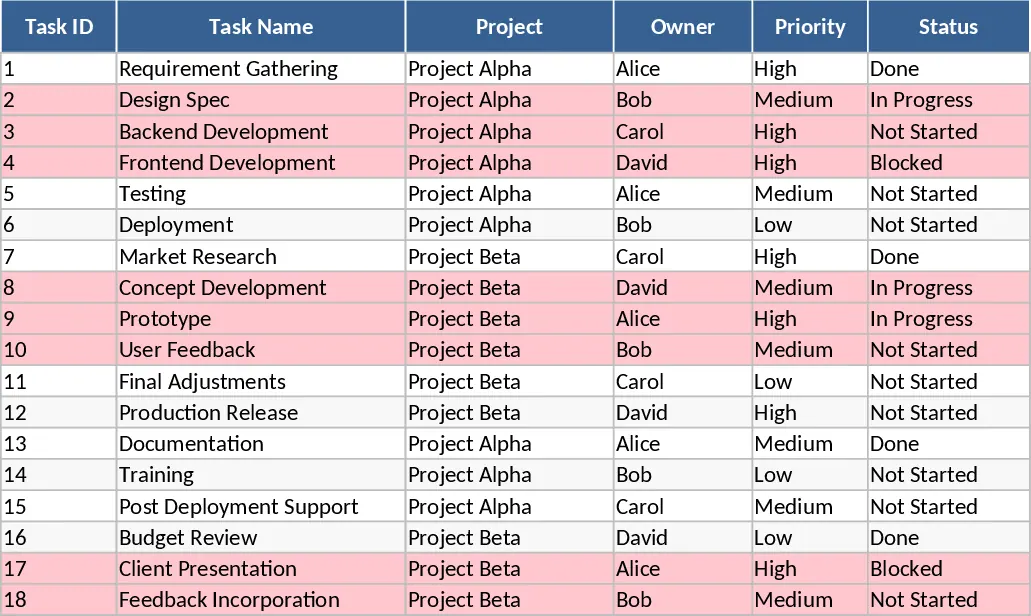
The Project Task Tracker is a robust and intuitive Excel solution designed to bring order to your project management process. It serves as a centralized hub where you can organize, monitor, and analyze every aspect of your team's work across multiple projects. The template is structured into two primary sheets: the Tasks log and the Project Overview dashboard. The Tasks sheet is where the daily work happens, featuring a clean layout with columns for Task ID, Task Name, Project, and Owner. To ensure data integrity and ease of use, it utilizes pre-configured dropdown menus for Priority (High, Medium, Low) and Status (Not Started, In Progress, Blocked, Done). One of its most powerful features is the automated conditional formatting, which instantly highlights overdue tasks in red if the due date has passed and the status is not marked as Done, ensuring that critical delays are never overlooked.
Managing complex projects often leads to information silos and missed deadlines. This template solves those problems by providing a transparent view of who is doing what and when it is due. By tracking both Estimated Hours and Actual Hours, you can gain valuable insights into your team's efficiency and improve future project planning. The inclusion of a Dependencies column allows you to map out the relationship between tasks, helping you identify potential bottlenecks before they stall your progress. This level of detail is essential for project managers who need to balance workloads and ensure that no single team member is overwhelmed while others have capacity. It provides the structure needed for weekly syncs and the high-level data required for stakeholder reporting, making it a versatile asset for any professional environment.
This tool is specifically crafted for project managers, team leads, and department heads who require a professional tracking system without the overhead of specialized software. It is equally effective for freelancers managing multiple client deliverables or small business owners overseeing internal operations. Whether you are coordinating a product launch, managing a content calendar, or tracking technical sprints, this template adapts to your workflow. The Project Overview sheet transforms your raw task data into actionable intelligence. It features a Summary by Owner table that calculates Total Tasks, Done Tasks, and the overall Completion Percentage for every team member. This allows for quick performance reviews and workload adjustments. Additionally, the Summary by Status section gives you a bird's-eye view of the entire project portfolio's health. Perhaps most importantly, the dedicated Overdue Tasks table automatically pulls in the most urgent items, allowing you to focus your energy on the tasks that are currently at risk.
How to use:
- Open the Tasks sheet and begin by listing your project names and assigning owners to specific tasks. Fill in the Task Name and ID to establish your project baseline.
- Set the Priority and Status for each item using the built-in dropdown menus. Enter the Start Date and Due Date; ensure the Due Date is filled to enable the overdue tracking logic.
- As work progresses, update the Status and Actual Hours columns. The template will automatically highlight any task that becomes overdue in red.
- Switch to the Project Overview sheet at any time to see a live summary of your project's progress, team performance metrics, and a filtered list of all overdue items.
Expected benefits: This template significantly reduces the time spent on status updates and provides a clear visual roadmap that improves team accountability and project delivery speed.
Similar Templates Recommendation
Project Task Tracker and Status Dashboard with Project Timeline Template
Track project tasks, assign responsibilities, and monitor deadlines with automated status summaries and visual alerts for overdue items.
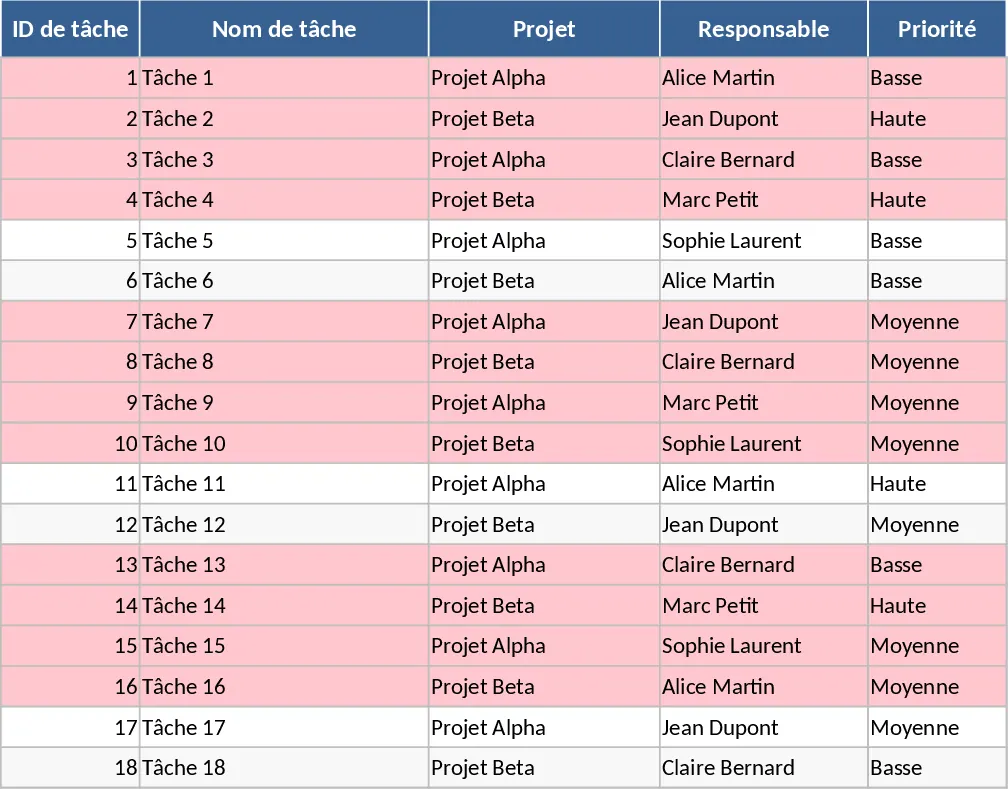
Project Task Tracker with Overview and Project Timeline Template
Manage project timelines and team workloads with a detailed task tracker featuring automated status summaries and overdue task alerts.
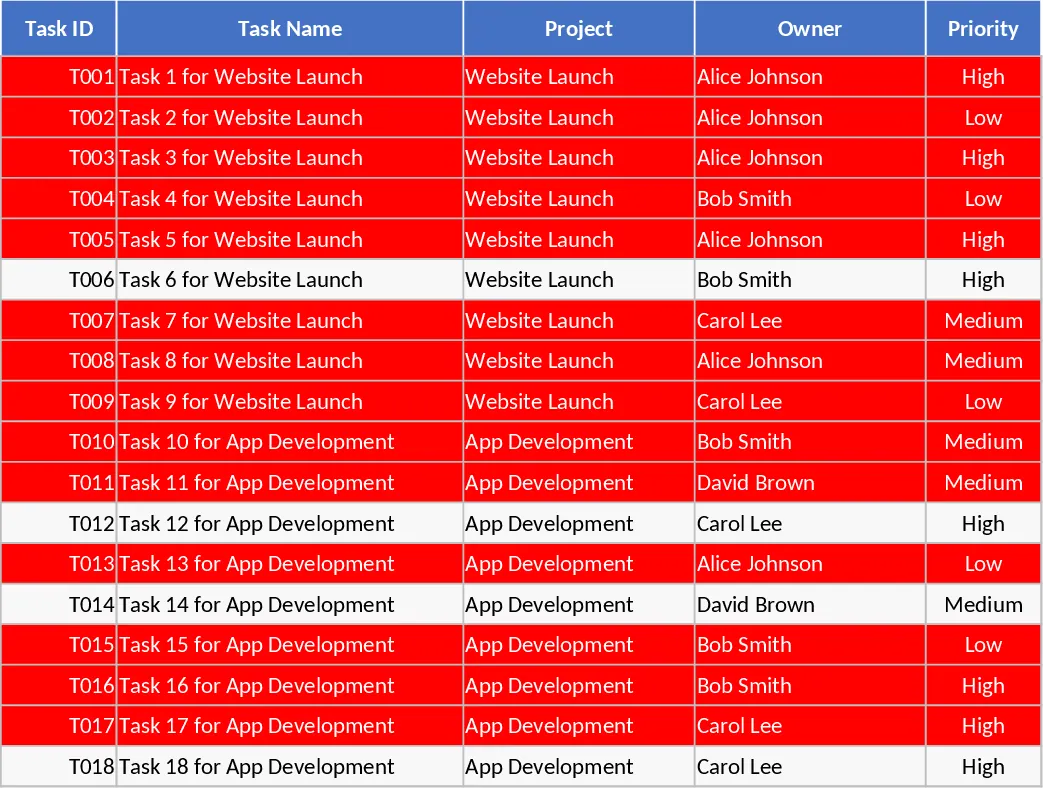
Project Task Tracker with Status Dashboard and Task Status Template
Manage project tasks and deadlines with automated status summaries, priority tracking, and a dedicated overview dashboard for team performance.