Multi‑Sheet Payroll Calculator Template
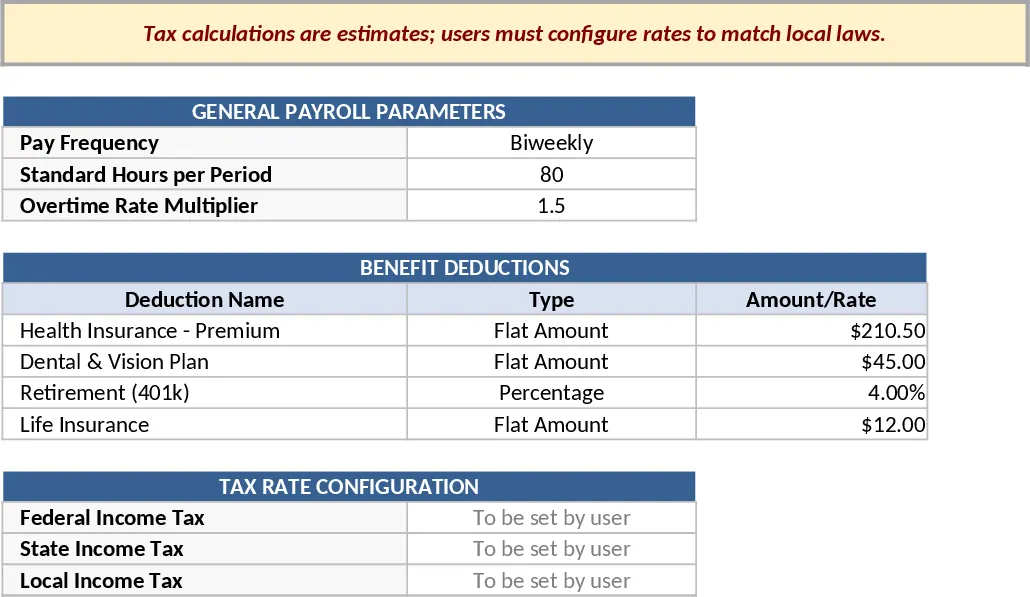
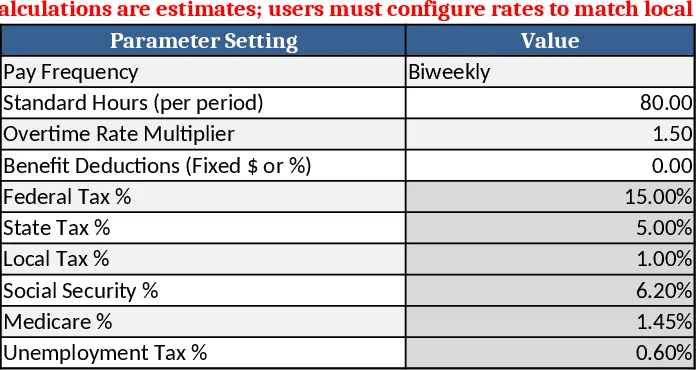
This Excel template streamlines payroll processing across four linked sheets. Parameters lets you set pay frequency, standard hours, overtime multiplier, benefit deductions and placeholder tax rates. Employees stores each worker’s ID, name, pay type (hourly or salary), rates, benefits plan, bank details and status. Time_Inputs captures regular, overtime, bonus and reimbursement data per pay period for hourly staff. Pay_Statement automatically calculates gross pay, pre‑tax and post‑tax deductions, tax withholdings and net pay for every employee and period, displaying a clear statement.
Ideal for small‑to‑mid‑size businesses, HR admins, and finance teams that need a quick, transparent way to estimate payroll without complex software. It solves manual calculation errors, consolidates employee data, and provides instant pay summaries.
How to use:
- Fill the Parameters sheet with your company’s pay cycle, rates and tax placeholders.
- Enter each employee’s details in the Employees sheet, selecting the appropriate pay type from the dropdown.
- Record hours, overtime, bonuses and reimbursements in Time_Inputs for each pay period.
- Switch to Pay_Statement to view automatically generated gross, deductions and net pay for each employee.
Expected benefits: reduces calculation time, minimizes errors, and gives a clear audit trail for payroll reviews.
Disclaimer: Tax calculations are estimates; users must configure rates to match local laws.
Similar Templates Recommendation
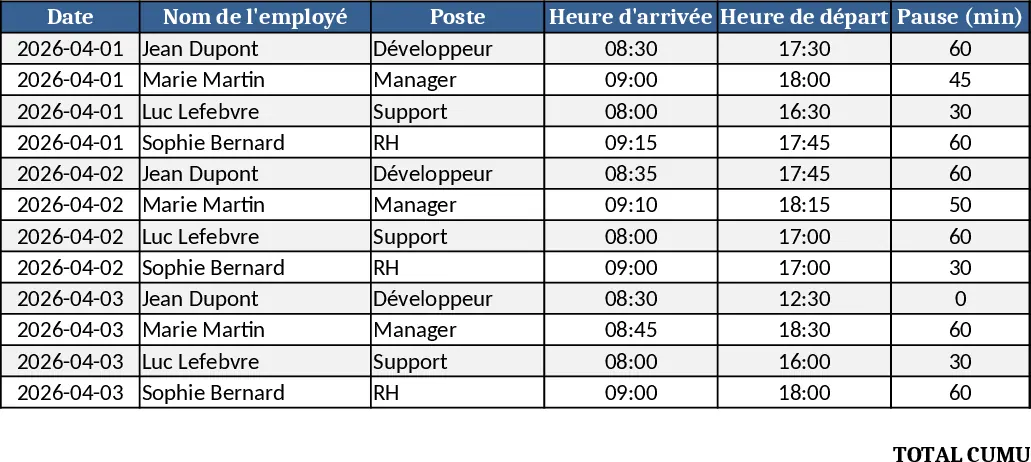
Employee Work Hours Tracker Template
Track each employee's daily work hours, calculate totals, overtime, and generate clear summary reports for payroll and management.
Payroll Calculator with Parameters, Employees, Time Inputs & Pay Statements Template
A ready‑to‑use payroll calculator Excel template that manages parameters, employee data, time entries and produces pay statements with gross, deductions, taxes, and net pay.
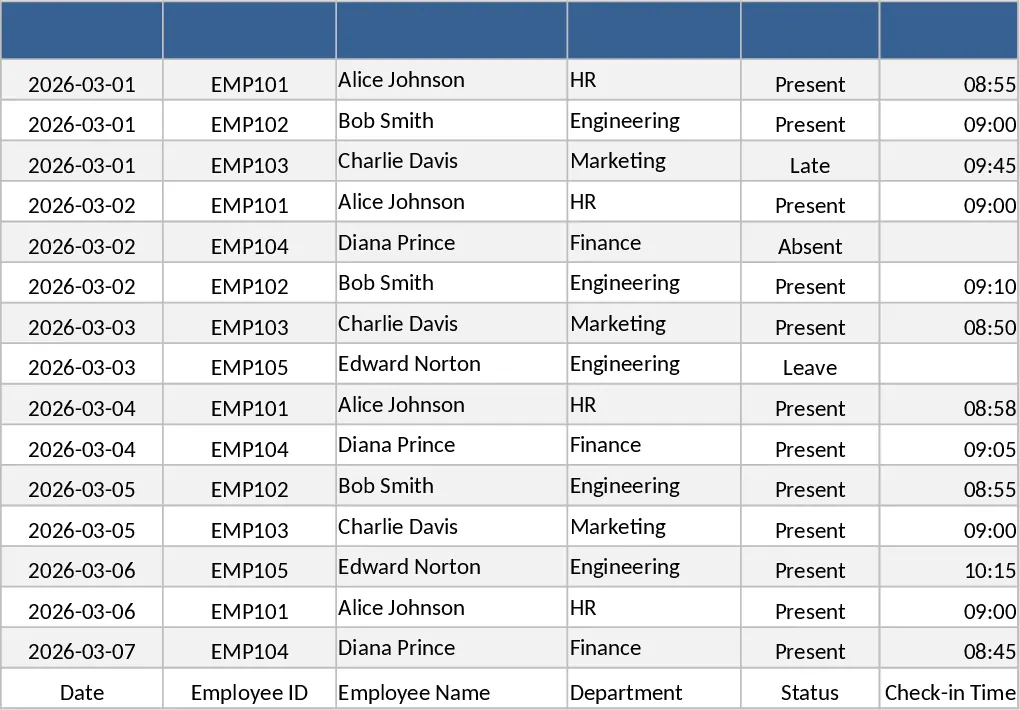
Employee Attendance Tracker with Dashboard Template
Track daily employee attendance, absences, late arrivals, and overtime with a ready‑to‑use Excel template that includes summary dashboards.