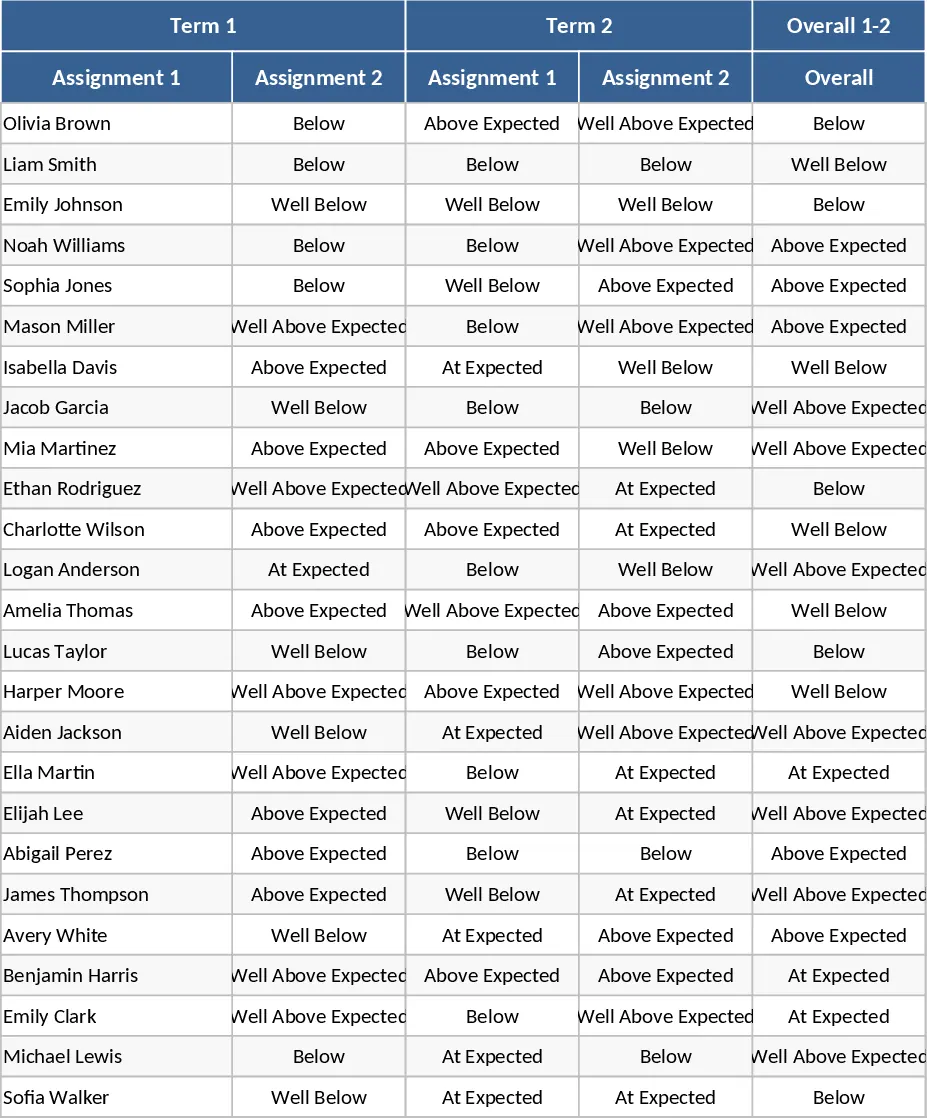
Student Performance Evaluation with Weighted Academic & Socio‑Personal Scores Template
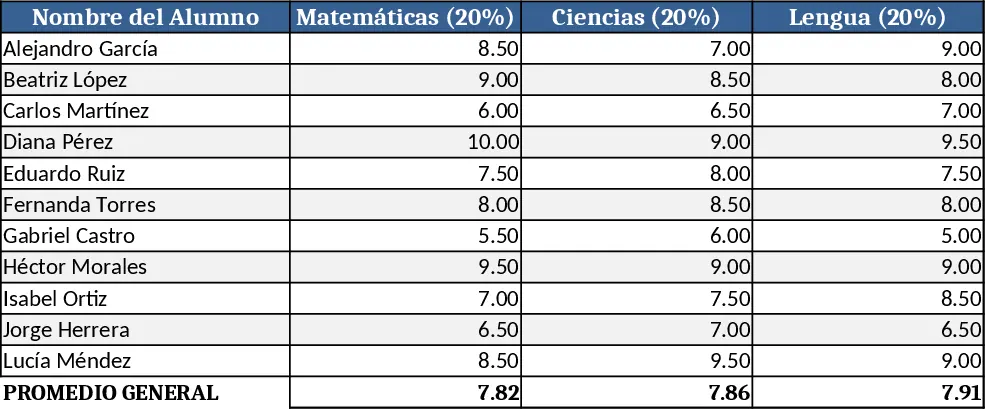
This template lets teachers evaluate up to 11 students by combining academic performance and socio‑personal skills into one final score. The workbook is split into three sheets: Students, Scores, and Summary. In the Students sheet you list each learner’s name and ID. The Scores sheet contains separate tables for academic items (exams, assignments, projects) and for each socio‑personal criterion, with columns for the raw mark and the predefined weight (e.g., 1% for respecting basic norms). Drop‑down lists let you select the type of assessment, and conditional formatting highlights missing entries. The Summary sheet automatically aggregates the weighted academic total (80 % of the final grade) and the weighted socio‑personal total (20 %), then combines them to show the final grade, a letter grade, and a brief comment.
The workbook solves the common problem of juggling multiple grading rubrics and manually calculating weighted totals. By centralising all data, it eliminates double‑entry errors and ensures every criterion is applied consistently. Teachers can instantly see which students excel academically, which need support in social skills, and how each component contributes to the overall result. This clarity helps in planning interventions, parent‑teacher meetings, and reporting.
Ideal for classroom teachers, homeroom coordinators, and school administrators who need a transparent, reproducible way to assess both learning outcomes and personal development. It works best in middle‑school or high‑school settings where a balanced evaluation of knowledge and behaviour is required. The template also supports school districts that mandate a specific weighting scheme for student reports.
How to use
- Open the Students sheet and fill in each student’s name and ID.
- In the Scores sheet, enter exam, assignment, and project scores under the academic table; the template will apply the 80 % weight automatically.
- Record each socio‑personal criterion score in its row; the preset percentages are already applied, so only the raw rating (e.g., 0‑5) is needed.
- Switch to the Summary sheet to view each learner’s calculated academic total, socio‑personal total, combined final grade, and any auto‑generated comments.
Expected benefits include faster grade compilation, reduced calculation errors, and a clearer picture of each student’s strengths and growth areas, freeing up valuable time for instruction and feedback.