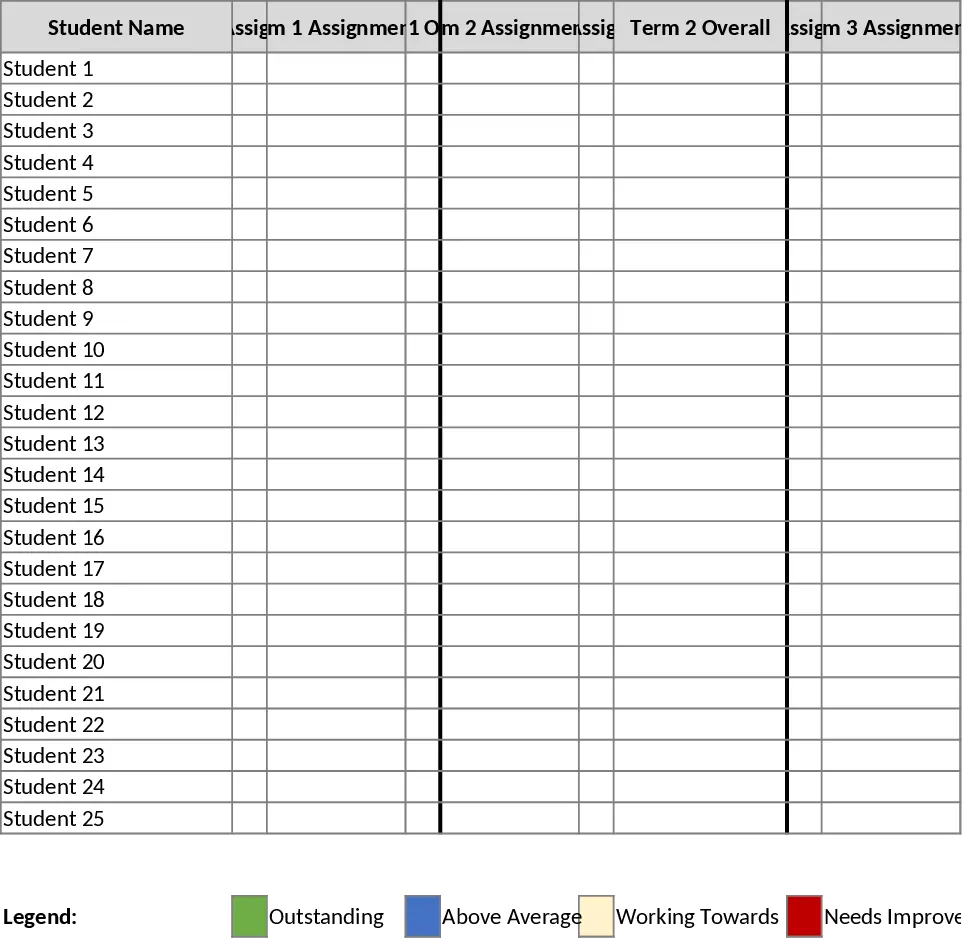
Year 3 English Student Grade and Progress Tracker Template
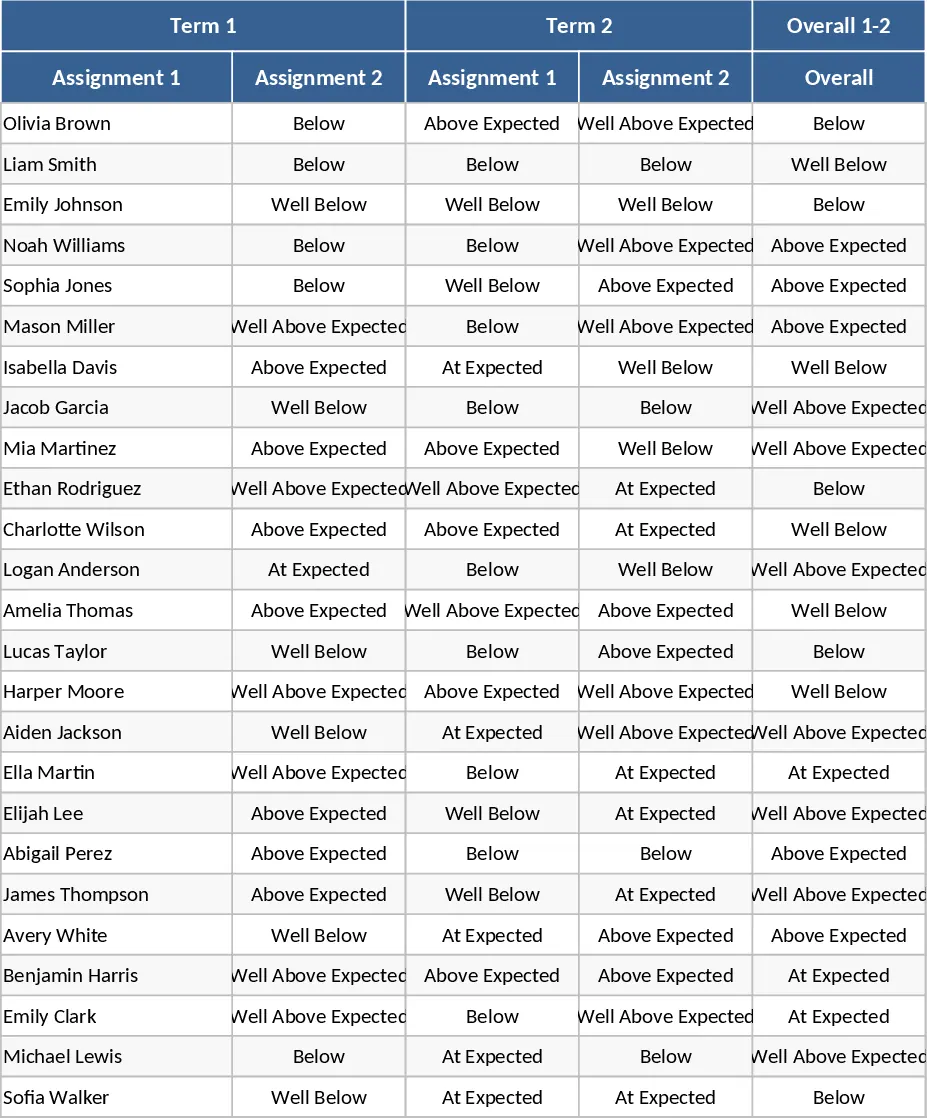
The Year 3 English Assessment Template is a comprehensive digital gradebook tailored for primary school teachers who require a precise and visually intuitive method for tracking student literacy and language arts performance. Navigating the complexities of a full academic year is made simple through a layout that spans four terms, with each term accommodating two primary assessment tasks. This structure ensures that every spelling test, reading comprehension exercise, or creative writing piece is accounted for in a centralized system. The core of this template is its automated color-coding engine, which translates qualitative assessments into a vibrant, easy-to-read heat map of classroom achievement.
For educators, the primary challenge is often identifying trends within a large group of students before they fall behind. This template solves that problem by applying specific colors to performance descriptors: light orange indicates a student is meeting expectations, while light green and light blue highlight those performing above or well above the standard. Conversely, light red and light purple immediately flag students who are performing below or well below expectations. This visual hierarchy allows for immediate intervention and differentiated lesson planning, ensuring that no student’s struggle goes unnoticed. With 25 dedicated rows, it perfectly fits the standard classroom size, providing a clean and focused environment for data entry.
Beyond simple data collection, the template serves as a powerful reporting tool. After the conclusion of the second and fourth terms, the spreadsheet features an Overall Semester column. These sections aggregate the data from the preceding terms to provide a holistic view of a student's journey. This is invaluable during report card season or when preparing for parent-teacher conferences, as it provides a data-backed narrative of a student's growth or areas for improvement. It removes the guesswork from grading and replaces it with a consistent, objective framework that can be shared with school administration or colleagues. This is particularly useful for tracking specific Year 3 milestones such as advanced phonics, complex sentence structure, and reading fluency.
How to use this template:
- Begin by navigating to the main assessment sheet and entering your class list into the 25 available student name slots.
- During each term, enter the assessment results into the Assignment 1 and Assignment 2 columns; the cells will automatically update their background color based on the achievement level entered.
- At the midpoint and end of the year, consult the Semester Overall columns to see the calculated summary of student performance across multiple terms.
- Use the filtered views or simply scroll through the color-coded rows to identify which students require additional resources or advanced challenges.
Expected benefits: Significant time saved on manual grade calculations and enhanced clarity in student performance tracking.
Similar Templates Recommendation
Year 3 English Assessment and Grade Tracker Template
Track Year 3 English grades across four terms with automated color-coding for performance levels and semester summaries for 25 students.
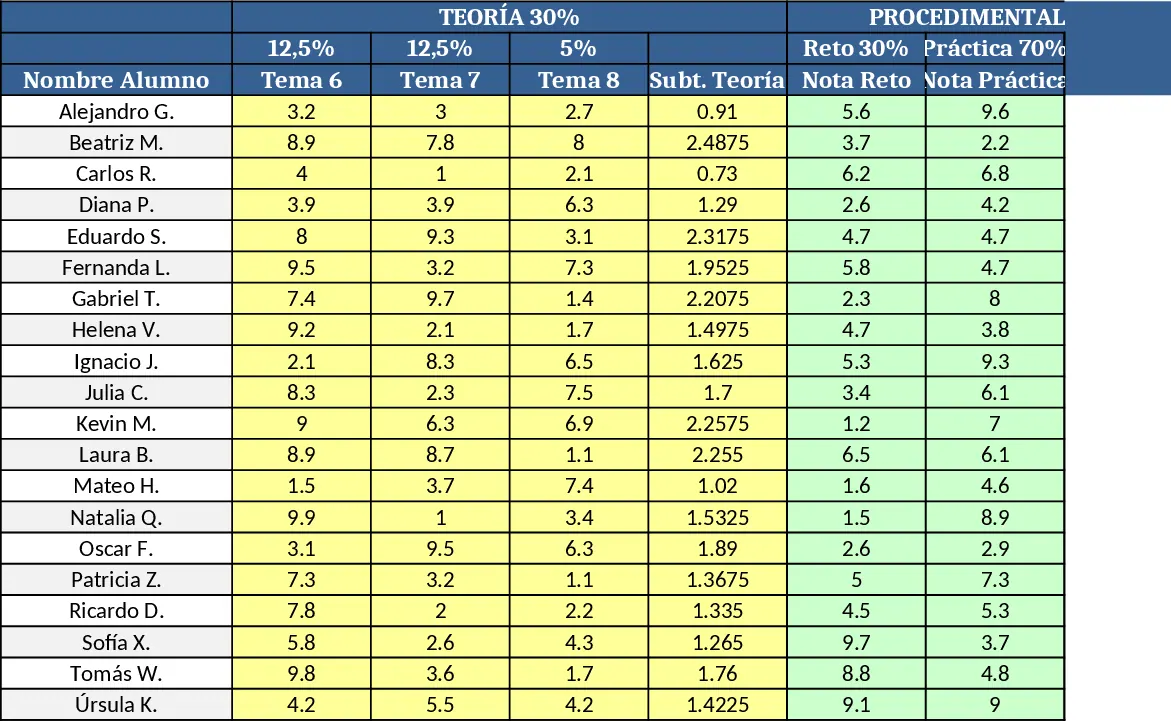
Student Grading Evaluation Template
Excel template to evaluate 20 students with theory, procedural, and attitudinal blocks, auto‑calculations and conditional formatting.
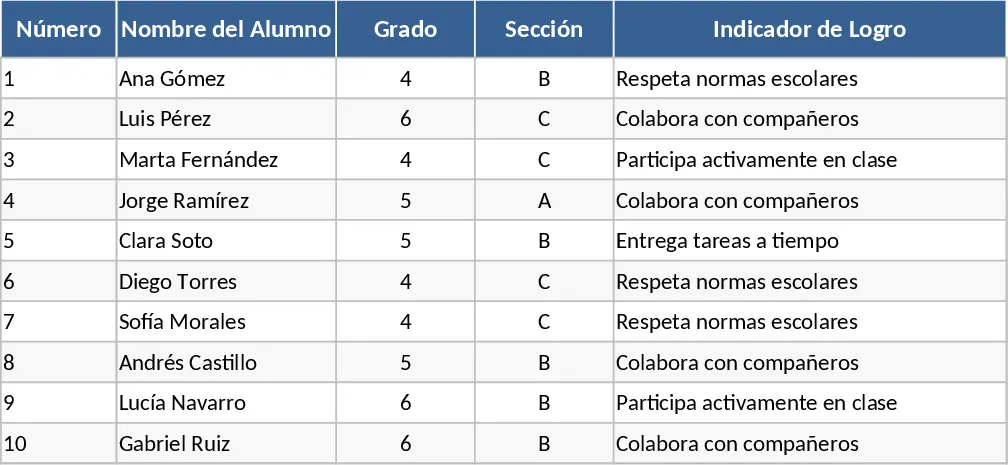
Qualitative Student Evaluation and Achievement Indicator Template
Manage student performance with qualitative grades and achievement indicators designed to meet official educational evaluation standards.