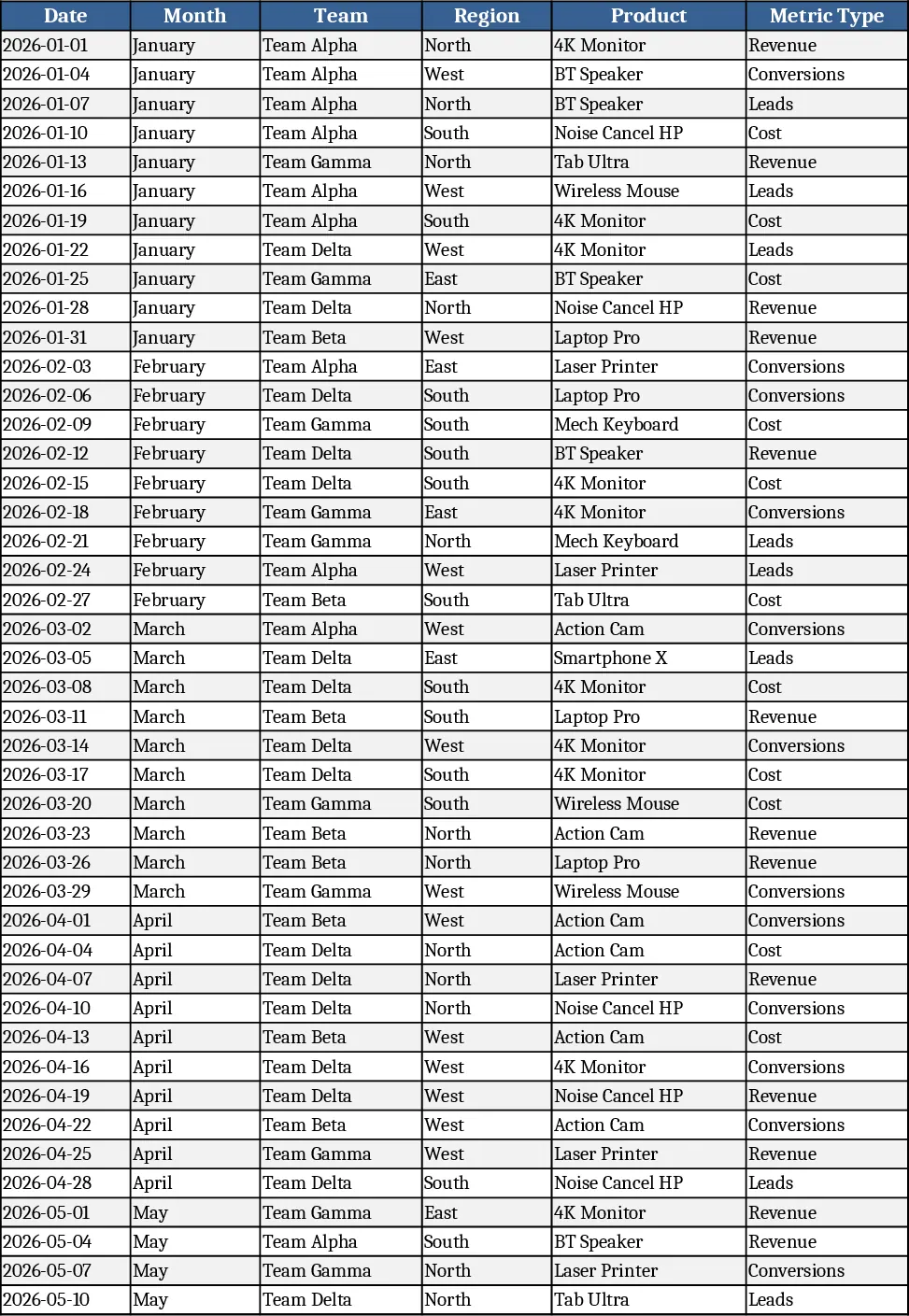
Monthly Business KPI Dashboard Excel with KPI Cards Template
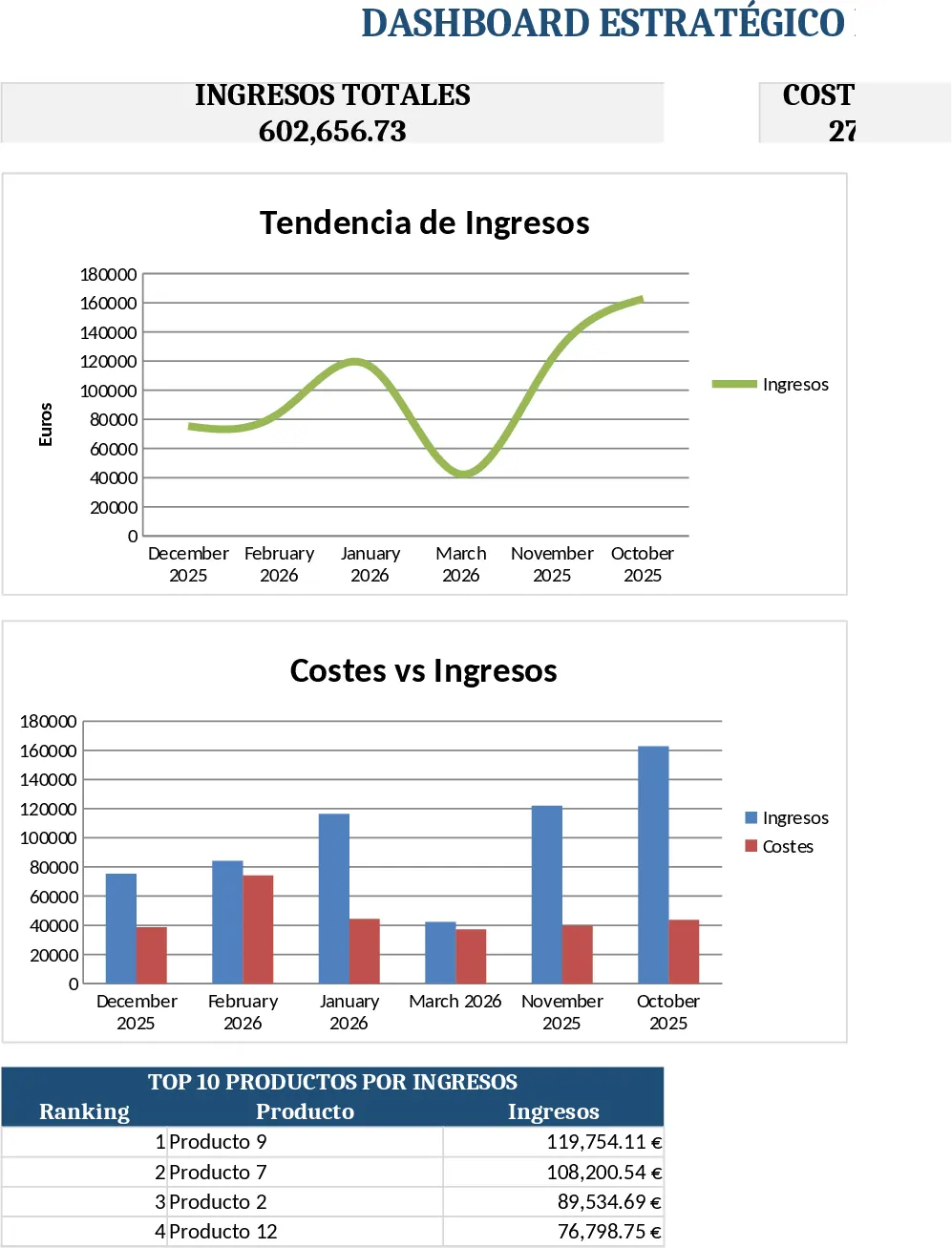
This Excel template is built around four interconnected sheets that turn raw sales and marketing numbers into a polished, interactive KPI dashboard. Raw_Data is the foundation – a table with columns for Date, Month, Team, Region, Product, Metric Type (Revenue, Cost, Leads, Conversions) and Value. Sample rows for six months are pre‑filled, and you can extend the list with your own data. KPI_Definitions holds a concise catalogue of each KPI you want to track, together with the exact formula or logic (for example, Conversion Rate = Conversions ÷ Leads). The sheet uses data validation drop‑downs so you can quickly add new KPIs or adjust existing ones without breaking the calculations. Pivot_Summary automatically creates ready‑to‑use pivot tables that aggregate the raw numbers by Month, Region, Product and Team. Friendly field names are provided for slicers, letting you slice the data on the fly. Finally, the Panel sheet pulls the pivot results into charts and scorecards: a line chart for revenue trend, bar chart for revenue by region, a combo chart comparing costs versus revenue, a dual‑axis chart showing leads and conversion rate over time, and a top‑10 product revenue bar. All visuals refresh instantly when you add or edit rows in Raw_Data.
The template solves the common headache of manually rebuilding reports each month. Instead of copying data, re‑creating formulas, and redesigning charts, you simply paste new records into Raw_Data and the rest of the workbook updates automatically. This saves time, reduces errors, and gives you a consistent, professional look for stakeholder meetings. It’s especially useful for business analysts, finance officers, or marketing managers who need to monitor performance across multiple dimensions – region, product line, and team – while keeping the underlying calculations transparent and auditable.
Who benefits most? Small‑to‑mid‑size companies that track both financial (Revenue, Cost) and growth metrics (Leads, Conversions) will find this template a ready‑made solution. It works equally well for a regional sales manager reviewing quarterly results, a product owner comparing product profitability, or a marketing lead measuring campaign efficiency. By centralising raw inputs, KPI logic, and visual output, the workbook becomes a single source of truth for monthly performance reviews.
How to use:
- Open the workbook and go to the Raw_Data sheet. Add your own rows or replace the sample data, keeping the same column order. The Date column can be a real date; the Month column can be a text or formula‑derived month name.
- In KPI_Definitions, verify that each KPI you need is listed. If you add a new metric, select the appropriate Metric Type from the drop‑down and write the formula in the adjacent cell.
- Switch to Pivot_Summary – the pivot tables will refresh automatically. Use the slicers (Month, Region, Product) to filter the view and ensure the numbers look correct.
- Go to the Panel sheet. All charts and scorecards will reflect the filtered data instantly. You can copy the panel to a presentation or export it as a PDF for reporting.
Expected benefits: faster month‑end reporting, fewer manual calculations, consistent visual storytelling, and a clearer view of what drives revenue and growth across your business.
Similar Templates Recommendation
Monthly Business KPI Dashboard with Charts and Performance Metrics Template
Advanced Excel KPI dashboard with raw data, definitions, pivot summary, and visual panel for monthly business performance.
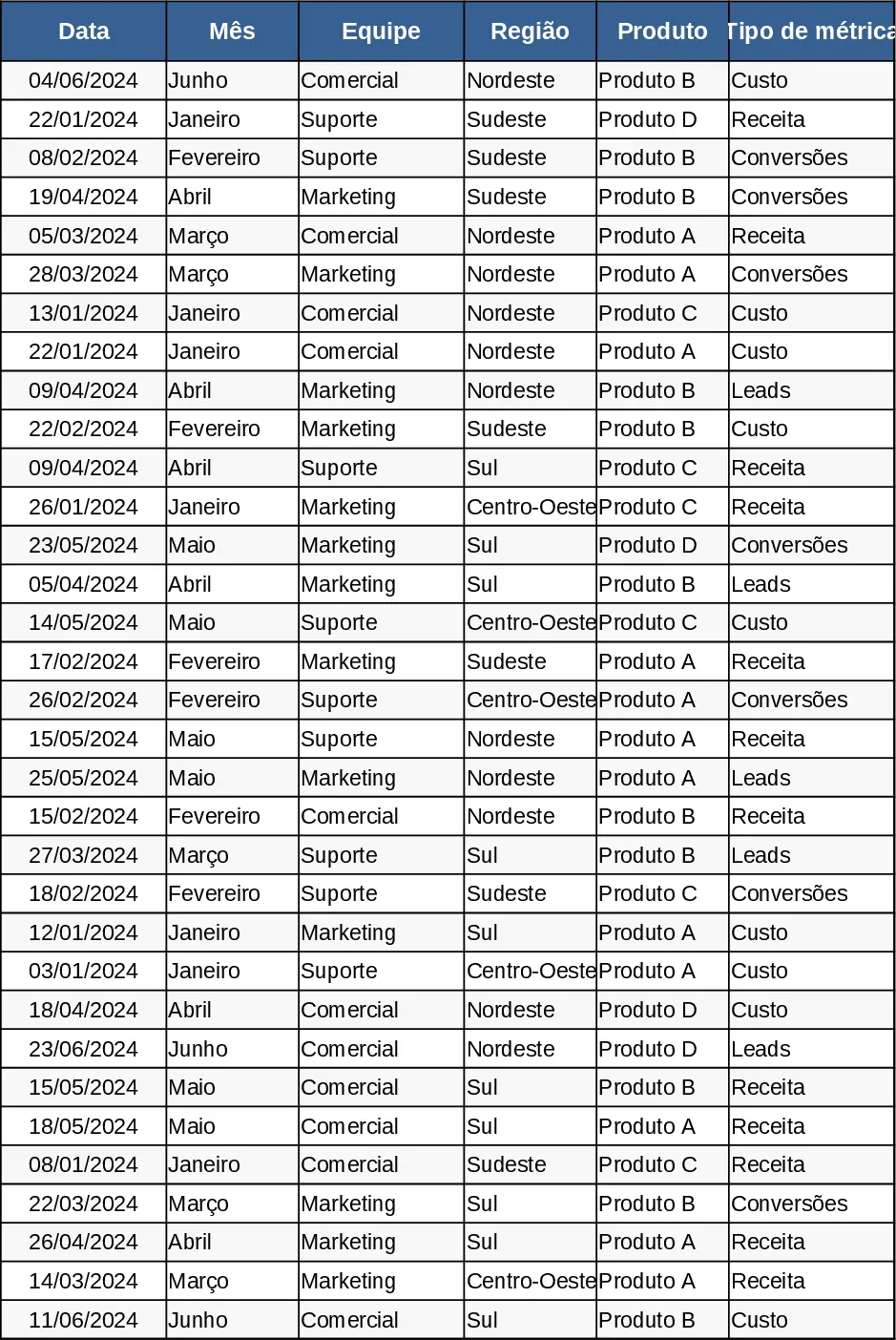
Monthly Business KPI Dashboard with Trend Analysis Template
Track monthly revenue, cost, leads and conversion rates with a dynamic KPI dashboard that updates automatically from raw data.
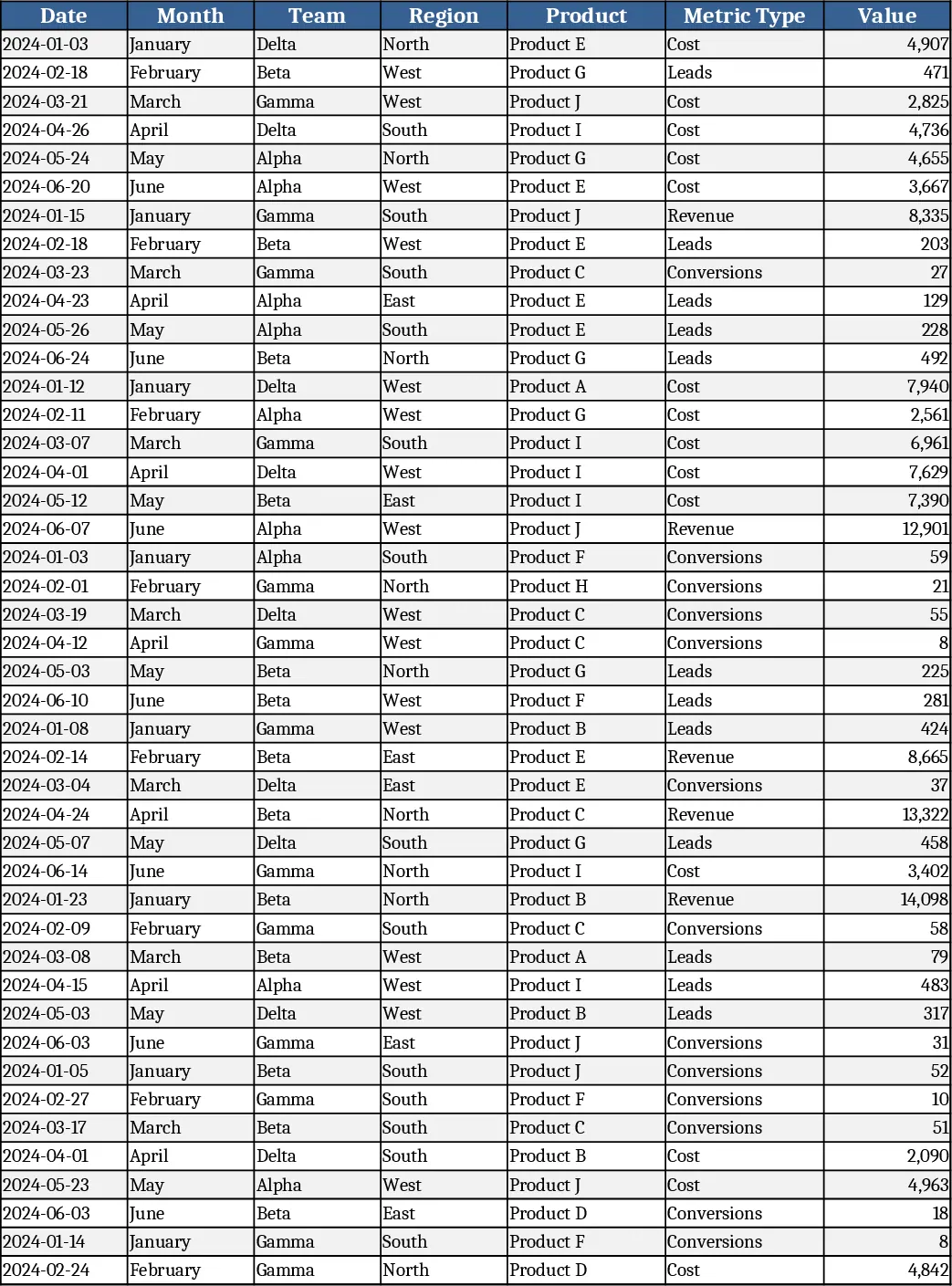
Monthly Business KPI Dashboard with Automation Template
Track monthly revenue, cost, leads and conversion rates with a dynamic KPI dashboard that updates automatically from raw data.