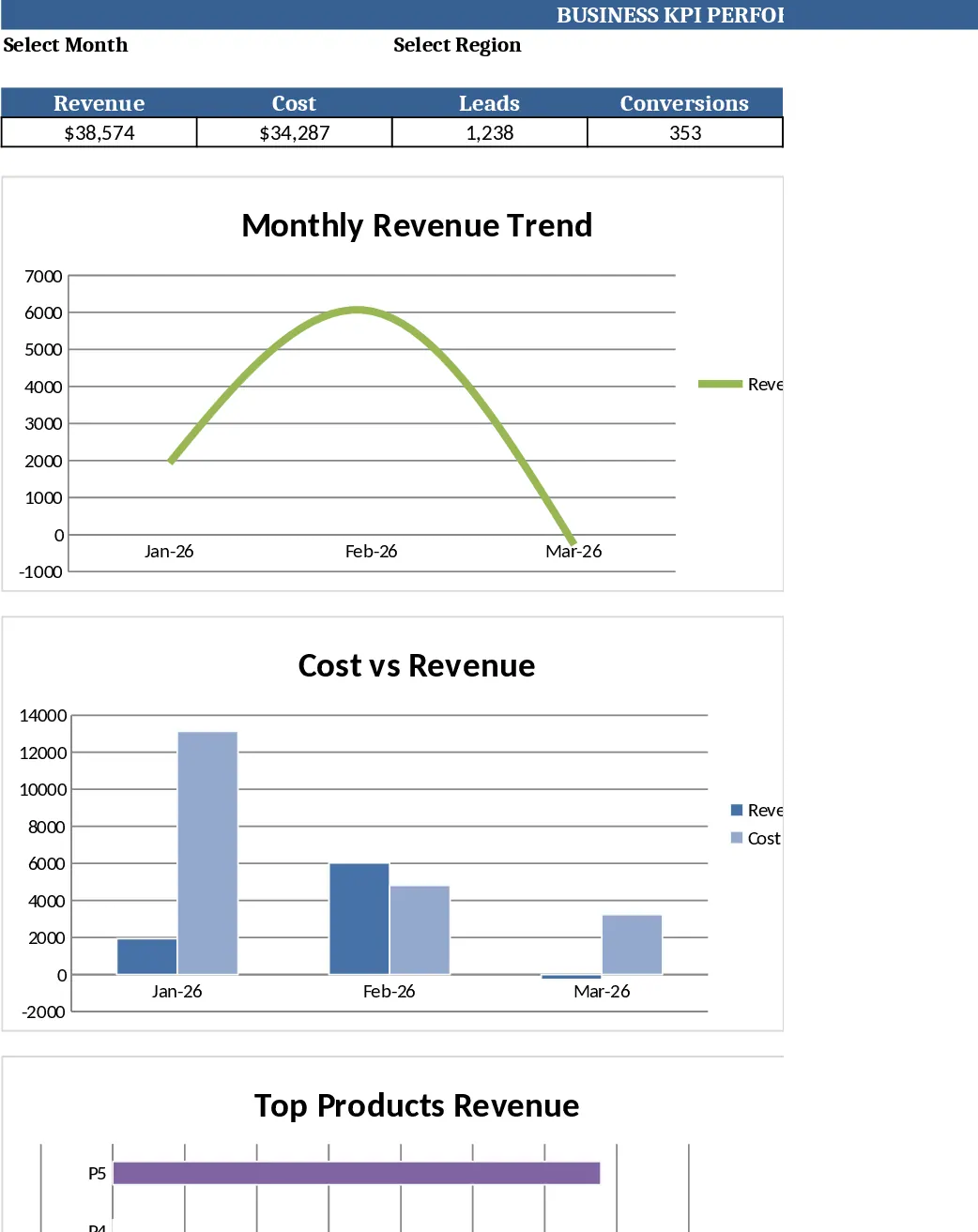
Monthly Business KPI Dashboard with Charts and Performance Metrics Template
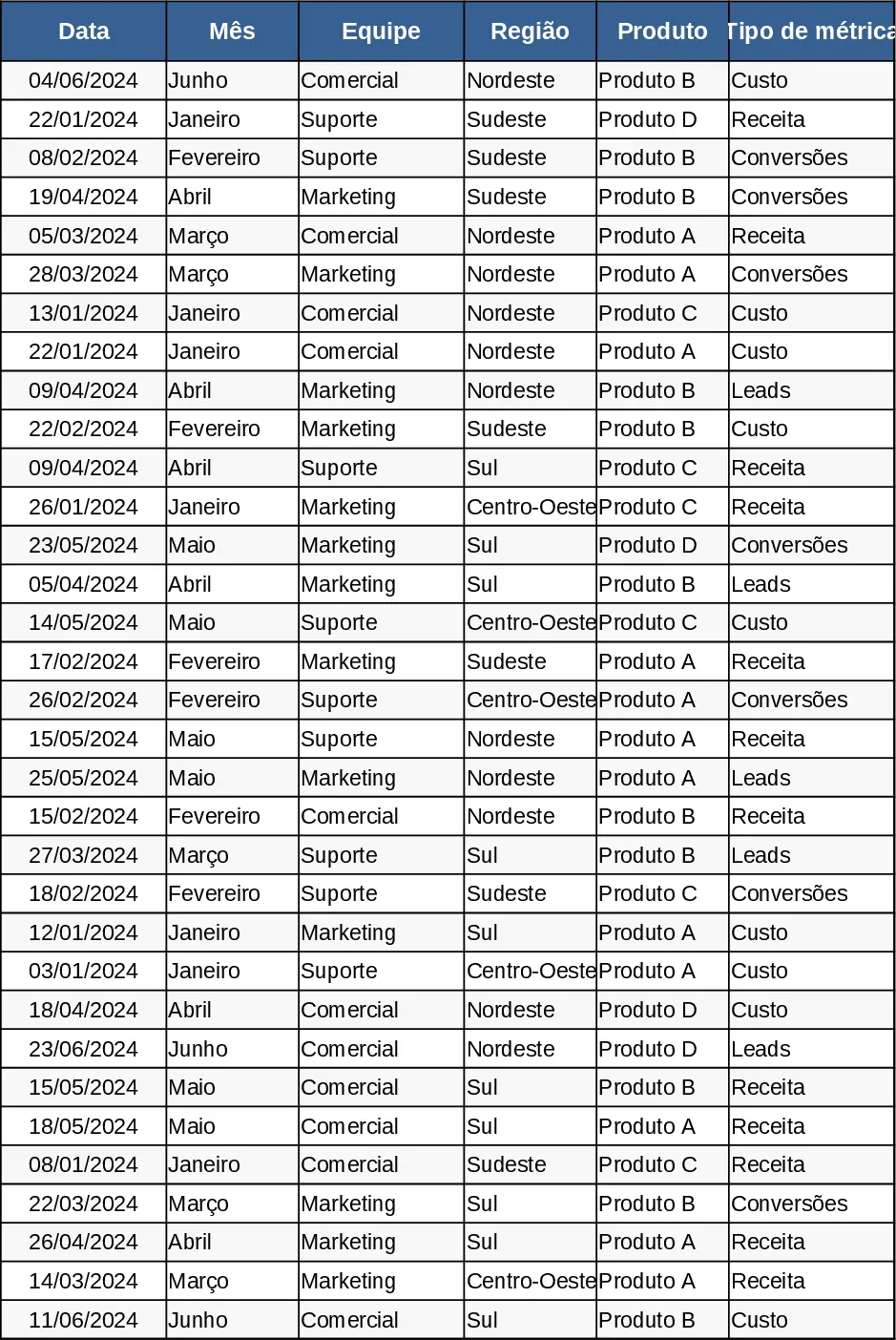
This template is built around four interconnected worksheets that turn raw business numbers into a polished KPI dashboard. Raw_Data holds the source table with columns for Date, Month, Team, Region, Product, Metric Type (Revenue/Cost/Leads/Conversions) and Value, pre‑filled with 60 sample rows spanning six months. KPI_Definitions lists each key performance indicator, the exact formula or logic (e.g., Conversion Rate = Conversions ÷ Leads) and any explanatory notes. Pivot_Summary contains ready‑to‑use pivot tables that aggregate the raw data by Month, Region, Product and Team, and includes slicer‑friendly fields for quick segmentation. Finally, the Painel sheet displays dynamic charts – a line for revenue trend, bar chart for revenue by region, combo chart for cost vs. revenue, dual‑axis trend for leads and conversion rate, and a top‑10 product bar chart – all linked to the underlying data so they refresh automatically.
The workbook solves the common pain point of manually consolidating disparate data sources and rebuilding reports each month. By centralising raw entries, predefined KPI logic, and pivot‑driven summaries, users can instantly visualise performance, spot trends, and compare regions or products without complex formulas or external tools. This saves hours of repetitive work, reduces errors, and provides a single source of truth for leadership reviews and team meetings.
Ideal for business analysts, finance partners, sales managers, and operations leaders who need a clear, up‑to‑date view of how revenue, costs, leads and conversions evolve over time. Whether you are preparing a monthly executive briefing, tracking regional sales health, or evaluating product profitability, the template gives you the numbers and visuals you need in one place.
The dashboard tracks monthly revenue, cost, lead generation, conversion rates, and product performance. It also highlights the top‑earning products and shows cost‑to‑revenue ratios, enabling quick assessment of profitability and efficiency. Because the charts pull directly from the pivot tables, any change in the raw data instantly updates every visual, ensuring decisions are always based on the latest information.
How to use:
- Open the Raw_Data sheet and replace the sample rows with your own daily records, keeping the same column structure.
- Review or add KPI formulas in KPI_Definitions if you need custom metrics.
- Refresh the pivot tables on Pivot_Summary (Data → Refresh All) to recalculate aggregates.
- Switch to the Painel sheet to see updated charts; use the slicers to filter by month, region, product or team as needed.
Expected benefits include a noticeable reduction in time spent gathering and cleaning data, fewer manual calculation errors, and faster delivery of insightful visual reports for strategic discussions.
Similar Templates Recommendation
Monthly Business KPI Dashboard with Trend Analysis Template
Track monthly revenue, cost, leads and conversion rates with a dynamic KPI dashboard that updates automatically from raw data.
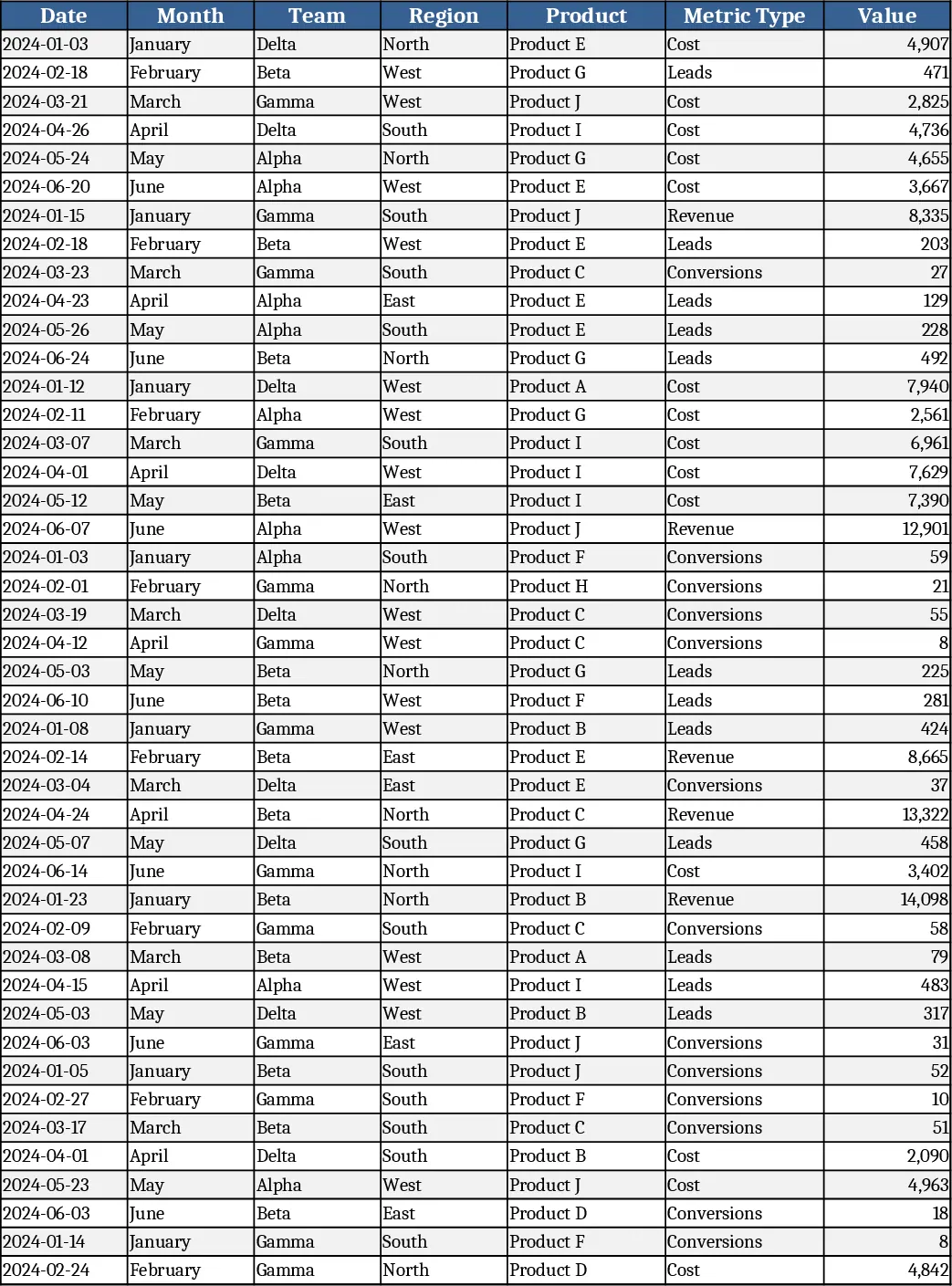
Monthly Business KPI Dashboard with Automation Template
Track monthly revenue, cost, leads and conversion rates with a dynamic KPI dashboard that updates automatically from raw data.
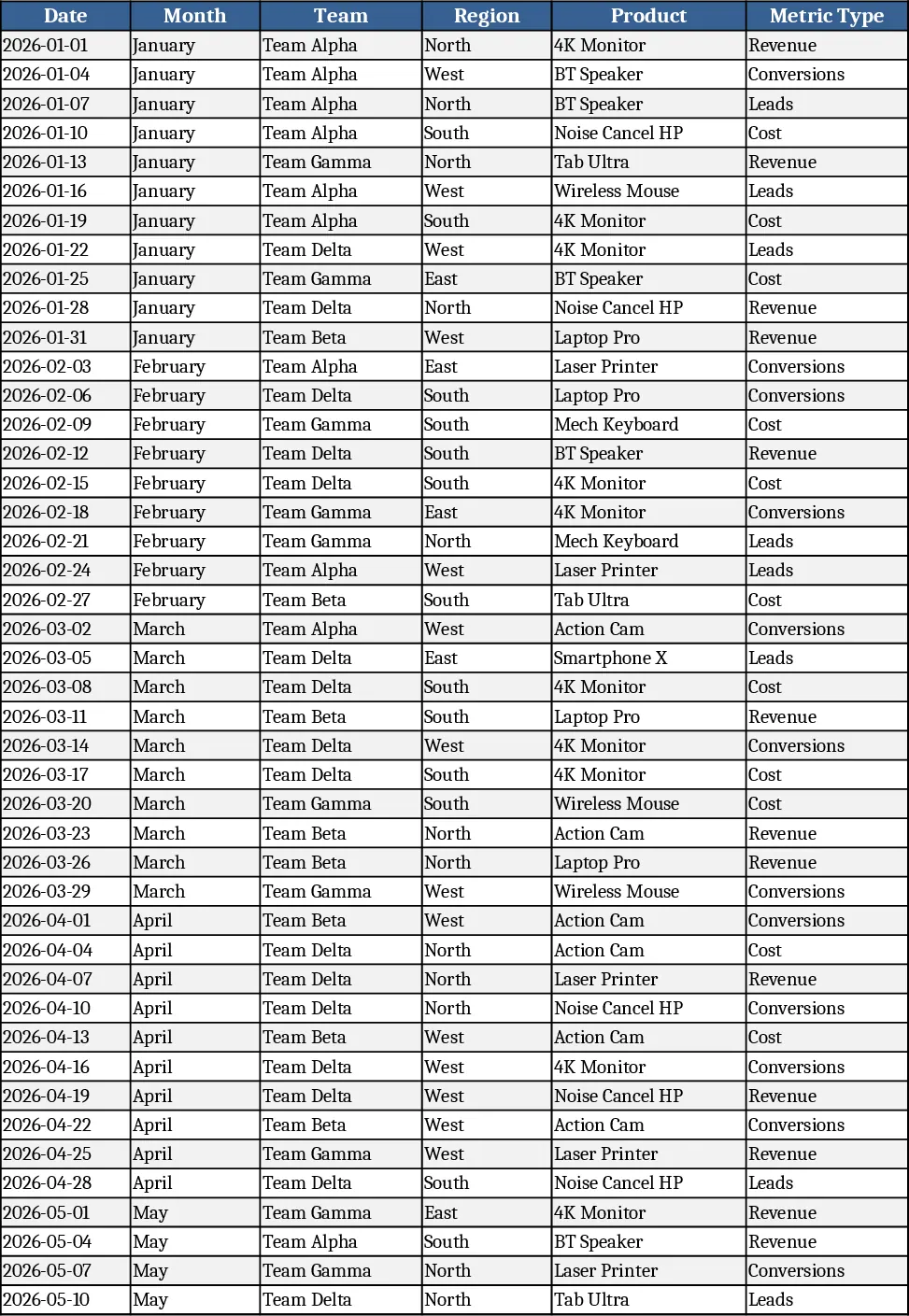
Advanced Monthly Business KPI Dashboard with Weekly Trends Template
Track monthly revenue, costs, leads and conversion rates across teams, regions and products with dynamic charts and pivot summaries.