Advanced Monthly Business KPI Dashboard with Weekly Trends Template
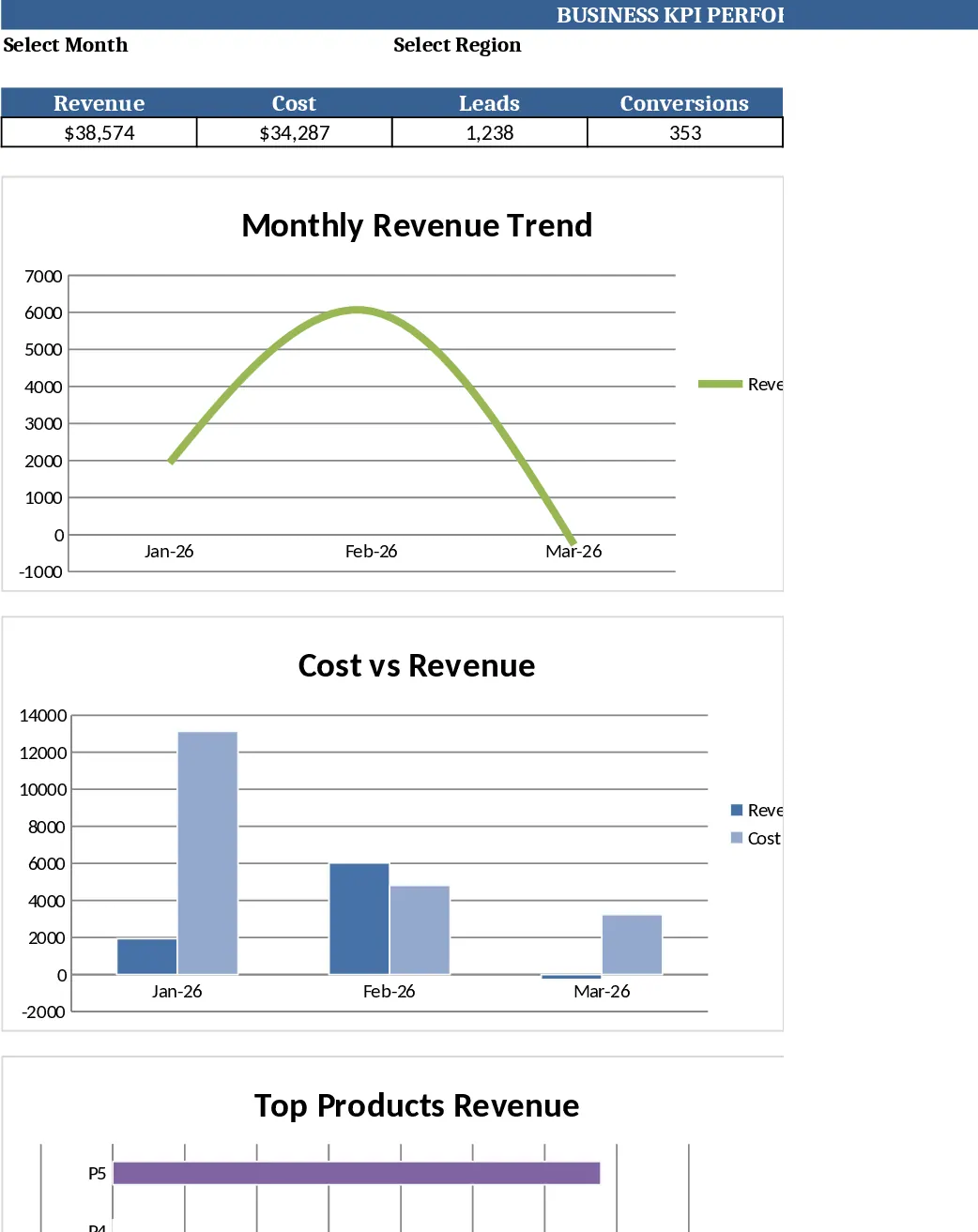
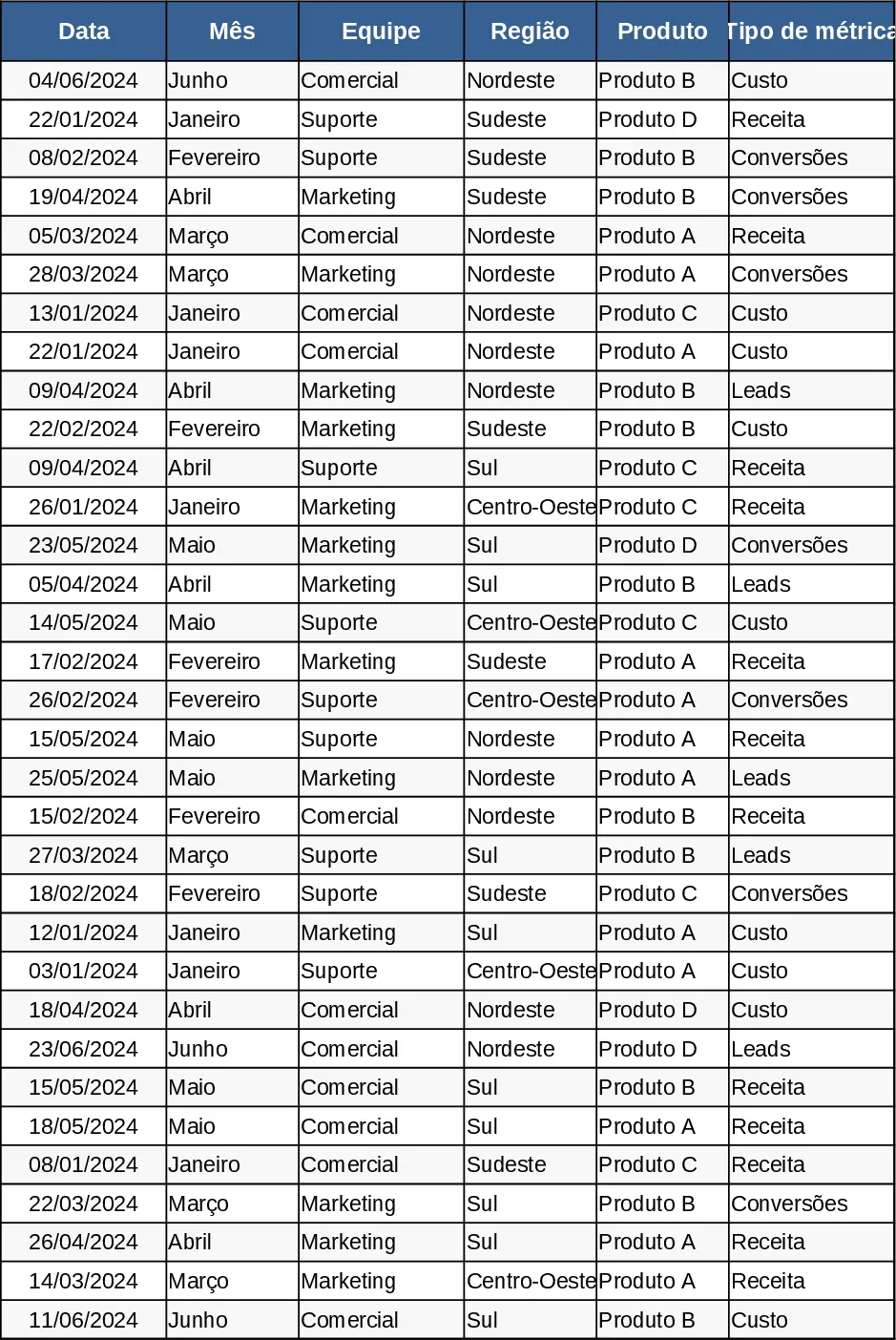
The Monthly Business KPI Dashboard template is organized into four interconnected sheets that turn raw numbers into clear, actionable insights. Raw_Data is the source table where you log each transaction or event, with columns for Date, Month, Team, Region, Product, Metric Type (Revenue, Cost, Leads, Conversions) and Value. KPI_Definitions lists every key performance indicator you’ll track, such as Conversion Rate = Conversions ÷ Leads, and includes the exact formulas so the calculations stay consistent. Pivot_Summary automatically creates pivot‑ready tables that aggregate the raw data by Month, Region, Product and Team, and it adds slicer‑compatible fields for quick filtering. Finally, the Dashboard sheet pulls the pivot results into a set of ready‑to‑use visualizations: a line chart for revenue trends, a bar chart for revenue by region, a combo chart comparing cost versus revenue, a dual‑axis trend for leads and conversion rate, and a top‑10 product bar chart.
This template solves the common pain of manually consolidating monthly performance data from multiple sources. By feeding raw entries into a single table, all calculations and charts update instantly, eliminating repetitive copy‑pasting and reducing the risk of errors. It gives managers a single‑page view of the health of the business, helps analysts spot trends early, and provides sales and operations teams with the data they need to adjust tactics. Whether you’re preparing a monthly executive review, tracking regional performance, or measuring the impact of a new product launch, the dashboard delivers the numbers you need in a visual format that’s easy to share.
The template is ideal for finance analysts, sales managers, regional directors, and any stakeholder who needs a quick pulse on key business metrics. It tracks revenue growth, cost efficiency, lead generation, and conversion effectiveness, turning raw entries into a concise scorecard that highlights both overall performance and granular details like top‑selling products or under‑performing regions.
How to use
- Open the Raw_Data sheet and enter your daily or weekly records; the sample rows show the required format for each column.
- Review or add new KPIs in the KPI_Definitions sheet, ensuring the formula references the correct metric types.
- Go to the Pivot_Summary sheet; the tables refresh automatically, and you can apply slicers to focus on a specific month, region, or product.
- Switch to the Dashboard sheet to see the charts update in real time; adjust slicer selections to explore different views and export the visual for presentations.
Expected benefits: faster month‑end reporting, fewer manual calculations, and clearer visual communication of performance trends.
Similar Templates Recommendation
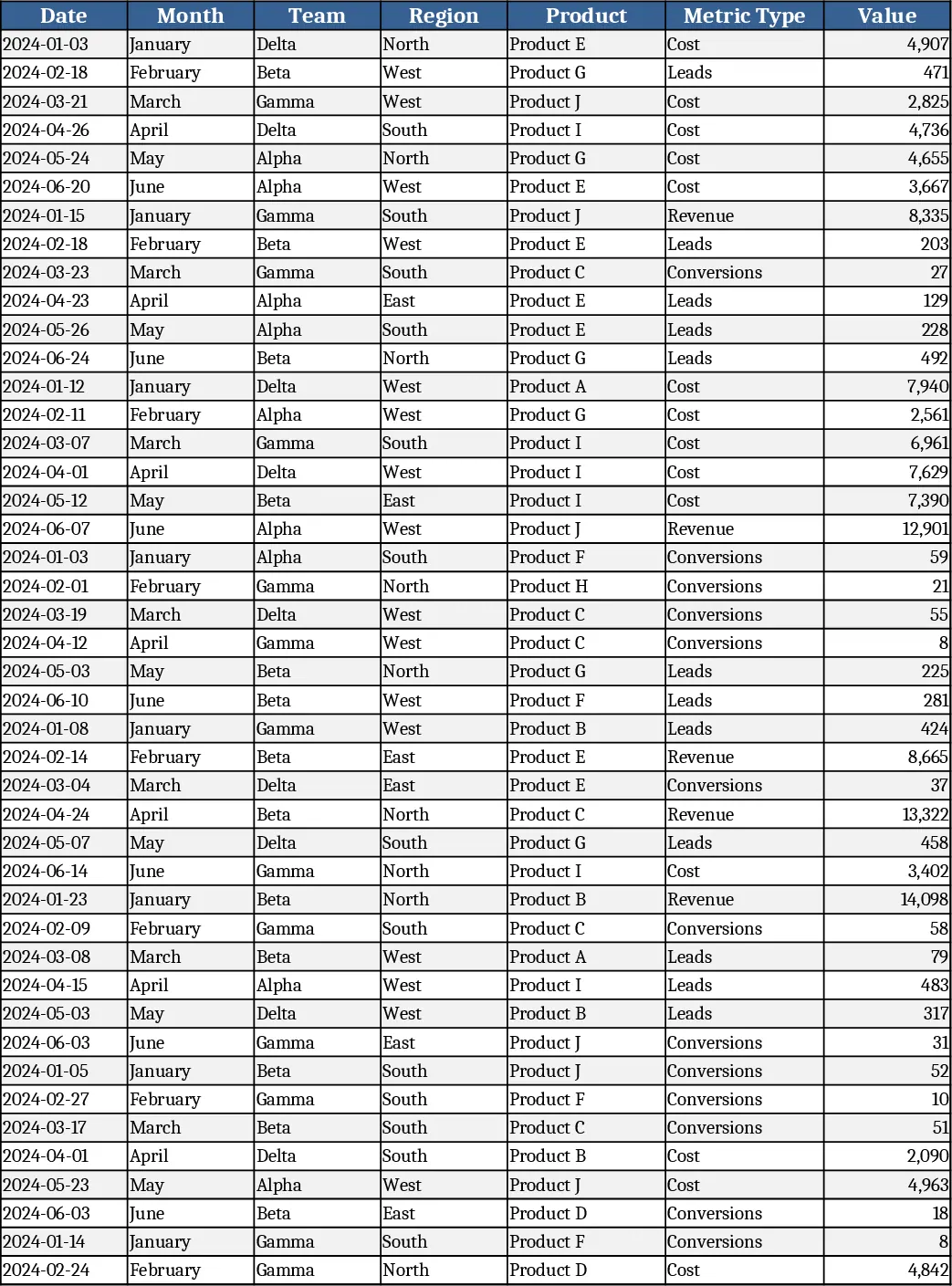
Monthly Business KPI Dashboard with Trend Analysis Template
Track monthly revenue, cost, leads and conversion rates with a dynamic KPI dashboard that updates automatically from raw data.
Monthly Business KPI Dashboard with Automation Template
Track monthly revenue, cost, leads and conversion rates with a dynamic KPI dashboard that updates automatically from raw data.
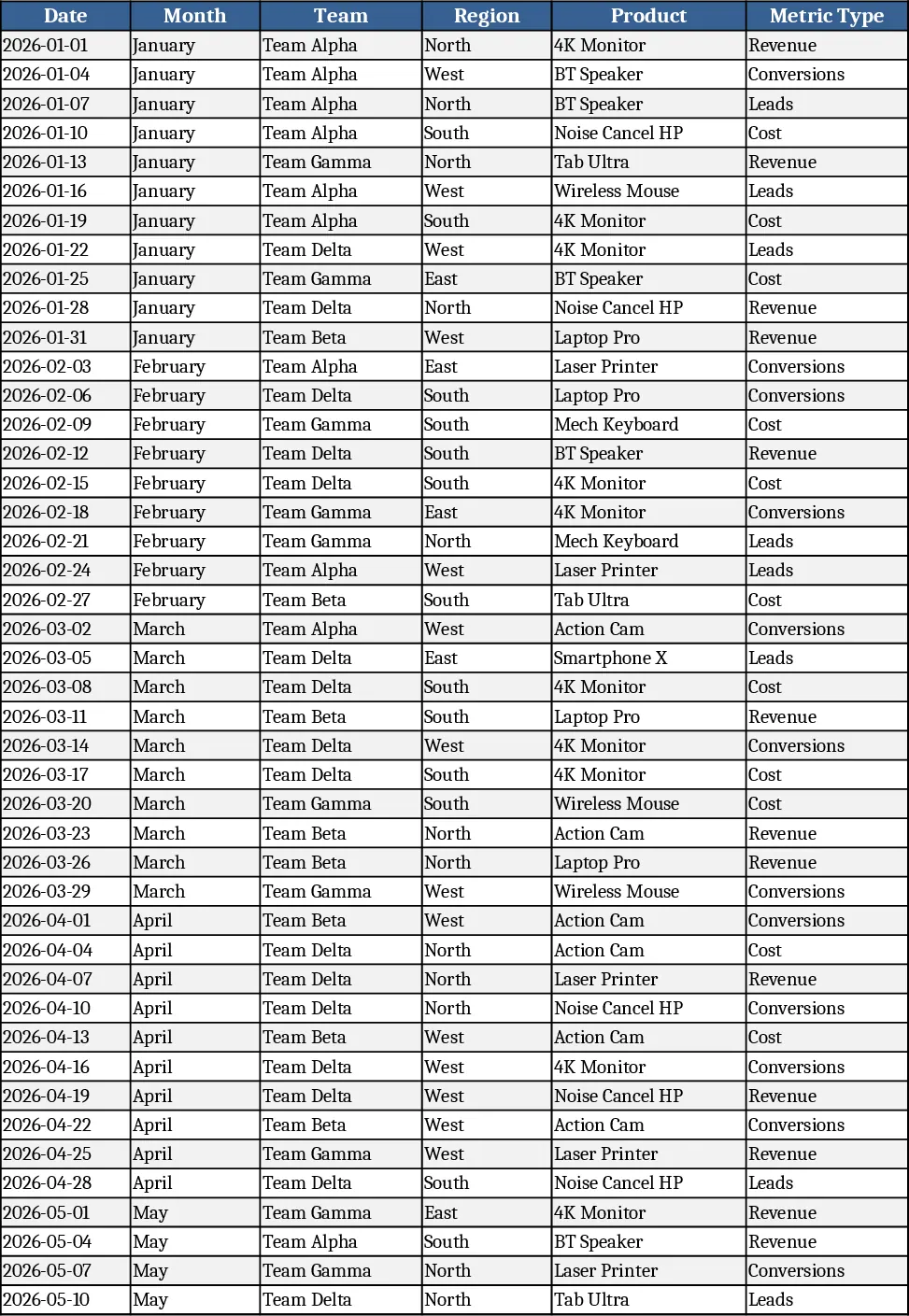
Monthly Business KPI Dashboard with Charts and Performance Metrics Template
Advanced Excel KPI dashboard with raw data, definitions, pivot summary, and visual panel for monthly business performance.