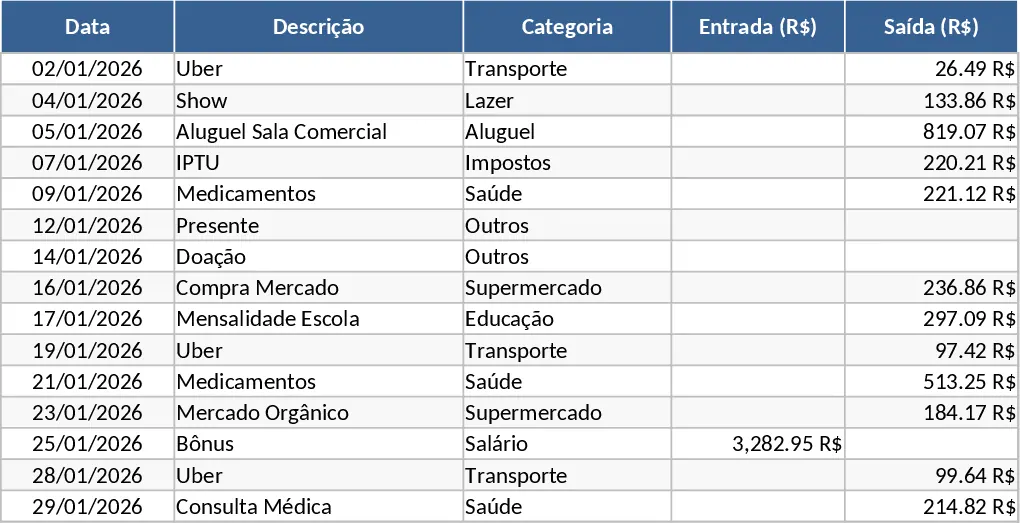
Monthly Expense Tracker and Budget Analysis Template
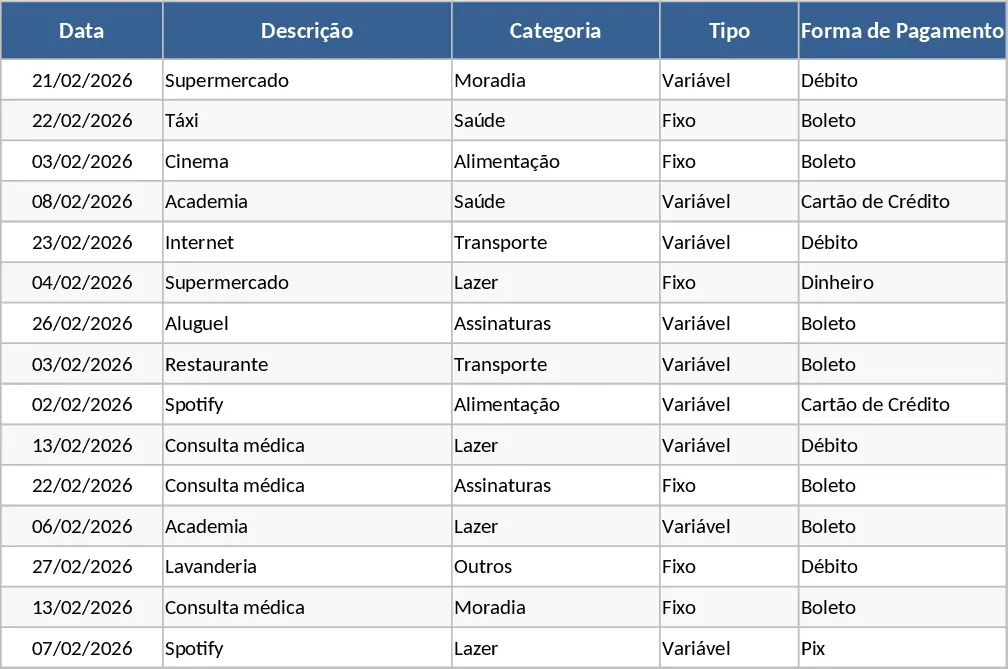
This Monthly Expense Control template is a comprehensive financial management tool designed to bring absolute clarity to your personal or household finances. It is structured into three specialized sheets—Entries, Summary, and Budget—that work together to provide a 360-degree view of your money. The Entries sheet serves as your primary data hub, featuring columns for date, description, category (such as Housing, Food, Transport, Leisure, Health, and Subscriptions), expense type (Fixed or Variable), and payment method (Pix, Debit, Credit, or Boleto). This granular level of detail ensures that every transaction is accounted for and categorized correctly for future analysis.
The utility of this template lies in its ability to transform raw data into actionable insights. By distinguishing between fixed and variable costs, you can easily identify which expenses are non-negotiable and where you have room to cut back. The built-in automation uses advanced formulas to pull data from your daily entries directly into your budget and summary views. This eliminates the need for manual calculations and reduces the risk of human error, ensuring your totals are always accurate and up-to-date. Whether you are trying to pay off debt, save for a vacation, or simply maintain a balanced lifestyle, this tool provides the structure needed to succeed.
For individuals and families alike, this template solves the common problem of wondering where your money went by providing a visual breakdown of spending habits. The Summary sheet features a dynamic pie chart that illustrates the percentage of total spend per category, making it easy to see if leisure or dining out is consuming too much of your income. Additionally, the Budget sheet includes a Budget vs. Actual column chart, offering a clear comparison of your financial goals versus your reality. This helps you stay disciplined throughout the month by showing exactly how much buffer you have left in each category.
How to use:
- Navigate to the Budget sheet first to define your spending limits for the month across all categories, creating a roadmap for your finances.
- Use the Entries sheet daily or weekly to log your expenses, making sure to fill out the Category and Type columns to trigger the automated formulas.
- Monitor the Summary sheet to view your total monthly spend and check the Budget sheet to see the Difference column, which highlights if you are over or under your limit.
- Review the automated charts at the end of the month to analyze your behavior and adjust your budget for the following period.
Expected benefits: Significant reduction in manual bookkeeping time and improved financial awareness to help you reach your savings goals faster.
Similar Templates Recommendation
Personal Monthly Budget and Expense Tracker with Transaction Log and Weekly Trends Template
Manage your personal finances by tracking daily expenses, setting monthly budgets, and visualizing spending habits with a dynamic dashboard.
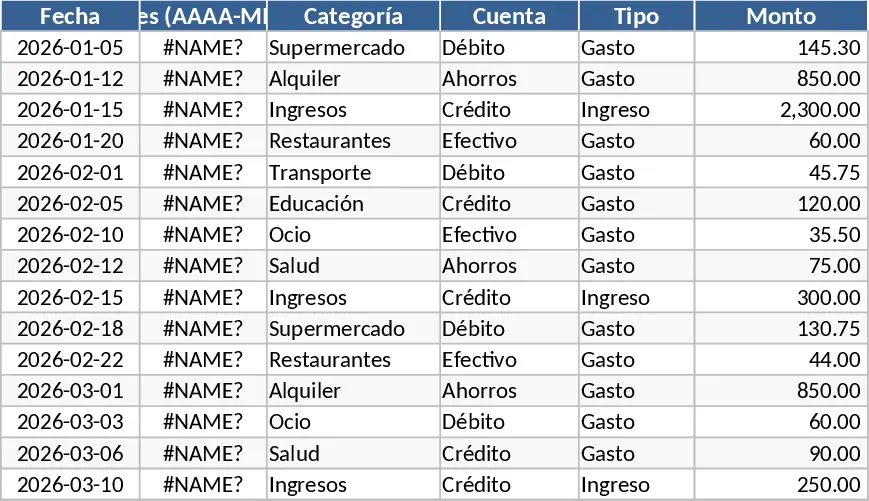
Personal Monthly Budget and Expense Tracker with Transaction Log and Charts Template
Manage your personal finances by tracking daily transactions against monthly budgets with automated summaries and visual dashboards.
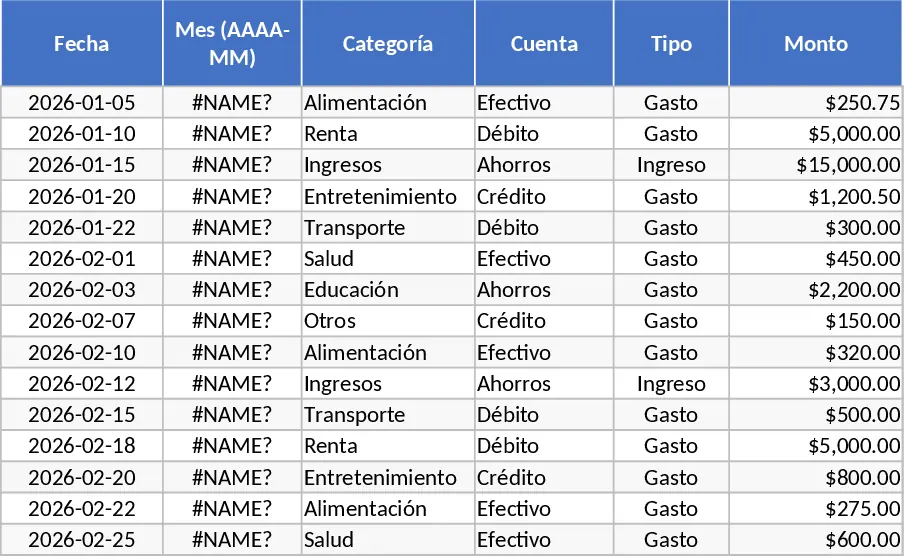
Cash Flow and Expense Tracker with Pie Chart Template
Manage your daily income and expenses by category and visualize spending patterns with an automated pie chart for better financial control.