Crane Manufacturing Production and Inventory Management Template
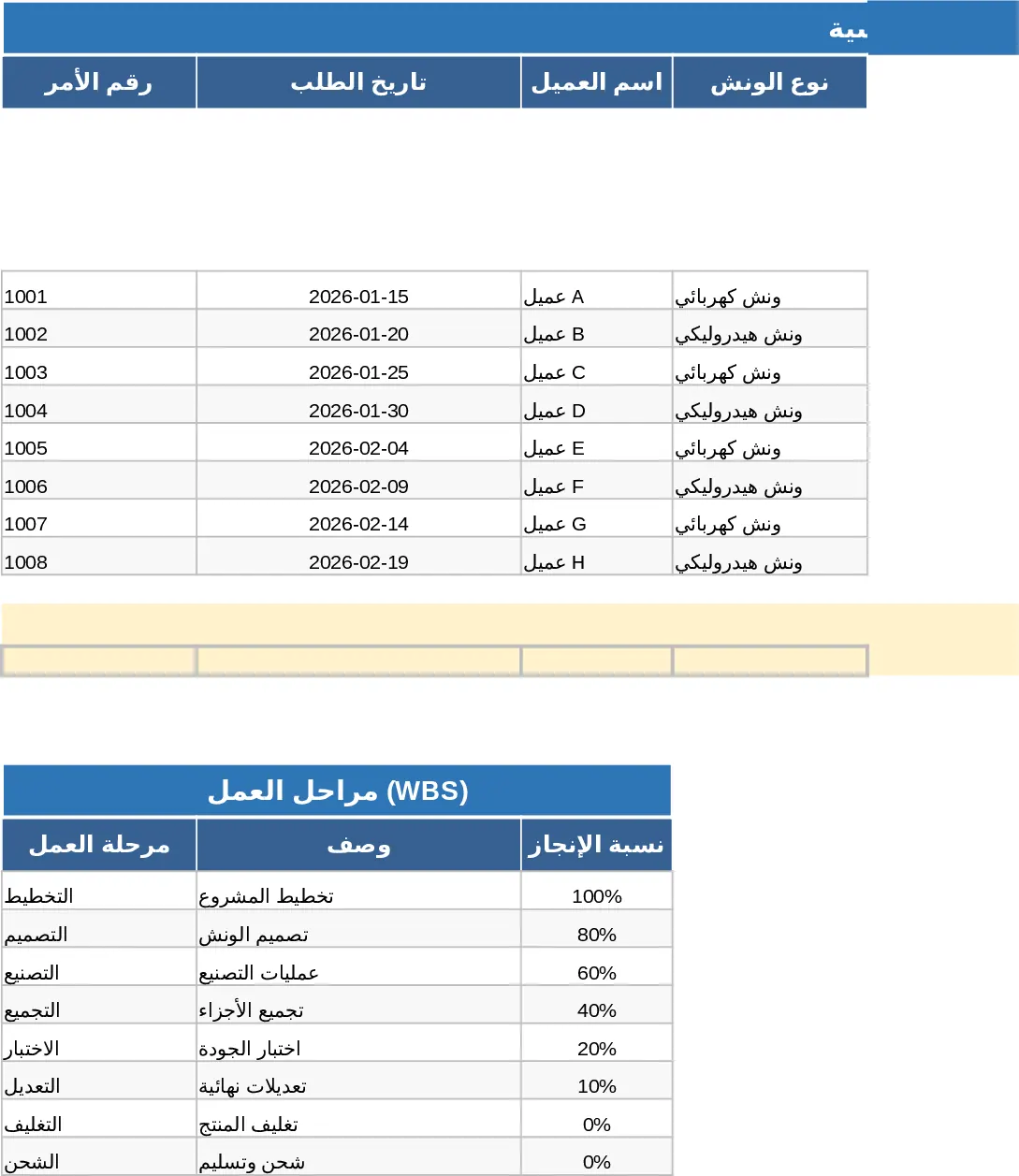
This integrated manufacturing management system is designed for industrial facilities and engineering workshops to streamline the entire production lifecycle. The template features a robust architecture including an Order Management sheet with a built-in Work Breakdown Structure (WBS), Material Tracking for real-time consumption, and an Inventory module to prevent stockouts. It also includes specialized logs for Machine Performance and Quality Control, ensuring that every aspect of the shop floor—from raw materials to the final inspection of heavy machinery—is documented and analyzed.
The template is particularly useful for solving the problem of data silos in manufacturing. By linking order IDs across material usage, machine hours, and quality checks, it provides a 360-degree view of production health. Managers can instantly see which orders are delayed, which machines are underperforming, and where quality issues are originating. This level of detail helps in calculating precise profit margins per order by factoring in material costs, labor hours, and rework expenses. The system uses automated formulas to calculate completion percentages based on weighted stages, ensuring that progress reporting is objective and accurate.
Designed for production managers, operations supervisors, and factory owners, this tool is ideal for environments handling complex assemblies like cranes or custom machinery. It helps track critical metrics such as machine utilization rates, percentage of completion across six distinct engineering stages, and inventory coverage days. The automated dashboard provides visual insights through charts and alerts, highlighting critical materials or machines requiring maintenance before they cause a bottleneck. With conditional formatting, the system visually flags delays and low stock levels, allowing for proactive management rather than reactive troubleshooting.
How to use
- Initialize Master Data: Start by populating the Inventory and Machine Performance sheets with your current stock levels, material codes, and machine capacities to enable automated lookups and cost calculations.
- Log Production Orders: Enter new customer orders in the Order Table, defining technical specifications and the WBS stages to track progress from design and fabrication to final testing.
- Daily Operations Entry: Record daily material movements and machine logs, including start/end times, produced units, and quality inspection results, using the provided dropdown menus for consistency.
- Monitor the Dashboard: Review the Dashboard regularly to identify delayed orders, low stock alerts, and machine efficiency trends to make data-driven operational adjustments.
Expected benefits: Improved production visibility, reduced downtime through better machine tracking, and more accurate cost control across all manufacturing stages.
Similar Templates Recommendation
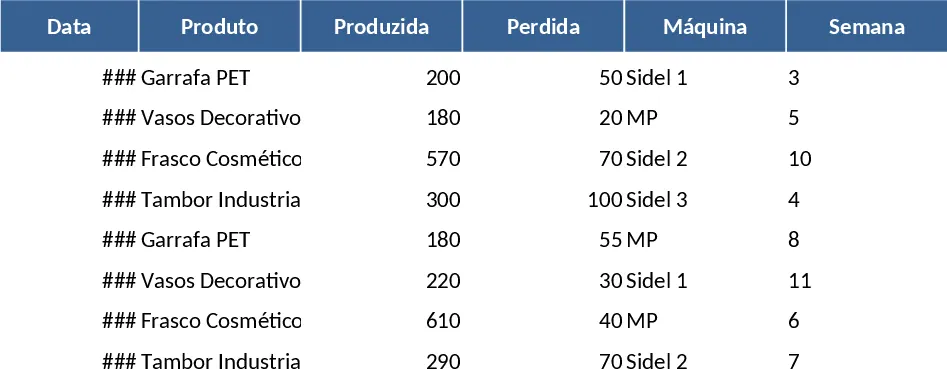
Blow Molding Production Control and Inventory Management Template
Manage blow molding production across five machines with automated stock tracking, weekly performance summaries, and low-inventory alerts.
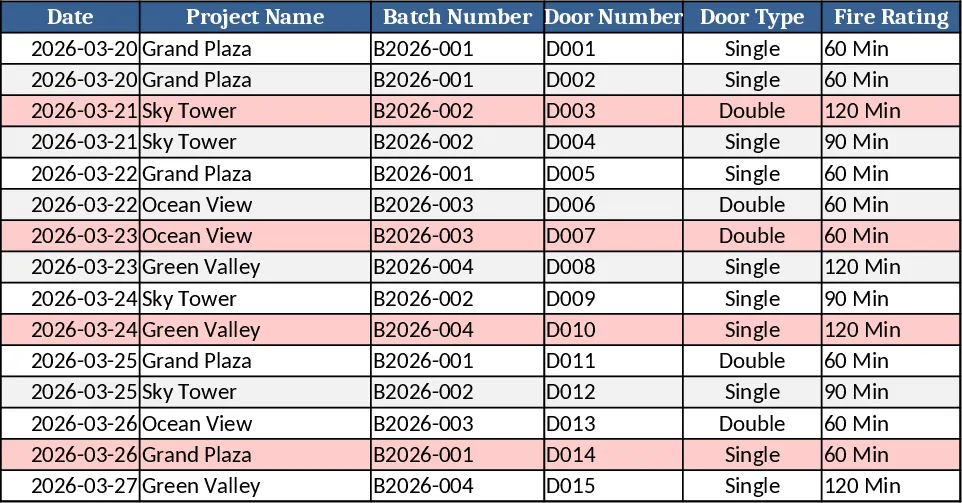
DIY Professional Workbook Builder Template
A ready‑to‑use Excel workbook that logs door inspections, tracks defects, manages safety assets, and visualizes QC performance with dashboards.
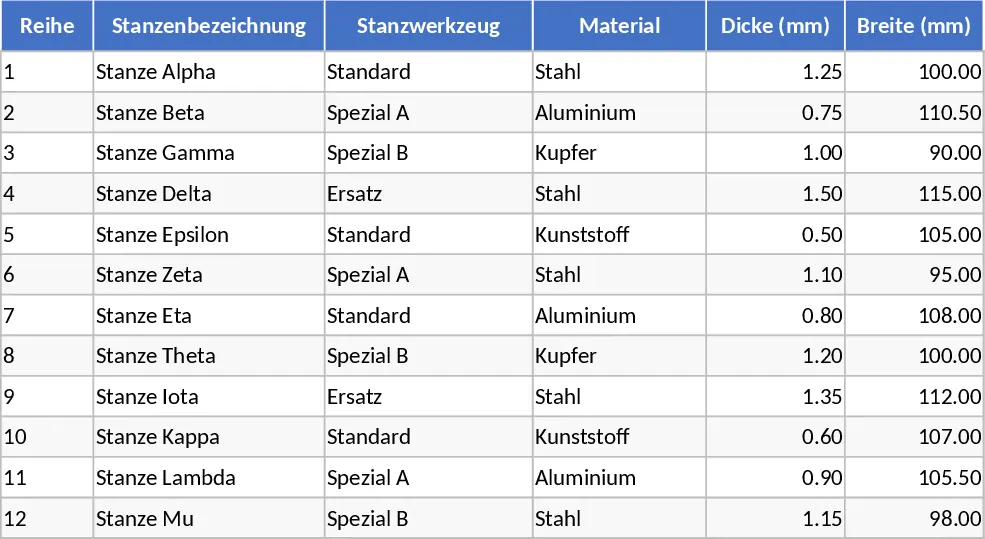
Punch Tool Management and Stroke Rate Calculation Template
Organize and track punching tools across multiple rows with machine settings, stroke rates, and automated production calculations.