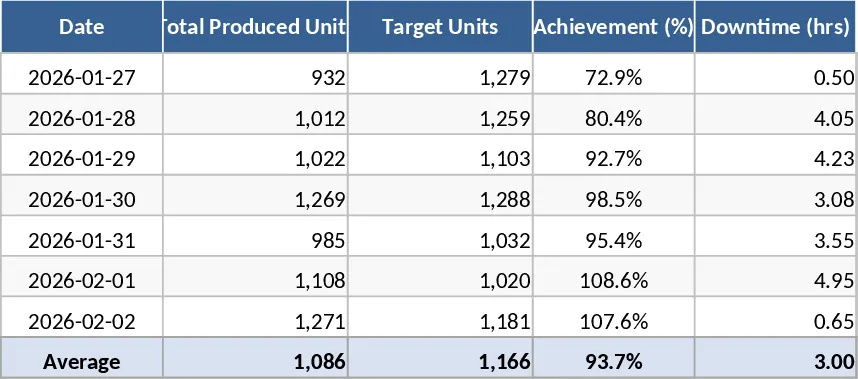
Blow Molding Production Control and Inventory Management Template
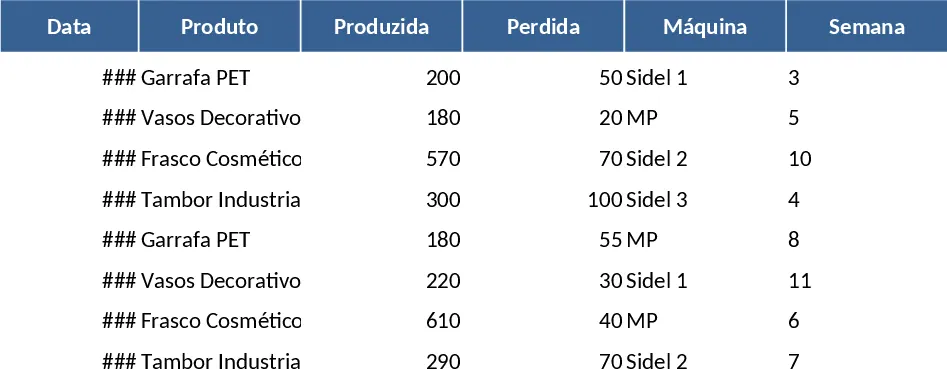
This specialized Blow Molding Production Control template is designed to streamline the operational workflow of manufacturing facilities managing multiple production lines. By consolidating daily logs, inventory tracking, and performance history into a single, intuitive interface, it eliminates the need for complex software while providing high-level insights into factory efficiency. The template is pre-configured for five specific machines—Sidel 1, Sidel 2, Sidel 3, MP, and ASF5—making it ideal for facilities producing PET bottles, decorative vases, cosmetic flasks, and industrial containers.
The core of the template is the Main Production Table, where operators record daily output, including gross production and lost units. The system automatically calculates net production and assigns the correct production week based on the date entered. Below the main log, the Current Stock Summary provides a real-time view of available inventory for each product type. To ensure you never run out of stock, the template features a built-in alert system that highlights products in red when inventory levels drop below 100 units, allowing for proactive replenishment and scheduling.
For management and long-term planning, the Weekly History section offers a breakdown of net production per machine per week. This allows supervisors to identify which machines are performing at peak capacity and which might require maintenance or adjustment. By tracking lost units alongside produced units, the template provides a clear picture of manufacturing yield and waste, helping you optimize material usage and reduce operational costs. This tool is perfect for production managers and floor supervisors who need a reliable, easy-to-use system to monitor daily output and long-term trends without leaving the Excel environment.
How to use:
- Input your daily production figures in the Main Table (rows 1-100), selecting the specific machine and product from the dropdowns while the net totals and week numbers calculate automatically.
- Check the Current Stock Summary (starting at row 110) to see total net inventory and monitor for automated red alerts on low-stock items.
- Analyze the Weekly History (starting at row 130) to compare machine performance across different weeks and ensure production targets are being met consistently.
Expected benefits: This template significantly reduces manual calculation time and provides immediate visibility into factory floor productivity and inventory health.
Similar Templates Recommendation
Crane Manufacturing Production and Inventory Management Template
A comprehensive manufacturing management system to track production orders, material inventory, machine performance, and quality control.
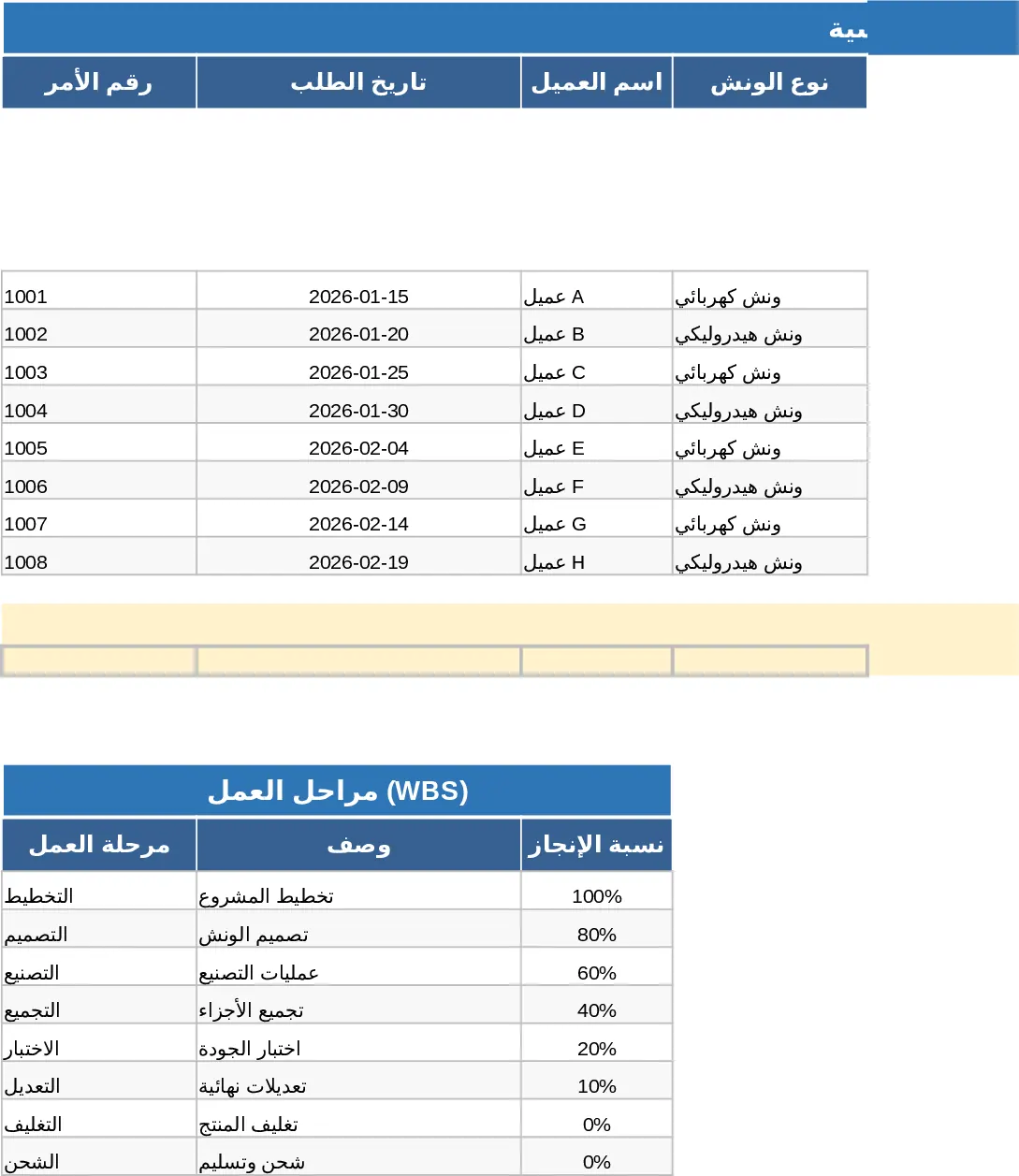
Punch Tool Management and Stroke Rate Calculation Template
Organize and track punching tools across multiple rows with machine settings, stroke rates, and automated production calculations.
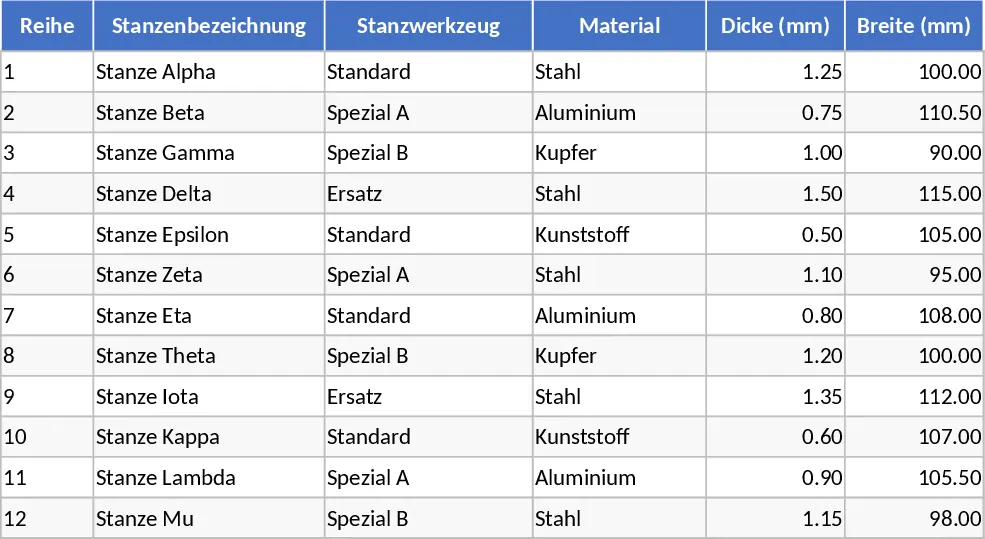
PPGI Sheet Production Planning Template
Manage PPGI sheet manufacturing schedules, track material usage, and monitor daily production targets to optimize factory output and efficiency.