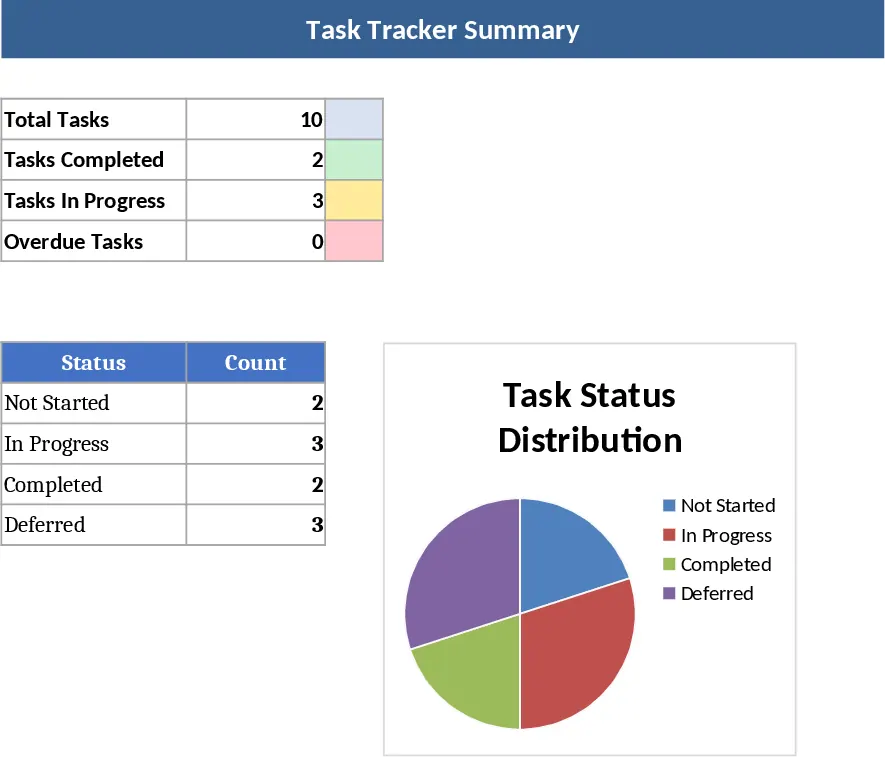
Two-Week Sprint Tracker with Daily Gantt View and Priority Summary Template
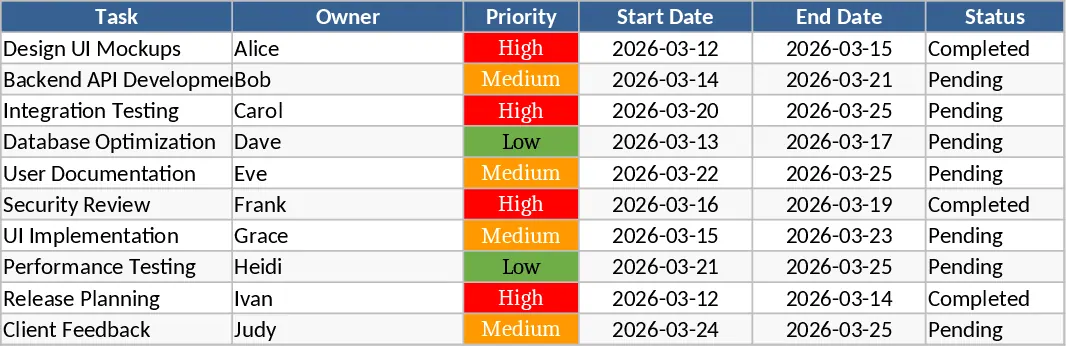
The 2-Week Sprint Tracker with Priority Gantt View is a comprehensive project management tool tailored for teams operating within agile frameworks. In the fast-paced world of software development and creative production, staying aligned over a short 14-day window is crucial for maintaining momentum. This template provides a centralized hub to organize your backlog, assign responsibilities, and visualize the timeline of every deliverable. It is built with a focus on clarity, ensuring that every team member understands not just what needs to be done, but which tasks carry the highest impact for the current cycle.
The core of the template is its intelligent task management system. Users can input detailed task descriptions, set specific start and end dates, and most importantly, assign a priority level. These priority levels—High, Medium, and Low—are not just labels; they drive the visual logic of the entire workbook. By categorizing tasks this way, project leads can quickly identify potential bottlenecks where high-priority items might be overlapping or delayed. The template also includes a status tracking mechanism that allows for granular updates, moving items from 'To Do' to 'In Progress' and finally to 'Done'.
One of the standout features is the dynamic Gantt chart. Unlike static charts, this view is mapped specifically to a 14-day increment, providing a day-by-day visualization of the sprint's progress. The chart is color-coded based on the priority assigned to each task, allowing for an immediate visual assessment of the sprint's health. If the chart is dominated by 'High' priority colors in the final days of the sprint, it serves as an early warning sign for the team to pivot or reallocate resources. This visual feedback loop is essential for successful sprint execution and helps in conducting more effective daily stand-up meetings.
For stakeholders and managers, the summary section offers a high-level overview of the sprint's performance. It automatically calculates the total number of tasks, the number of completed items, and the count of pending work. This data-driven approach replaces guesswork with hard facts, making it easier to report progress to clients or upper management. By seeing the completion rate at a glance, teams can better estimate their velocity for future sprints, leading to more accurate planning and improved reliability over time.
How to use this template:
- Set your sprint parameters by entering the start date in the configuration area to automatically adjust the 14-day Gantt timeline.
- Populate the task list with your sprint backlog, ensuring you assign a priority level, an owner, and a status to every entry.
- Update the status of each task daily as work progresses to keep the Gantt chart and summary metrics accurate.
- Review the summary dashboard during your sprint retrospective to analyze completion rates and identify areas for improvement in the next cycle.
This template is particularly useful for Scrum Masters, Product Owners, and small to medium-sized development teams who need a lightweight yet powerful alternative to complex project management software. It bridges the gap between a simple list and a full-scale enterprise tool, providing just enough structure to keep the team disciplined without adding unnecessary overhead.
Expected benefits: Enhanced team alignment on priorities and a significant reduction in time spent manually updating project timelines.
Similar Templates Recommendation
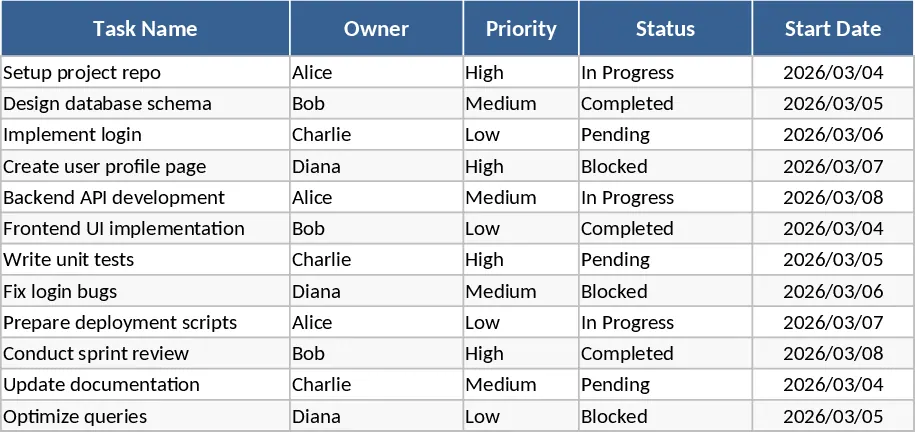
2-Week Software Sprint Task Tracker Template
Track agile development tasks, assign owners, and monitor sprint progress with automated deadline countdowns for efficient two-week software cycles.
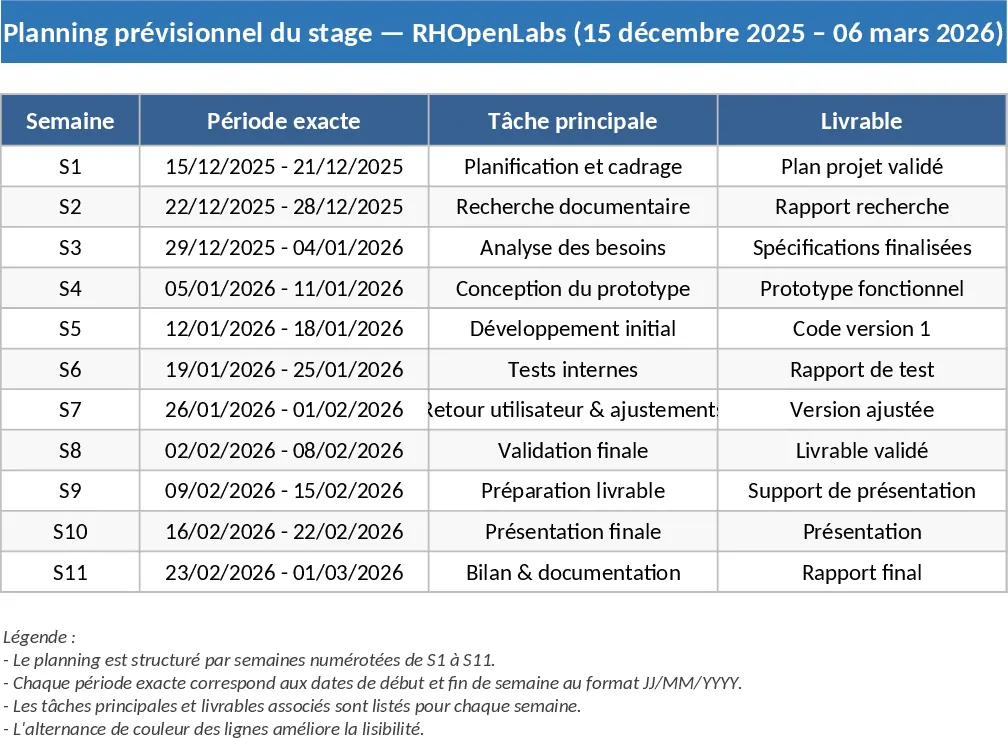
Academic Internship Weekly Project Gantt Chart Template
Manage your academic internship timeline with a structured Gantt chart covering weekly tasks, technical milestones, and key deliverables.
Modern Task Management Tracker Template
Streamline your workflow by tracking task status, priority, and deadlines in a clean interface designed for efficient project management.