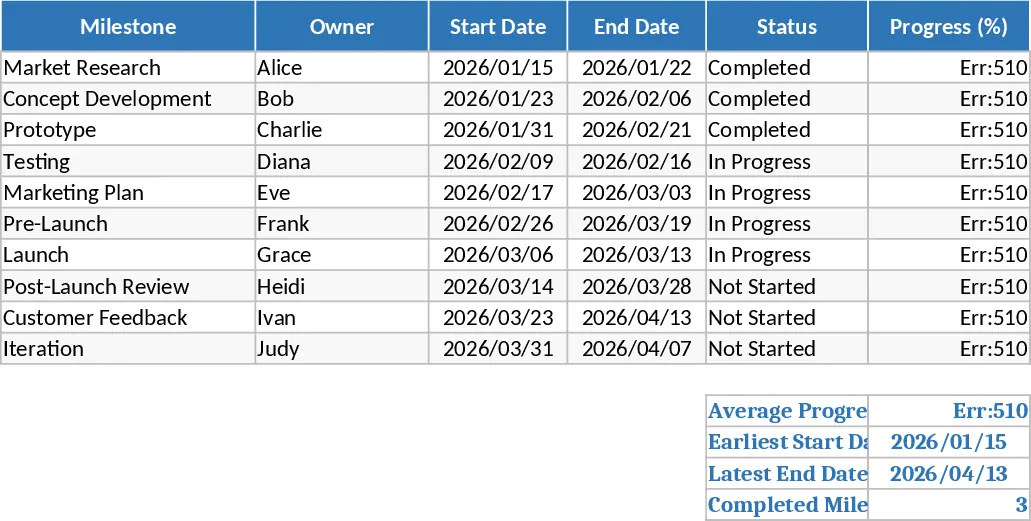
Mikombe Women Gantt Chart Template
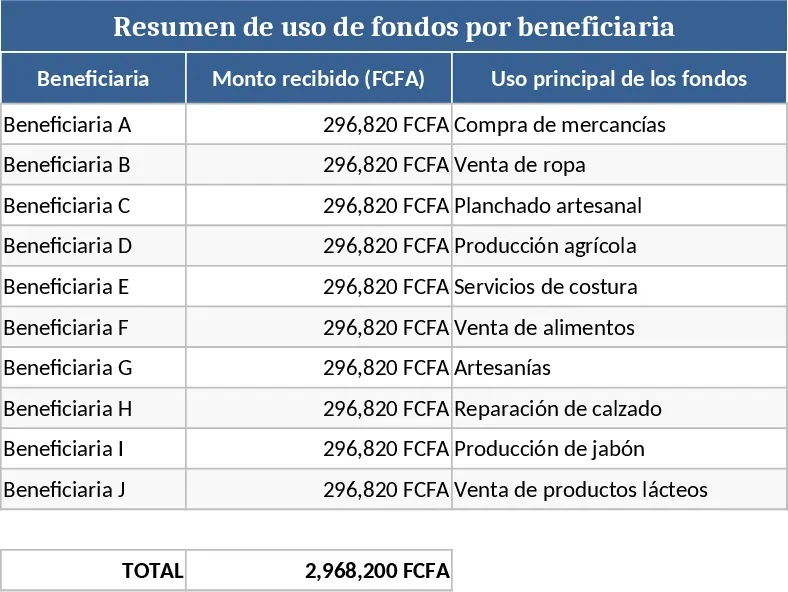
The Tableau de Gantt pour les femmes de Mikombe is a specialized project management tool designed to bring clarity and structure to community-driven initiatives and local development programs. Whether you are coordinating a cooperative's seasonal activities, managing a social project, or tracking a specific community milestone, this template provides a visual roadmap to ensure every goal is met on time. It transforms complex lists of tasks into a clear, chronological timeline, making it easier for team members and stakeholders to understand their roles and the overall project flow at a single glance.
The template is built around a robust task management framework where you can define specific activities, assign responsible parties, and set clear timelines. The core sheet features columns for Task Name, Assigned Owner, Start Date, End Date, and Duration. It also includes a dynamic Gantt chart area that uses conditional formatting to automatically highlight the schedule across a calendar view. By using status dropdowns and progress percentage fields, the tool helps identify potential bottlenecks or delays before they become critical issues, allowing for proactive adjustments in the daily workflow. This is particularly useful for groups that need to balance multiple moving parts with limited resources, ensuring that no detail is overlooked and that the project stays on track.
For community leaders, NGO coordinators, and project managers, this template serves as a central source of truth. It eliminates the confusion of scattered notes and verbal updates by providing a transparent, shared view of what has been completed, what is currently in progress, and what is scheduled for the future. The visual nature of the Gantt chart makes it an excellent communication tool for reporting to donors or community members, helping to demonstrate tangible progress and maintain momentum throughout the project lifecycle. The structure is flexible enough to accommodate various project sizes, from small weekly tasks to multi-month development phases.
How to use this template:
- List all project tasks in the Task Description column and assign a specific team member or lead to each item to ensure accountability.
- Input the planned start date and the expected duration for each activity; the template will automatically calculate the end dates and populate the visual timeline.
- As work progresses, update the Percent Complete column for each task to see the visual bars fill in, providing an immediate snapshot of your actual progress versus the original plan.
- Use the status indicators to flag tasks that are at risk or delayed, allowing the team to focus their efforts where they are needed most.
Expected benefits: This template significantly reduces the time spent on manual scheduling and provides a professional, easy-to-read overview that enhances team coordination, improves accountability, and increases the likelihood of successful project delivery.
Similar Templates Recommendation
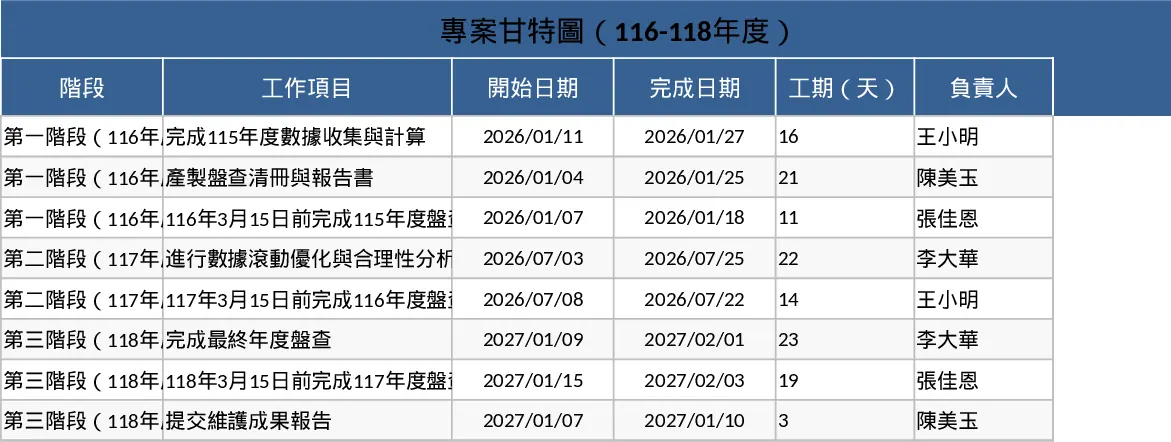
Multi-Year Inventory and Verification Project Gantt Chart Template
Track multi-year compliance inventory schedules and verification deadlines with this professional Gantt chart designed for long-term project management.
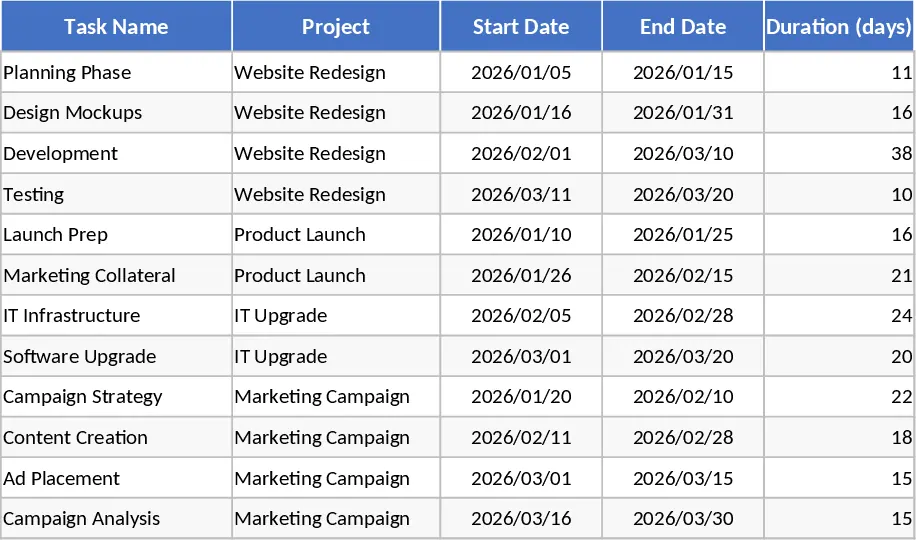
Consolidated Project Gantt Chart Template
Track multiple project timelines and milestones in one unified view to monitor progress and manage deadlines across your entire portfolio.
Product Launch Roadmap with Gantt Chart and Milestone Tracker Template
Visualize your product launch timeline with an interactive Gantt chart, automated progress bars, and milestone tracking for efficient project management.