Multi-Year Inventory and Verification Project Gantt Chart Template
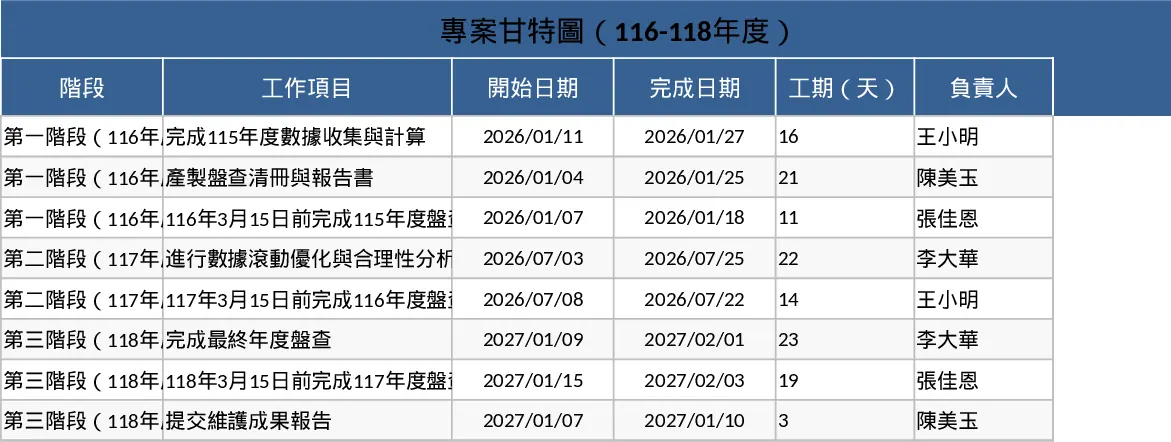
This professional Project Gantt Chart and Annual Inventory Schedule template is designed to streamline the management of complex, multi-year compliance projects. It provides a structured framework to handle recurring annual tasks such as data collection, report generation, and third-party verification. The template is organized into clear phases, allowing you to track progress across multiple fiscal years—specifically tailored for the 116, 117, and 118 cycles. With built-in logic for date tracking and visual progress bars, it transforms a list of deadlines into a manageable roadmap.
The core of the template is the dynamic Gantt chart sheet, which automatically updates based on the dates you input. You will find dedicated columns for task descriptions, responsible parties, and status indicators. The layout is designed to highlight critical milestones, such as the March 15th verification deadlines, ensuring that these high-priority dates are never overlooked. By using dropdown menus for status updates and automated color-coding for different project phases, the template provides an immediate visual summary of where the project stands at any given moment.
This tool is particularly useful for sustainability managers, environmental consultants, and corporate compliance officers who need to maintain rigorous audit trails. In the context of annual inventories, the template helps solve the problem of data drift by scheduling rolling optimizations and rationality analyses. It ensures that the transition between phases—from the initial 115-year data collection to the final 118-year maintenance report—is seamless and well-documented. This level of organization is essential for maintaining stakeholder confidence and ensuring that all regulatory requirements are met on time.
Whether you are coordinating internal team efforts or managing external auditors, this template serves as the single source of truth for your project timeline. It eliminates the need for manual chart drawing and reduces the risk of scheduling errors that could lead to compliance penalties. By providing a clear overview of resource allocation and task dependencies, it allows project leads to identify potential bottlenecks before they impact the final delivery.
How to use:
- Define your project phases and specific tasks in the data entry sheet, ensuring you include the key verification deadlines for each year.
- Assign start and end dates to each task; the Gantt chart will automatically generate the corresponding visual bars across the calendar view.
- Regularly update the completion percentage for each task to track real-time progress and identify any lagging activities.
- Use the milestone feature to flag the March 15th verification dates, providing a clear target for your team to work toward.
Expected benefits: Using this template can significantly reduce the time spent on manual schedule updates and improve the accuracy of your long-term project planning.
Similar Templates Recommendation
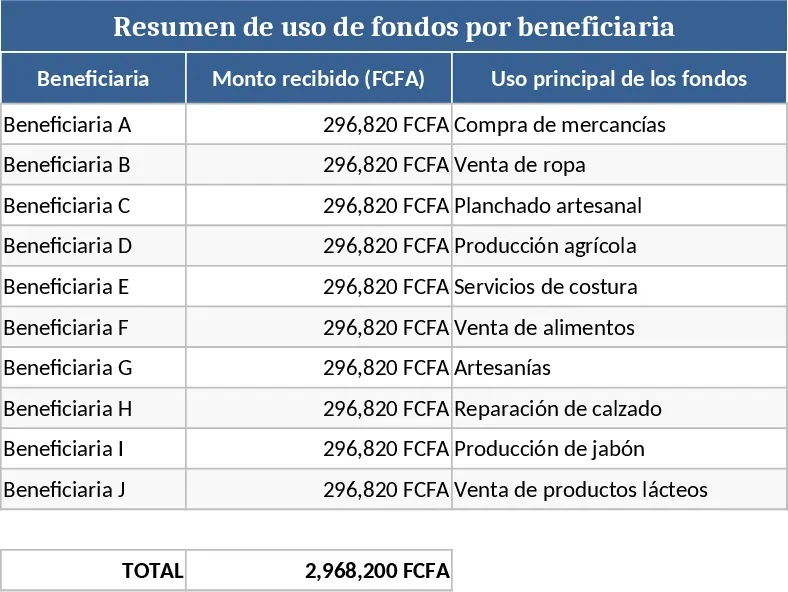
Mikombe Women Gantt Chart Template
Plan and track community projects or local initiatives with this visual Gantt chart designed for task scheduling and progress monitoring.
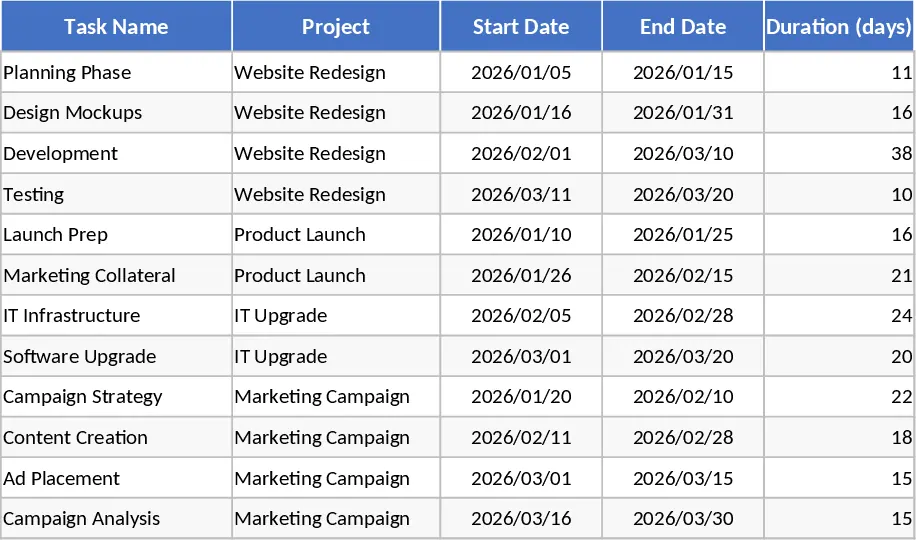
Consolidated Project Gantt Chart Template
Track multiple project timelines and milestones in one unified view to monitor progress and manage deadlines across your entire portfolio.
Project Plan with Gantt Chart and Summary Dashboard Template
Manage project timelines effectively using an automated Gantt chart to track task dependencies, milestones, and overall completion status.