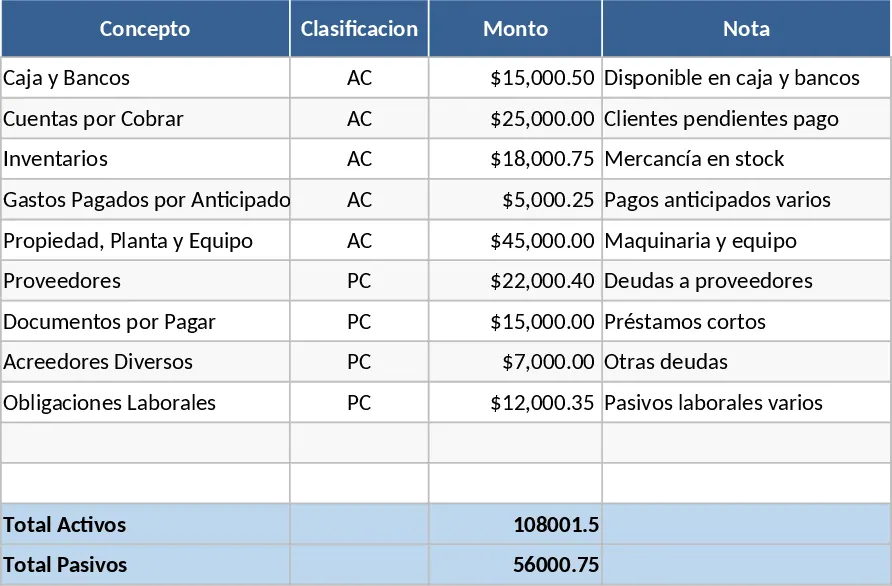
Javas Consulting Full Financial Statement Template
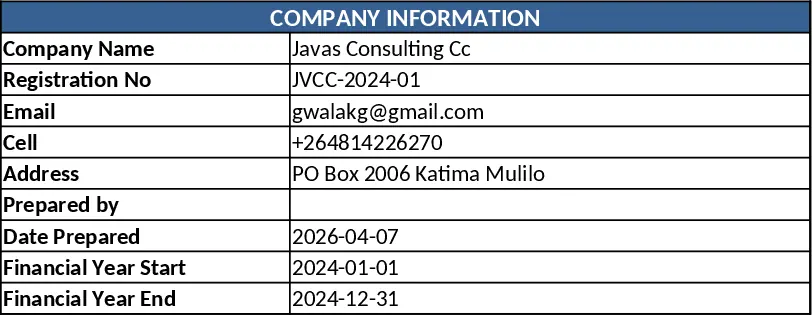
This Excel template gives Javas Consulting Cc a complete set of financial statements in a single, easy‑to‑navigate workbook. The file is organized into five sheets: Settings, where you enter the company name, email, phone and PO Box; Transactions, a ledger where each line records a date, description, amount and a dropdown‑selected account (Revenue, Cost of Goods Sold, Operating Expense, Asset, Liability, Equity); Income Statement, which automatically aggregates revenues and expenses to show gross profit, operating profit and net income; Balance Sheet, which pulls asset, liability and equity balances to present a snapshot of financial position; and Cash Flow, which classifies cash movements into operating, investing and financing activities. A lightweight Dashboard sheet visualizes key metrics such as profit margin, current ratio and cash‑flow trends with charts that update as you add data.
The template solves the common pain of manually consolidating data for monthly or quarterly reporting. By centralizing transaction entry and using built‑in formulas, it eliminates repetitive calculations, reduces the risk of errors, and ensures that all three core statements stay perfectly aligned. This is especially valuable for a consulting firm that needs to track billable hours, project expenses, and client payments while presenting a professional financial picture to stakeholders, lenders or tax authorities.
Designed for finance managers, accountants, or business owners at small‑to‑mid‑size consulting practices, the workbook fits any scenario where regular financial reporting is required—whether you are preparing internal performance reviews, supporting a loan application, or simply keeping a clear view of cash health. It helps you monitor revenue trends, control costs, manage assets and liabilities, and understand cash‑flow dynamics, all from a single source of truth.
How to use
- Open the file and go to the Settings sheet. Fill in Javas Consulting Cc’s name, email ([email protected]), phone (+264814226270) and PO Box (2006 Katima Mulilo). These details flow automatically into the header of each statement.
- Record every financial event in the Transactions sheet. Choose the appropriate account from the dropdown, enter the amount and date, and add a brief description. The sheet validates entries to keep data clean.
- Switch to the Income Statement, Balance Sheet or Cash Flow sheets to see the statements update instantly. Use the Dashboard to view charts and key ratios that summarize performance.
- Export or print any sheet for presentation, or copy the Dashboard into a slide deck for stakeholder meetings.
Expected benefits include a noticeable cut in time spent on manual spreadsheet work, fewer calculation mistakes, and a consistent, professional look for all financial reports, letting you focus more on analysis and decision‑making rather than data entry.
Similar Templates Recommendation
Professional Business Accounting System with Secure Financial Reporting Template
Manage your business finances with a secure accounting system featuring automated financial statements, tax reports, and asset tracking.
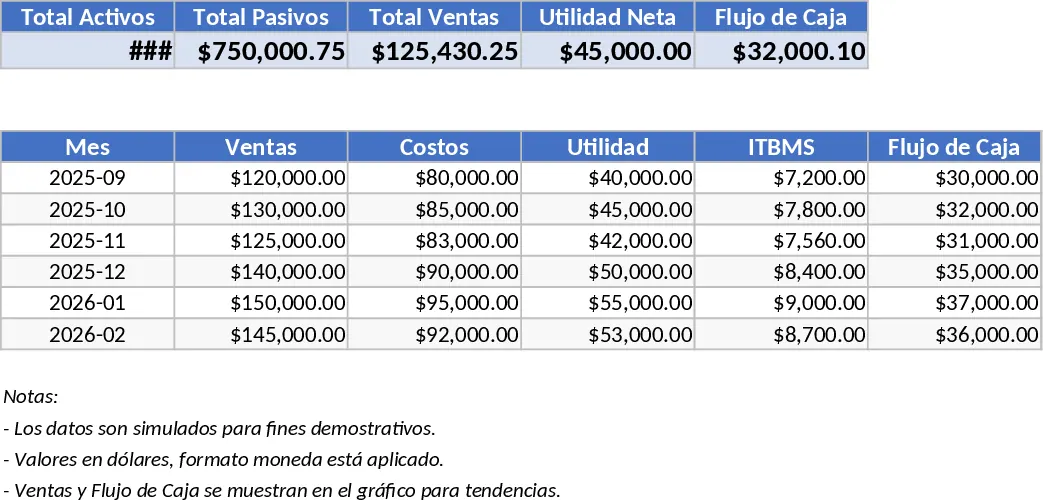
Comprehensive Financial Statements and Ratio Analysis Template
View complete income statements, balance sheets, cash flow statements and key financial ratios for multiple companies in one Excel workbook.
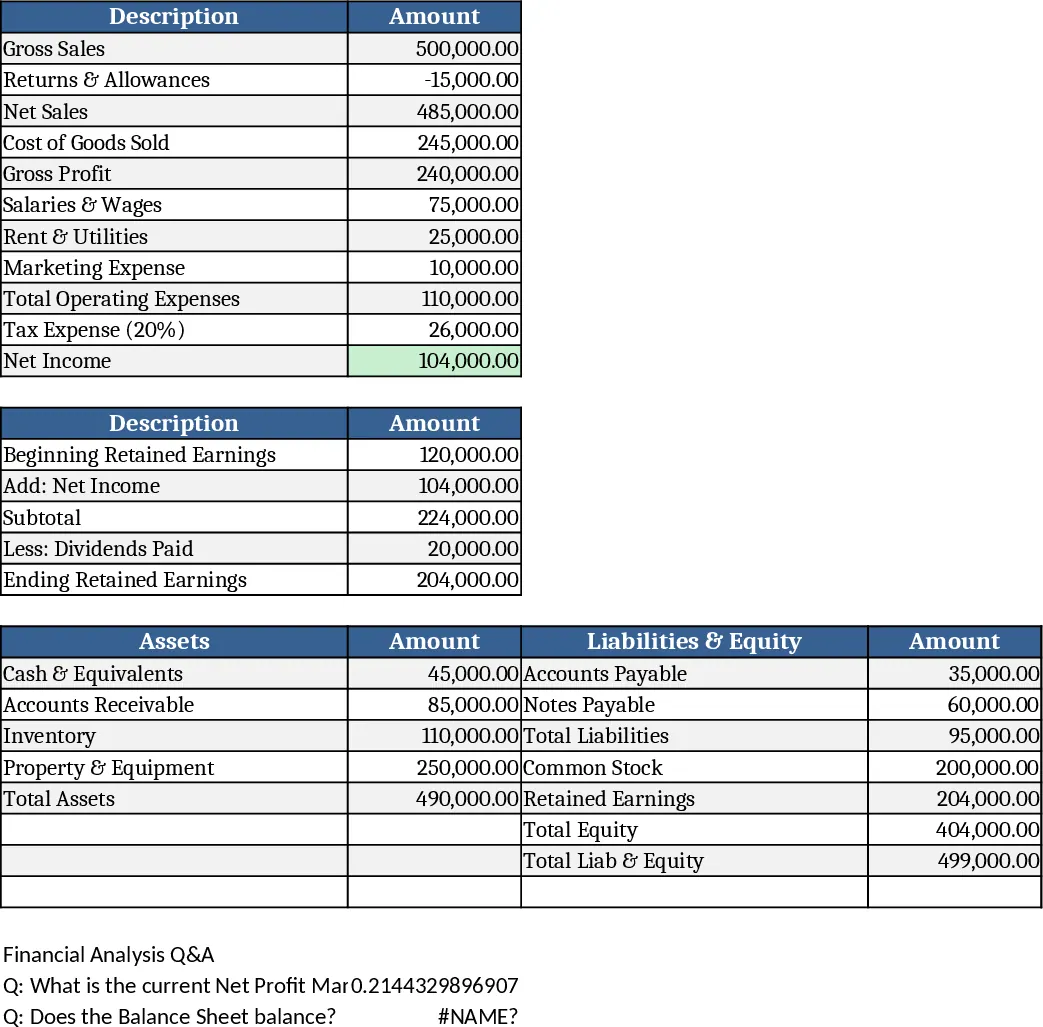
Accounting Ledger and Financial Statement Template
Record daily journal entries, automate general ledger postings, and generate professional balance sheets and income statements for your business.