Customer Portfolio Management Dashboard Template
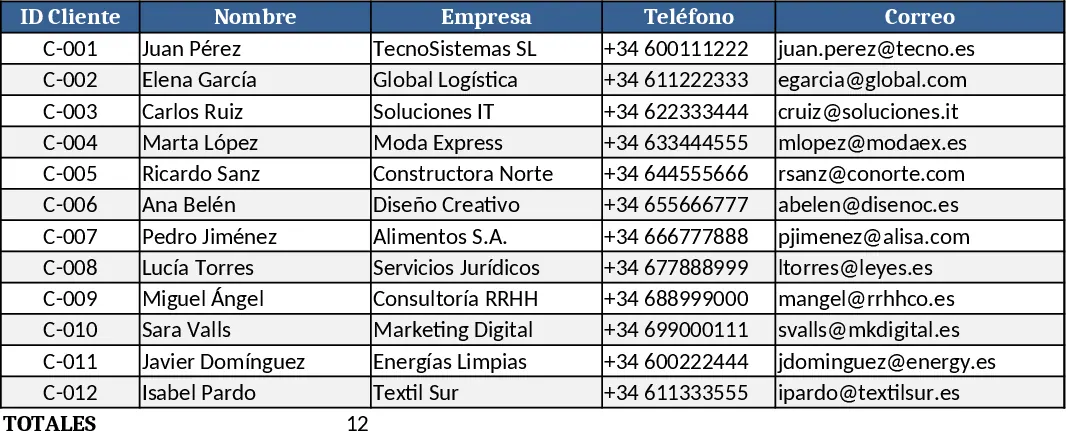
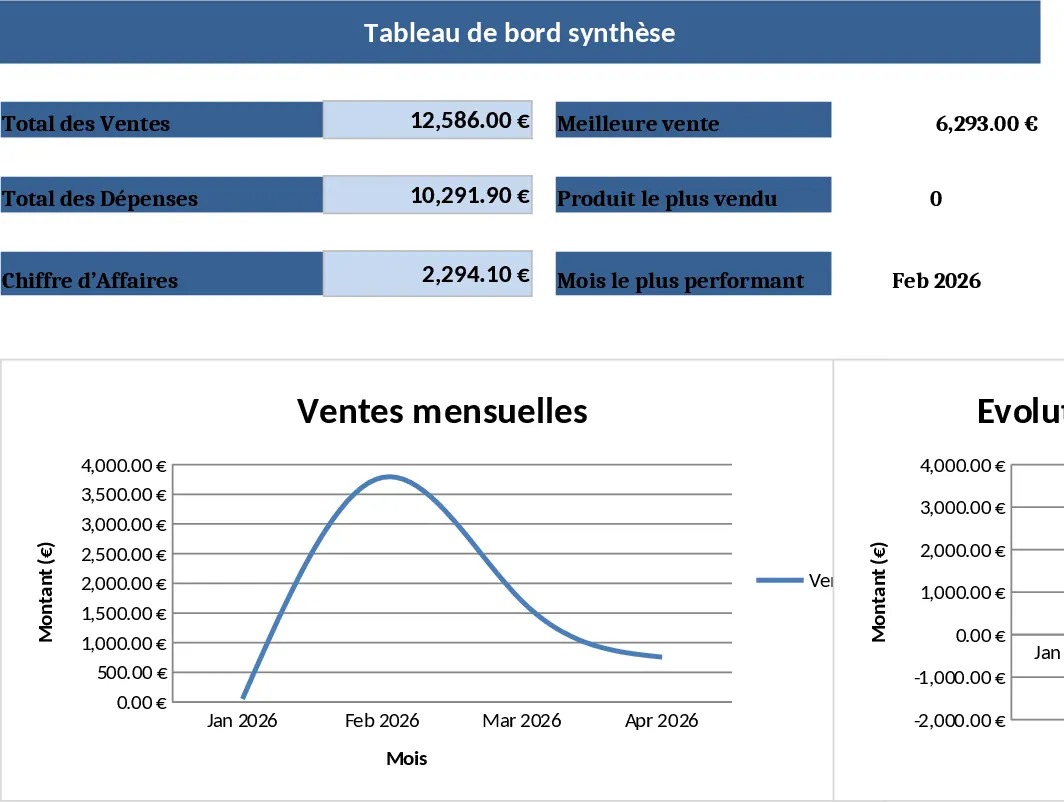
The Customer Portfolio Management template is organized into three main sheets – Client List, Transactions, and Dashboard. In the Client List you record each client’s name, contact details, industry, account owner, status (Prospect, Active, Inactive) via a dropdown, and key dates such as onboarding and last contact. The Transactions sheet captures every sale or service event: date, client reference, product or service, amount, payment status, and notes. Both sheets are linked so the Dashboard can automatically pull totals, averages, and trends. The Dashboard provides a quick visual summary with total revenue, average deal size, top‑5 clients, churn rate, and a segmented view by industry or status, all using built‑in charts and pivot‑style tables.
This template solves the common problem of scattered client information and manual reporting. By centralizing client data and sales history in one workbook, you eliminate duplicate entry, reduce the risk of missing follow‑ups, and gain instant insight into which accounts are driving growth and which need attention. It’s especially useful for small‑to‑medium sales teams, account managers, or business owners who need a low‑cost, customizable way to monitor their customer base without investing in a full CRM system.
Anyone who manages client relationships – sales managers, account executives, business development reps, or solo entrepreneurs – will find this template valuable. It helps you keep track of each client’s lifecycle, monitor revenue trends, and plan outreach based on data‑driven segments. The template also supports forecasting by projecting future revenue from active clients and highlighting upcoming renewal dates.
How to use
- Open the Client List sheet and fill in each customer’s details, selecting the appropriate status from the dropdown.
- Record every sale or service interaction in the Transactions sheet, linking it to the client name.
- Update the status and key dates as relationships evolve; the Dashboard will refresh automatically.
- Review the Dashboard to see total sales, top performers, and any gaps in your portfolio, then adjust your outreach strategy accordingly.
Expected benefits: you’ll spend less time hunting for data, get clearer visibility into your revenue streams, and make more informed decisions about where to focus your sales effort.