Sales Management and Tracking Dashboard Template
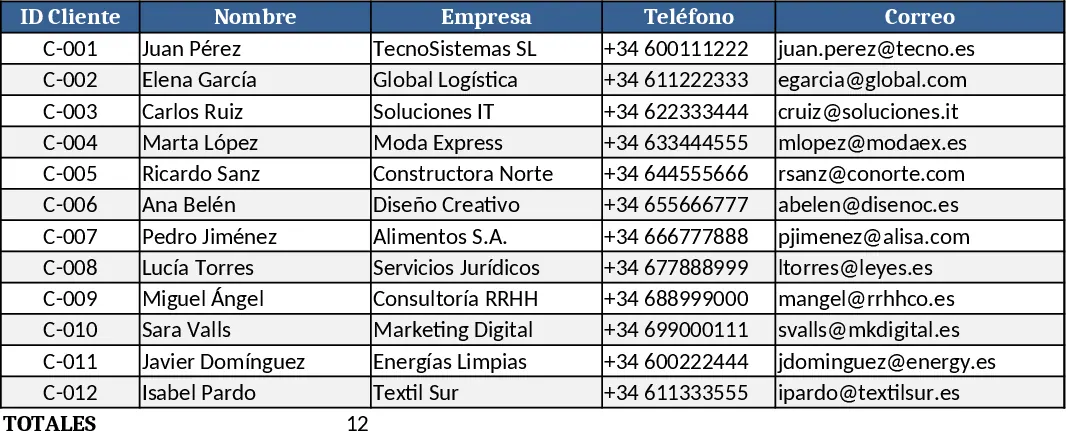
This comprehensive Sales Management and Tracking template is designed to transform raw transaction data into actionable business intelligence. The workbook is structured with dedicated sections for master data—such as product lists, pricing tiers, and client directories—and a central sales log where every transaction is recorded. By capturing essential details like order dates, quantities, unit prices, and payment statuses, the template automatically calculates totals and margins, ensuring your financial records remain accurate and up-to-date without manual math. It serves as a bridge between simple bookkeeping and complex CRM systems, offering the flexibility of Excel with the power of automated reporting.
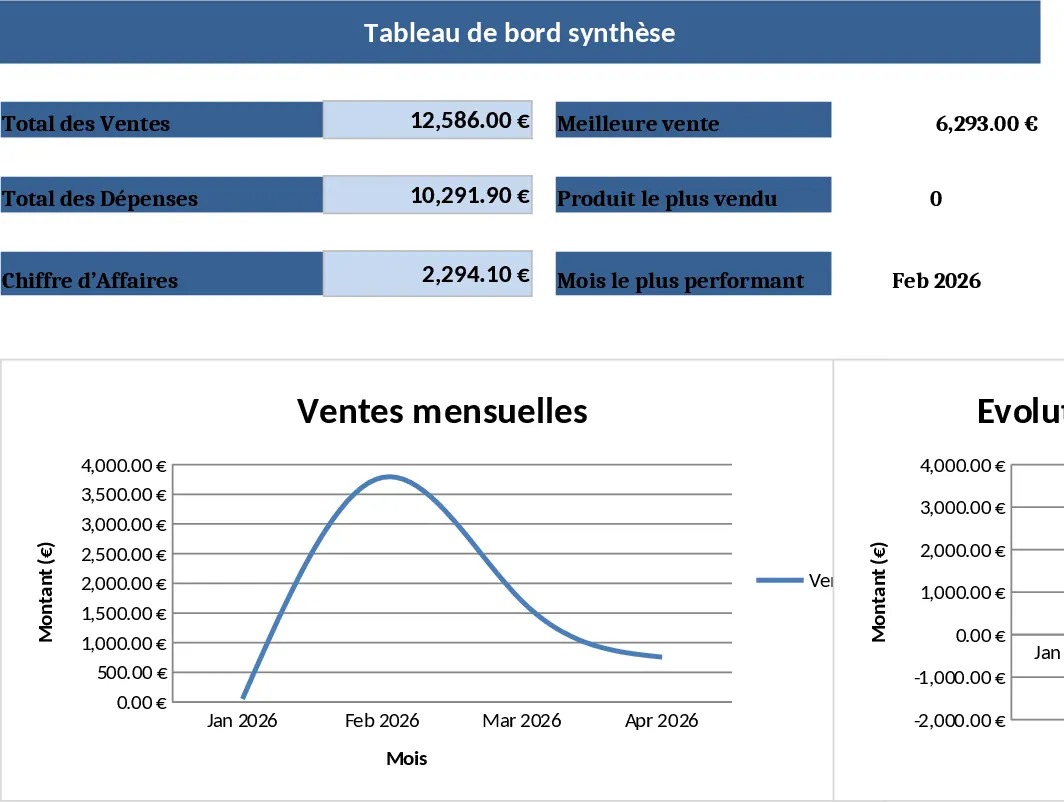
The heart of this tool is the dynamic visual dashboard. It provides a high-level overview of your commercial performance through interactive charts and key performance indicators (KPIs). You can easily monitor monthly revenue trends, identify your highest-performing products, and see which clients contribute most to your bottom line. This visibility is crucial for small business owners, sales managers, and freelancers who need to move away from messy, fragmented spreadsheets and toward a structured system that highlights growth opportunities and potential bottlenecks in the sales funnel. By visualizing your data, you can quickly spot seasonal dips or sudden surges in demand, allowing for better inventory planning and resource allocation.
Whether you are managing a retail shop, a consulting firm, or an e-commerce brand, this template simplifies the daily grind of record-keeping. It eliminates the need for expensive subscription software by providing a familiar Excel environment that handles everything from lead tracking to final invoicing summaries. By centralizing your data, you gain a clear historical record that makes tax season, year-end reviews, and performance evaluations significantly less stressful. The template is designed to grow with you, allowing for easy customization as your product line expands or your sales team grows.
To get started, first navigate to the Settings or Master Data sheet to input your product catalog and customer list; this ensures consistency across your records and enables quick selection later. Next, enter your daily transactions into the Sales Log, using the dropdown menus to select items and customers quickly while filling in the specific quantities and dates. Finally, visit the Dashboard tab to view your updated graphs—simply right-click on the charts and refresh the data to see your latest progress reflected in the visual reports. This process ensures that your strategic decisions are always based on the most current information available.
Using this template helps you reclaim hours spent on manual reporting and reduces the risk of data entry errors. You can expect a more organized workflow, improved professional presentation of your figures, and a much clearer understanding of your business health with minimal technical effort. It is the ideal solution for those looking to professionalize their sales operations without a steep learning curve.
Similar Templates Recommendation
Sales Tracker Template
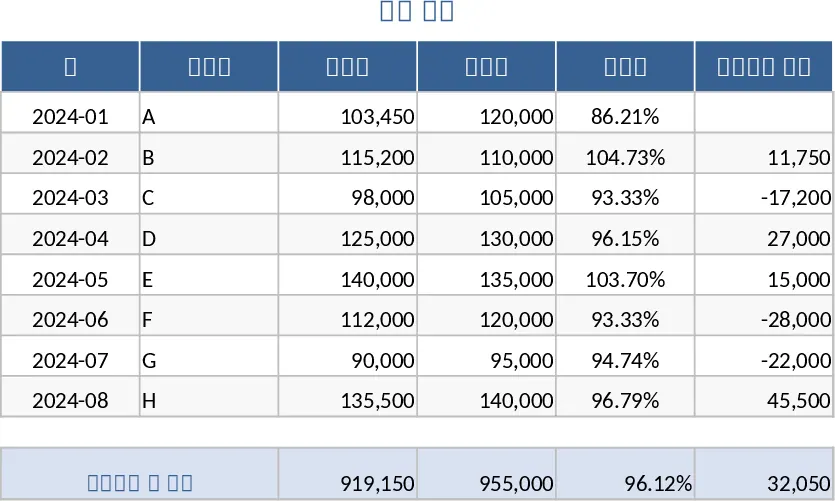
Track daily sales performance, analyze revenue trends by product or region, and gain actionable insights through visual dashboards and summaries.
Sales Tracking Template
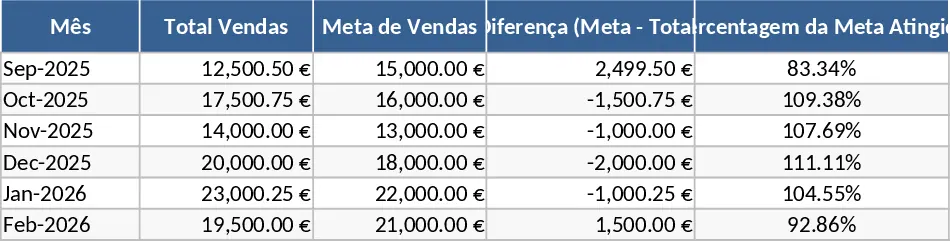
Track daily sales, monitor product performance, and manage customer transactions with this comprehensive sales control dashboard.
Customer Portfolio Management Dashboard Template
Track and analyze your customer portfolio, monitor sales performance, segment clients, and forecast revenue with a simple spreadsheet.