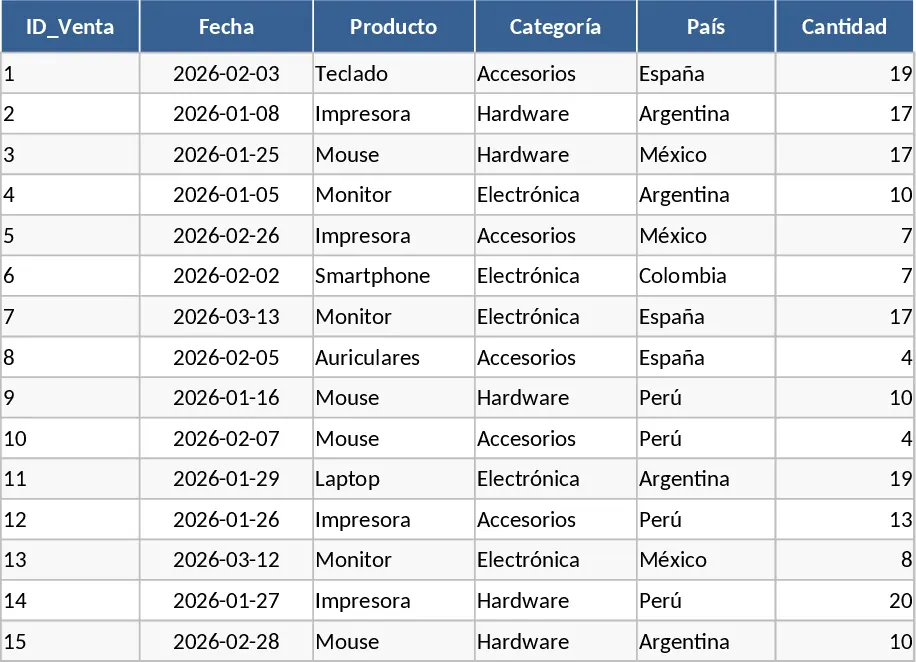
Sales Tracker Template
The Sales Status and Analysis template is a robust tool designed to transform raw transaction data into strategic business intelligence. At its core, the template consists of several interconnected sheets: a configuration sheet for master data, a data entry log for daily transactions, and a dynamic dashboard for high-level reporting. Key fields include transaction dates, product SKUs, sales channels, unit costs, and final sale prices. With built-in dropdown menus for categories and automated lookup functions, the template ensures data integrity while minimizing repetitive typing. The summary outputs provide a bird's-eye view of your total revenue, gross profit, and average order value, often broken down by month or quarter.
This template is essential for anyone struggling to keep track of multiple sales streams or looking to move away from disorganized spreadsheets. It solves the common problem of data silos by providing a single source of truth for all commercial activities. By using this tool, you can easily spot which products are underperforming and which regions are driving the most growth. This level of detail is crucial for inventory management, as it helps you understand demand patterns and avoid stockouts or overstocking. It also simplifies the process of calculating sales commissions and preparing financial reports for stakeholders.
Small business owners, retail managers, and sales teams will find this template particularly beneficial during monthly performance reviews or when planning future marketing campaigns. It is designed for scenarios where quick, data-driven decisions are required—such as deciding whether to run a promotion or identifying a sudden dip in sales that requires immediate attention. Instead of manually aggregating data from various receipts or invoices, users can rely on the template's automated logic to provide an accurate reflection of their current business standing. By centralizing your sales records, you gain the ability to forecast future performance based on historical trends, making it an indispensable asset for long-term planning.
How to use:
- Start by customizing the Master Data sheet with your specific product names, categories, and pricing tiers to enable the automated dropdowns in the main log.
- Record every sale in the Transaction Log as it happens, ensuring you input the date, quantity, and any applicable discounts to keep your records precise.
- Review the Dashboard sheet regularly to monitor your progress against sales targets and use the filter options to drill down into specific time periods or product lines.
Expected benefits: This template helps you save hours of manual data consolidation every week, allowing you to focus more on closing deals and less on managing spreadsheets.
Similar Templates Recommendation
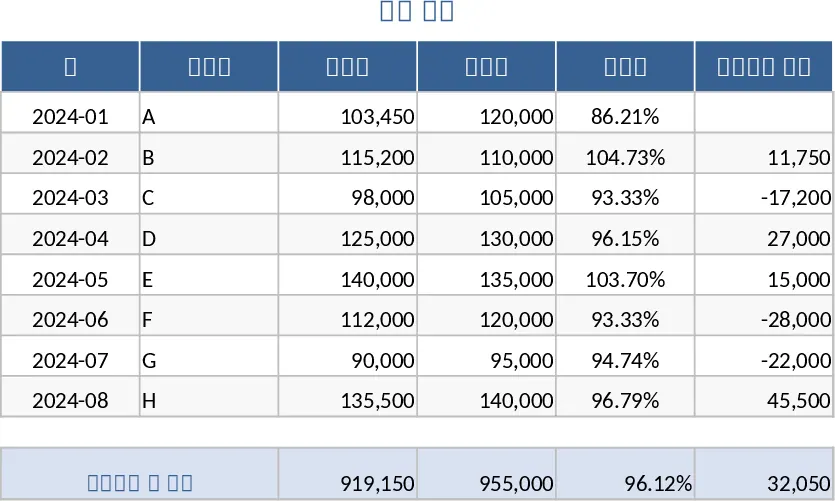
Sales Management and Tracking Dashboard Template
Streamline your sales process by tracking orders, monitoring performance through visual dashboards, and analyzing revenue trends in one place.
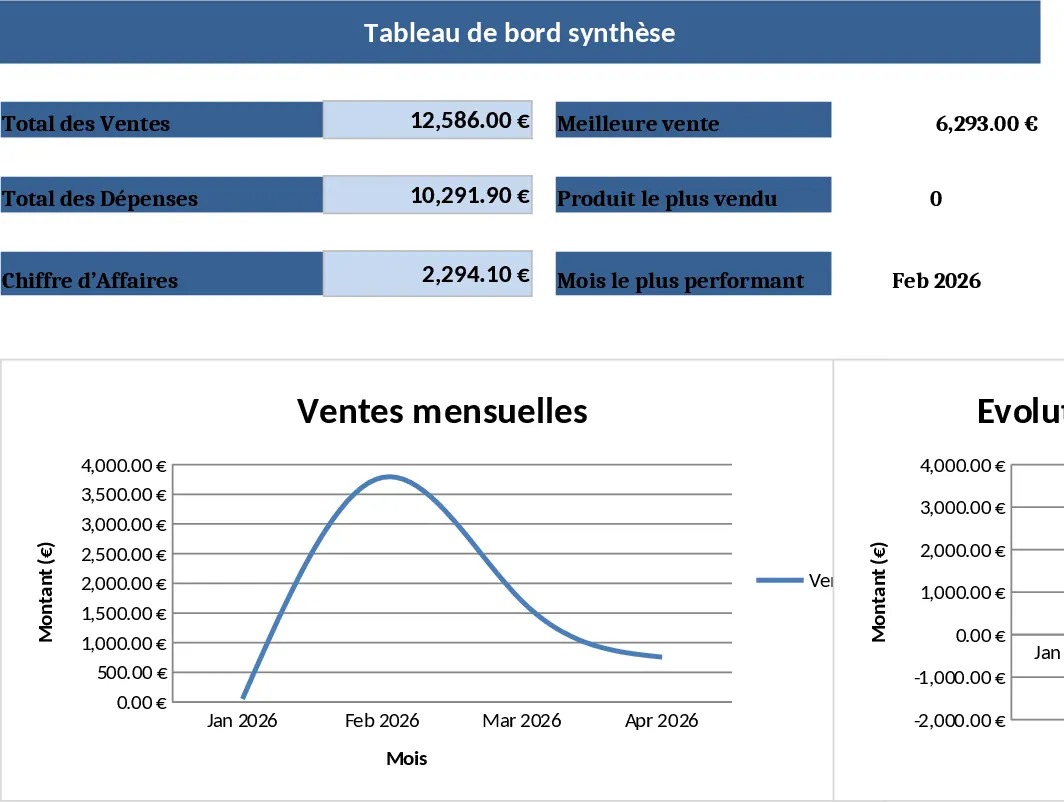
Sales Table by Brand Template
Track and analyze your sales performance across different brands with this organized table to identify top performers and growth trends.
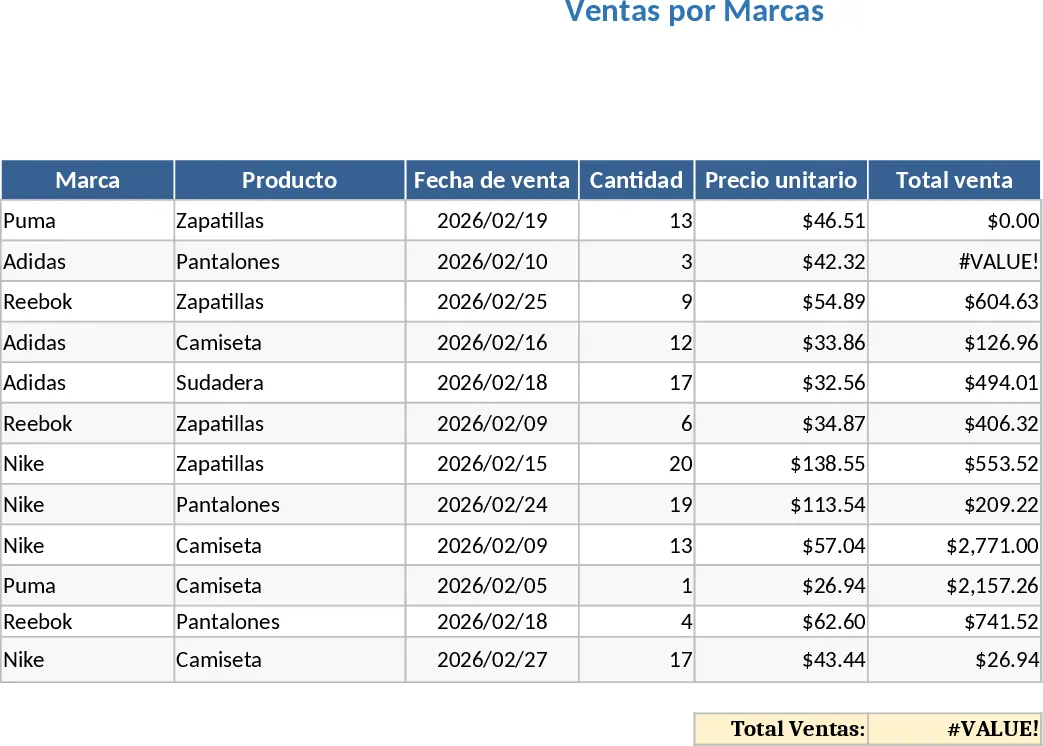
Global Sales Transaction and Revenue Tracking Template
Track product performance and regional revenue trends with this comprehensive simulated sales database designed for testing and analysis.