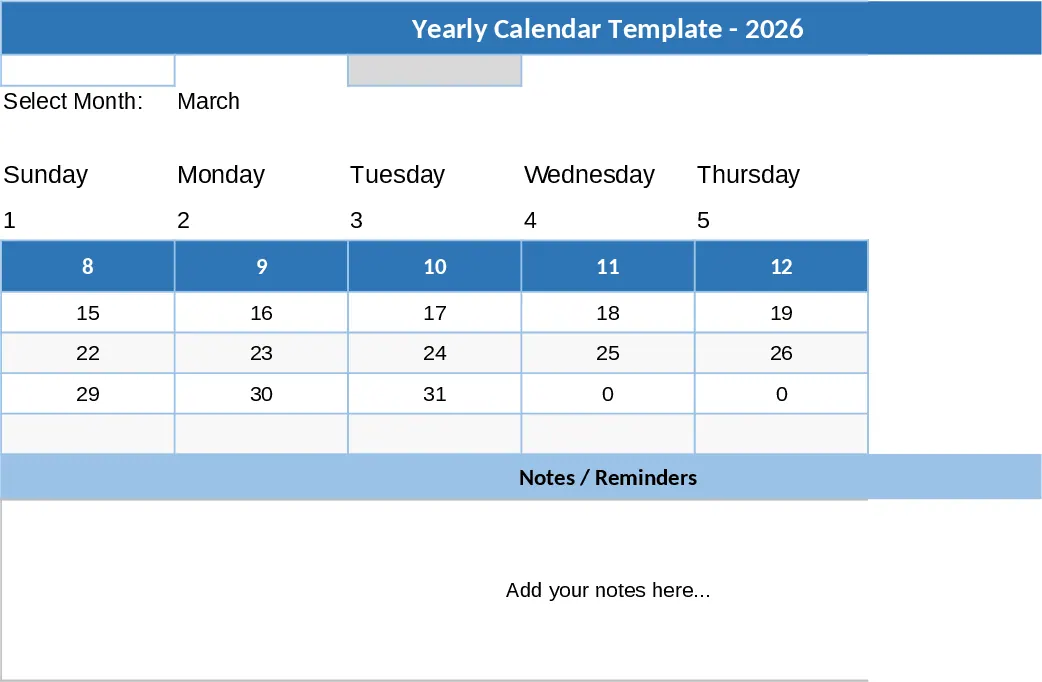
Global Sales Transaction and Revenue Tracking Template
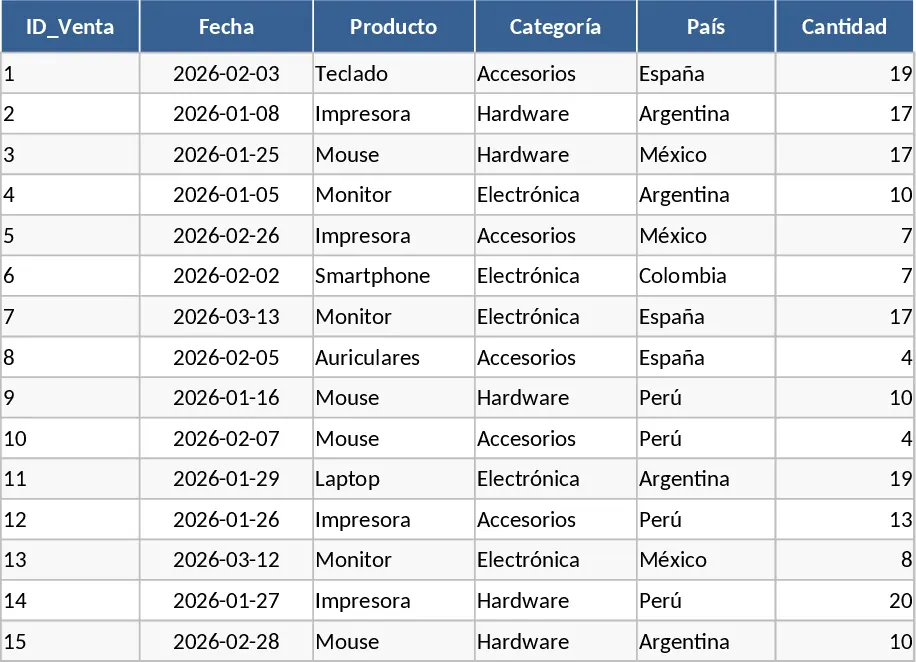
This Simulated Sales Database template offers a comprehensive and organized structure for recording and analyzing commercial transactions across various markets. At its core, the template features a detailed data entry sheet equipped with essential columns such as Transaction ID, Sale Date, Product Name, Category, and Country. It also includes numerical fields for Quantity and Unit Price, which automatically calculate the Total Sale value through built-in formulas. This systematic arrangement allows for seamless data sorting and filtering, ensuring that every piece of information—from the specific item sold to the region it was sold in—is easily accessible and ready for high-level reporting. The structure is designed to mimic a real-world ERP or CRM export, providing a professional foundation for any business analysis task.
The primary utility of this template lies in its ability to provide a realistic testing ground for business intelligence and sales strategy. It solves the common problem of needing high-quality, structured data for training, software testing, or dashboard prototyping without exposing sensitive company information. By using this simulated environment, sales managers can refine their reporting techniques, while data analysts can build and test complex formulas, pivot tables, and VLOOKUP functions. The benefit is a more streamlined daily workflow where reporting structures are perfected in a safe environment before being applied to live business operations, reducing the risk of errors in official financial documents.
This tool is specifically designed for sales operations teams, business analysts, and educators who require a reliable dataset for demonstration or strategic planning. Whether you are preparing a quarterly sales presentation, training a new team member on analytical features, or simulating market expansion into new countries, this template provides the necessary depth. It helps you track performance metrics across diverse categories such as Electronics, Accessories, and Peripherals, giving you a clear view of which products drive the most value and which regions are performing above expectations. It is the perfect companion for anyone looking to master data-driven decision-making without the hurdles of gathering raw data manually.
How to use this template:
- Open the main data sheet and customize the Product and Category columns to reflect the specific inventory or services you wish to simulate for your business case.
- Enter your transaction details, including the date and the specific country, to build a historical record of sales activity; you can add as many rows as needed to increase the dataset size.
- Input the quantities and unit prices for each row; the template will automatically compute the total revenue for each transaction in the calculated fields.
- Use the completed dataset to generate PivotTables or charts, allowing you to visualize sales trends, average order values, and regional performance metrics instantly.
By utilizing this structured database, you can expect to significantly reduce the time spent on data preparation and formatting, allowing you to focus more on deriving actionable insights and improving your overall sales strategy with minimal effort.
Similar Templates Recommendation
Sales Tracker Template
Track daily sales performance, analyze revenue trends by product or region, and gain actionable insights through visual dashboards and summaries.
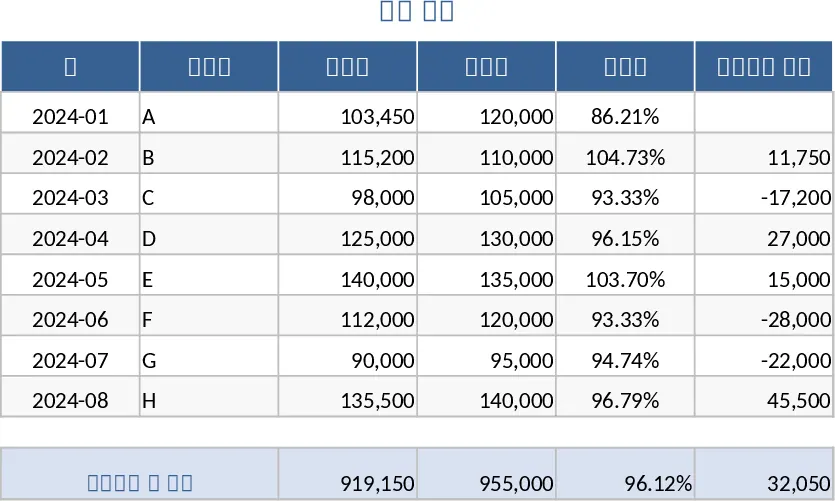
Sales Table by Brand Template
Track and analyze your sales performance across different brands with this organized table to identify top performers and growth trends.
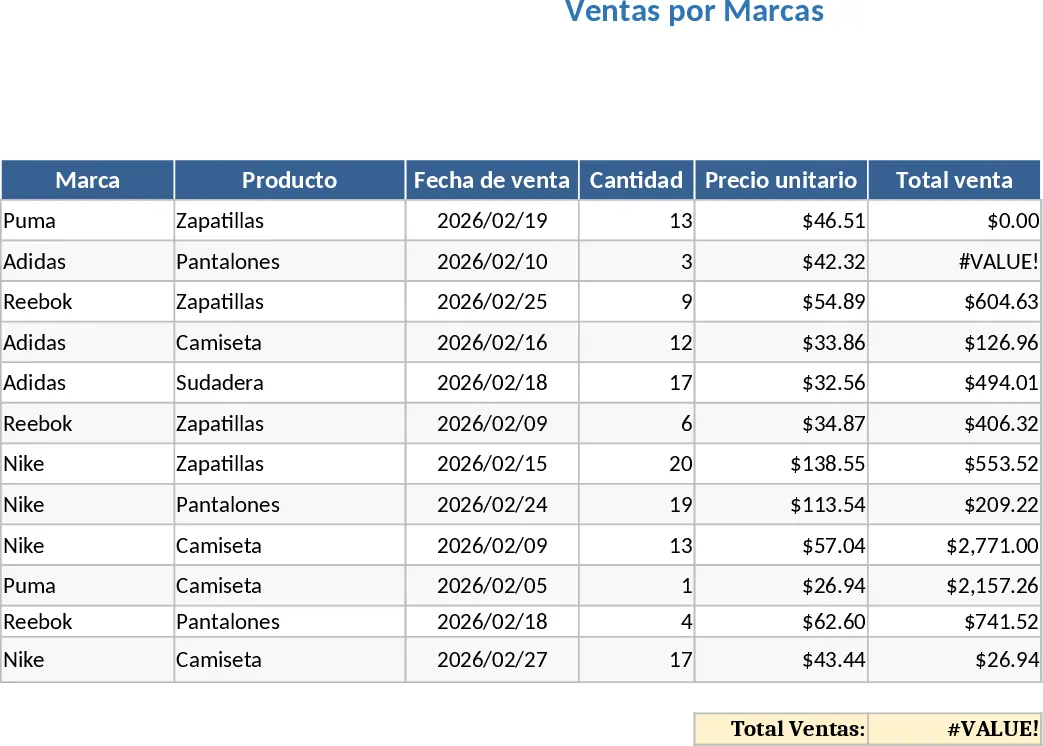
Best-Selling Items Tracker Template
Track product performance and identify top-selling items by volume and revenue to optimize your inventory and marketing strategy.